


What is Raindrop.io?
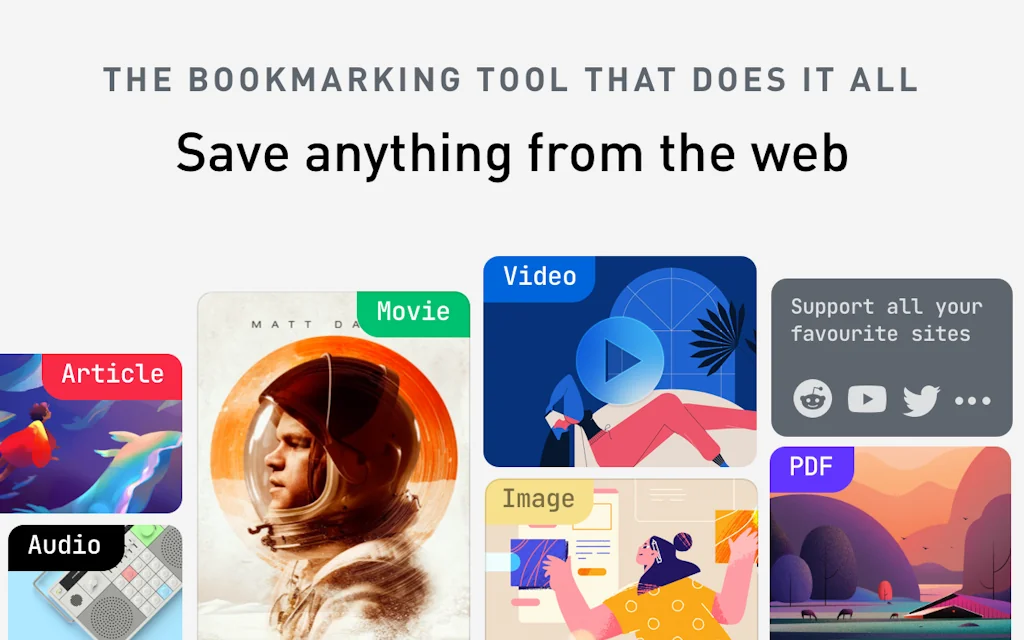
Raindrop makes bookmarks more vivid and functional. Save important pages, articles, video or photo in one click!
Pros & Cons
Pros
- Cross platform compatibility
- Affordable subscription
- Free version
- Sync across devices
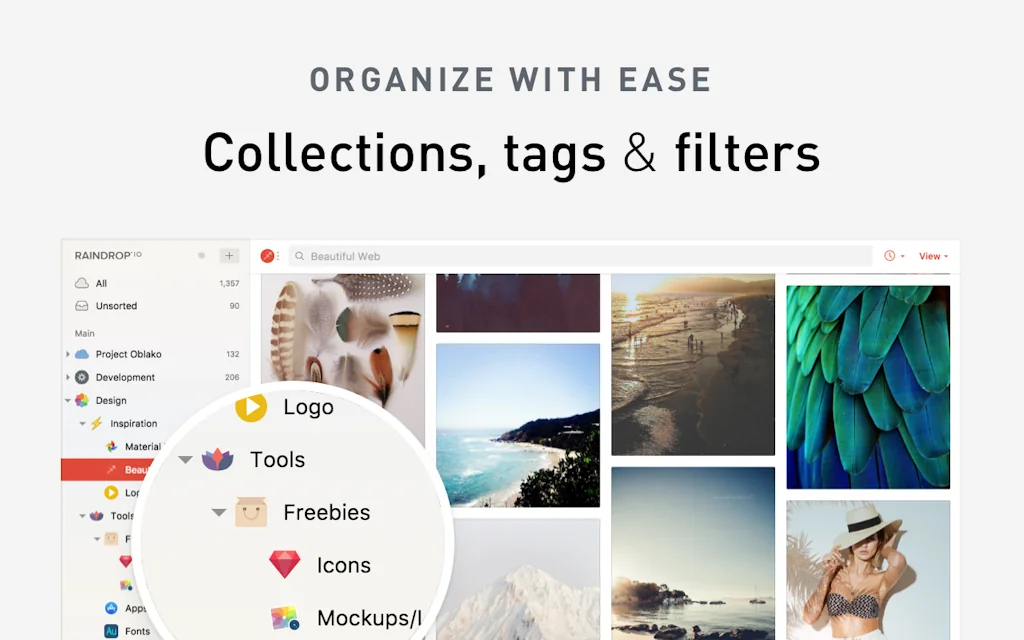
- Tagging and sorting functionalities
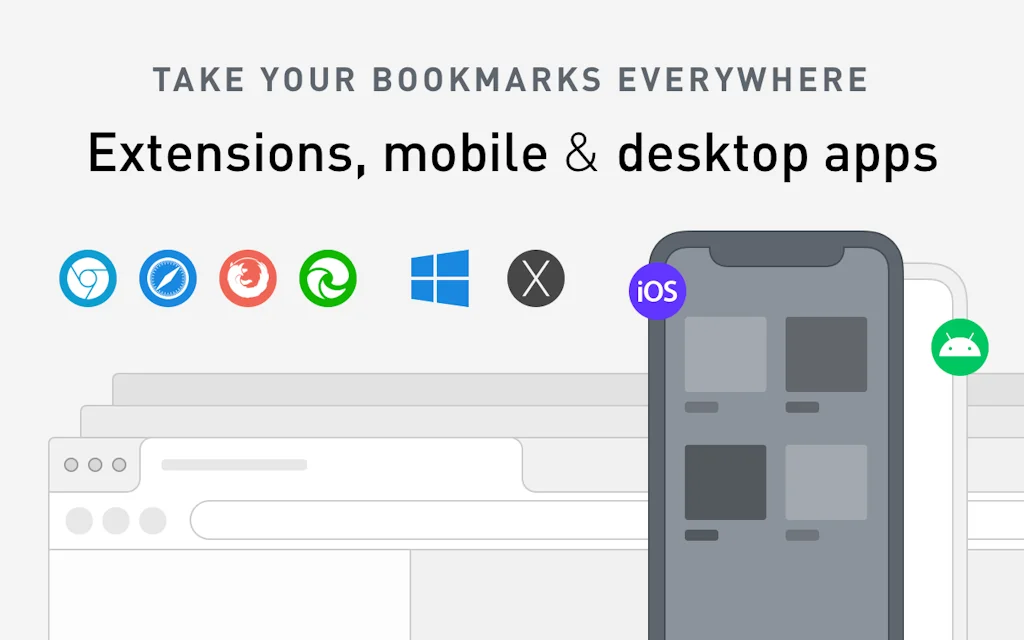
- Available on every platform
- Browser extensions
- Mobile app
- Smart folder system
- Chrome plugin
- Customizable folder icons
- Embed lists on other sites
- Fast performance
- Offline download functionality
- Public lists
Cons
- Limited customizability
- Missing AI features
- Import issues
- Outdated UI
- Restore issues
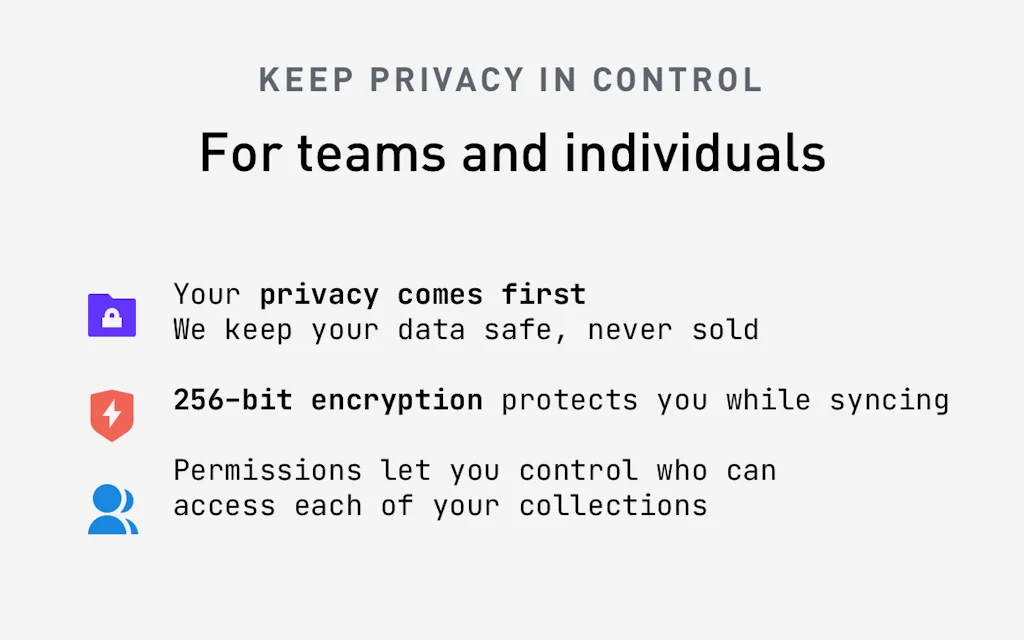
- Security concerns
- Tagging and sorting functionalities
Tool Details
| Categories | Note and writing apps, Social bookmarking |
|---|---|
| Website | raindrop.io |
| Added | April 19, 2014 |
| Platforms | Web · iOS · Android |
| Social | Twitter · GitHub |
Recent Reviews (13)
Only just getting started, but it looks to be an improved version of Pocket. The public lists appear to be more flexible and have a better user interface; plus there is the opportunity to embed lists on other sites.
Great product! Use it since 2022. And it couldn't be more needed since Pocket is now being retired by Mozilla!
Simple and easy to use. Love it!
Been using for 3 years now. Was a paid member but did not use paid features much, although they are amazing (offline download functionality specially). I would recommend everyone to ditch there normal bookmark tools, even if it is browser and use raindrop.io. The free version is enough for a regular user, unless they want the functionality within the pro suite. A 100% recommended tool. Thanks Dev for continuous support. I hope you make subscriptions cheaper in India and maybe market a little more here?
A great bookmark app, but missing a few functions. Here are the features and functions that are needed/missing: There is a major issue with doing a restore from my previous backups. The restore process does not copy the folder structure as it was from the backup. I had groups with folders that are now not in the same location as before the restore. They are showing in the left "tree", but not in the location where they are supposed to be. Also a major critical FLAW, all my folder icons (that I spent a lot of time setting up, are gone). They never got restored. That was never mentioned anywhere in the documentation. This also happens when importing data from a different app into Raindrop. (even though the import file shows the tree structure intact.) I just did an import from Skeema in (HTML format), and the categories came through but all the bookmarks were just put into the "unsorted" collection. All the imported folders and nested folders are empty. How do I fix this issue? I do have a subscription that according to the documentation should have that option available. Each open window does not show by itself in the apps menu window. I have 6 open windows with many tabs, and NONE of the open windows or tabs show in the Raindrop app anywhere (except in the "all bookmarks" list), but are not sub-sorted into each window where the bookmarks/tabs are located. (There should be a "sort" by "open windows" option). None of my open windows show up in the app, all of the open windows show up in the other apps I have used, but not in this app. How do I save tabs from each separate open window into a new collection/folder? How to save the tabs in the current open window (session), to a "collection", if they are not even visible because the open window is not showing anywhere in the app? Why does the app not have a menu column/list for separate "open browser windows"? (see Tabmanager.io) There should be a way to show all of the content of open session windows along with all the content of saved session windows in the main "list view" screen. (needs a "session history" menu), so new current session tabs and groups can be dragged and dropped into previously saved session windows collections. Active session browser windows are not offered to merge with a saved session window in the left menu box (to update the folder/window), for example, move all my saved YouTube tabs into a saved window of choice. Being able to merge a current window into a prior collection project window would be a great feature. (this is possible in Tabmanager.io app). I do not see a "merging function" option in the app. Also, there is no "save tab groups " option that even shows up in the app. I also do not see any way to add individual " tab groups" to any collections/groups/nested folders. There should be a way to save "tabbed groups" to a "nested folder" in a collection. I think this is a critical missing feature. also, it would be great if you could add a function to add "tab groups" to the "add tabs list" to the pop-up box menu. I think that would solve the issue. I would think the app would have this function integrated by now. There is no way to save a range or group of "highlighted selected tabs", ("shift + click" or "crtl + shift" a group of tabs next to each other) (ie. save (3 tabs), without saving all (17) of the tabs in the address bar.) The app wants to save every tab in the bar. Right now, I can only save each related tab one at a time in a collection. There needs to be more options on saving tabs in the tutorial. (Developer reply: Unfortunately highlighted tabs list is not detected yet. Will be improved in future updates. 7/19/2024). I do not see any way to change the color of the "group" names (or collection font colors or sizes), so they stand out. Right now, they are only a "dull" gray color, very hard to see it. What is the difference between the clipper and mini app? (not much of a tutorial about the feature). In conclusion, the app is really great, except for all the "needed functions" that are not available. if the missing features/functions were added, the app would be a superb 5-star app.
I've been using it for over a year and it has revolutionised how I store both bookmarks but also information across multipl platforms. I love the feature to change the icon of a folder but also that I can upload my own icon, not just the ones saved in the app. The ability to view my library in a browser or in an app and all the extensions to make saving sites are so useful
It does what it says, which is always appreciated. However, it's time to include some AI functionality (text recognition, auto-tags, even color palette generation…). Bookmarking is the easiest part, but trying to find what you saved a week before can be challenging, and tagging/classifying everything manually is draining.
Helps sync my bookmarks from multiple devices. I can keep everything organized and in one place. The folders help a lot. I like that it's available on every platform (Mac, PC, iOS, Android) and it's not limited to one browser. Only downside is that the UI seems a bit outdated, but it's no big deal.
Raindrop.io is the ultimate bookmarking tool for organizing, tagging, and curating content with ease. Its clean UI, powerful tagging, and smart folder system make it the perfect first step in managing information. I use it to collect and tag everything before refining insights with tools like Readwise. Whether you're researching, brainstorming, or saving inspiration, Raindrop.io makes the process intuitive and enjoyable. It's the ideal companion for anyone looking to declutter their digital life while keeping ideas accessible and actionable.
Great free option with affordable subscription for baking up all your text offline, somewhat like Diigo (which I used previously, and loved but have moved on from for various reasons). Good cross platform compatibility and also very fast and smooth, mutidevice on the go saving for my link and data hoarding self has definitely been satisfied for now.
I moved away from it for a while chasing after the next shiny thing. With the new updates it is now offering everything I wanted in all the other apps I have been trying. I think the only thing to make me leave now would be a life time deal of something that works just like it!
Great product, very easy to use and I love the option to organize by folder besides the tags, besides that the plugin on chrome tells you if you have saved some pages already which is a nice touch.
Beyond my expectation. Love using both the Chrome plugin, web platform, and the mobile app. Should add the AI ability to create a short description about each bookmark.
Frequently Asked Questions about Raindrop.io
When did Raindrop.io become popular?
Raindrop.io became popular around April 19, 2014.
What are the main advantages of using Raindrop.io?
The top advantages of Raindrop.io include: cross platform compatibility, affordable subscription, free version, sync across devices, tagging and sorting functionalities.
What are the disadvantages of Raindrop.io?
Some reported disadvantages of Raindrop.io include: limited customizability, missing AI features, import issues, outdated UI, restore issues.
What is Raindrop.io's overall user rating?
Raindrop.io has an overall rating of 4.6/5 based on 18 user reviews.
Is Raindrop.io available on mobile devices?
Yes, Raindrop.io is available on iOS (App Store) & Android (Google Play).
What type of tool is Raindrop.io?
Raindrop.io belongs to the following categories: Note and writing apps, Social bookmarking.
Related Note and writing apps Tools





Related Social bookmarking Tools






Compare Raindrop.io :





Don't Get Fooled by Fake Social Media Videos
The world's first fact checker for social media. Paste any link and get an instant credibility score with sources.
Try FactCheckTool Free