
Transkriptor
From speech to insights – transcribes, summarizes & analyzes
What is Transkriptor?
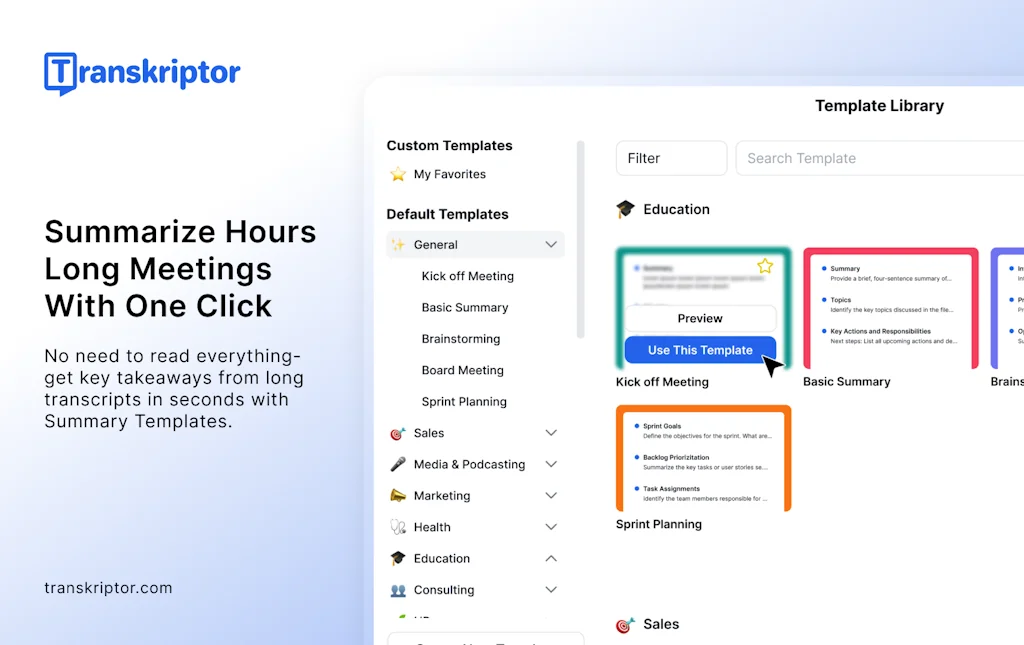
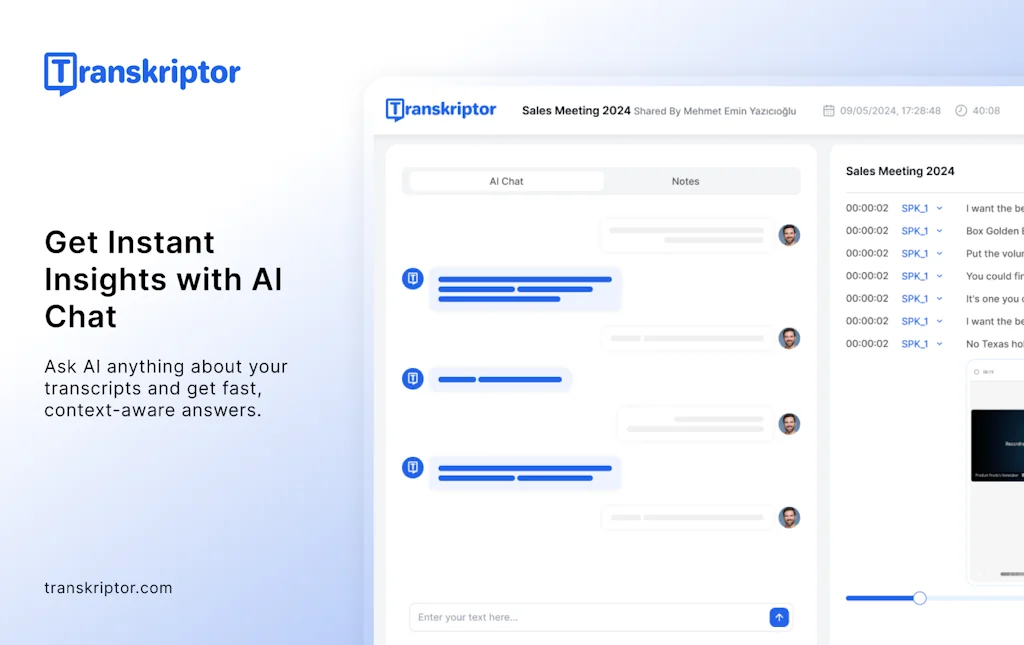
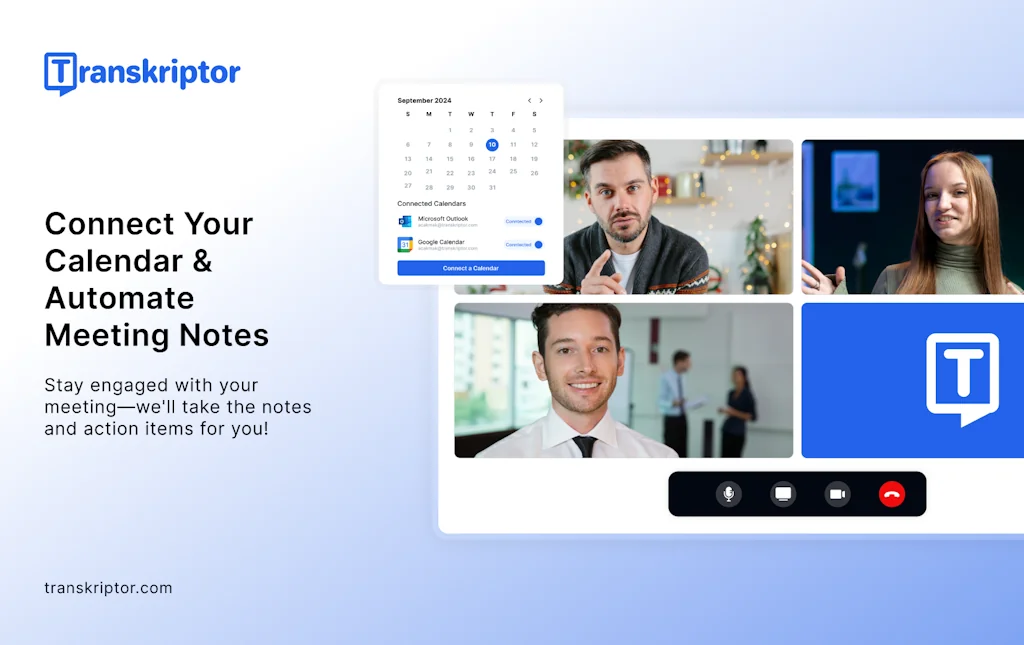
Transkriptor is your AI-powered note-taking and transcription tool — now smarter and faster with its latest version. Capture conversations, generate summaries, and extract insights effortlessly.
Pros & Cons
Pros
- Accurate transcription
- Speaker identification
- Automatic punctuation
- Easy to use
- Fast performance
- Clean interface
- Insight extraction
- Language support
- Meeting bot
- Multi-platform support
Cons
- Low resolution downloads
Tool Details
| Categories | Note and writing apps, Writing assistants, AI notetakers |
|---|---|
| Website | transkriptor.com |
| Added | April 15, 2024 |
| Platforms | Web · iOS · Android |
| Social |
Recent Reviews (5)
I certainly suggest it for audio transcription and meeting notes. Transkriptor saves me time for other tasks. My favorite feature of Transkriptor is the ability to match the speaker's name. Very useful!
Transkriptor has completely changed how I handle meeting notes and interviews. The transcription accuracy is impressive—even with background noise or multiple speakers. I especially appreciate the speaker identification and automatic punctuation, which make editing almost unnecessary.
Transkriptor really raises the bar for transcription apps with its great accuracy and wide range of languages. It cuts down on the need for manual corrections by accurately turning speech into text, even when the audio is tricky. Plus, its ability to handle many languages makes it incredibly useful for companies and professionals around the world. Whether you need it for work meetings, school projects, or making content easy to access, Transkriptor works reliably and efficiently.
I use Transkriptor’s meeting bot for my Microsoft Teams meetings. I do not have to worry about missing anything important. It captures all the meeting notes, helps me spot key insights, and makes writing follow-up emails a lot faster. I recommend giving Transkriptor a try!
Transkriptor delivers fast, accurate audio-to-text transcription with a clean interface—highly recommended! Its speaker detection and automatic punctuation make editing effortless.
Frequently Asked Questions about Transkriptor
When did Transkriptor become popular?
Transkriptor became popular around April 15, 2024.
What are the main advantages of using Transkriptor?
The top advantages of Transkriptor include: accurate transcription, speaker identification, automatic punctuation, easy to use, fast performance.
What are the disadvantages of Transkriptor?
Some reported disadvantages of Transkriptor include: low resolution downloads.
What is Transkriptor's overall user rating?
Transkriptor has an overall rating of 5.0/5 based on 5 user reviews.
Is Transkriptor available on mobile devices?
Yes, Transkriptor is available on iOS (App Store) & Android (Google Play).
What type of tool is Transkriptor?
Transkriptor belongs to the following categories: Note and writing apps, Writing assistants, AI notetakers.
Related Note and writing apps Tools
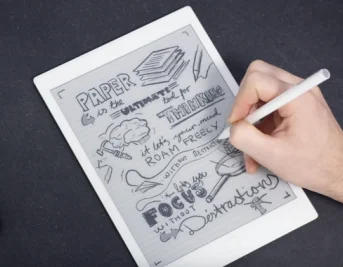
reMarkable
The paper tablet for people who prefer paper.

StackifyMind
Chat with documents

Shrink - Made by Outtloud
Convert any files/youtube/web urls into audio summaries
NoteLedge
Express all your amazing ideas- Create, mash and inspire
HashTagNotes
Message-yourself-style notes, files and TODOs

Mailflow
Run your business from Gmail.
Related Writing assistants Tools



Related AI notetakers Tools
Granola
The AI notepad for people in back-to-back meetings

doXmind
An AI editor that reasons with you

Hoop
AI task management for busy professionals

Lingloop
Your AI English coach for everyday video calls.

kuku
Obsidian — but a lot has changed

Play It, Say It
Listen, repeat and improve your pronunciation
Compare Transkriptor :


Don't Get Fooled by Fake Social Media Videos
The world's first fact checker for social media. Paste any link and get an instant credibility score with sources.
Try FactCheckTool Free