
What is PDFgear?
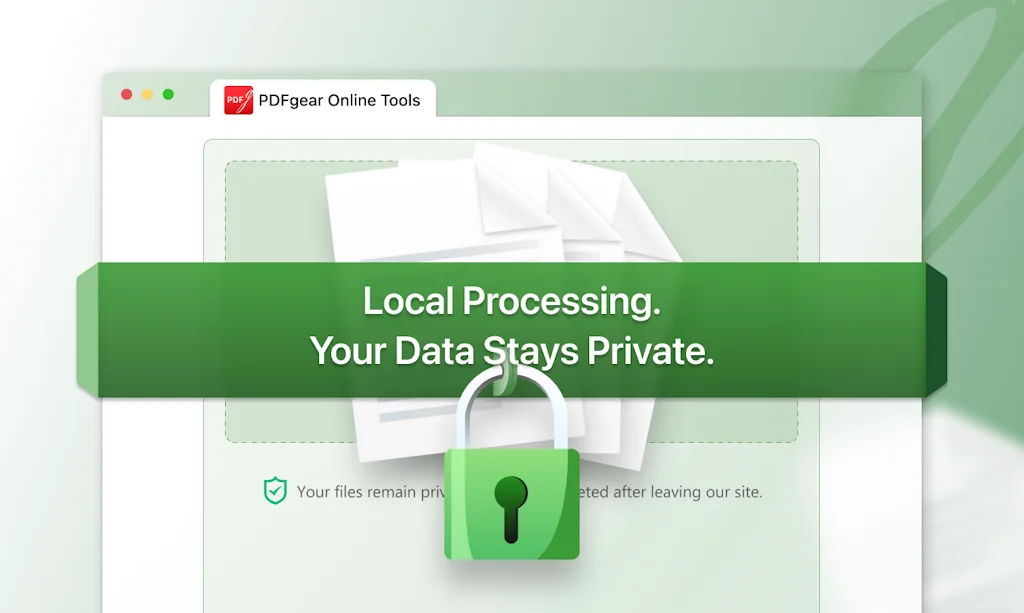
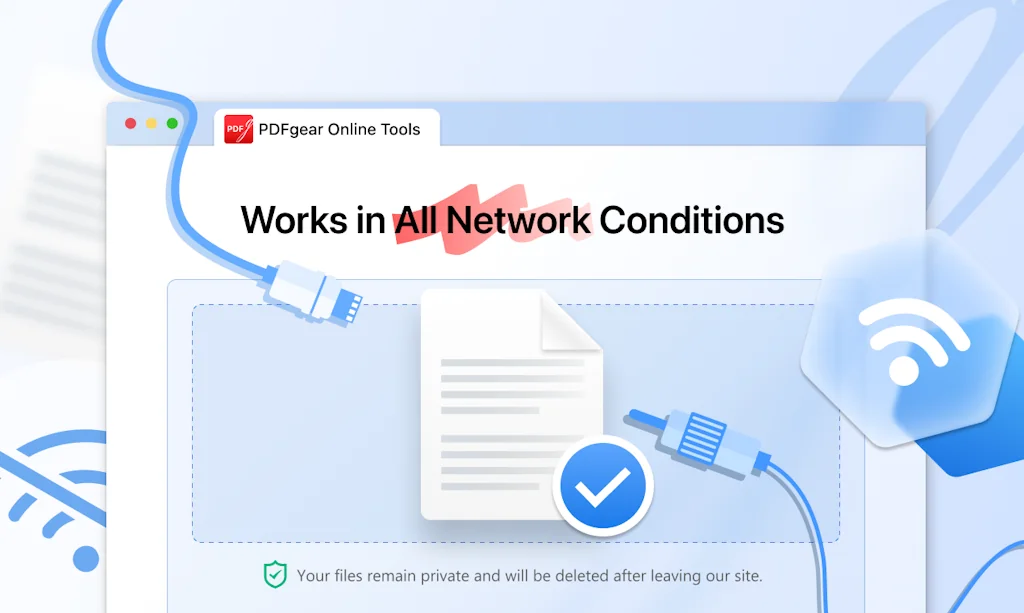
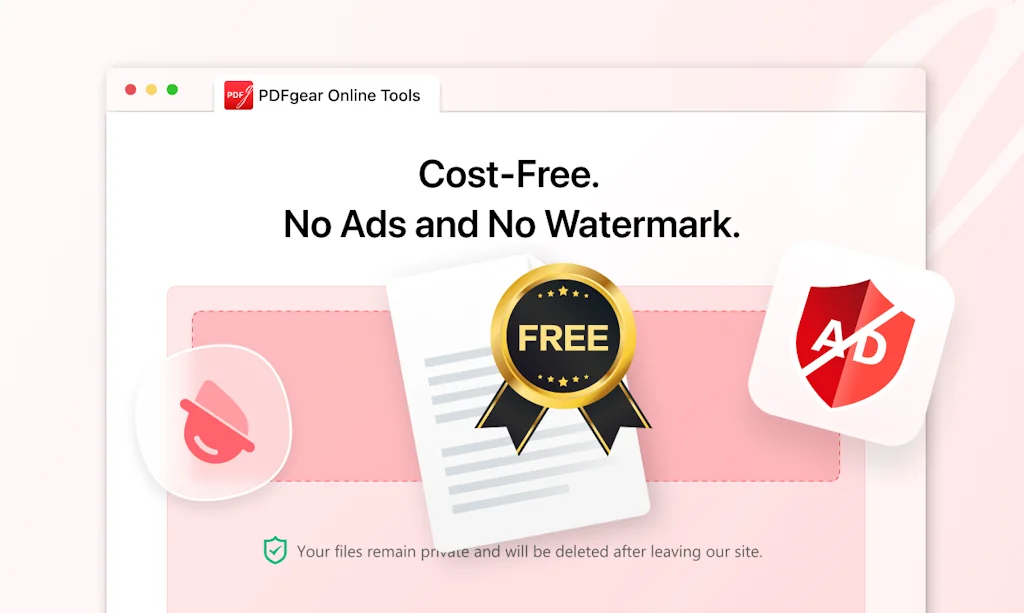
PDFgear is the most productive PDF tool that streamlines your PDF workflow. It is a free PDF editor with no watermark and no signup required. Its practical features allow you to view, edit, fill forms, and convert and compress any PDF document.
Pros & Cons
Pros
- Free tier
- Comprehensive PDF editing
- PDF conversion
- AI-powered tools
- Document annotation
- User-friendly interface
- No ads
- Signature support
- AI assistant
- Cross-platform support
- Easy setup
- Fast performance
- No signup required
- No watermark
- OCR converting
- PDF compression
Cons
- Limited language support
- No cloud sync
- No PDF thumbnails in explorer
- Not available for Linux
Tool Details
| Categories | PDF Editor |
|---|---|
| Website | www.pdfgear.com |
| Added | December 22, 2022 |
| Platforms | Web · iOS · Android |
| Social | Instagram · Facebook |
Recent Reviews (10)
PDFGear is the most complete PDF Editor / Management Tool I have had the chance to use, to the point I can see it is a superior alternative to Adobe Acrobat Pro; faster install and a far smaller install size. From a consumer perspective, it is great with the free pricing. If the pricing model changes, for enterprise users customers, I fear many would be hesitant to chose it over Adobe due to pre-established provider agreements, track record, and inertia. I think if there is high visiblity of pro-consumer data handling, and enough trust is built, many small enterprise customers would be willing to choose PDFGear over Adobe. Features that I think people may appreciate (as of 2025/10), but that are frankly just nice to haves. - Find and Replace (there is find, but no replace currently) - Freestyle drawing with a drawing pen (like in Word) - Ability to select font and color of free text annotation - Ability to search for a font (vs just scrolling fonts field) when editing text (it already matches current font, which is great)
This is hands down the best product for PDF to PPT, that I have used. Canva often lumps several elements together and jacks up the text. I (had) a desktop software that I was using that basically behaved the same way when uploading and editing, not enough detail, and slopping things together. I'm so happy with PDFgear, it saves me so much time now. I don't have to go through and redesign my designs. My only issue is that you all need to post a donation button so people you help can give back, seriously!
I love PDFgear for its comprehensive suite of features that make managing PDF documents effortless. Its user-friendly interface allows for seamless editing, annotating, converting, and signing of PDFs across multiple platforms, including Windows, Mac, and iOS. The integration of AI-powered tools, such as the ChatGPT-driven co-pilot, enhances productivity by enabling natural language commands to perform tasks like summarizing documents or extracting key information. Additionally, PDFgear's commitment to providing these robust features for free, without the need for subscriptions or hidden fees, makes it an invaluable tool for both professionals and casual users. I use it with my students to review the work they do in their Moodle courses.
I found it a few days ago. I was using pdf xchange viewer from quite a few years and never felt the need to find something else but until now. I found this free app and tried it. I fell in love with it immediately that i uninstalled pdf xchange. This is such a cool breeze that this app does. The only gripe i have is, it doesn't generate pdf thumbnails in explorer which pdf xchange did. Other than that it is a great app.
It covers all I need, it is authentic, equipped with a good AI bot and moreover it is really and 100% free and ads free at the time. The only draw back might be it is not cloud based or abale to sync between devices, which still is not a deal breaker for me. Considering all the feature that it gives me, I adapt myself with it instead of complaining nonesence. I am against subscription model of businesses for tools that are nowadays are part of basid human rights like PDF editor, word processing. etc. Such tools and services are so integrated in human's life that having unconditional access to them are like basic rights such as free education and freedom of speech. I am not sure how I can help or support their team, but if there is a one-time purchase, or support requests, I would voluntarilypay.
Love the program mainly to add and remove pages, miss only a few functions: - Page > Duplicate a page. - Print setting > Paper size as original and print as image. - Edit/modify > Arrows, polyline and polygon.
Found PDFgear today. It is a real free pdf editor unlike 98% of other editors that are only free to read a pdf and have most features locked (your better off with simple pdf reader or just use browser). Features like OCR converting, direct text editing and everything you expect like combine/split/compress, marking, stamps, signature, convert, etc...
It is the best PDF editor and alternative to Adobe PDF editor. It has very awesome features like you can add signatures to the documents. It is easy to use and integrate with my cloud documents. It gives you the ability to wipe out the documents into different parts.
PDFgear is really easy to use, it often takes only a few seconds for me to convert my PDF to Word. and after I receive my colleague's PDF file, I can also highlight the highlights and give some comments on it. It's really great.
Im a student working on my project paper. PDFgear AI assistant saved me a lot of time in reading and analyzing literature. MOST IMPORTANLY: it's free!
Frequently Asked Questions about PDFgear
When did PDFgear become popular?
PDFgear became popular around December 22, 2022.
What are the main advantages of using PDFgear?
The top advantages of PDFgear include: free tier, comprehensive PDF editing, PDF conversion, AI-powered tools, document annotation.
What are the disadvantages of PDFgear?
Some reported disadvantages of PDFgear include: limited language support, no cloud sync, no PDF thumbnails in explorer, not available for Linux.
What is PDFgear's overall user rating?
PDFgear has an overall rating of 4.5/5 based on 11 user reviews.
Is PDFgear available on mobile devices?
Yes, PDFgear is available on iOS (App Store) & Android (Google Play).
What type of tool is PDFgear?
PDFgear belongs to the following categories: PDF Editor.
Related PDF Editor Tools

ChatPDF
Chat with any PDF - Your PDF AI to ask your PDF anything
PDFify
Free macOS text recognition, PDF composition & compression

DocuTranslate
Leading platform for official document translation.
Lingoedit
Simplify translation and editing: Your AI language companion
PDF.to
https://t.co/SFyPTLqbcy

Simpdf
Edit PDF like a word doc
Compare PDFgear :

Don't Get Fooled by Fake Social Media Videos
The world's first fact checker for social media. Paste any link and get an instant credibility score with sources.
Try FactCheckTool Free