

UPDF
Al chat with PDF, edit, annotate, convert PDFs, and do more.
What is UPDF?
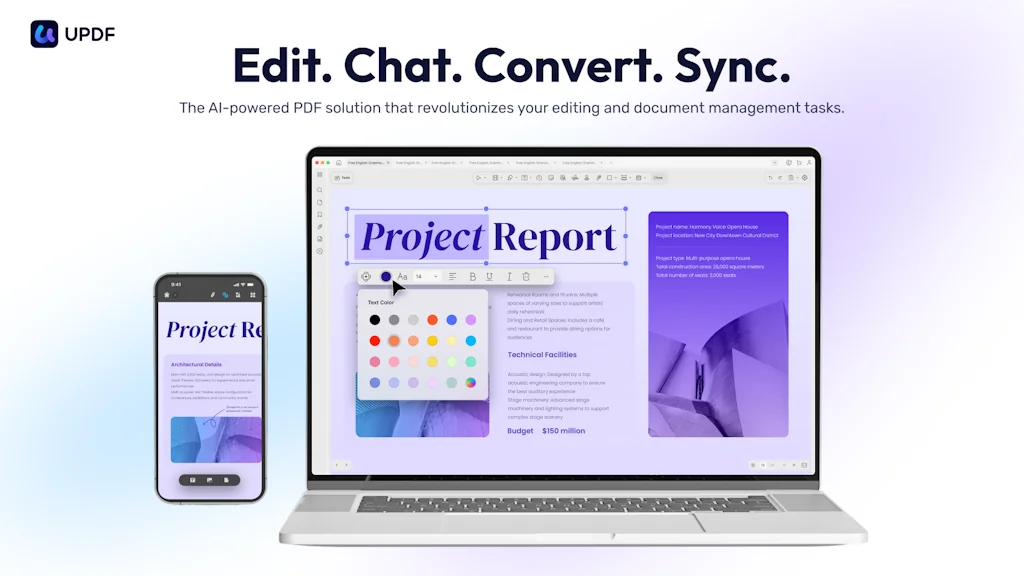
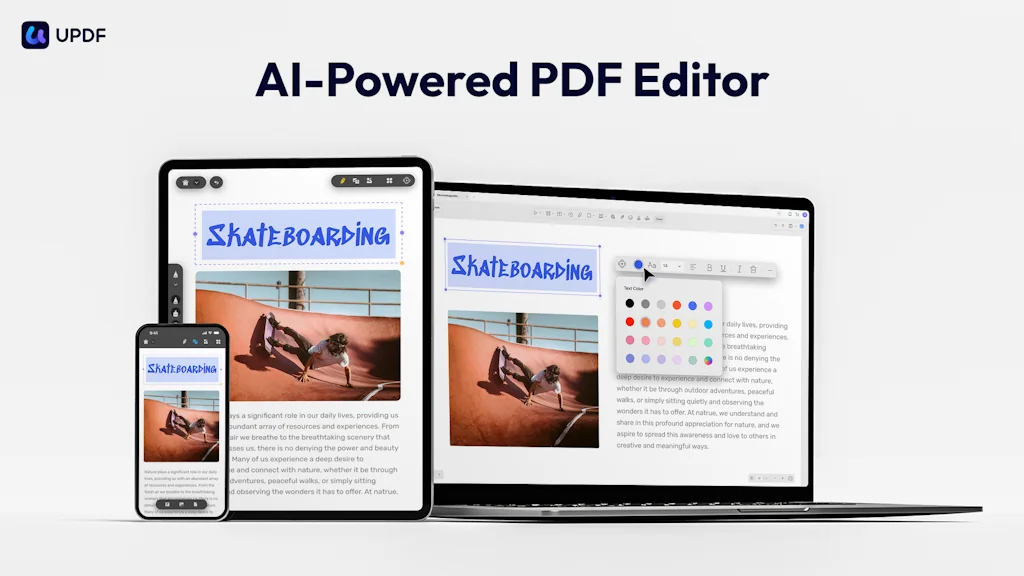
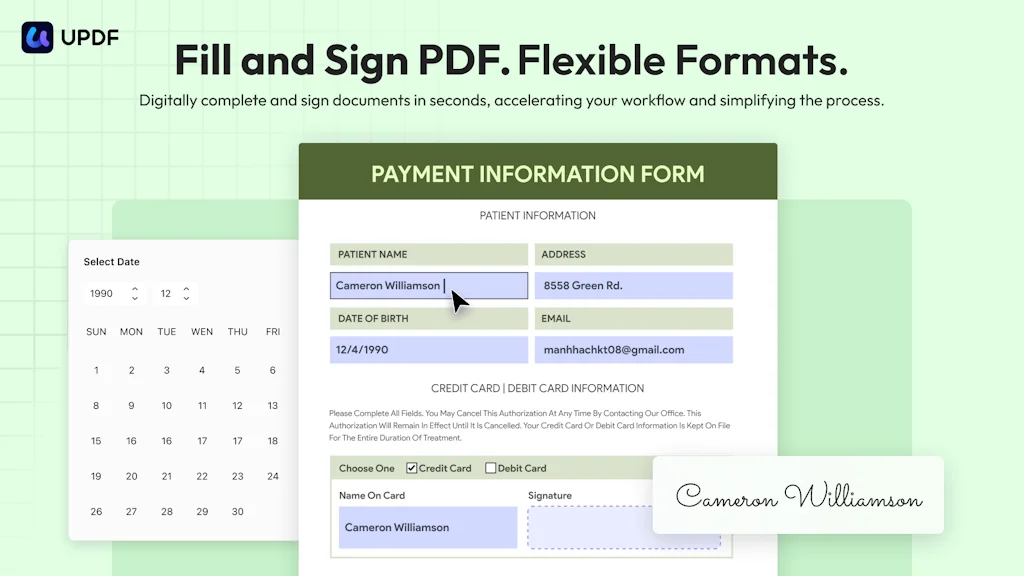
UPDF seamlessly integrates powerful features for editing, annotating, and converting PDFs. It includes OCR technology for extracting text from scans, a fill-and-sign tool for completing forms, and AI chat capabilities to summarize, translate PDF and convert long PDF to mind map. 1 license works on 4 devices simultaneously across Windows, Mac, Android and iOS.
Pros & Cons
Pros
- Powerful capabilities
- User-friendly interface
- Affordable pricing
- AI chat capabilities
- AI summarization
- Editing tools
- Fast performance
- Mind mapping
- Cross-platform compatibility
- Customer support
- Document conversion
- Redact feature
Cons
- Dynamic reading feature
- Interface complexity
Tool Details
| Categories | PDF Editor, AI notetakers, AI Presentation Software |
|---|---|
| Website | updf.com |
| Added | May 5, 2022 |
| Platforms | Web · iOS · Android |
| Social | Twitter · Instagram · Facebook · LinkedIn |
Recent Reviews (8)
I often edit my invoices, and research papers with UPDF—a great PDF editor with AI.
In my opinion, UPDF doesn't have the most user friendly interface in comparison to other PDF editing programs that I've used (pdfFiller, PDF Expert). For the price point, it was a more affordable option and does perform the basic functions that you are looking for in a PDF Editor. I do appreciate that the developers are always looking for and encouraging feedback about their program. 3 stars for Functionality and an extra star for customer support.
Honestly, I use this almost daily. It’s one of the best PDF Editors I’ve used. It’s intuitive and easy to use. My favourite and most used feature is the redact feature…the fact that I can do a search and redact in one fell swoop is what keeps me coming back to it.
UPDF AI is an incredibly efficient tool that simplifies my workflow. Its summarization feature is particularly impressive, quickly condensing complex information into concise overviews. The user-friendly interface and powerful capabilities make it an essential tool for anyone needing to manage and process large amounts of text effectively. Highly recommended!
Simplesmente perfeito. Atende a todas as minhas necessidades relativas à leitura, conversão e edição de documentos PDF. Não obstante, ainda aguardo uma funcionalidade para a leitura dinamica de documentos PDF (com opção para escolher quantidade de palavras na tela, velocidade, etc). Mas do jeito que está já merece as 5 estrelas.
I have not yet explored all the tools, but I am delighted with the results of the UDPF AI features I have used. I look forward to seeing what new productivity features the AI will include as the product grows.
👍Recommended! A PDF editor combined with AI. Helps me with my daily work and study. Use its mind map function to quickly sort out files. A full-featured PDF software!😍
Useful for summarizing academic papers and all sorts of other media. It is a terrific mind-mapping tool.
Frequently Asked Questions about UPDF
When did UPDF become popular?
UPDF became popular around May 5, 2022.
What are the main advantages of using UPDF?
The top advantages of UPDF include: powerful capabilities, user-friendly interface, affordable pricing, AI chat capabilities, AI summarization.
What are the disadvantages of UPDF?
Some reported disadvantages of UPDF include: dynamic reading feature, interface complexity.
What is UPDF's overall user rating?
UPDF has an overall rating of 4.8/5 based on 8 user reviews.
Is UPDF available on mobile devices?
Yes, UPDF is available on iOS (App Store) & Android (Google Play).
What type of tool is UPDF?
UPDF belongs to the following categories: PDF Editor, AI notetakers, AI Presentation Software.
Related PDF Editor Tools

Pensieve AI
Chat with, ask Qs to any PDF document, powered by ChatGPTᵀᴹ

Transactional.dev
Next-level PDF Generation tool for devs

PDF Hippo
Convert Excel Designs To PDF Template APIs In Two Clicks

Doc Genie - share on your kindle scribe
Share notebooks to gdrive, onedrive, dropbox & more for free

MB2kB
Compress image or PDF to any specific size from MB to kB
ChatDOC - GPT for any file
Chat with documents. Get GPT responses with cited sources.
Related AI notetakers Tools

Augment 1x
Augment yourself in meetings, exams, and interviews
Notebook AI
Your notes, supercharged by AI

Vector
AI PM Agent for instant PRDs & user stories after meetings

Superpowered
The AI copilot for your meetings

Scopey Onsite
From WhatsApp to logged records in seconds.

Metaview
The world’s #1 AI scribe for recruiting
Related AI Presentation Software Tools
Google Mixboard 2.0
Now w/ Nano Banana Pro, new file types & multi-board project

Alai
Create high quality presentations using AI
MoovAI
Launch viral AI ads & pro social content in minutes

Slidey
First ever mobile-friendly AI presentation maker

o11
Microsoft Copilot, But It Actually Works

PageOn.ai
Cursor for visual communication, beyond slides
Compare UPDF :


Don't Get Fooled by Fake Social Media Videos
The world's first fact checker for social media. Paste any link and get an instant credibility score with sources.
Try FactCheckTool Free