
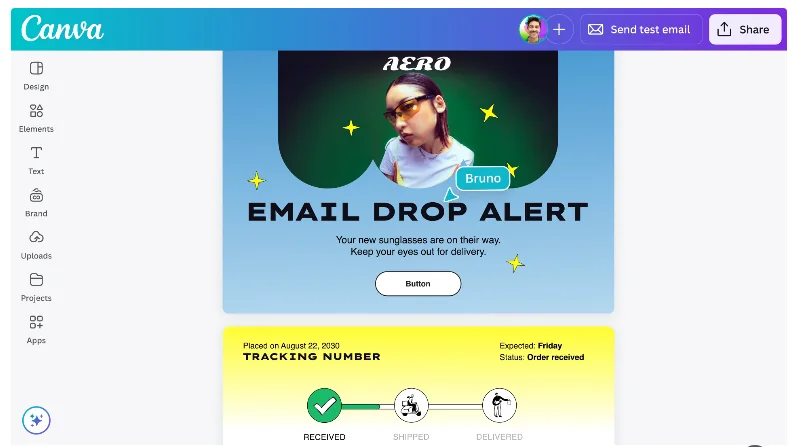
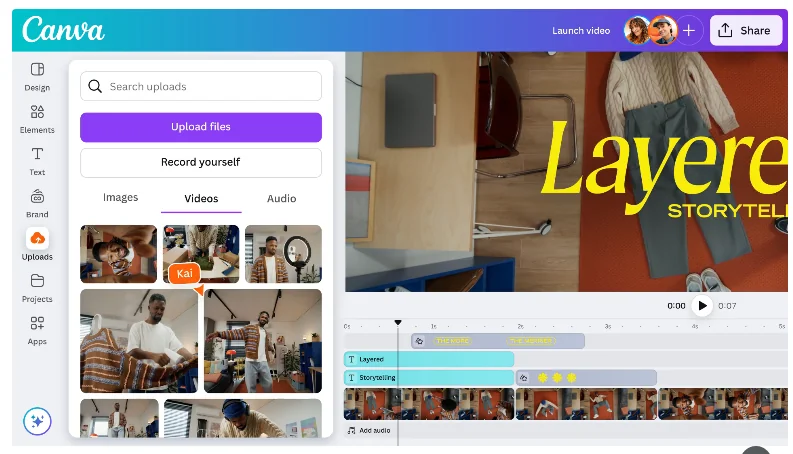
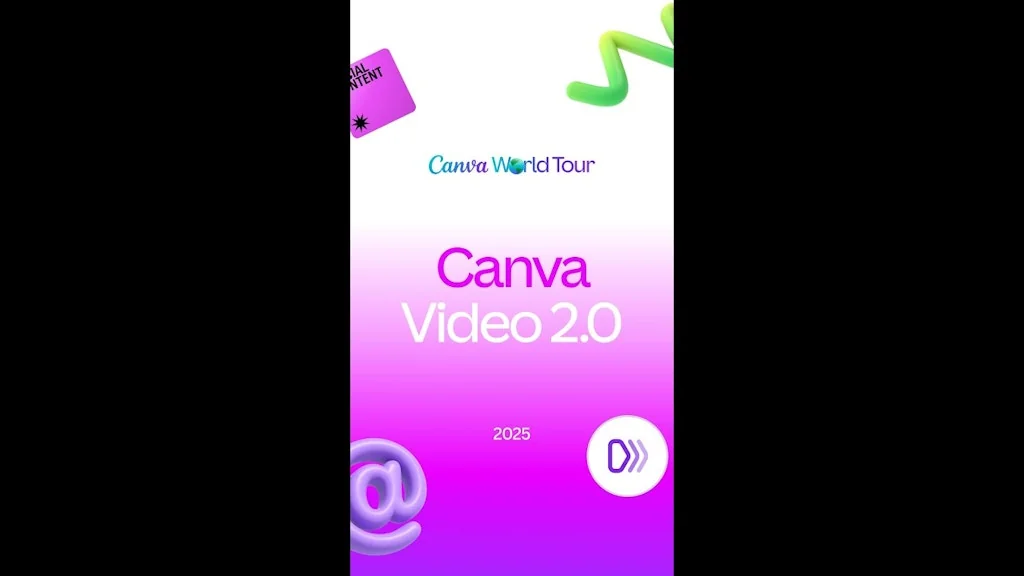
What is Canva?
A user-friendly online graphic design platform with templates, stock photos, graphics, and fonts.
Pros & Cons
Pros
- User-friendly interface
- Fast design process
- Vast template library
- Drag-and-drop interface
- Collaboration features
- Extensive design elements
- Beginner-friendly
- Affordable pricing
- AI tools
- Free version
- Presentation design
- Social media graphics
- Brand kit
- Easy to use
- Real-time collaboration
- Stock photos and graphics
- Time-saving
- Magic resize
- Marketing materials
- AI features
- Video editing
- Easy customization
Cons
- Limited advanced features
- Premium elements require payment
- Limited customization options
- Slow performance with heavy designs
- User-friendly interface
- Beginner-friendly
Tool Details
| Categories | Presentation Software, Design & Creative, Graphic design tools |
|---|---|
| Website | canva.com |
| Added | December 6, 2013 |
| Platforms | Web · iOS |
Recent Reviews (13)
I've been using Canva for a few months now, and I have to say, it's a total game-changer! I'm not a professional designer, but Canva makes me feel like one. The interface is super user-friendly and intuitive, so I didn't have to spend hours figuring out how to use it. What I love most is the huge library of templates. Whether I need to create a social media post, a presentation, or even a resume, there's a template for everything. The drag-and-drop feature is fantastic and makes customization a breeze. Plus, there are so many fonts, images, and elements to choose from, which really helps in making my designs stand out. Another great thing about Canva is the collaboration feature. It's been incredibly helpful for group projects. My team and I can work on the same design simultaneously and leave comments for each other. It definitely streamlines the whole process. The free version offers plenty of tools and features, but I eventually upgraded to Canva Pro because I wanted access to more templates and the magic resize feature, which saves me so much time. It’s worth every penny!
Canva is my go-to tool for everything visual — from social media posts and presentations to sales one-pagers and pitch decks. As a non-designer, I love how intuitive it is. The templates are stunning, drag-and-drop is smooth, and it even supports brand kits and animations. Whether I need to quickly design a LinkedIn graphic or create a marketing brochure, Canva helps me do it fast without compromising on quality. An essential tool for any creator or entrepreneur.
As someone who values efficiency and simplicity in my creative process, I find Canva’s incredibly user-friendly drag-and-drop interface to be its standout feature. This tool has greatly improved how I create visuals, whether for personal projects or professional work. The ability to produce polished, professional-quality designs with minimal effort is a significant advantage. It also adapts well to a variety of design needs, though I feel there’s room for improvement in the conversational ability of its AI when it comes to creating themes or designs. Enhancing this aspect would make it an even more intuitive and well-rounded tool.
I chose Canva because it’s incredibly easy to create beautiful visuals without being a professional designer. The interface is intuitive, templates are well-structured, and the collaboration tools make team projects smooth.For me, Canva stands out because it saves time while still letting you stay creative — that balance is rare. I use it regularly for designing visuals and layouts that inspire my own project, GiftWeGo.com, where users create and personalize digital gift cards. Canva sets a great example of how simplicity and creativity can work hand in hand.
It's good and reliable, a very good choice for daily use, and for Instagram posts.
Canva is my design sidekick for everything from last-minute posts to full-blown campaign decks. As a brand and social media manager, it saves me from waiting on design revisions—I can jump in, tweak visuals, and stay on brand in minutes. The templates and Brand Kit make consistency effortless, especially when I’m juggling multiple accounts. What could be better? The file organization still gets messy fast, especially with shared folders. But honestly, Canva makes me feel like a designer without having to be one—and that’s its real magic.
I rely on Canva every week to create presentations, social media graphics, and marketing materials for my team. The platform’s wide range of polished templates makes designing easy, even when I’m short on time or don’t have much graphic design experience. I especially appreciate how intuitive the tools are for customizing colours, fonts, and layouts to match our brand. Collaborating with my team is seamless since we can share projects and give feedback directly within Canva. Overall, it helps us produce professional, eye-catching content quickly and efficiently, making it an essential part of our creative workflow. I highly recommend it.
Canva has completely transformed the way we approach design. Whether you're a beginner or a seasoned professional, Canva provides an intuitive platform that makes creating stunning visuals not only possible—but incredibly easy. Its drag-and-drop interface, vast library of templates, and rich asset collection (including fonts, icons, stock photos, and videos) empower users to design everything from social media posts to presentations, marketing materials, and more—without needing advanced design skills. What sets Canva apart is its balance of simplicity and power. It allows for quick edits and collaboration while still offering enough customization for more complex projects. Features like Brand Kits, Magic Resize, and AI tools like Magic Write make it an all-in-one design powerhouse. Overall, Canva is more than just a design tool—it's a creative companion for individuals, businesses, educators, and teams. Highly recommended for anyone who wants to make great design accessible and efficient.
I’ve been using Canva as my go‑to design toolkit for everything from social posts to slide decks. Its drag‑and‑drop interface and massive library of templates make creating polished visuals a breeze, even if you’re not a designer. The real‑time collaboration and Brand Kit features keep team projects on point. On the flip side, heavy designs can lag in the browser, and advanced vector editing is still pretty basic. Overall, Canva’s ease of use and versatility make it indispensable for quick, professional‑looking graphics.
Canva has been a game-changer for my design projects. I’m not a professional designer, but the platform makes it so easy to create polished graphics without needing advanced skills. The drag-and-drop interface is super intuitive, and the variety of templates for social media posts, presentations, and marketing materials is incredible. I especially love the collaboration feature — working on designs with teammates in real-time makes everything so much faster. The built-in stock photos and elements save a lot of time searching elsewhere. Whether for quick edits or detailed projects, Canva makes me feel like a pro without the steep learning curve.
I love using Canva, I use Canva pro a lot and the features like (grab text) or (Expand image) I love using these features and if I made a mistake to one of my designs I can go in there grab the text and fix it. Say if I had generate a mockup using AI and usually the results never always be perfect and using that tool helps a lot to fix errors. Expand image is another tool I love say if I have a square logo but want to expand it to a cover banner. This tool is perfect for that!
Considerate to offer a free plan, both the free and paid plans are outstandingly useful. I always to go back to Canva for much needed basics while incorporating my own assets. For professionals using this daily or weekly, a paid plan is well worthwhile. It's useful. I do wish adding new Google Fonts were a free feature; they are already free, and can be incorporated to any PC and other software; leaving it out of Canva makes people find alternatives.
Canva is a great tool for creating graphic designs quickly and easily, especially if you don’t have advanced design skills. It offers a wide range of templates, fonts, and images, which makes designing professional-looking graphics accessible to beginners and pros alike. The drag-and-drop interface is intuitive, saving a lot of time compared to traditional design software. However, Canva might have some limitations if you need highly customized or complex designs, as it’s more template-based. Also, some premium features and assets require a paid subscription. Overall, it’s perfect for social media posts, presentations, flyers, and simple branding materials.
Frequently Asked Questions about Canva
When did Canva become popular?
Canva became popular around December 6, 2013.
What are the main advantages of using Canva?
The top advantages of Canva include: user-friendly interface, fast design process, vast template library, drag-and-drop interface, collaboration features.
What are the disadvantages of Canva?
Some reported disadvantages of Canva include: limited advanced features, premium elements require payment, limited customization options, slow performance with heavy designs, user-friendly interface.
What is Canva's overall user rating?
Canva has an overall rating of 4.8/5 based on 478 user reviews.
Is Canva available on mobile devices?
Yes, Canva is available on iOS (App Store).
What type of tool is Canva?
Canva belongs to the following categories: Presentation Software, Design & Creative, Graphic design tools.
Related Presentation Software Tools
Voxxio
Instant AI-Storyboard Creator

Slidey
First ever mobile-friendly AI presentation maker

Pitchenvy
A gallery of startup pitch decks

CheatSheet AI
Cheatsheet Anything, Fast.

Skywork Super Agents
Turn any idea into professional content in minutes—not hours
Presentation Mode for Notion
Present Notion pages as lean slides in your Notion workspace
Related Design & Creative Tools

Related Graphic design tools Tools
Kira.art
From simple words to consistent, professional art.
Drawify
Translate info into compelling and easy-to-remember visuals
Design Sight
The missing link between design and development
AnyChart
Interactive JavaScript HTML5 based charting solution
Logoshuffle
Create your logo in 3 minutes
VANGOGH
Generate color palettes using keywords, powered by AI
Compare Canva :



Don't Get Fooled by Fake Social Media Videos
The world's first fact checker for social media. Paste any link and get an instant credibility score with sources.
Try FactCheckTool Free