

Lunacy
Graphic design software with built-in assets and AI tools



What is Lunacy?
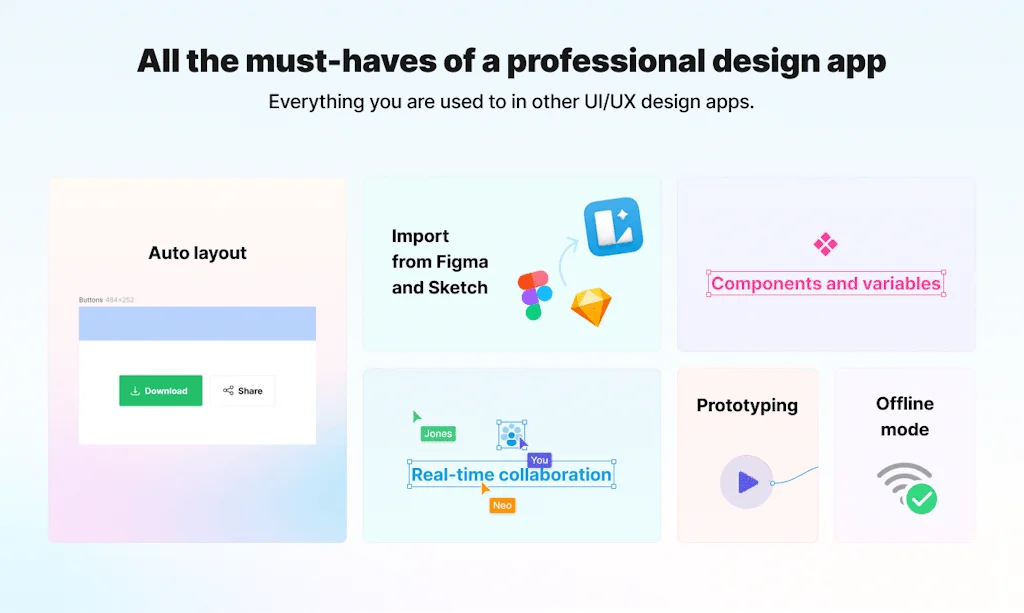
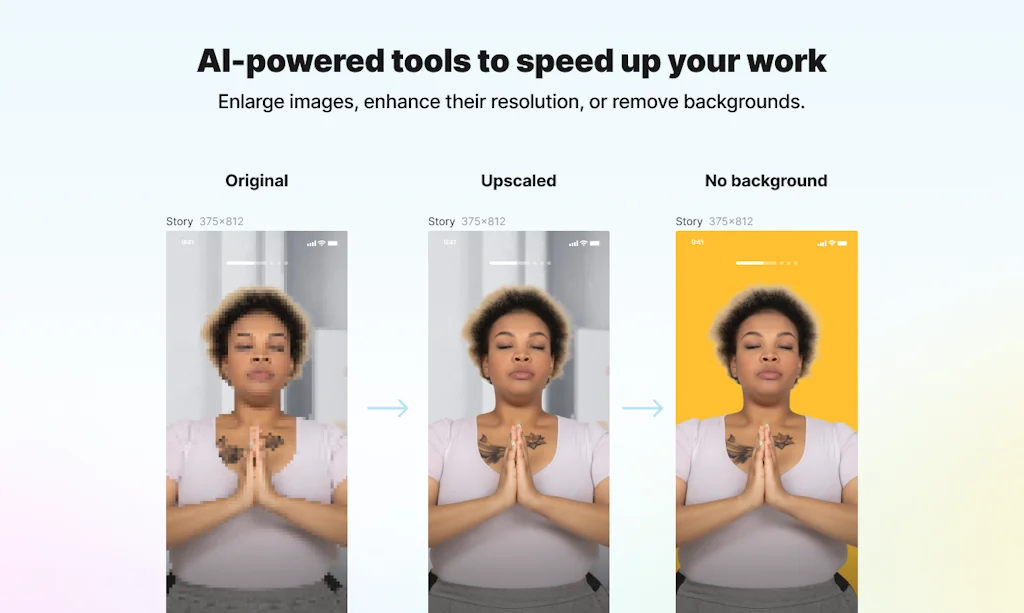
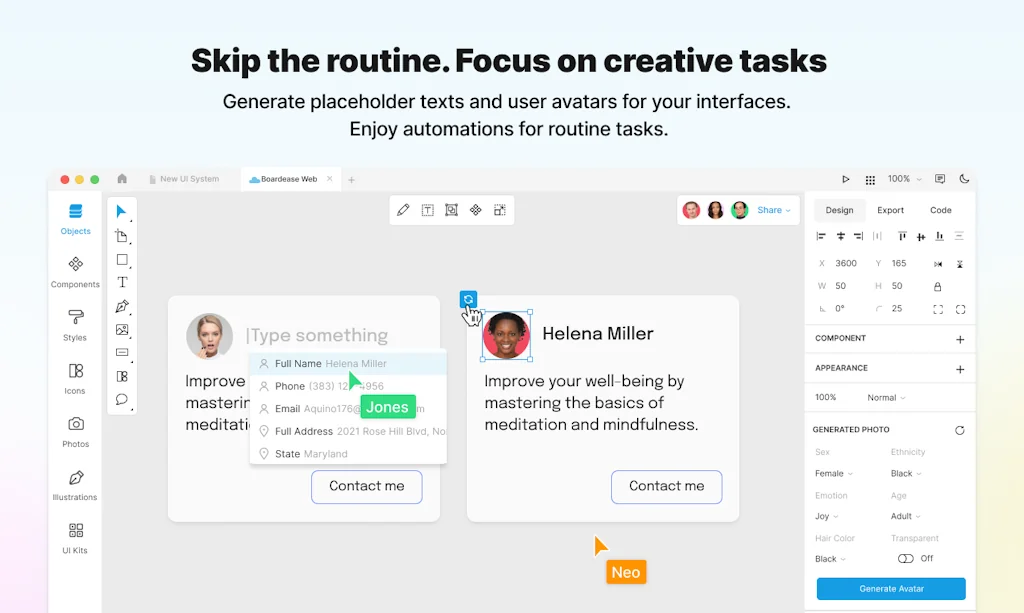
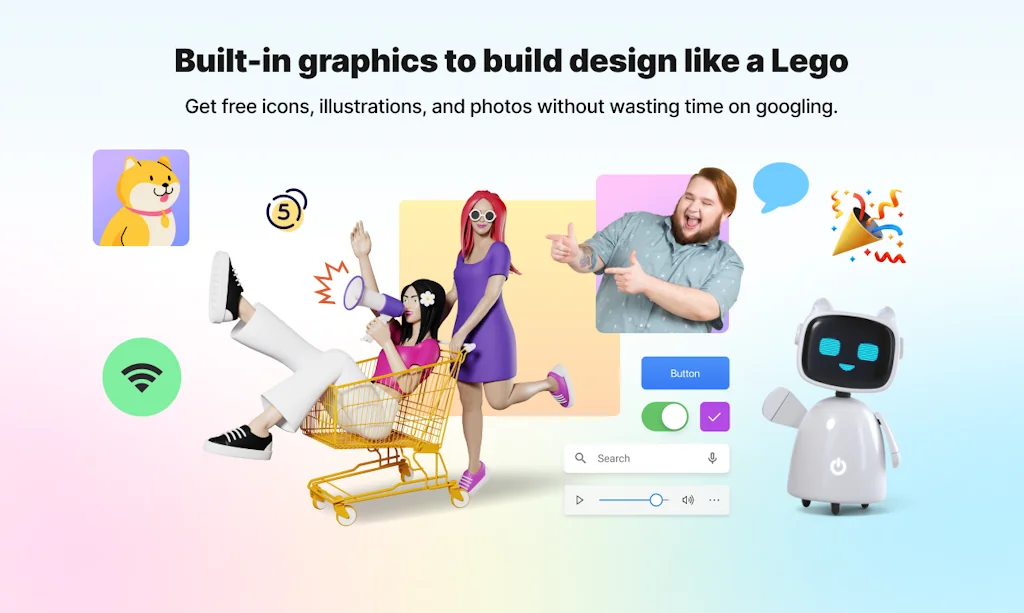
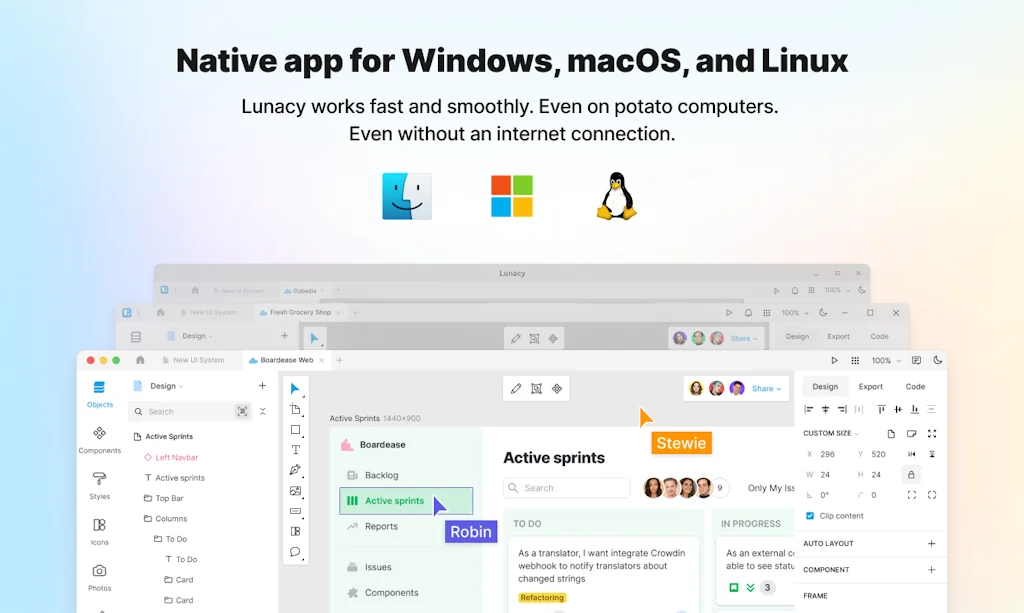
Powerful vector design tool. Icons, photos, illustrations, and AI tools inside to help you focus on the design tasks. Real-time collaboration for teams. Native apps for Windows, macOS&Linux to work fast online and offline on fancy laptops or potato computers.
Pros & Cons
Pros
- Free tier
- Offline mode
- Built-in assets
- Figma import
- Fast performance
- UI kits
- AI features
- Auto-coloring feature
- Autolayouts
- Content library
- Cross-platform
- Native app
- Real-time collaboration
- Export options
- Image background remover
Cons
- No plugin support
- Limited user preferences
- Slow performance on old hardware
Tool Details
| Categories | Team collaboration software, Interface design tools, Graphic design tools |
|---|---|
| Website | icons8.com |
| Added | February 3, 2017 |
| Platforms | Web |
| Social | Twitter · Instagram · Facebook · GitHub |
Recent Reviews (13)
Figma import is great news :) I’ve been on the fence about moving over my work to Lunacy mostly because I couldn’t properly import my designs. From the first try, it works wonders! The autolayouts, components, and styles all seem intact. And editing my designs is so much faster with your AI features - avatars and auto placeholder texts especially. Thank you. P.S. It’s kind of unusual working without the opportunity to integrate plugins. Any change you’ll add them sometime soon?
I use Lunacy for initial UI design work, icon design, and creating marketing material for the app store. It's an instrumental app in my toolbox. With its streamlined interface and vast library of icons and pictures it is a really handy app for any vector work.
I use Lunacy for initial UI design work, icon design, and creating marketing material for the app store. It's an instrumental app in my toolbox. With its streamlined interface and vast library of icons and pictures it is a really handy app for any vector work.
I think Lunacy is one of the most innovative "not headline grabbing" piece of software in the last decade. The only fact that the team manage to create a version for all tree major desktop operating system ( Windows, Linux and macOS ) is in itself an exceptional achievement. The other plus is the user driven features implementation. Great UI/UX ! I will say that user preferences settings are still limited. There is a need for better YouTube video on how to use the software to foster more adoption.
'Move your a**' haha I just can't, the creative team who made that video is amazing😂 If we're talking seriously, I know a couple designers who started their careers with Lunacy bc it's free, mighty, and quite intuitive. They're doing great now, and I hope more guys&girls get to find this powerful tool to start and go on with their journey. Also, I don't really design complicated projects, but all the small features like auto coloring, built-in upscaler, drag-and-drop shapes filling make my work faster. And the built-in huuuge icons and vectors library (paid but still affordable). I just imagine how valuable that would be if one had to create smth like an app prototype with burning deadlines. Cheers to Lunacy team! It's great that you launched on PH, hope you get the attention you deserve💙
Excellent alternative to Figma. It is powered with every tool to develope your UI as components and prototype. It has a free plan option, has periodic updates and I havent't noticed any issue with stability on Windows application. It currently misses the support to the whole community ecosystem, but Icons8 itself, the developer, has a whole collection of services that can complement your workflow and consider that is always nice to us customers to have a competitor on the market.
Lunacy is perfect for my on-the-go lifestyle. It’s lightweight yet powerful, with features that rival premium tools. The offline mode means I can work anywhere, anytime, without worrying about connectivity. Plus, the auto-coloring feature is a fantastic time-saver for quick mockups.
Hi everyone! great, lunacy is an incredible program the truth, I discovered it through a friend and I think it is a tool that you should always have on hand, its incredible and countless features along with possible addons make it a very powerful tool for productivity in the design industry, although I personally feel that is more oriented to UX design and graphic design in general you can make vector illustrations and take advantage of the potential of lunacy for free, which for me is the most incredible, a very powerful and free software is worth trying it.
Lunacy employ a very easy process of creating and editing a media like picture, poster and social media banner. One of the thing that i love is the content library. It has so many vector that are free to use and can be use for commercial. I also can save the project into .jpeg or .png as well some other graphic file format.
I really honestly can say, I use Lunacy almost every day for all sort of my tasks. This includes when I do work, or just creating hobby projects. I love Lunacy, because it's partly free and pretty much offers similar features as Figma, but even better, as it's available on your computer locally.
Yay! Gongrats you guys! One of the few apps I've been using constantly in the last year + one of the few I trust to do an update that actually makes things better <3 As a digital nomad, sending you a special thanks for offline work, crappy wifi is something I come across fairly often.
Love to see how Lunacy improved. 💓 Autolayouts feature has greatly enhanced my design workflow and Figma import is a standout feature, allowing for smooth collaboration with team members. P.S. attached video is work of art 😂
This app is just fantastic, free and the only one that works well and still permits to use offline files. If they introduce a dedicated import for Adobe XD files i will call producthunt to ask permit me to assign 6 stars!
Frequently Asked Questions about Lunacy
When did Lunacy become popular?
Lunacy became popular around February 3, 2017.
What are the main advantages of using Lunacy?
The top advantages of Lunacy include: free tier, offline mode, built-in assets, Figma import, fast performance.
What are the disadvantages of Lunacy?
Some reported disadvantages of Lunacy include: no plugin support, limited user preferences, slow performance on old hardware.
What is Lunacy's overall user rating?
Lunacy has an overall rating of 5.0/5 based on 42 user reviews.
What type of tool is Lunacy?
Lunacy belongs to the following categories: Team collaboration software, Interface design tools, Graphic design tools.
Related Team collaboration software Tools

not8
Shareable sticky notes for team website review and feedback

CoRemote
Discuss Code In Your Editor

15Five
15Five is a leading people and performance platform

Assignee History for JIRA Cloud
Assignee History JIRA Cloud App

Effy AI
AI-powered 360 feedback and performance review software

Xtensio
The Growth OS for Founders
Related Interface design tools Tools

LeadCal
Lead Pricing Calculator for Framer

BentoGrid.dev
Build beautiful Bento grids & components for your JS project

Pagedone
Lightning fast modern designs for your next project

Streamsync
Create UIs using a visual editor, code the backend in Python

Pttrns
iPhone and iPad user interface patterns

Nuxt UI
Fully styled and customizable components for Nuxt
Related Graphic design tools Tools

chaosMachine
One-click unique graphics generator

Dev Tees
A collection of designer shirts celebrating developers.

QuikFlow
Create flowcharts with a mindmapping workflow

PicDoc
PicDoc turns text into professional charts in seconds

Absurd Design
Free Surrealist Illustrations and Vector Art

Microsoft Designer
Design and edit anything you can imagine with AI
Compare Lunacy :





Don't Get Fooled by Fake Social Media Videos
The world's first fact checker for social media. Paste any link and get an instant credibility score with sources.
Try FactCheckTool Free