

Piktochart
The all-in-one visual communication solution
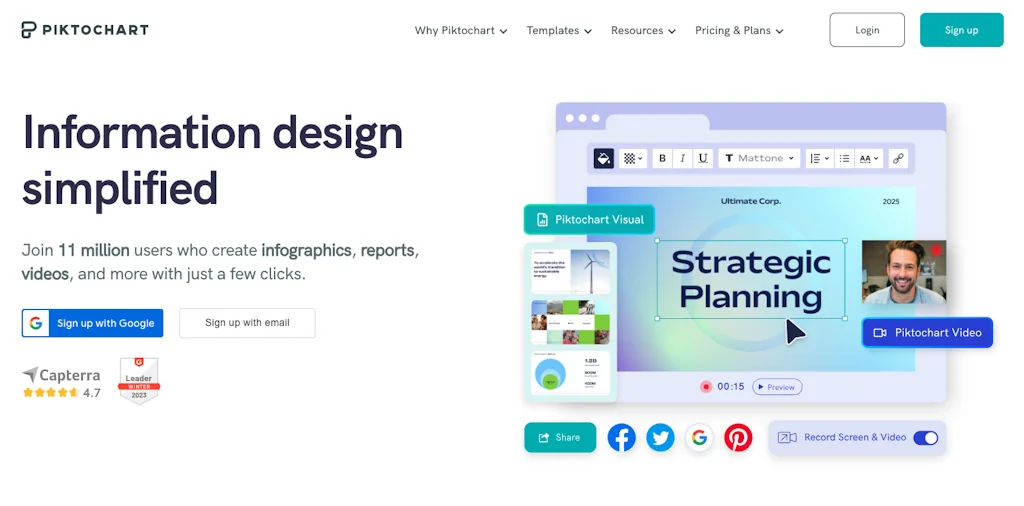
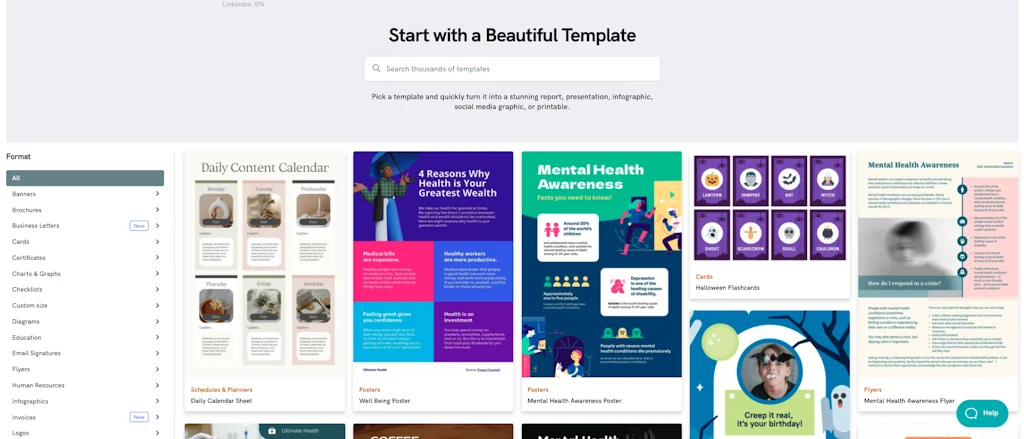
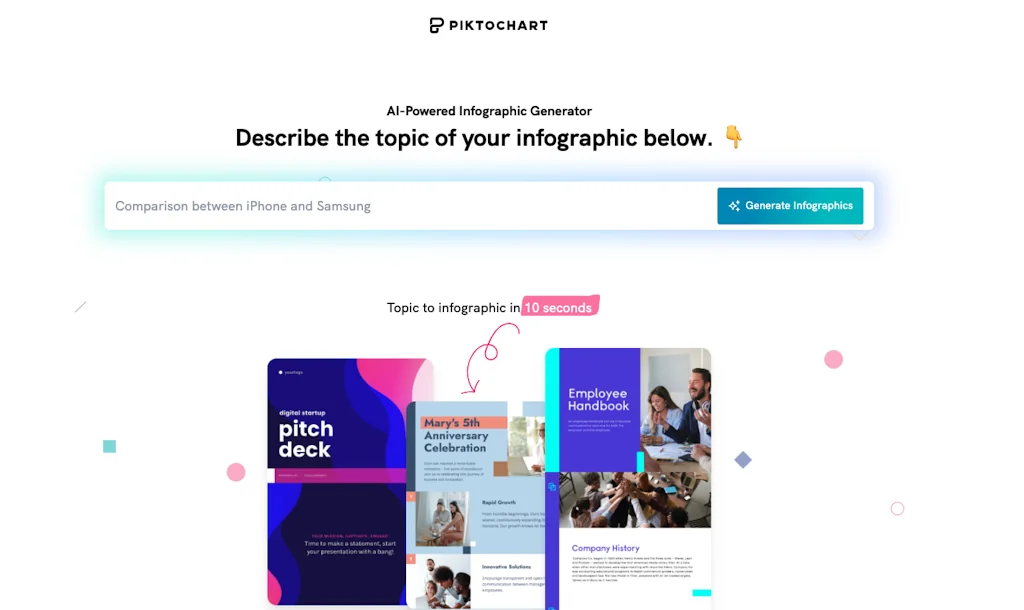
What is Piktochart?
Create beautiful infographics, flyers, posters, presentations and reports easily with absolutely no design experience. Try Piktochart, it’s free!
Pros & Cons
Pros
- Easy to use interface
- AI design features
- Visualization suggestions
- Wide range of templates
- AI modifiers
- Autofill
- Background removal
- Beginner-friendly
- Editable charts
- Layout suggestions
- Text removal
- Time-saving
- Video clip creation
Cons
- Brand consistency control
- Export format options
Tool Details
| Categories | Presentation Software, AI Generative Media, Graphic design tools, Design resources |
|---|---|
| Website | piktochart.com |
| Added | July 8, 2014 |
| Platforms | Web |
| Social | Twitter · Instagram · Facebook · LinkedIn |
Recent Reviews (4)
Pikto AI Studio is a thoughtful leap forward in democratizing design workflows. By consolidating generation, editing, upscaling, and restoration into a single interface, it eliminates the need for juggling multiple tools or subscriptions. The integration of AI modifiers and background/text removal feels especially well-suited for marketing teams and educators who need fast, polished visuals without deep design expertise. Would love to see more control over brand consistency and export formats in future updates.
I’m really impressed with Piktochart AI. It takes something as simple as a text or document and turns it into a clean, professional design in seconds. The new updates make it even easier, like autofill and keeping charts editable, so I spend way less time fixing layouts. Honestly, it just makes my work faster and better.
I really enjoy using Piktochart! It makes design simple and fun, even though I’m not a graphic designer. The templates are easy to customize, and I can quickly create something that looks polished for work or personal projects. It saves me so much time and has become one of my favorite tools.
This is awesome. It creates small clips from long videos perfectly.
Frequently Asked Questions about Piktochart
When did Piktochart become popular?
Piktochart became popular around July 8, 2014.
What are the main advantages of using Piktochart?
The top advantages of Piktochart include: easy to use interface, AI design features, visualization suggestions, wide range of templates, AI modifiers.
What are the disadvantages of Piktochart?
Some reported disadvantages of Piktochart include: brand consistency control, export format options.
What is Piktochart's overall user rating?
Piktochart has an overall rating of 5.0/5 based on 4 user reviews.
What type of tool is Piktochart?
Piktochart belongs to the following categories: Presentation Software, AI Generative Media, Graphic design tools, Design resources.
Related Presentation Software Tools
Templatery
Templates for your Figma presentations.
Waymark
Instant, beautiful roadmaps for product presentations.

ChatSlide.ai
AI assistant for generating slides and video

Editapp
Next-gen decks for bold founders & teams
ClassPoint
Turn Your Deck into Engaging Presentations in Seconds
ScreenREC
Simplest Screen recorder. Private, instant, free.
Related AI Generative Media Tools

Stunning.so
Build Fullstack WebApps 10x Faster with AI

Face Swap AI
Create your face swap videos— just with a few clicks 🎥✨

KlipLab
AI celebrity voice generator & lip-syncing tool

NYX
Your AI-powered performance marketing co-pilot.
Kazimir.ai
Search for photorealistic AI-gen images of celebrities

Sound Effects AI
Simplify Your Audio Production
Related Graphic design tools Tools

AIThumbnail.so
Grow Your YouTube Personal Brand

Design Junction
One-stop free resource library for designers and creatives

thumbsss
Make thumbnails for YouTube with ease

MarqueeKit
Create engaging, customizable image marquees instantly.

Avatarly - AI Profile Maker
Spice up Your Profile Pictures with AI Avatar Generator

ZapBG
Remove backgrounds fast & easily with just a few clicks.
Related Design resources Tools






Compare Piktochart :



Don't Get Fooled by Fake Social Media Videos
The world's first fact checker for social media. Paste any link and get an instant credibility score with sources.
Try FactCheckTool Free