
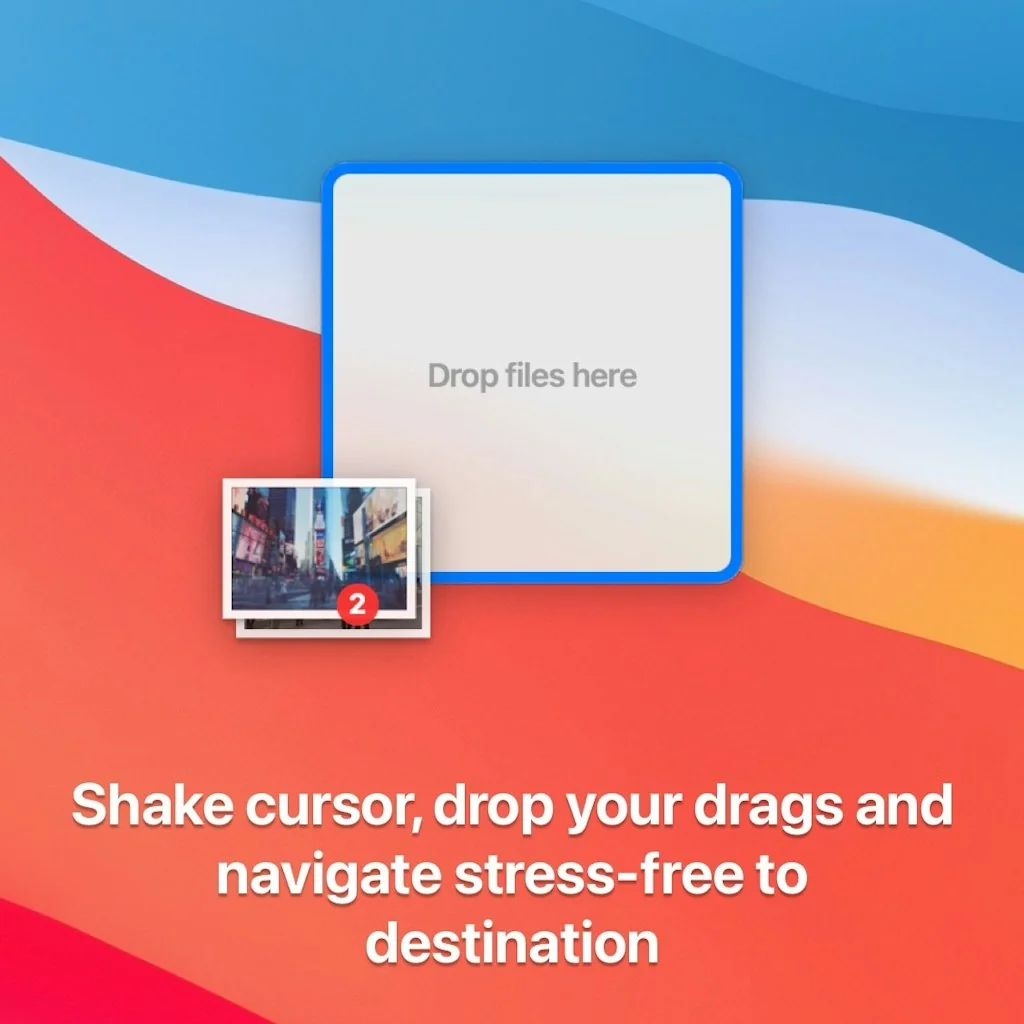
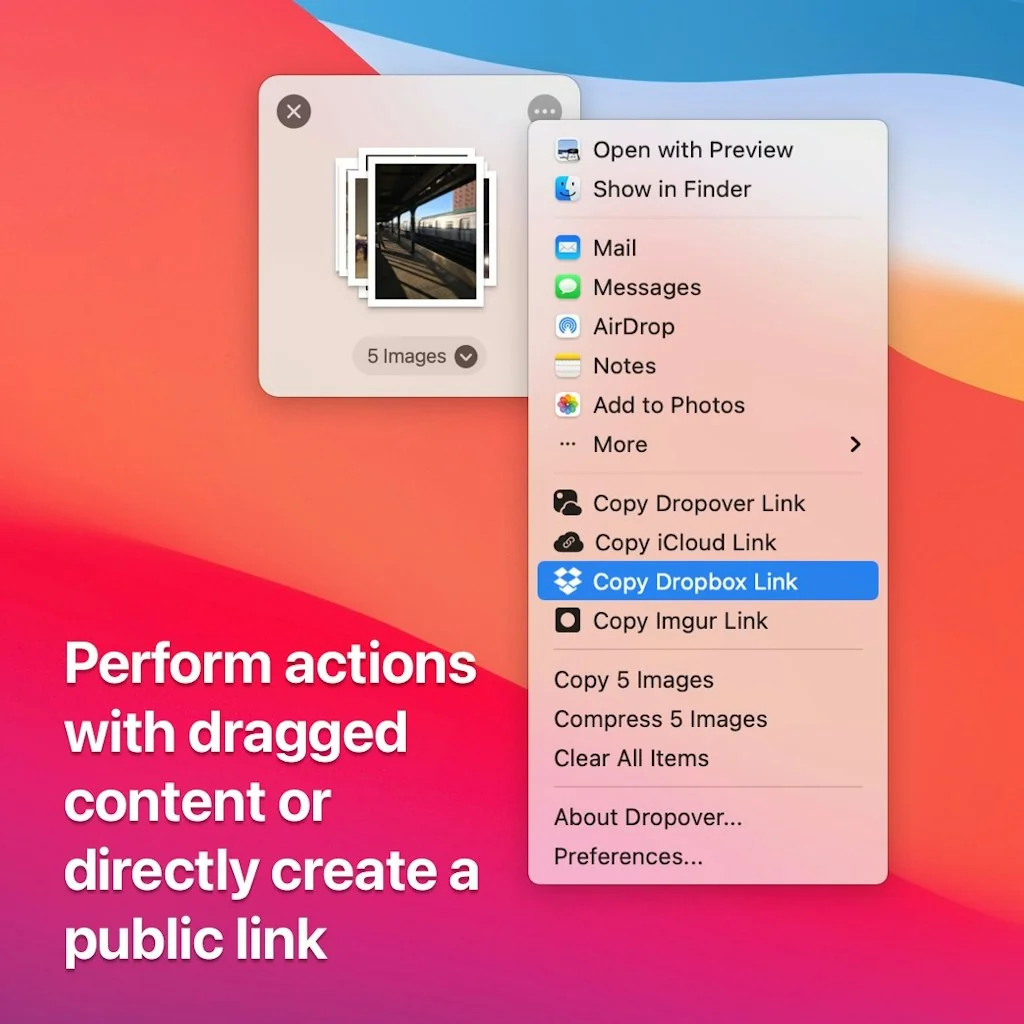
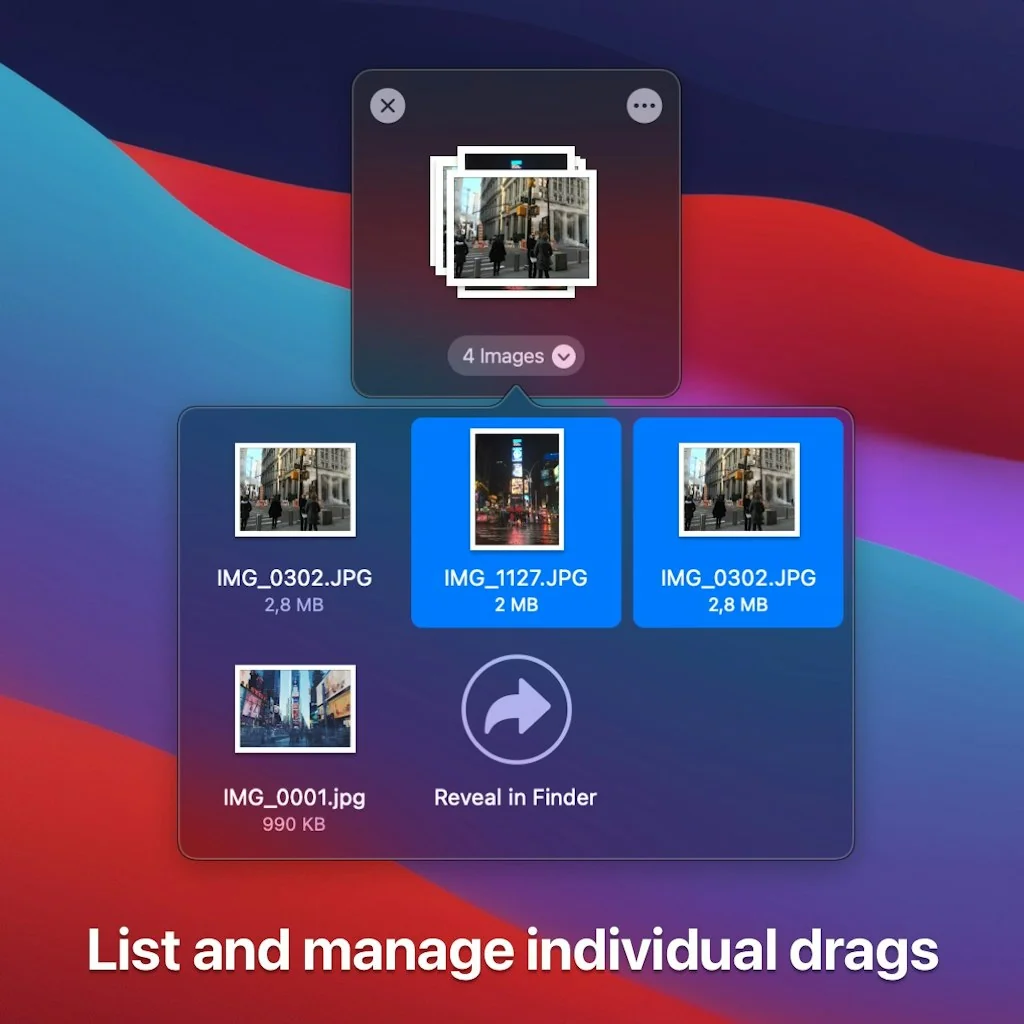
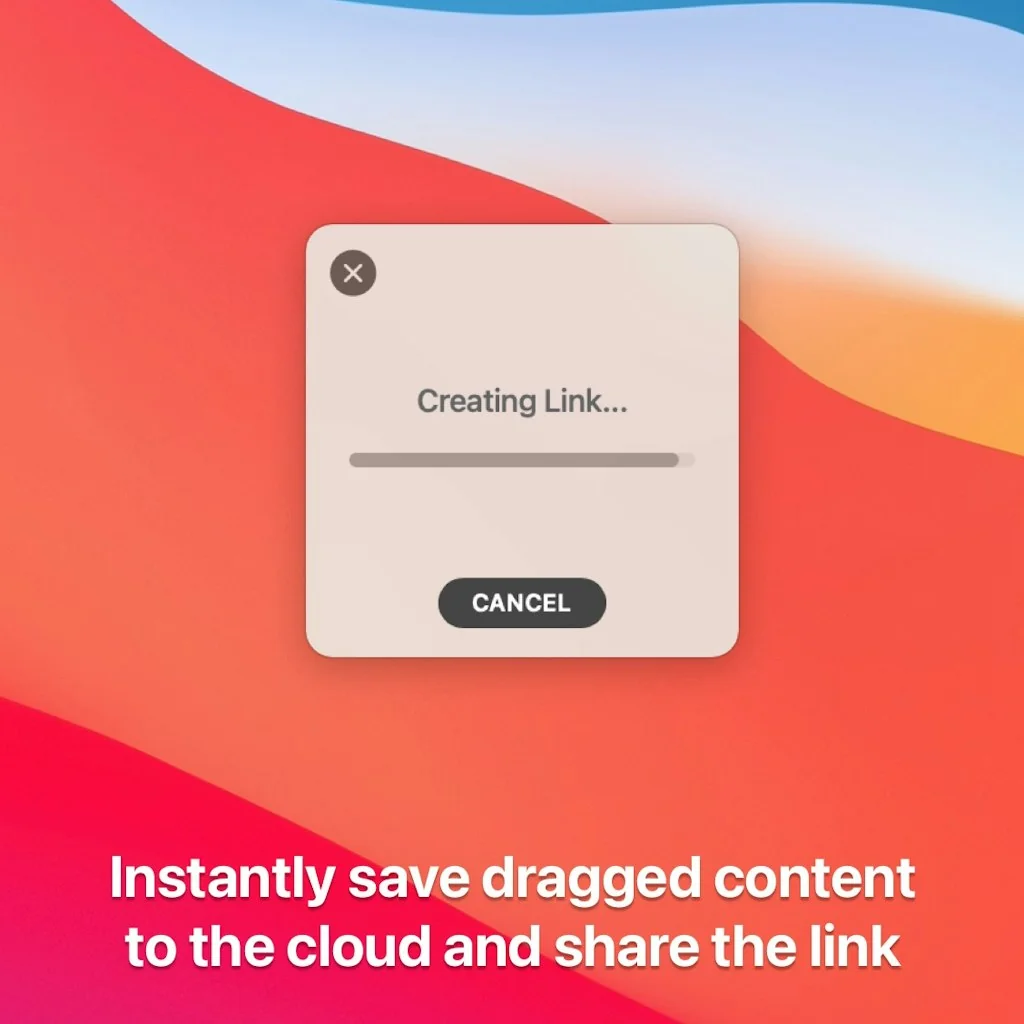
What is Dropover?
Dropover is a utility that makes it easier to manage and move content between folders, applications, windows and workspaces using Drag and Drop.
Pros & Cons
Pros
- Drag and drop
- Keyboard shortcuts
- Shelf feature
- Automation
- Cloud sharing
- Customizability
- Multiple displays support
- Workflow efficiency
Cons
- Focus disruption
Tool Details
| Categories | Productivity, File storage and sharing apps |
|---|---|
| Website | dropoverapp.com |
| Added | January 2, 2020 |
| Platforms | Web · iOS |
Recent Reviews (9)
This is my daily most used app to simply move elements into another space
One of my first installs on any new Mac!
Inspiration for the file pinning tool
As a designer, I often find myself juggling multiple assets and exporting files throughout the day. That's why I decided to try Dropover, a Mac app designed to improve the drag-and-drop experience. I was looking for a tool that could streamline my workflow, and Dropover promised just that. What I Liked : From the moment I started using Dropover, I noticed a significant improvement in my productivity. The app allows you to create a "shelf" where you can temporarily store files before moving them to their final destination. This feature is incredibly handy, especially when working with multiple applications and windows. I can quickly gather assets without the hassle of switching between different folders or screens. The automation aspect of Dropover is a game-changer. I love that it can automatically create a shelf when I take a screenshot or download a file, making it easier to keep everything organized. It saves me time and keeps my workspace tidy. What Could Be Better: While Dropover has greatly enhanced my workflow, there are a couple of areas where I think it could improve. One issue I’ve encountered is that when a new shelf appears, it disrupts my current focus by shifting my cursor to the shelf. This can be frustrating, especially when I’m in the middle of typing or working on something. It would be great if the shelf could open without stealing focus. Additionally, having the option to set up keyboard shortcuts to access specific shelves would make the app even more efficient. This feature could help streamline the process further, allowing for quicker access to files without interrupting my flow. Would I Recommend It? Absolutely! I would recommend Dropover to any designer or creative professional who frequently deals with multiple files and needs a more efficient way to manage their workflow. It's particularly useful for those who use multiple displays or often switch between applications. Overall, Dropover has proven to be an invaluable tool in my daily work, and I believe it can help others too!
Interesting and helpful, especially to those who use multiple Displays (monitors) since it can be a long, cumbersome journey to dragging your mouse all the way across 2-3 displays to simply click on your primary computer's macOS Dock where you have your "Screenshots" and "Downloads" folders. With Dropover, you can have a little bubble appear on whatever Display is your "Active" Display when you take a new screenshot or download a new file such that that new screenshot or downloaded file in likely much closer to (A) your cursor to expedite and save time accessing, opening, editing, moving, or otherwise acting on the file or (B) the Application/Window where you may need to upload it to (like ChatGPT). Lots of room for potential improvement too. My two (2) wishes after using it heavily for 2 weeks: 1) I wish taking a screenshot or downloading a file (which I've configured to open a "Shelf" on my "Active" Display so I can quickly and more efficiently access the file) did *NOT* move the focus of my Mac to the newly-created "Shelf," as this can be disruptive and even annoying when I'm in flow and typing out a thought while a file completes downloading or after I take a screenshot, only to realize that I'm typing into nothing because Dropover switched the focus to itself and I lost part of my message/train of thought. I wish the "Shelf" appeared but did not move the focus of the cursor/keyboard to it. 2) Instead, I wish I could set up a Keyboard Shortcut to open or have that specific Downloads or Screenshots "Shelf" appear next to my cursor or where I'm typing (usually so I can click and drag one or more files into another application window to upload, save, or share it). When using the native ChatGPT desktop app for macOS and uploading screenshots to troubleshoot something, these UX problems seem to be exacerbated. But, ChatGPT is the new Google, so would be great to see some improved UX and customizations allowed here.
I have been using Dropover since its early versions and a couple of times the developer have integrated into the application the suggestions I wrote him. I just wanted to say thank to him because he have built an application that was already almost perfect at early stages and year by year has made it beautiful and pleasant to use. Useful and well-developed. I test and use dozens of applications and I like to change them based on the "merit" of the developers. Thanks Dropover deveolper!!!
I can easily say and recommend Dropover for those who work a lot on files and organizing them. Because this application is very helpful in that regard, especially since Dropover has a cloud sharing feature that makes it easy to send files without having to open a website because it is included in the feature.
How do people get along without using dropover? Especially if they use touchpad for work. I honestly have no idea. Its make drag and drop so easy, especially when working with multiple files
The best drag & drop app for Mac! I came from Dropzone and Yoink, both very good but limited in really essential features and customizability.
Frequently Asked Questions about Dropover
When did Dropover become popular?
Dropover became popular around January 2, 2020.
What are the main advantages of using Dropover?
The top advantages of Dropover include: drag and drop, keyboard shortcuts, shelf feature, automation, cloud sharing.
What are the disadvantages of Dropover?
Some reported disadvantages of Dropover include: focus disruption.
What is Dropover's overall user rating?
Dropover has an overall rating of 4.9/5 based on 11 user reviews.
Is Dropover available on mobile devices?
Yes, Dropover is available on iOS (App Store).
What type of tool is Dropover?
Dropover belongs to the following categories: Productivity, File storage and sharing apps.
Related Productivity Tools
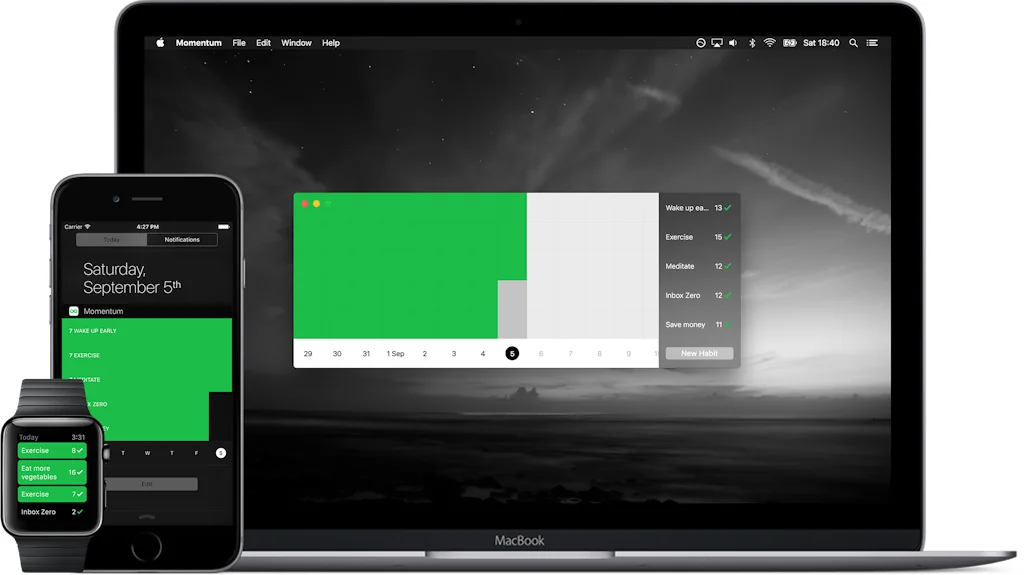
Momentum
Everything you need to get motivated.

Tixio.io
One workspace for all tools

Indy
All the tools you need to manage your independent business

The Culture Book
A practical guide to building incredible corporate cultures.
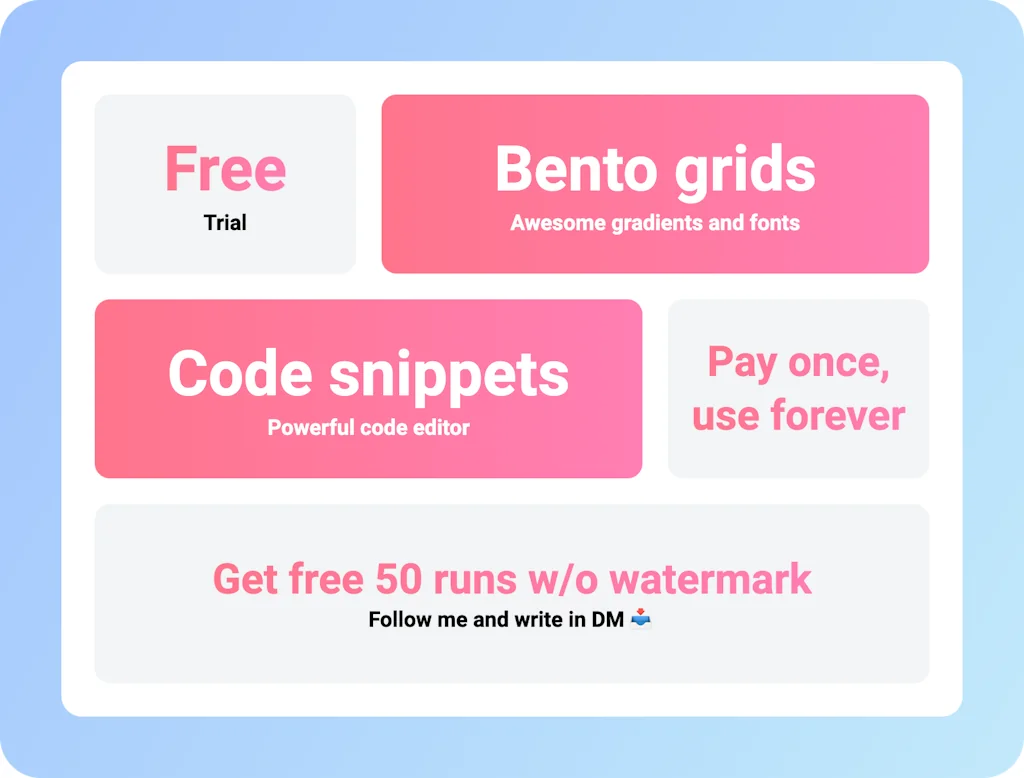
FastSnaps
Everything You need for sharing your thoughts
HazeOver
Focus and reduce visual noise
Related File storage and sharing apps Tools





Compare Dropover :





Don't Get Fooled by Fake Social Media Videos
The world's first fact checker for social media. Paste any link and get an instant credibility score with sources.
Try FactCheckTool Free