

KomodoDecks
Boost Team Productivity with unlimited screen Record & SOPs


What is KomodoDecks?
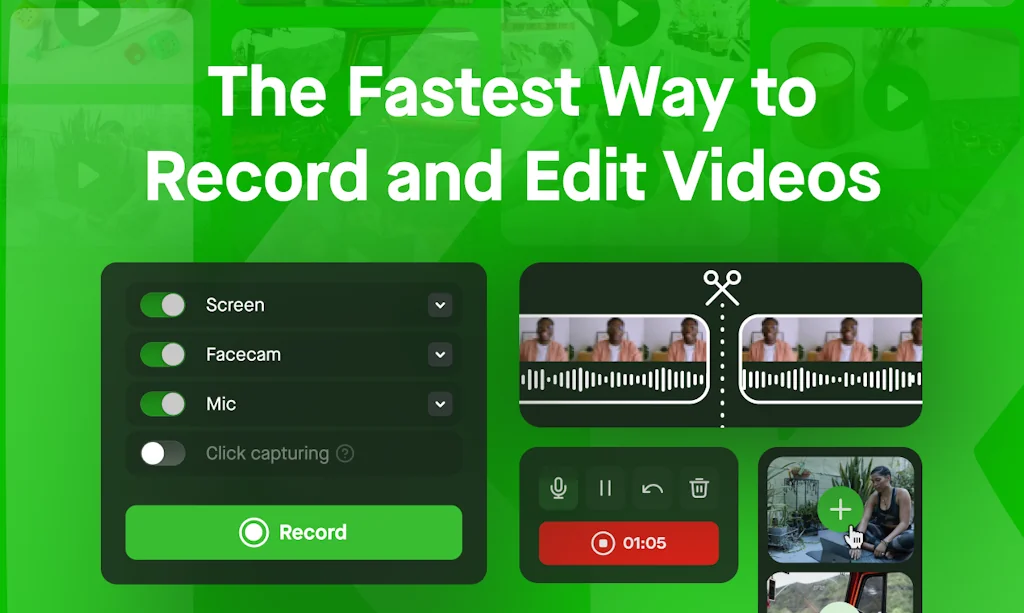
Master team productivity with KomodoDecks: free screen recording, collaborative comments, SOP editing, & MacOS transcript-based videos. Elevate your workflow! 📈🎥👥
Pros & Cons
Pros
- Screen recording
- Easy to use
- Guides creation
- SOP generation
- Video sharing
- AI features
- Responsive support
- Fast performance
- Transcript-based editing
- White-labeling options
- Analytics
- Custom domain
- Free unlimited recording
- Collaborative comments
Cons
- Buggy software
- Poor customer support
- Crashes and freezes
- No auto-save
- Ads in paid version
- AI features
- Video sharing
Tool Details
| Categories | Productivity, Team collaboration software, Screenshots and screen recording apps |
|---|---|
| Website | www.komododecks.com |
| Added | May 8, 2023 |
| Platforms | Web |
| Social | Twitter · Facebook |
Recent Reviews (12)
🎉🎊 Congrats KomodoDecks! 🎊🎉 ✔Your screencasting tool is a game-changer! Love the SOP generation and transcript-based editing with AI. 🧠 📈 Custom domain & white-labeling options are a cherry on top! 🍒 Unlimited free recording is impressive! 🆓🎥 ♦What inspired the name "KomodoDecks"? 🤔
Amazing! I got the lifetime deal, I'm the luckiest! I use it everyday
🚫 Komodo Deck – Overhyped, Underdelivered, and Completely Ignored Users 😤 I rarely post negative reviews, but this time I have to speak up. After weeks of frustration, I want to save others from wasting their time, money, and trust on Komodo Deck. 💸 ❌ The Reality Behind the Hype: What looked like a promising tool to streamline processes and document workflows turned out to be a bug-filled, glitchy mess. The software constantly lags, randomly crashes, and sometimes just refuses to record or render at all. 🐞💥 Every time I tried to use it for a serious workflow, it broke down midway, forcing me to start over or switch to another tool. What’s worse? There’s no auto-save, no recovery, no proper user flow. Just pain. 🙄 📬 Where Is the Support Team? Hello? Anyone? I’ve sent over 8 emails in the last 3 weeks asking for help. ZERO response. No ticket ID, no bot acknowledgment, nothing. It’s like they vanished after taking your subscription fee. 🕳️👻 This is not just poor support—it’s blatant negligence. There’s no active community, no status updates, and no social media engagement. You're on your own. 🛑 ⚠️ Final Verdict: Avoid Komodo Deck Don't fall for clean UI screenshots or nice taglines. What they promise and what they deliver are worlds apart. It feels like an abandoned project dressed up for launch day. Instead, if you want reliable and actually supported tools for documenting or sharing processes, try: ✅ Tango – Clean UX and responsive team ✅ Scribe – Stable, smooth, and regularly updated ✅ Loom – Trusted by teams worldwide and works like a charm 💬 My Advice? If your workflow or business depends on tools like this, run in the other direction. Trust takes time to build—but Komodo Deck shattered it instantly. 💔
HIGHLY RECOMMENDED! First some well-deserved praise, then some practical help in using their tool. Guys, I went through the hassle to set up my ProductHunt account just to be able to upvote these guys. Khanan and his team have underpromised and overdelivered to the point that it would be criminal not to support them. I was constantly getting surprises after signing up for their software, nothing but good surprises. Often with startups in the SaaS world, you'll see the reverse. These guys are clearly talented at their craft, passionate about business, humble to hear feedback, driven to improve the product, and generous to their customers. I rely on Komodecks in my marketing efforts. I love being able to send videos to prospects about marketing services with screen recordings of my website, offer, and how it can help their business. I get stats about when they view them and the videos are hosted on my own subdomain so it's more professional than "cold looms". It's set as videos.mydomain.com. Plus, it's all using my branding. It comes with a desktop app that transcribes (just like Descript if you're familiar with it). Trust me when I say this, I've had the opposite of buyer's remorse with this product and it's been some time since I bought it.
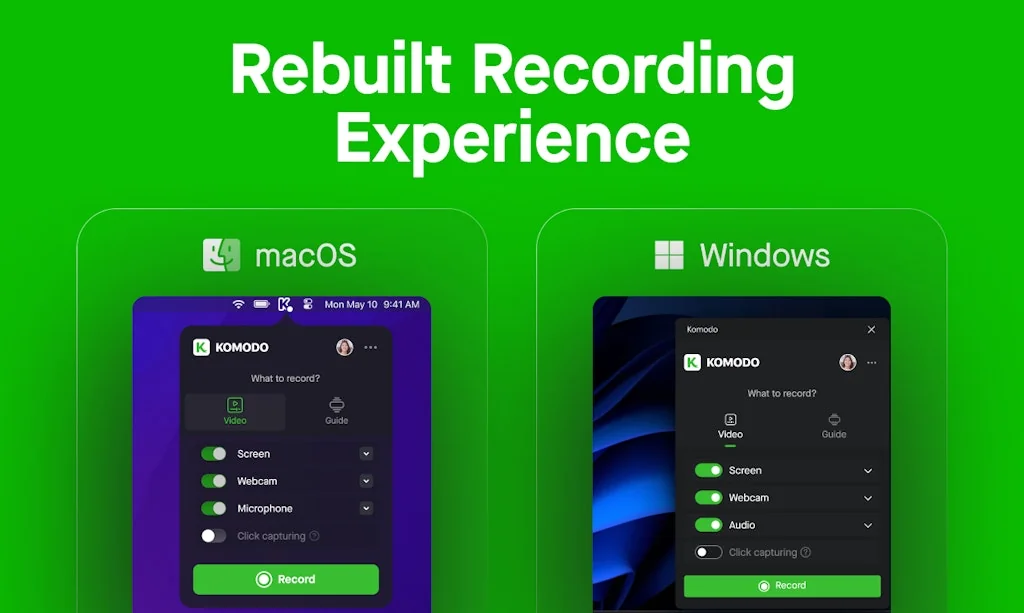
One of the most versatile screen recorders that i have had the privilege of using, also pretty generous limits. Its my daily driver for screen captures and has grown by leaps and bounds since its inception, was actually waiting for a windows app as the mac app could do a lot more than windows, but was pleasantly surprised to see that they managed to push the functionality in the plugin itself. The best tool ever, moved away from berry cast and the crappy vadoo tv once i got this.
I've been a Komodo Decks user for the past 2 years, but lately, it's been pretty sh1tty, full of annoying bugs. They should focus on bug fixing and not those new 0-additional-value AI features. On average I have to record everything twice, since it either crashes, or freezes, or the save doesn't go through... It used to be a great product but nowadays I would definitely NOT recommend it!
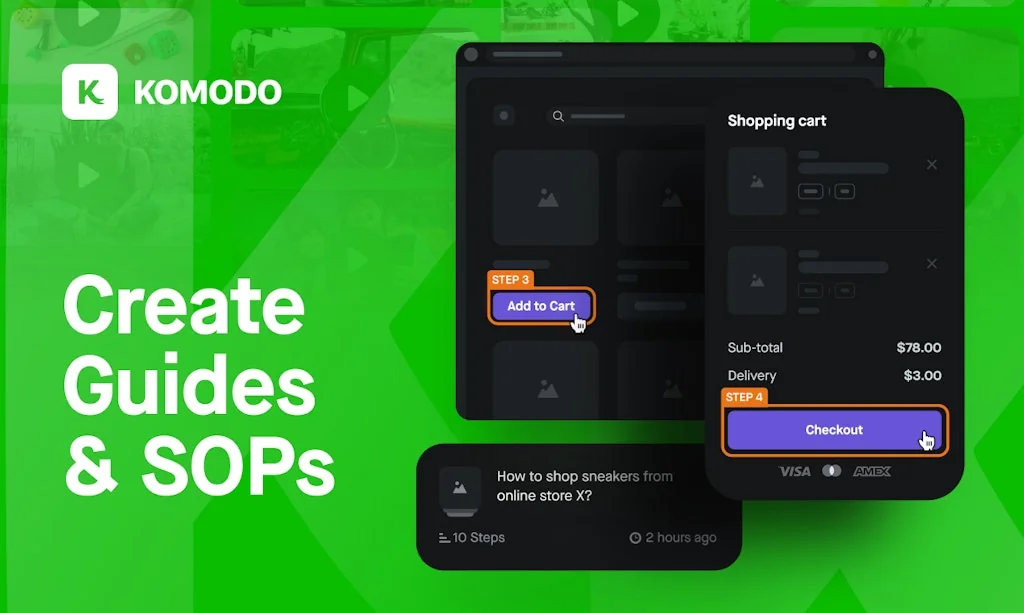
Enjoying using the platform, it makes it super simple for me to share instructions with clients. Not only can I quickly record a video of what to do, it can also create written instructions! This is a killer feature and helps build guides and instructions quick and easy. What's missing is a simple online video editor to save me having to download, edit, and then upload for sharing.
Komodo has been a game-changer for our workflow. The ability to quickly record, edit, and share screen recordings has facilitated much smoother communication across our remote teams. The step-by-step guides are particularly useful for documenting and streamlining our SOPs. It's rare to find a tool that so effectively meets such a wide range of our needs. Thanks Khanan and the team.
I absolutely LOVE Komodo Decks. The editing with transcript has actually changed the way I record my how-to videos. When I realize I made a mistake while recording, I just keep rolling, pause for a second and say "resume". That way, when I go to edit the video, I can find the irrelevant sections before that and remove them easily.
so far so good. it has most features of loom although I'd like fewer clicks to be able to start up a video and also to have a "continue recording" feature or way to stitch videos together for sharing. I had to stop a video for an unexpected interruption and you can only start over and stitch them together in another app
Super easy to record videos and track your steps automatically. Like if Loom got an upgrade for SOPs. We use it for all video-sharing needs. Could use some admin panel upgrades but it has been on a great trajectory in the past year that we've been using it.
Mobile app puts a Komodo advertisement at the end of every video even though I paid for the software! Also, when recording in landscape/wide video, the thumbnail of your face is the wrong way! Makes it unusable. Support is non-existent.
Frequently Asked Questions about KomodoDecks
When did KomodoDecks become popular?
KomodoDecks became popular around May 8, 2023.
What are the main advantages of using KomodoDecks?
The top advantages of KomodoDecks include: screen recording, easy to use, guides creation, SOP generation, video sharing.
What are the disadvantages of KomodoDecks?
Some reported disadvantages of KomodoDecks include: buggy software, poor customer support, crashes and freezes, no auto-save, ads in paid version.
What is KomodoDecks's overall user rating?
KomodoDecks has an overall rating of 4.5/5 based on 37 user reviews.
What type of tool is KomodoDecks?
KomodoDecks belongs to the following categories: Productivity, Team collaboration software, Screenshots and screen recording apps.
Related Productivity Tools

Rambox
Workspace simplifier

Iago
Speak Japanese through a story-driven adventure

Playmaker
Transform unstructured data into actionable data, instantly

Company of One
A book on why staying small is the next big thing in biz

Gingko Writer
Writing software that gets you to first draft, fast

Shelfinder
A floating shelf for drag-and-drop files on macOS
Related Team collaboration software Tools

Rewatch
Say goodbye to endless meetings & note-taking

Moonshot by Reason
Massive virtual escape room for remote teams
Ditto
Manage the words across the surfaces of your product

Shelve
The simple way to share environment variables

Alpine
All your work in one place: docs, tasks, chat, AI and more

BoodleBox
Lifelong AI from the Classroom to Career and Beyond
Related Screenshots and screen recording apps Tools

OneStream Live
Create, schedule & multistream videos on social media & web

RetroClip
Fast, native, comprehensive issue tracking and code review

Echo
Capture your digital memories from any platform

Gleap
The best AI-first customer support and feedback platform

MarkUp for Chrome
Turn any URL into a canvas for feedback from your browser

Shotty
Faster access to your screenshots on Mac.
Compare KomodoDecks :





Don't Get Fooled by Fake Social Media Videos
The world's first fact checker for social media. Paste any link and get an instant credibility score with sources.
Try FactCheckTool Free