

LightPDF
A free, simple PDF toolkit for Windows, Mac, Android and iOS
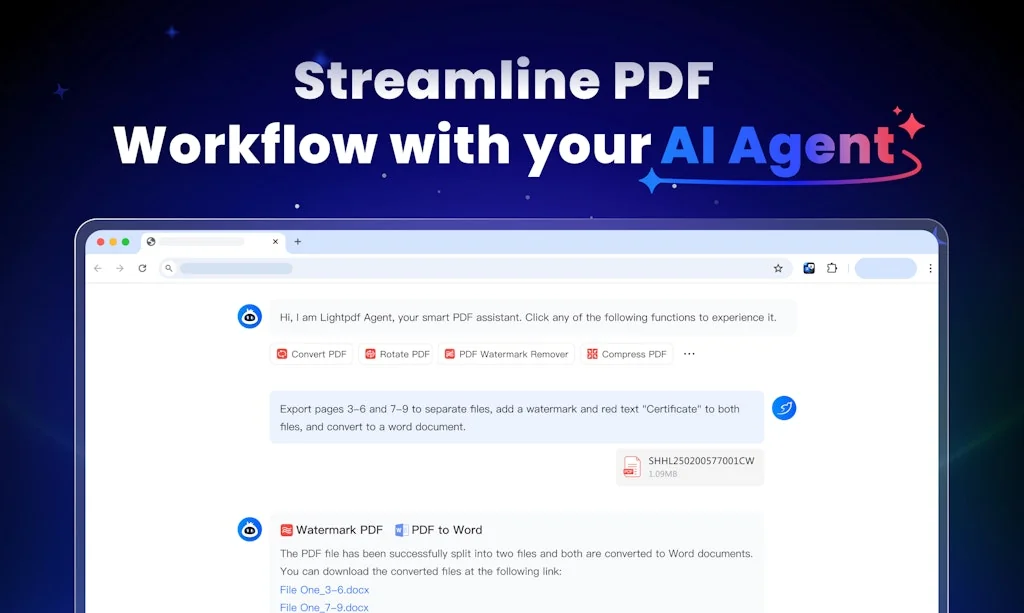
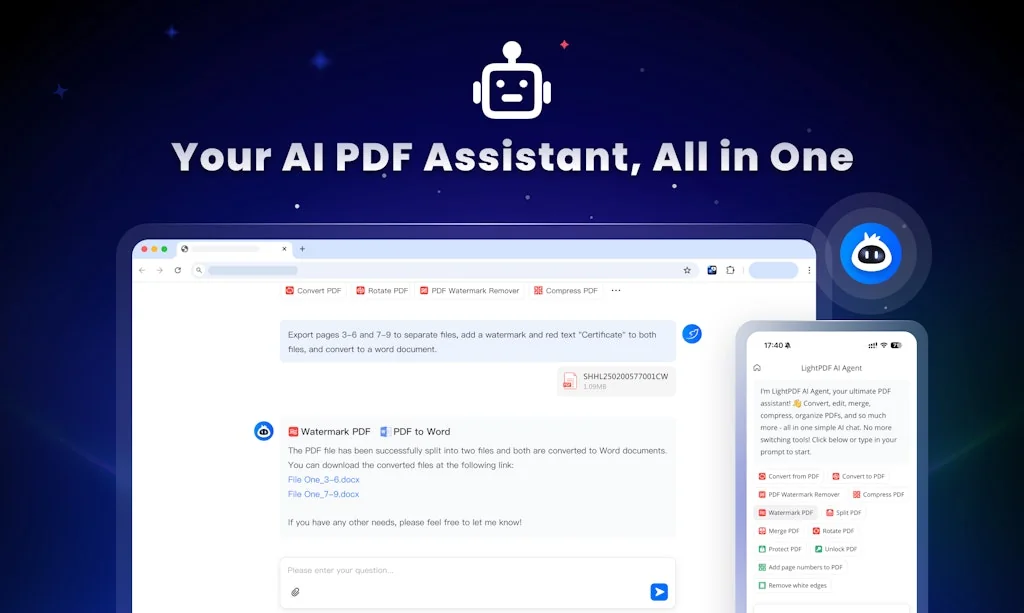
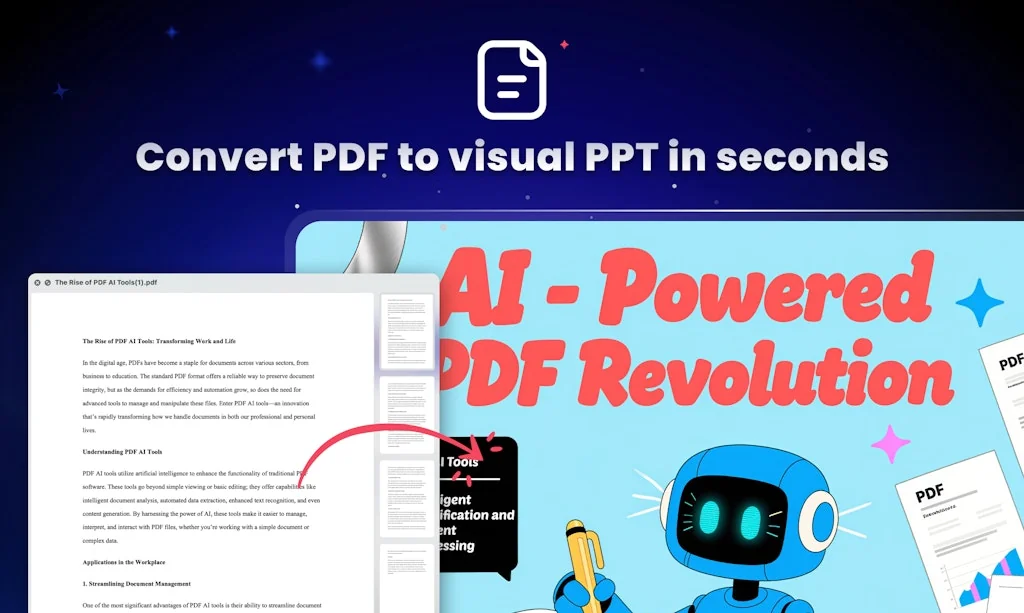
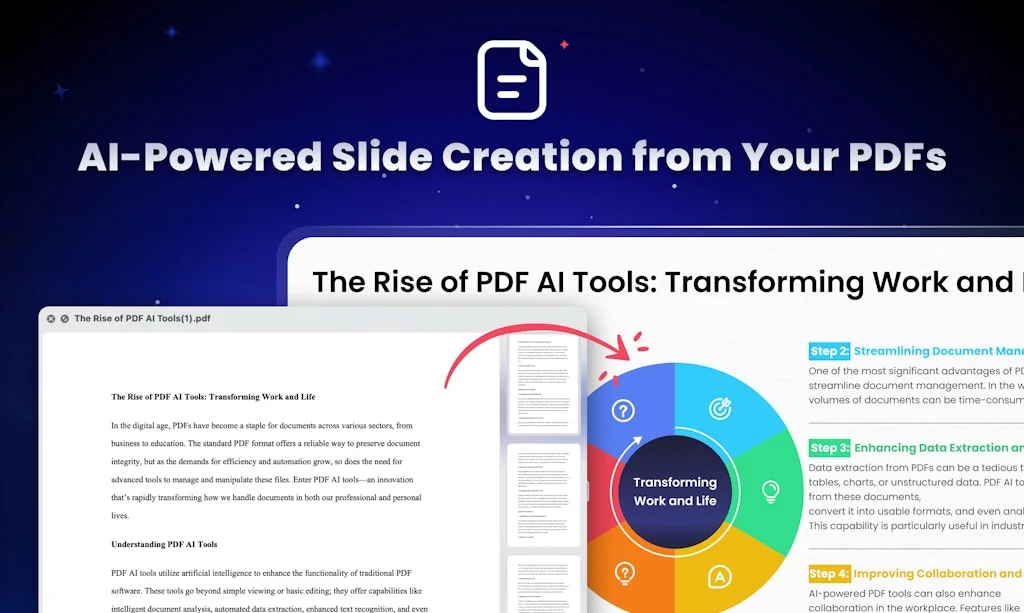
What is LightPDF?
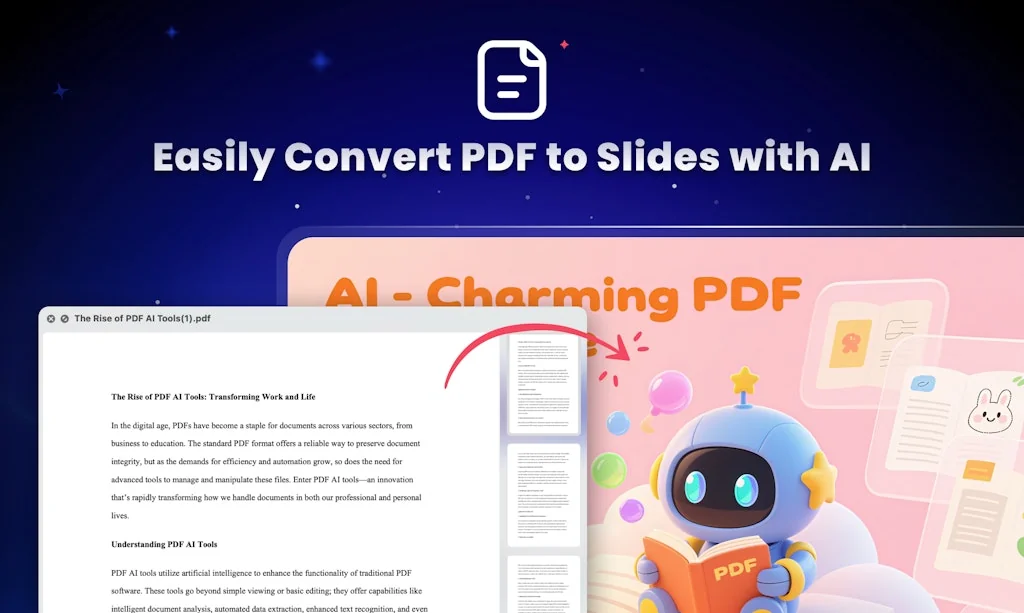
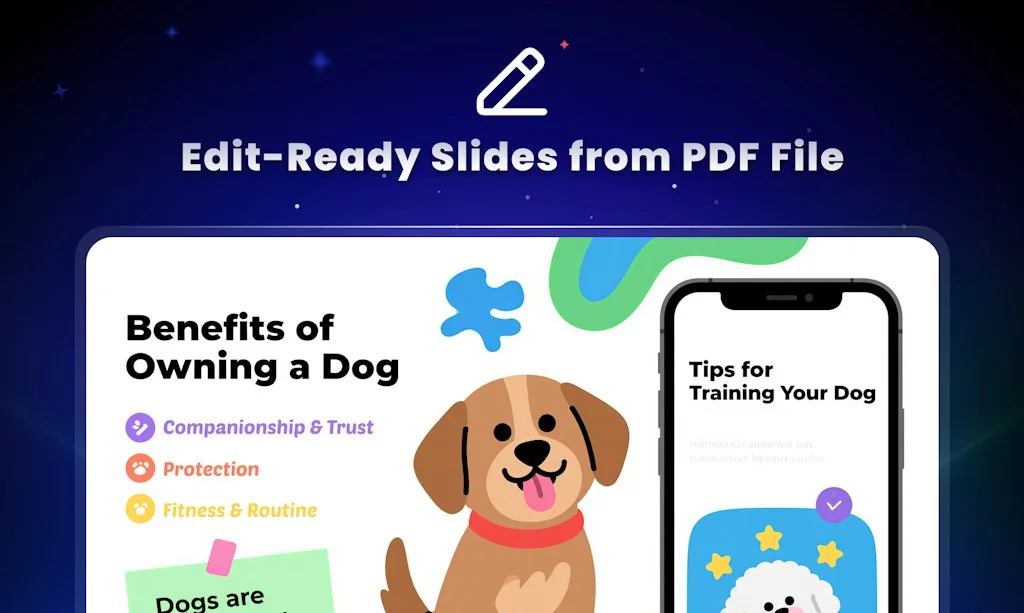
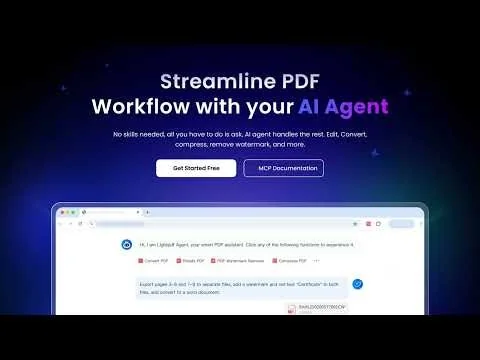
LightPDF is a safe & free website providing all visitors online PDF tools for using. Those tools include the PDF converters, editor and other tools that can help to split, merge, sign, unlock PDF, etc.
Pros & Cons
Pros
- Conversion tools
- Editing tools
- Intuitive interface
- Fast performance
- High-quality output
- AI-powered features
- Annotation tools
- Excellent customer support
- OCR support
- Secure file processing
- Batch processing
- Free tier
- Multi-platform support
- Wide range of file formats
- Document management
- No registration required
- Collaboration capabilities
- E-signatures
- Fillable PDF forms
- Password protection
Tool Details
| Categories | Productivity, Design & Creative |
|---|---|
| Website | lightpdf.com |
| Added | January 24, 2018 |
| Platforms | Web · iOS · Android |
| Social |
Recent Reviews (11)
Thank you so much, LightPDF is doing wonders!
I've been using LightPDF recently and am impressed with all the tools it offers for working with PDF files. This free and secure platform has features that go far beyond the basics: from conversion, editing and OCR to advanced options such as splitting, merging and unlocking documents. In addition, the ability to chat with PDFs thanks to its artificial intelligence has been a game changer, enabling fast and accurate navigation of long documents. It's ideal for both personal and professional use, and the best part is that it's available on multiple platforms (Windows, Web, Android, iOS), keeping my files in sync across all my devices. LightPDF has saved me a lot of time and improved my productivity to the max, making it my go-to tool for any PDF-related task. I definitely recommend it!’
nmatched in its ability to edit PDFs, allowing you to modify text, images, and layouts seamlessly. Excel files can be converted to PDFs and vice versa, retaining full formatting, including tables and formulas. Advanced Features: It offers powerful tools like e-signatures, form creation, and collaboration capabilities, perfect for professionals. You can add comments, highlight text, and review documents efficiently.
LightPDF is a versatile online tool for managing PDF files. It offers a range of features like conversion, editing, merging, and compressing, all in a user-friendly interface. Its standout feature is the ability to convert PDFs to various formats without losing quality. With no sign-up required and fast processing times, it's a convenient choice for quick PDF tasks.
LightPDF AI Agent is an impressive all-in-one tool that simplifies working with PDFs. Its AI-powered features, like chatting with documents and extracting key information, make handling complex files much easier. A great productivity booster for students and professionals alike!
I've tried several PDF conversion tools, but LightPDF stands out with its clean and intuitive interface. It's easy to navigate, and the conversion process is seamless.
I appreciate that LightPDF allows users to access its features without the need for registration or account creation, making it a hassle-free option for quick tasks.
Being able to use LightPDF on multiple devices and operating systems is a huge plus, as it ensures that I can always have access to my PDF tools wherever I am.
The converted or edited files maintain their original quality, ensuring that my documents look professional and polished no matter what format they are in.
LightPDF processes files quickly and efficiently, saving me a lot of time when I need to convert or edit documents on the go.
LightPDF is a great solution for anyone who needs to convert PDF to Word while preserving hyperlinks.
Frequently Asked Questions about LightPDF
When did LightPDF become popular?
LightPDF became popular around January 24, 2018.
What are the main advantages of using LightPDF?
The top advantages of LightPDF include: conversion tools, editing tools, intuitive interface, fast performance, high-quality output.
What is LightPDF's overall user rating?
LightPDF has an overall rating of 5.0/5 based on 11 user reviews.
Is LightPDF available on mobile devices?
Yes, LightPDF is available on iOS (App Store) & Android (Google Play).
What type of tool is LightPDF?
LightPDF belongs to the following categories: Productivity, Design & Creative.
Related Productivity Tools

Sunsama
YC W19. If Google Calendar and Trello had a baby.

Clover
Work visually with the all-in-one notebook for creatives.
CodeBrisk
Build your comunity, pay just once.

Tea Minus
Taking the stress out of the office drink round

Outlit AI
AI Agents for your SaaS Deals

Flat
Simple, delightful, collaborative work tracking
Related Design & Creative Tools






Compare LightPDF :





Don't Get Fooled by Fake Social Media Videos
The world's first fact checker for social media. Paste any link and get an instant credibility score with sources.
Try FactCheckTool Free