
What is Swish?
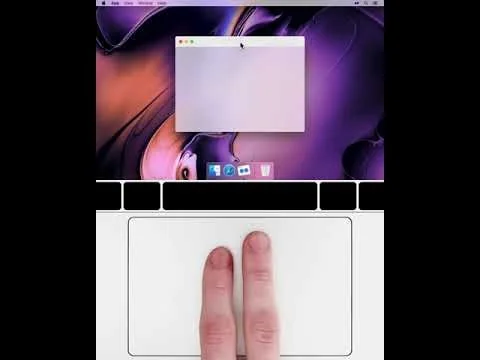
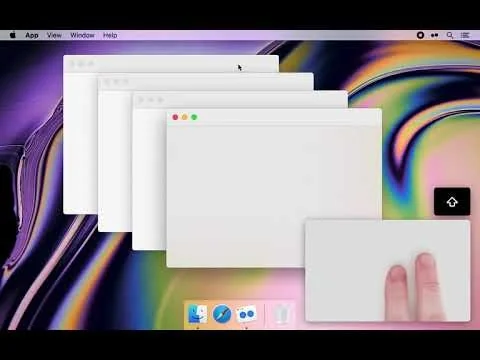
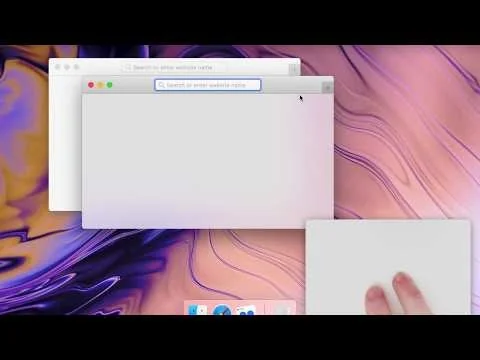
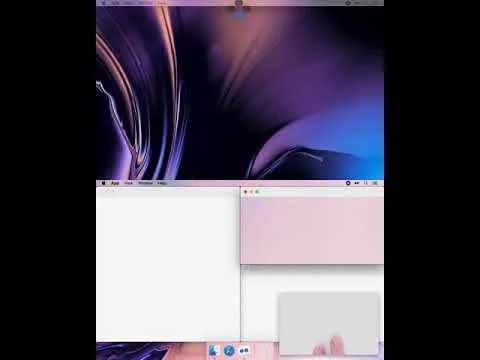
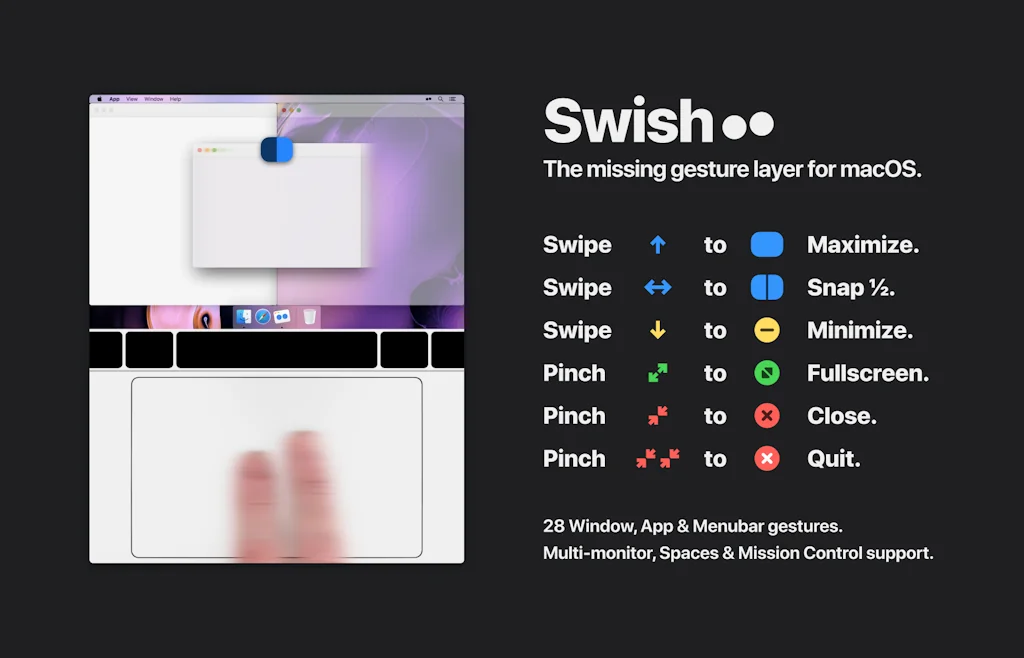
Control windows and applications right from your trackpad with intuitive swipe, pinch, tap and hold gestures.
Works with Magic Trackpad & Mouse.
Supports keyboard shortcuts.
Pros & Cons
Pros
- Easy window management
- Trackpad integration
- Window snapping
- Background operation
- Efficient workflow
- Extensive customization options
- Fast performance
- Frequent updates
- Productivity boost
- Reliable performance
Cons
- Frequent crashes
- Missing quarter split feature
- Compatibility issues with OSX Ventura
- Conflict with BetterTouchTool
- Lack of support
Tool Details
| Categories | Productivity, Automation tools, App switcher |
|---|---|
| Website | highlyopinionated.co |
| Added | June 2, 2019 |
| Platforms | Web |
Recent Reviews (12)
I love Swish. It is part of my everyday experience in Mac and I miss it when I use a Mac that does not have it. Please keep it going forever.
My favorite window manager
It just works seamlessly.
I’ve been using Swish for Mac since 2018, and it has become an essential part of my daily workflow. Its gesture-based controls feel completely natural on the Mac trackpad, making it effortless to snap, resize, and organize windows. This simple yet powerful functionality fills a gap in macOS and has helped me stay focused and productive. What stands out to me is Swish’s stability and refinement over the years. It has never slowed down my system, and updates have only made the experience smoother and more polished. The app manages to strike a perfect balance between being lightweight and feature-rich, without ever feeling overwhelming. After seven years of consistent use, I can confidently say that Swish is more than just a utility—it’s a must-have productivity tool for anyone who wants to work efficiently on a Mac. It blends seamlessly with macOS, and once you start using it, it quickly becomes something you can’t imagine working without.
Main issue with Swish is it conflicts with BetterTouchTool. Which BTT is a more valuable app, so I'm unable to use Swish. With both apps running, it causes my trackpad to stop working randomly. Once Swish is closed, all works as expected. Support is non-existent. I attempted contact nearly several weeks ago in regards to the issue mentioned above. Have not received a single response. Rather disappointed with the conflict between this app and the other. As I would have preferred to use Swish for window management instead, and BTT for 99.9% of everything else. On a M1 Max MacBook 16"
Awesome product! I haven't found another window management app that is as quick and easy to use as Swish. This is the best app for a 16:9 display available. Only thing that would make it better is if you could change the grids. Wanting to go to an ultrawide monitor but might need to go to a different snapping tool to have more than just 3 divisions horizontally.
This is how Apple should have designed window management (and I wouldn't put it past them to include this functionality in a future OS release) - this is simple, intuitive, and addictive My one gripe - it is not keeping up with Apple OS releases. It crashes often with OSX Ventura, sometimes making it unusable.
Great app, but I really miss the quarter split on a wider screen. I often want to place the main window in the center half and use the left and right quarters for something like work chat. Option to reassign tertiary modifier from splitting in ninth to splitting in quarters would be soo nice.
This utility is a must-have for any MacBook user. It has fundamentally transformed how I interact with macOS. With extensive customization options, it stays conveniently in the background & exceeds expectations for a window management app. I highly recommend purchasing a license for your friends and family. Once they start using it, you'll wonder how you ever lived without it.
This app has become so deeply and organically embedded into my Mac that I often find myself lost on other macbooks when I try to organise windows. It's really easy, and addictive to use.
This app is the sole reason I use a trackpad, even on my desktop setup. It's the most intuitive window manager for macOS by a long shot.
Great product, except that it silently stops every once in a while. I always have to restart it manually.
Frequently Asked Questions about Swish
When did Swish become popular?
Swish became popular around June 2, 2019.
What are the main advantages of using Swish?
The top advantages of Swish include: easy window management, trackpad integration, window snapping, background operation, efficient workflow.
What are the disadvantages of Swish?
Some reported disadvantages of Swish include: frequent crashes, missing quarter split feature, compatibility issues with OSX Ventura, conflict with BetterTouchTool, lack of support.
What is Swish's overall user rating?
Swish has an overall rating of 4.6/5 based on 12 user reviews.
What type of tool is Swish?
Swish belongs to the following categories: Productivity, Automation tools, App switcher.
Related Productivity Tools

Momentum
Personalized dashboard to eliminate distraction and inspire

Auto RTL
Switch page layout to RTL after translation if needed!

IntroSender
The easiest way to make an introduction 💌

Journey
Turn your plans into action

Reflect New Tab for Chrome
Open new browser tabs to a dashboard of customizable widgets

Therapartners
Your AI-Powered Therapy Assistant
Related Automation tools Tools

Salesforge
AI-copilot or autopilot for sales execution

Crumbs
Turn spare change into crypto 🚀🌕

DocsCube
Sign more deals faster with B2B Deal Rooms

AccessOwl
Automate your access approval process right in Slack

Brightcall Dialer
10X Results From Your Outbound Calling

Cyguru
Open SOCaaS AI-based Security on autopilot
Related App switcher Tools

Slapdash
The operating system for work

Shift
The workstation for productive people.

Charmstone
The quicker switcher launcher for macOS

Spectacle
Move and resize windows with ease

Appratio
Build apps for iOS, Android, and the web without coding 💥

DockFlow
Switch between dock presets on MacOS instantly
Compare Swish :





Don't Get Fooled by Fake Social Media Videos
The world's first fact checker for social media. Paste any link and get an instant credibility score with sources.
Try FactCheckTool Free