

VoiceLine
Work with voice. Anywhere. No typing, no meetings.

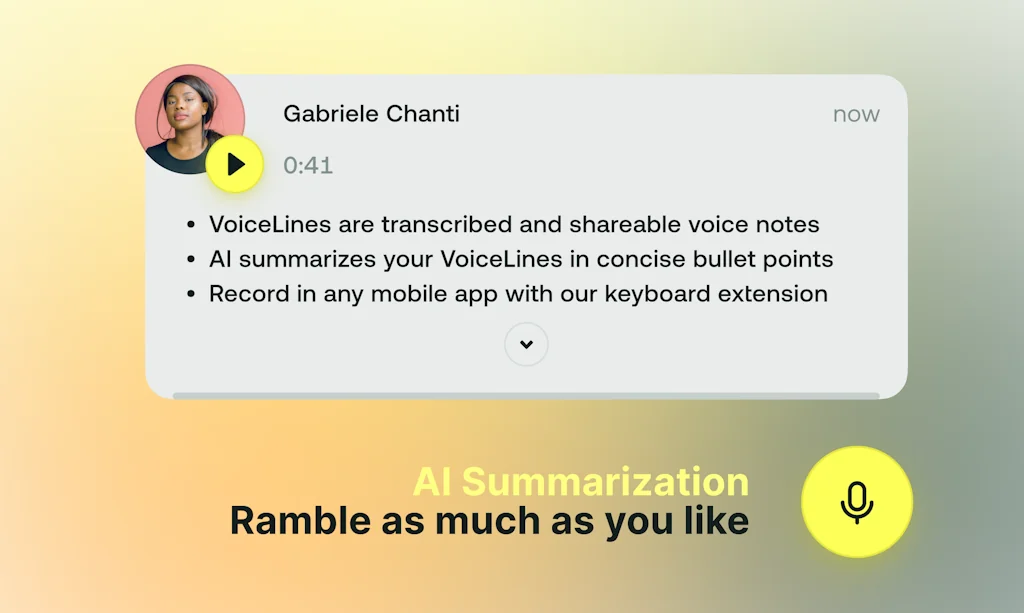
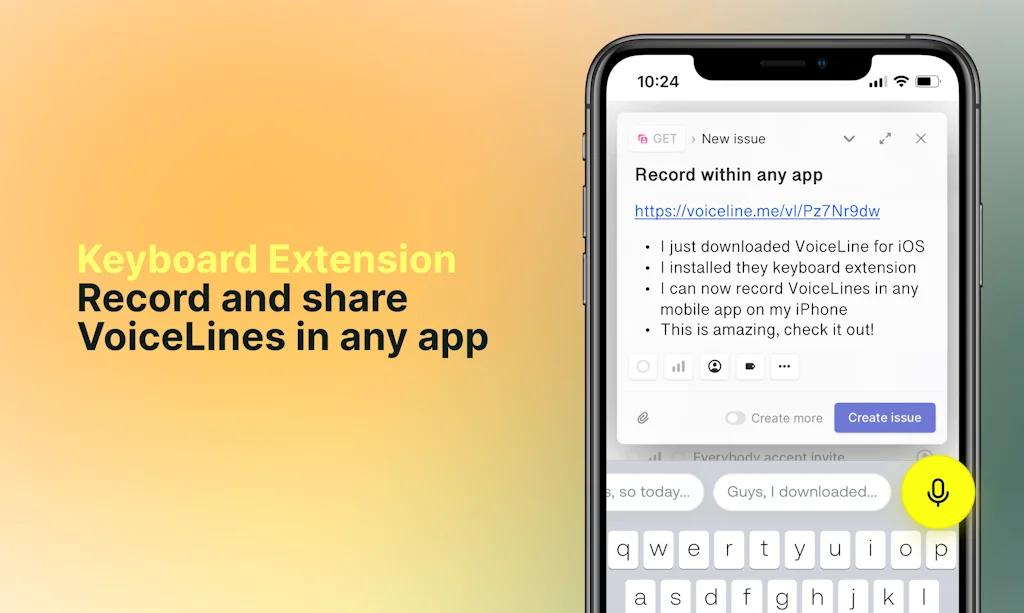
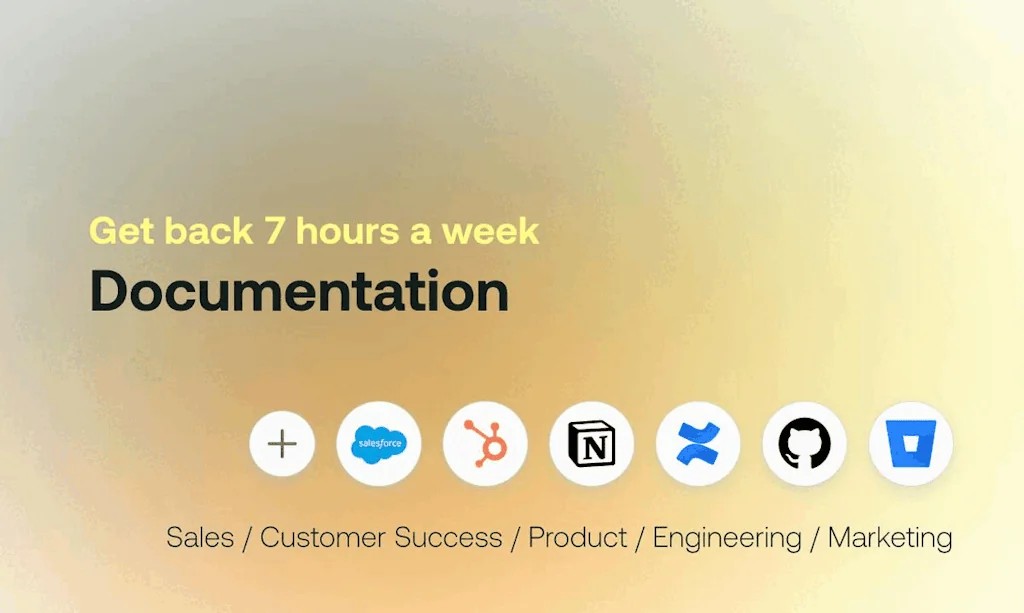
What is VoiceLine?
VoiceLines joins the warmth of your voice with the efficiency of text. The result: The most effective medium to communicate at work - across tools, workflows, and devices. Now available for all your browser-based tools on Chrome!
Pros & Cons
Pros
- Saves typing time
- Asynchronous communication
- Browser compatibility
- Reduces unnecessary meetings
- Voice integration
Tool Details
| Categories | Remote workforce tools, Chrome Extensions, AI Voice Agents |
|---|---|
| Website | getvoiceline.com |
| Added | September 20, 2022 |
| Platforms | Web |
Recent Reviews (1)
I continue to be impressed by the sheer potential of untapped voice use cases in business. With VoiceLine, I can finally use my voice to communicate across every tool I use within my browser, whether I'm sitting on my desk at work or trying to capture a brief thought while walking home. Most importantly, though, this behavior change is enabled by an intuitive and well-designed simplistic product! Just give it a shot, it will be worth your time (and save lots of it!!)
Frequently Asked Questions about VoiceLine
When did VoiceLine become popular?
VoiceLine became popular around September 20, 2022.
What are the main advantages of using VoiceLine?
The top advantages of VoiceLine include: saves typing time, asynchronous communication, browser compatibility, reduces unnecessary meetings, voice integration.
What is VoiceLine's overall user rating?
VoiceLine has an overall rating of 5.0/5 based on 1 user reviews.
What type of tool is VoiceLine?
VoiceLine belongs to the following categories: Remote workforce tools, Chrome Extensions, AI Voice Agents.
Related Remote workforce tools Tools

Walkie
Real time voice chat for your team.

Nifty
The All-In-One Project Management Software

Litespace
A Platform Built to Reconnect Employees in Hybrid Workspace

Automaze
Technical Co‑Founder & CTO as a Service

Talently.ai
Search, match and hire expert remote software developers

Retainr.io - Convert Skills Into Profit
Turns Your Freelance Skills into Monetizable Products
Related Chrome Extensions Tools

Site Palette
Get the essential colours from a website.

SurfPal
Track, analyze, and limit your time spent on each website

Tofu Pages
Infinite landing pages from your existing website

Career Connect
3x your interview rate with personalized AI-crafted emails

Markoob
Bookmark Launcher with usage-based recommendations.

Gemini Sidepanel
Use Gemini AI in Chrome's new sticky sidepanel
Related AI Voice Agents Tools

Podial
Generate engaging educational podcasts

Solidroad
The AI-first training and assessment platform

Listnr AI
Listnr AI helps users create realistic content in seconds

Watto AI
Transform your product team with AI-powered docs

Whyser
Conduct and analyze user interviews at scale

Mate Translate
Translate voice and text Into 100 languages on all devices
Compare VoiceLine :





Don't Get Fooled by Fake Social Media Videos
The world's first fact checker for social media. Paste any link and get an instant credibility score with sources.
Try FactCheckTool Free