
What is Xnapper ?
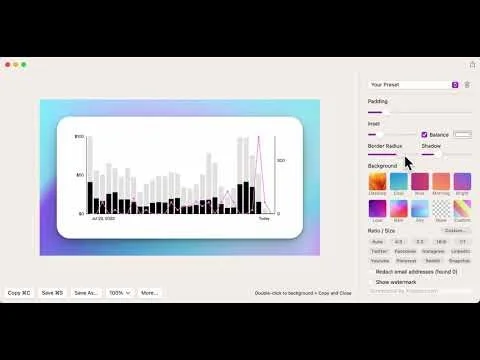
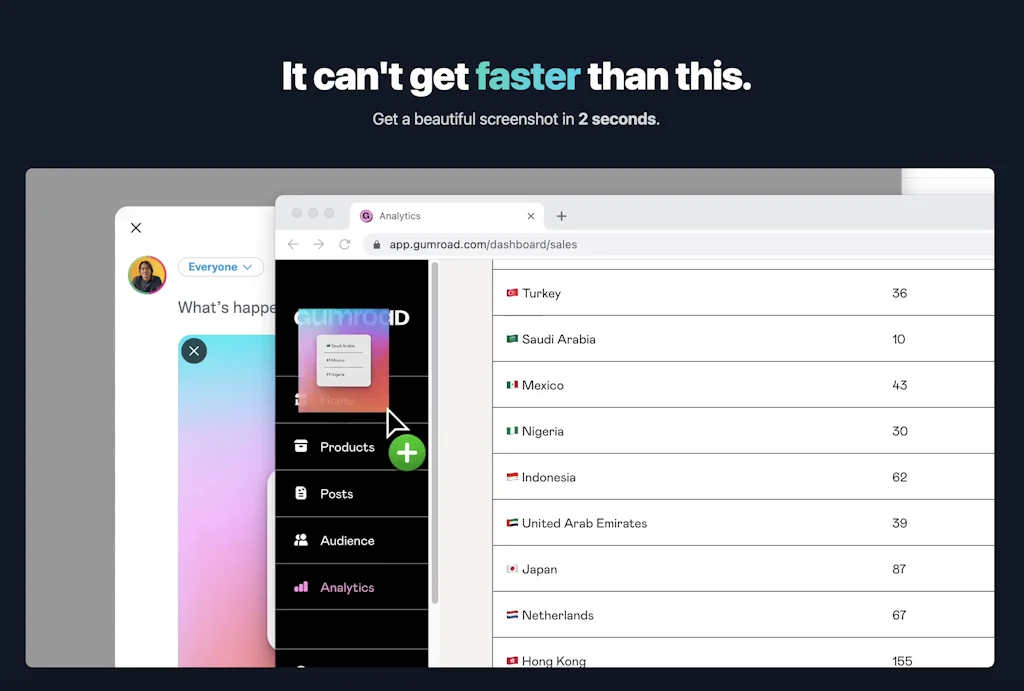
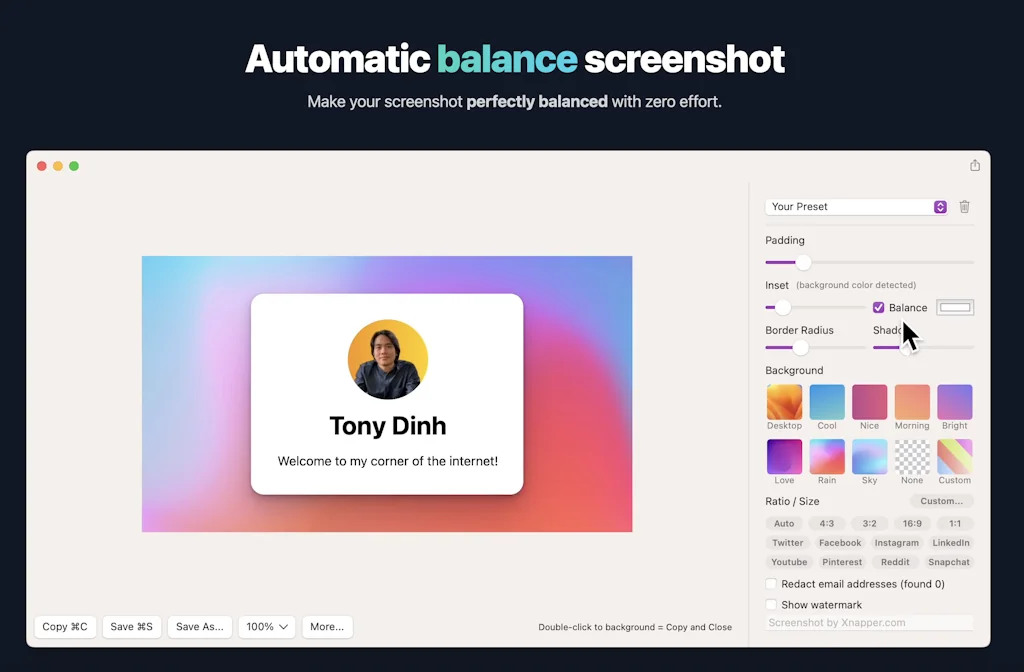
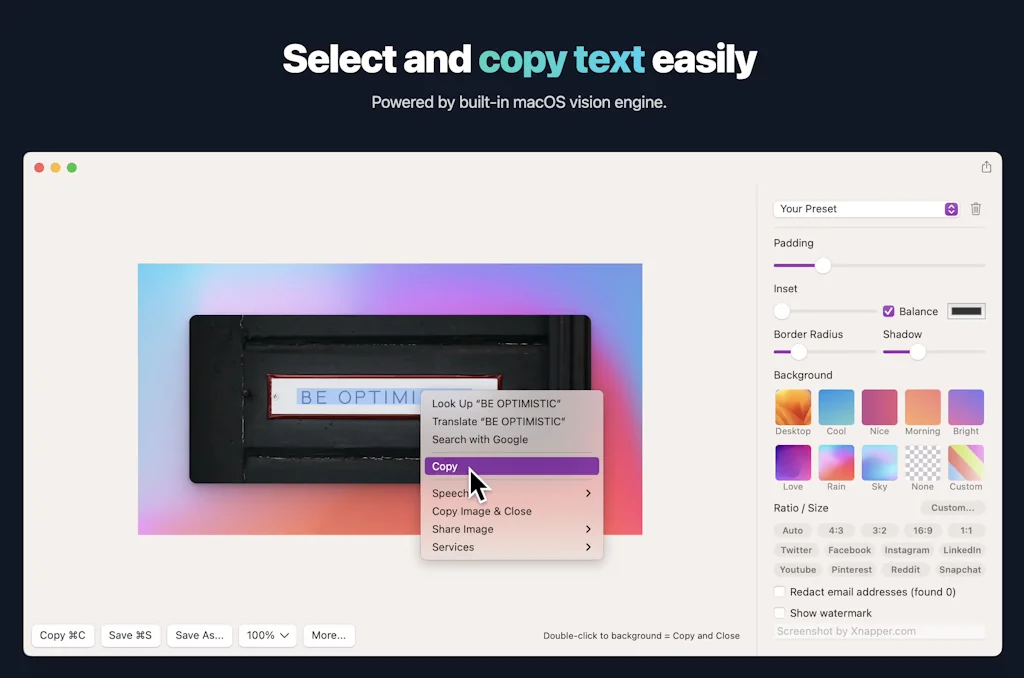
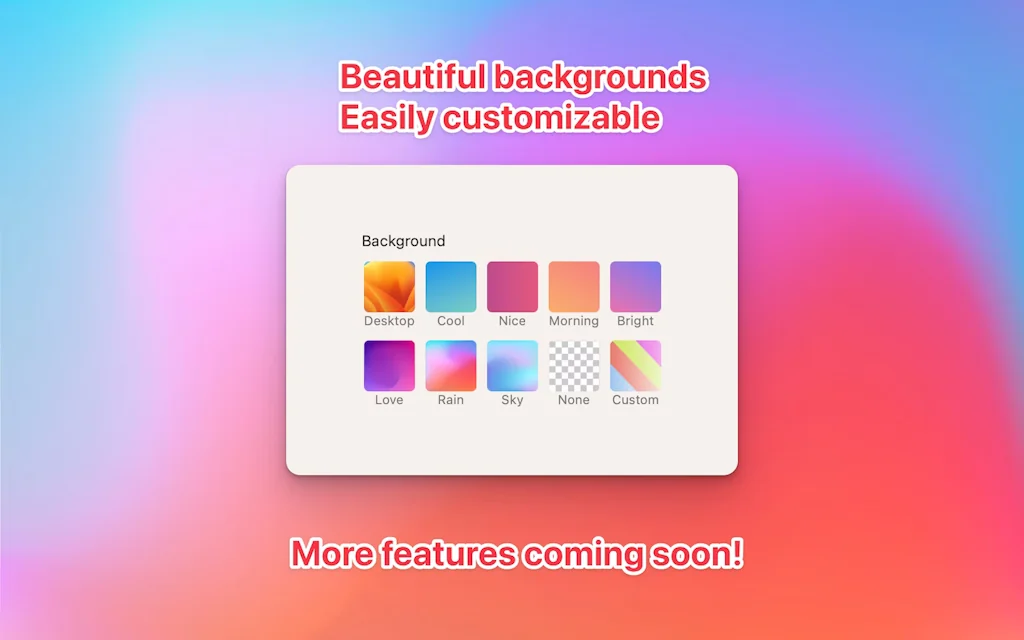
Want to share prettier screenshots, neatly centered on a nice background, with rounded corners, or a watermark? Xnapper got you! The app allows you to create shareable screenshots instantly. Snap → preview → share! It's so easy!
Pros & Cons
Pros
- Easy to use
- Professional screenshots
- Fast performance
- MacOS support
- Customization options
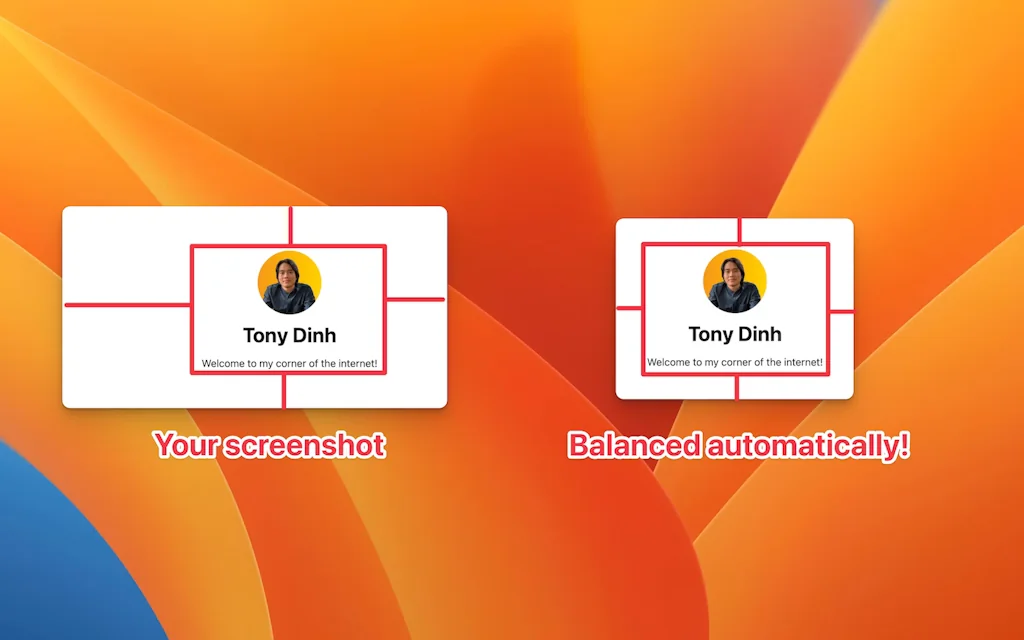
- Auto resizing and padding
- Branding features
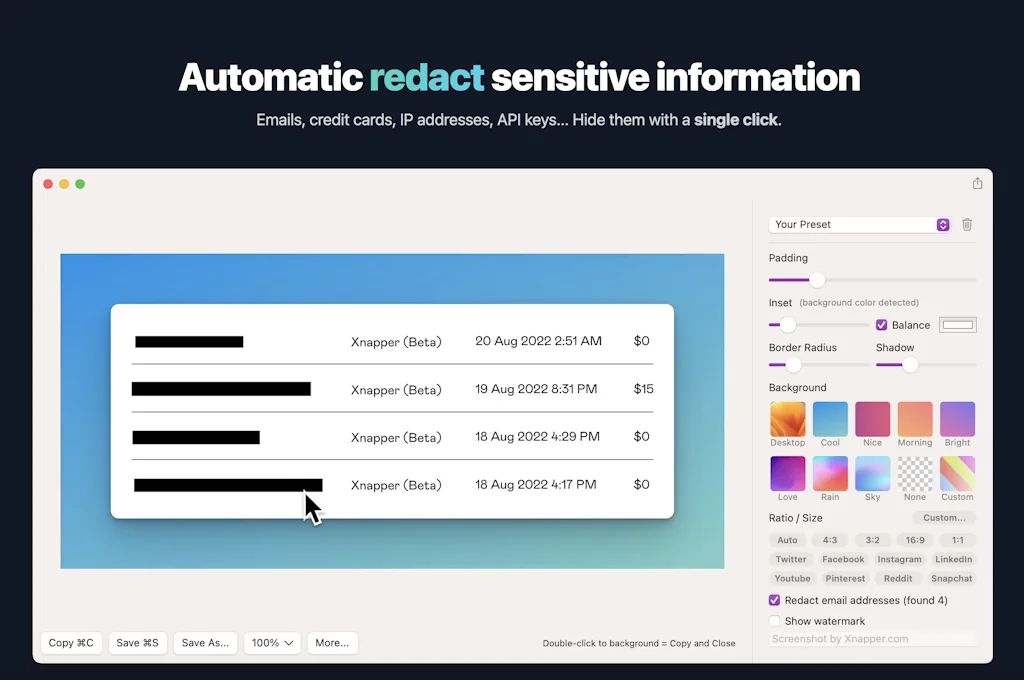
- Auto-redact sensitive information
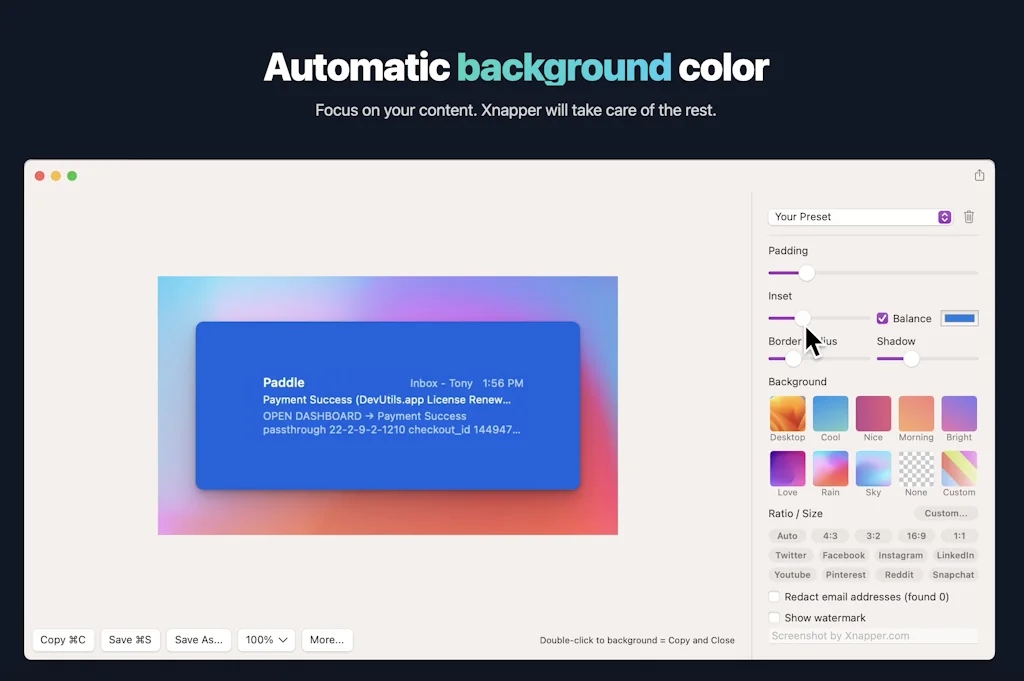
- Gradient backgrounds
- Perpetual license model
Cons
- Annotation flexibility
- Limited platform support
- Customization options
- Gradient backgrounds
- Watermark removal requires payment
Tool Details
| Categories | Screenshots and screen recording apps |
|---|---|
| Website | xnapper.com |
| Added | August 23, 2022 |
| Platforms | Web |
| Social |
Recent Reviews (13)
Sure, I can use the macos built-in screenshot tool - but sometimes I want them to pop. When a screenshot is not for archiving, but presenting to someone else. No matter if it is publicly on a webpage, or just to convey something over Slack - I'm now using Xnapper than fiddle around myself. Getting a tweakable, professional screenshot with super nice gradient background in basically a click is so much worth it than trying to refresh my brain how I would do it myself, google for a background and so on. I also appreciate and like the perpetual license model - made it an instant buy for me. I always hesitate with a subscription model knowing I most likely forget I have the card registered, withdrawals ticking every month.
Been using Xnapper for a few months. It's quick and nifty - does everything it says on the can :D Backgrounds look great & I'm tending to default to this instead of the built in Mac options. I still use the Mac when I want to crop which to my knowledge is not possible? Also, annotations could be a bit more flexible. Some color customisation as well as font style would be great. Overall happy with it!
Xnapper was my go to app for custom screenshots which fit to ratio and with features that really felt like magic! I decided to use the iOS screenshot edit options in the end because that worked best for my brand colours, though if you want to post something to Twitter quickly without cropping then Xnapper should be your go to!
I use Xnapper daily. It makes my work look more professional and allows me to share quality-looking screenshots with various stakeholders. The ability to auto-redact sensitive information is kind of unexpected and incredible. It makes code snippet sharing nice as well since the code looks nice. Just a great tool.
I loved that app. I was looking for a screenshot taker app for mac, which one will work like vscode ss taker. But this one exceeded my expectation. And for the first time, i came to the product hunt page to rate this app. Btw i would love one more functionality 'Scrolling Screenshot', like we can take with xnipp. Thanks and regards.
I Absolutely LOOOOVVVEEE this! Must be bigger than it is today. I only make screenshots USING XNAPPER. No other tool. Big plus is THE BRANDING of colors and watermarking that happens automatically. How do I use it? I feed the xnaps to mmhmm. So instant branded slides :) Don't tell anyone I told you.
Parece una muy buena herramienta por la cual sí pagaría ya que estoy en el área de diseño, pero en mi equipo preferimos utilizar sistema windows y solo está disponible para Mac, triste que no den soporte a otras plataformas. Actualización: Gracias por la nueva opción web 🙏🏻
Love this! Well-designed, fast, and responsive. I utilize this tool for visually appealing screenshots serving marketing and other sharable purposes while I use iOS's standard tool for more administrative and bookkeeping ones.
As a front-end engineer, this tool helped me capture beautiful screenshots to showcase to other stakeholders, be it Product Manager, Designer, or other engineers.
The best and easiest app to use for professional screenshots. I use the images for user guides and product landing pages. Great presets for different uses.
Product is evolving and improving almost every week. It saves me a lot of time to make screenshots look gorgeous, so it is money well spent.
I use this tool every day for my startup and my normal job. Such a great idea, and Tony did an amazing job on development. I recommend Xnapper to anyone looking to take great screenshots.
The screenshots are pretty, but you need to pay to remove the watermark. Everything else is pretty good.
Frequently Asked Questions about Xnapper
When did Xnapper become popular?
Xnapper became popular around August 23, 2022.
What are the main advantages of using Xnapper ?
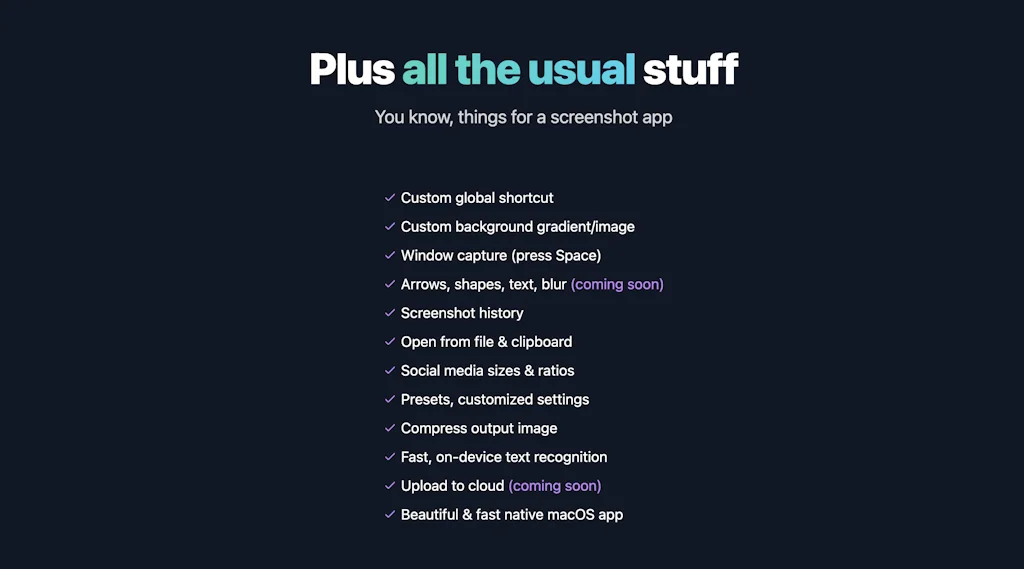
The top advantages of Xnapper include: easy to use, professional screenshots, fast performance, macOS support, customization options.
What are the disadvantages of Xnapper ?
Some reported disadvantages of Xnapper include: annotation flexibility, limited platform support, customization options, gradient backgrounds, watermark removal requires payment.
What is Xnapper 's overall user rating?
Xnapper has an overall rating of 4.9/5 based on 35 user reviews.
What type of tool is Xnapper ?
Xnapper belongs to the following categories: Screenshots and screen recording apps.
Related Screenshots and screen recording apps Tools
Floik
Interactive demos, videos & guides, created in minutes

Verbalia AI Instructor Generator
Your personal AI instructor for any video content
Guidemaker
Free How-to Guide & SOP Creator
Screen Studio
Beautiful screen recordings in minutes

MarkUp for Chrome
Turn any URL into a canvas for feedback from your browser
Screenpipe
AI powered by what you've seen said or heard
Compare Xnapper :



Don't Get Fooled by Fake Social Media Videos
The world's first fact checker for social media. Paste any link and get an instant credibility score with sources.
Try FactCheckTool Free