
Screen Studio
Beautiful screen recordings in minutes
What is Screen Studio?
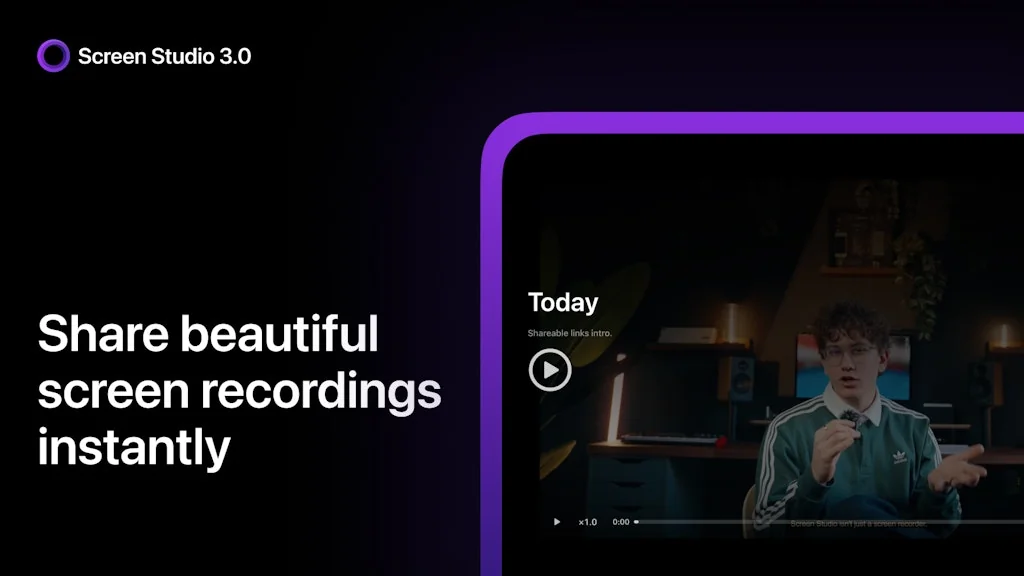
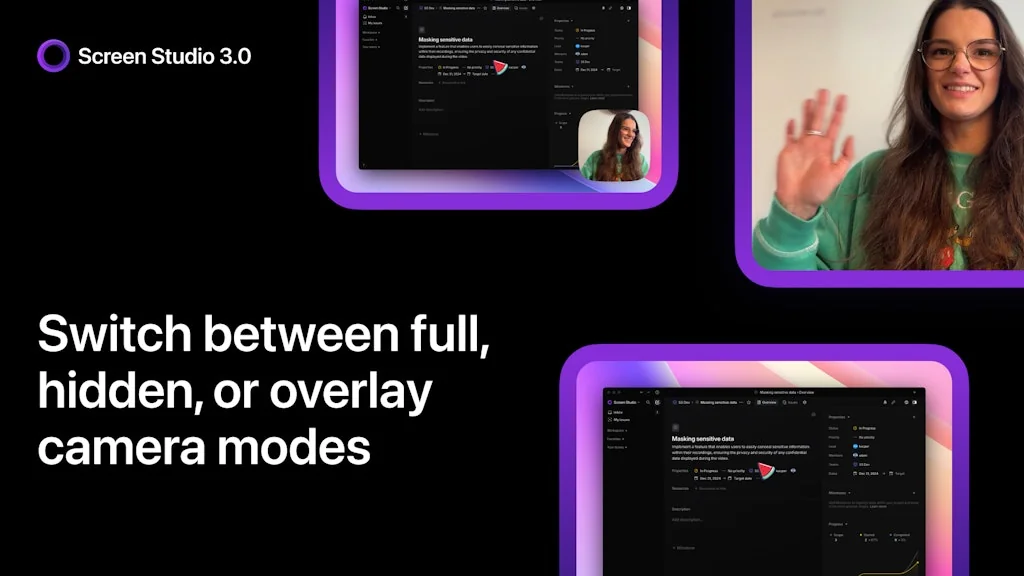
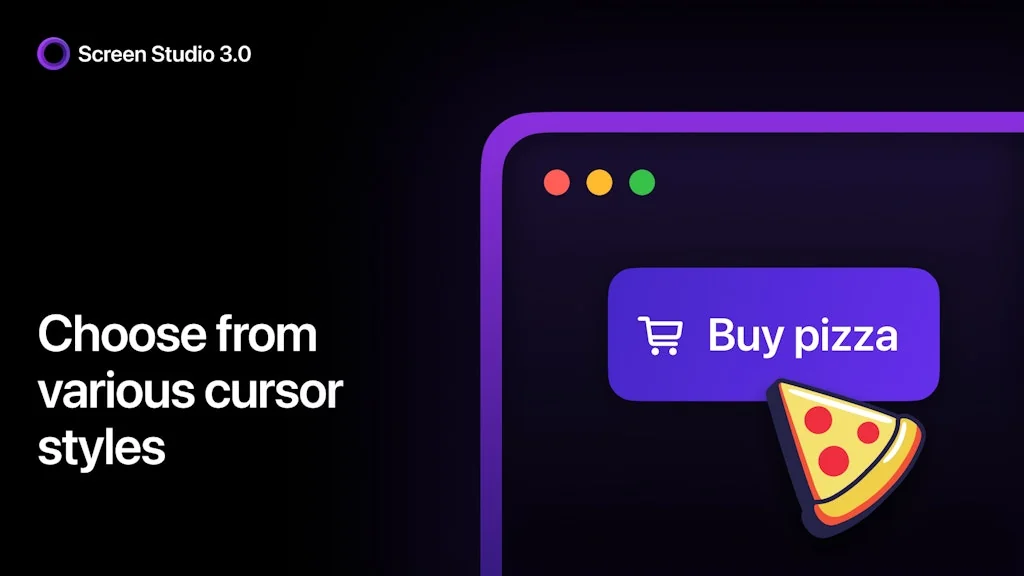
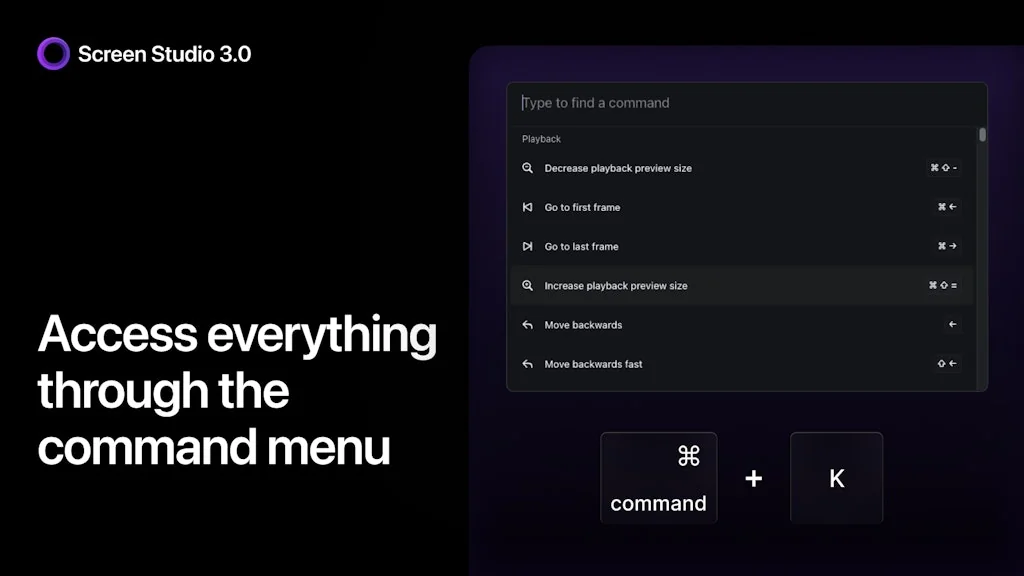
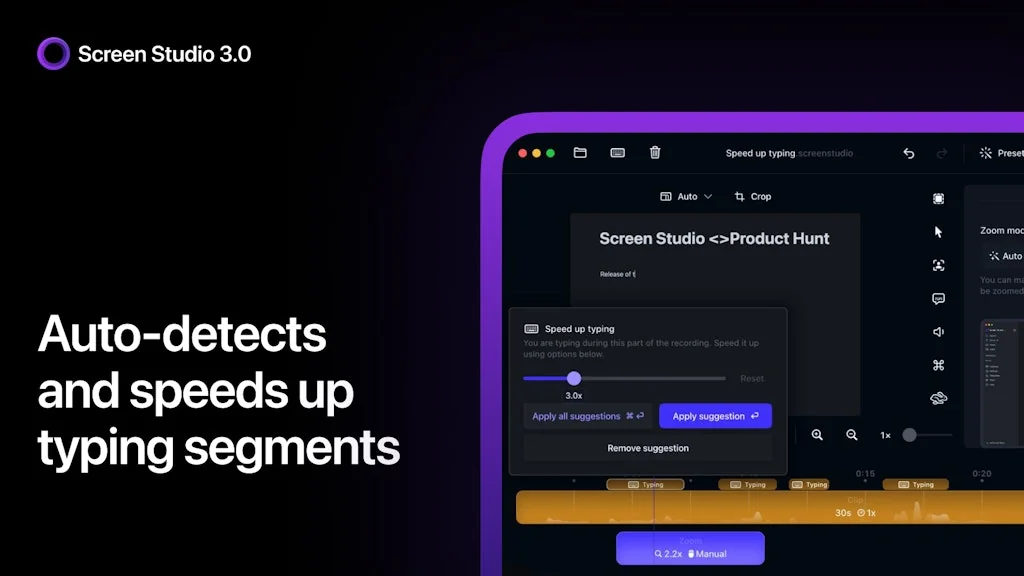
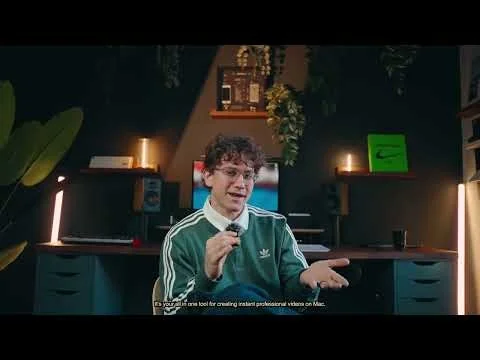
Screen Studio makes your mouse movement smooth, automatically zooms in on clicks, applies cinematic motion blur to all the animations, and adds beautiful background around your recording. In a minute your recording becomes a high-quality promotional video.
Pros & Cons
Pros
- User-friendly interface
- High-quality screen recordings
- Versatile use cases
- Automatic zoom
- Built-in editing tools
- Fast performance
- Smooth mouse movement
- Frequent updates
- Lifetime license option
- Customizable backgrounds
- Cursor animations
- Time-saving
- Cinematic motion blur
- Easy sharing options
- Excellent customer support
- Beginner-friendly
Cons
- Lack of audio editing features
- Expensive pricing
- Built-in editing tools
- MacOS only
- Occasional glitches
- Slow upload times
Tool Details
| Categories | Screenshots and screen recording apps, Product demo |
|---|---|
| Website | screen.studio |
| Added | November 9, 2022 |
| Platforms | Web |
| Social |
Recent Reviews (13)
No wonder Screen Studio is a top Product Hunt Product of the Year — Beautiful screen recordings in minutes For all our product demos, tutorials, and GIFs, we rely on Screen Studio—and we’ve been happily using it for over a year now. It’s fast, polished, and makes creating clean, professional-looking screen recordings incredibly easy, even if you don’t have advanced editing skills. The built-in zoom effects, cursor highlights, and smooth transitions give every video a premium, polished feel with minimal effort. Plus, the Screen Studio team consistently ships updates that boost performance and introduce new features, keeping the tool fresh and reliable. Pro tip: Take advantage of their timeline-based editor to quickly trim awkward pauses or emphasize key actions. It’s especially handy for how-to videos or product launch content. If you lack professional editing skills (like me) and want quick, high-quality screen recordings without the technical headache, Screen Studio is definitely worth trying.
Really one of my favorite products. I use it all the time to record demos for users and team members. It’s simple, clean, and does exactly what it needs to do. The editor is intuitive and doesn’t try to do too much, but still gives you the tools to make your product feel easy, clear, and visually engaging. I do wish it was possible to have slightly more versatility to drop in an eternal video file into a project. It would eliminate my need to export into Davinci Resolve of Capcut to finish a video. Also, not sure how often this gets mentioned, but I love that you can just buy the product once and own it forever. The SaaS option is there if you want it, but the one-time license model is incredibly refreshing.
For all our product demos, tutorials, and GIFs, we use Screen Studio—and we’ve been happily using it for over a year now. It’s fast, polished, and makes it ridiculously easy to create clean, professional-looking screen recordings without needing advanced editing skills. The built-in zooms, cursor highlights, and transitions add a premium feel with minimal effort. Best of all, the team behind Screen Studio consistently ships updates that improve performance and add new features. Tip: Use their timeline-based editor to quickly trim awkward pauses or highlight key actions—especially helpful when you're producing how-to content or launch videos. We also tried tools like Loom and a few other. Loom is great for async communication, but lacked the visual polish. OBS is powerful but not beginner-friendly. Screen Studio was powerful enough to look pro, simple enough for anyone to use. If you're looking for a quick, easy way to make high-quality screen recordings—without the technical overhead—Screen Studio is absolutely worth checking out.
Tested for a few days and really like the ability to record up to 4k with effects auto-added. The effects can be further tweaked in the editor. This provides a very smooth workflow, as the resulting footage can then be added into a full editor like Screenflow. Some cons I found - no audio voiceover/transcription, webcam overlay or the ability to automatically create "guides", like some of the competitors can. The developer is very open to feedback, and I hope some of these features would be rolled out shortly. Would also prefer if the licencing is for lifetime for earlier adopters, and not a yearly renewal.
Great application! The team seems to be releasing features fast. This replaced our previous workflow of using OBS, Premiere, a DSLR, and descript down to just one application. Our demo videos take a fraction of the time. Probably cut time down by at least 95%. This has just enough simple but powerful control over all the important things without a lot of bloat on top of it. Also, I love how well it formats the same clip both for landscape and portrait, It's like magic.
BEAUTIFUL screencasts. Editing interface super easy. I created a watched folder on Dropbox so that Vimeo uploads videos saved there automatically and then I grab the link. But if they ever add hosting, it'll be a total gamechanger.
Screen Studio is an incredibly intuitive and powerful application for screen recording and capturing, delivering exceptional quality. It stands out for its user-friendly design, smooth interface, and customizable features tailored to various needs, whether for tutorials, presentations, or streaming. Advanced tools like built-in editing and versatile video format management make it a great choice for both professionals and beginners. If you're looking for a reliable and efficient solution, Screen Studio is definitely worth considering.
"It only took 30 minutes to publish my first video using Screen Studio. The interface is simple and powerful, ideal for beginners and people without video editing expertise. "
Love this app, but hope they improve the upload times. recorded a 3 min screencast and it takes forever to upload and create a shareable link, especially compared to Zight
After finally finding some time to try the software, I was blown away by its ease of use. So much so, that I immediately purchased the extended license, even though I only have one computer – just in case. Not even kidding, I was able to create an awesomer video that is already included in one of my courses while my popcorn was popping in the microwave. It's that quick and easy to rip a quick screen record. 🥳
Screen Studio is the absolute best! It makes my mouse movements super smooth and automatically zooms in on clicks, which is really cool. The cinematic motion blur and beautiful backgrounds take my recordings to the next level. In no time, I can turn my recordings into high-quality promo videos. Highly recommend Screen Studio if you want your videos to look professional with minimal effort!
Whenever I share a screenstudio video at least 5-6 people ask me what product I used to record the video. That is how good this product is. It makes it a lot easier to create really good looking product demos where people can actually see what is happening on the screen.
It missed a crucial feature for us to use, audio capturing and editing. But I can clearly see how this can be very useful for almost all the other product people out there. Everyone should try this out see if it works for you.
Frequently Asked Questions about Screen Studio
When did Screen Studio become popular?
Screen Studio became popular around November 9, 2022.
What are the main advantages of using Screen Studio?
The top advantages of Screen Studio include: user-friendly interface, high-quality screen recordings, versatile use cases, automatic zoom, built-in editing tools.
What are the disadvantages of Screen Studio?
Some reported disadvantages of Screen Studio include: lack of audio editing features, expensive pricing, built-in editing tools, macOS only, occasional glitches.
What is Screen Studio's overall user rating?
Screen Studio has an overall rating of 4.9/5 based on 164 user reviews.
What type of tool is Screen Studio?
Screen Studio belongs to the following categories: Screenshots and screen recording apps, Product demo.
Related Screenshots and screen recording apps Tools

Scrnshts
A collection of the finest app store design screenshots

Vidyard
Video messaging, digital sales rooms, and other GTM tools
Drift - Browser App
Free Browser Screen recorder app with custom cursor zoom

ooml.io
Offline-first Loom-like video recording app for macOS

Tango
Interactive walkthroughs, created in seconds.

Moiful
Turn Screenshots into Beautiful Shareable Content
Related Product demo Tools

OCR Wiz: Handwriting To Text
Accurately extract text from images (including handwriting)
Bezel
Mirror any iPhone on your Mac

Layerpath
Create interactive demos in minutes.
CursorFlow
Highlight your cursor and keystrokes on macOS.

PicDoc
PicDoc turns text into professional charts in seconds

Fluidworks
Interactive User onboarding that talks, shows, and converts.
Compare Screen Studio :

Don't Get Fooled by Fake Social Media Videos
The world's first fact checker for social media. Paste any link and get an instant credibility score with sources.
Try FactCheckTool Free