

Tango
Interactive walkthroughs, created in seconds.
What is Tango?
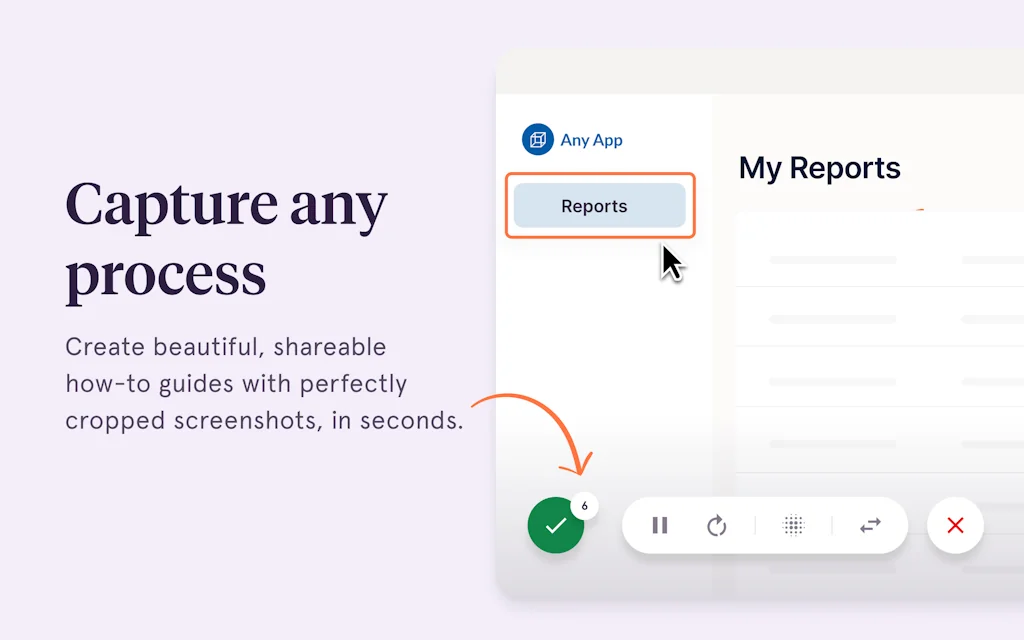
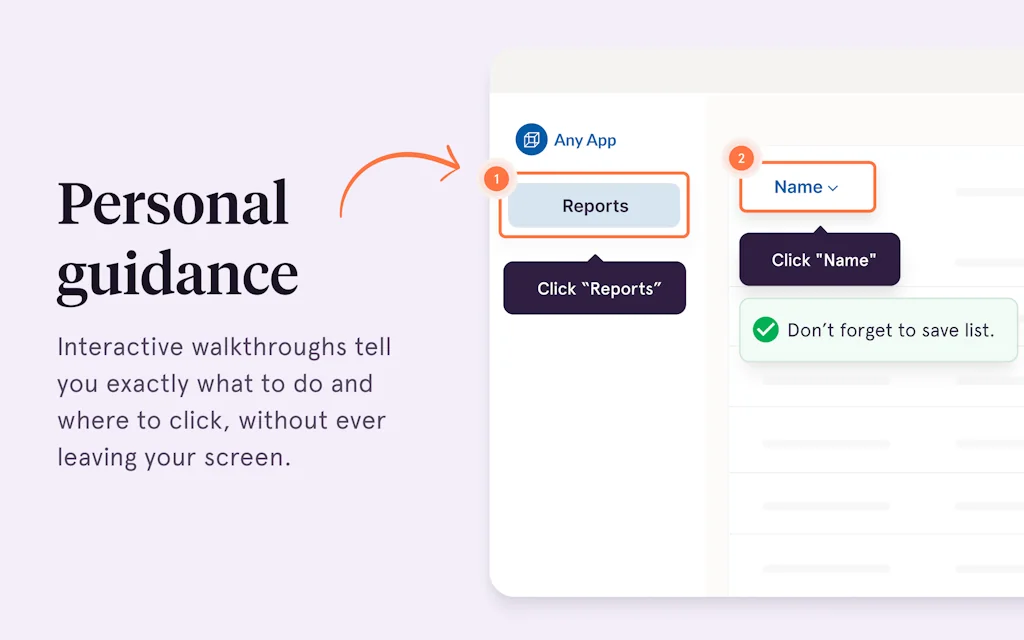
Tango makes it easier to get work done by automatically capturing any process and turning it into an interactive walkthrough—complete with screenshots, descriptions, and curated insights.
Just turn on the extension, complete your process as usual, and Tango does the rest. Each click auto-generates a step with text and visuals as you go, creating a beautiful, shareable, interactive walkthrough called a Tango.
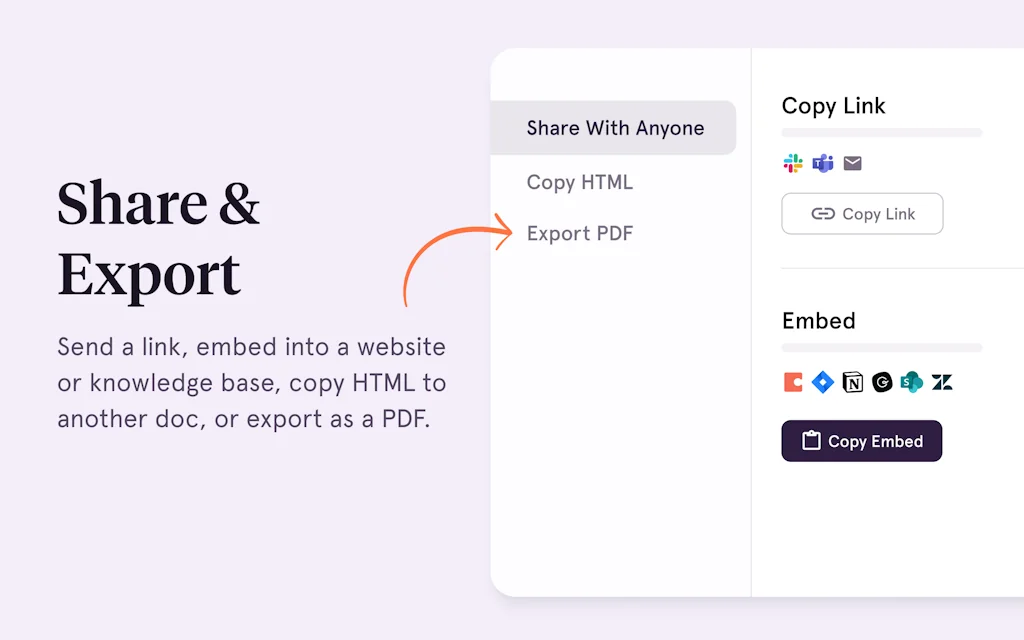
Share your Tango with just a click, anywhere you store and share knowledge.
Pros & Cons
Pros
- Quick documentation creation
- Automatic process capture
- Process documentation
- Easy sharing
- Interactive walkthroughs
- Contextual guidance
- Cross-platform integration
- Customer support
- Feedback integration
- Step-by-step guides
- Analytics
- Free tier
- Guide mode
- Screenshot integration
- Workflow optimization
Cons
- High cost
- Slow customer service response
Tool Details
| Categories | Knowledge base software, Screenshots and screen recording apps, Automation tools |
|---|---|
| Website | chrome.google.com |
| Added | September 16, 2021 |
| Platforms | Web |
| Social | Twitter · Instagram · LinkedIn |
Recent Reviews (10)
Tango is the simplest and most effective way to create quick how-to guides and documentation. I get asked all the time "How do I do X". Before Tango I would have to record a video, or stitch together a bunch of screenshots in a Google Doc. It was painstaking. Now with Tango I can simply do the process myself as I normally would, Tango captures everything I do and creates a perfect guide for the viewer. Truly a game changer.
I have literally never found a product that actually helps new sales reps start hitting quota faster. Until Tango. The guide mode walks them through every process live on their screen which helps new reps learn about 20X faster than the training we were doing before.
Congratulations on the launch Tango Team! Guidance looks super useful for any team that has unique processes in place that need to be adopted but both new comers and the existing team. Definitely see a lot of value in this driving up internal adoption of tools and frameworks.
No other service like Tango exists, and they are indeed the best. It saves me so much time so I can do what really matters. They must have some geniuses and master coders because the system is not only intuitive and beautiful, but really thinks of every single thing you could wish for. The new feature, Guidance, even links to each webpage you use and tells you how many Workflows apply (so you don't have to go searching). Talk about well-thought-out work. I am so impressed and tell everyone I know about Tango.
Such a great idea to save time creating your step-by-step guide. It is easy to remove the steps you didn't want in your product presentation. You can also easily edit them when you're not comfortable with the description that was automatically suggested. Can't wait to see it translated in other languages
Very disappointed with the service. I was charged double the price I expected (it wasn't clear that I'd be paying more for a new employee) and then it took about a week to get a response to my multiple requests asking why I was charged so much. i've cancelled my subscription and don't plan to renew.
Tango has really streamlined our product documentation efforts. It's quick enough that we can run through steps, save, grab the link and include in a customer email response for things we haven't documented officially yet.
Update: Customer support has changed the game as I belonged and my feedback was well received. I still appreciate that some features need to be added to speed up the workflow. But no tool is perfect! Give it a try!
I like how tango makes it easy to create tutorials. I use it when sending tutorials to customers or internally. I only use the free version. Paying 20usd per user per moth is a steal
Very helpful in using work practices and procedures! It is useful because I can create low-cost explanations with images and share them immediately.
Frequently Asked Questions about Tango
When did Tango become popular?
Tango became popular around September 16, 2021.
What are the main advantages of using Tango?
The top advantages of Tango include: quick documentation creation, automatic process capture, process documentation, easy sharing, interactive walkthroughs.
What are the disadvantages of Tango?
Some reported disadvantages of Tango include: high cost, slow customer service response.
What is Tango's overall user rating?
Tango has an overall rating of 4.5/5 based on 14 user reviews.
What type of tool is Tango?
Tango belongs to the following categories: Knowledge base software, Screenshots and screen recording apps, Automation tools.
Related Knowledge base software Tools

AcquiredBy
Definitive list of tech acquisitions

Notice
Manage FAQs, blogs, docs and + with a no-code AI editor

SlideSpeak
Summarize PowerPoint with AI or ask any question.

LearnerOn
AI Powered Smart Learning Platform

Dashworks
AI that answers all your team’s questions

Webhound
Research agents built for depth over speed
Related Screenshots and screen recording apps Tools

NeetoRecord
Skip the meeting. NeetoRecord it!

ScreenTime
Show your macOS desktop on FaceTime

Hacky Loom
Lightweight loom.com alternative. 100% free and open source

Twitter Screenshot Bot
Takes a screenshot of a tweet and sends it to your DM

iShowU V6
Realtime, layer based screen video/audio recorder

Android
Android 11
Related Automation tools Tools

Linkz.ai
Keep visitors on your website & blog with live link previews

Salesforge
AI-copilot or autopilot for sales execution

PulpMiner
Converts Any Webpage Into Realtime JSON API 🟢

Koncile
OCR for custom data extraction

Make
AI automation you can visually build and orchestrate.

Failping
Your Automated First Responder for Third-Party Downtimes
Compare Tango :





Don't Get Fooled by Fake Social Media Videos
The world's first fact checker for social media. Paste any link and get an instant credibility score with sources.
Try FactCheckTool Free