

Excalidraw
Virtual whiteboard for sketching hand-drawn like diagrams
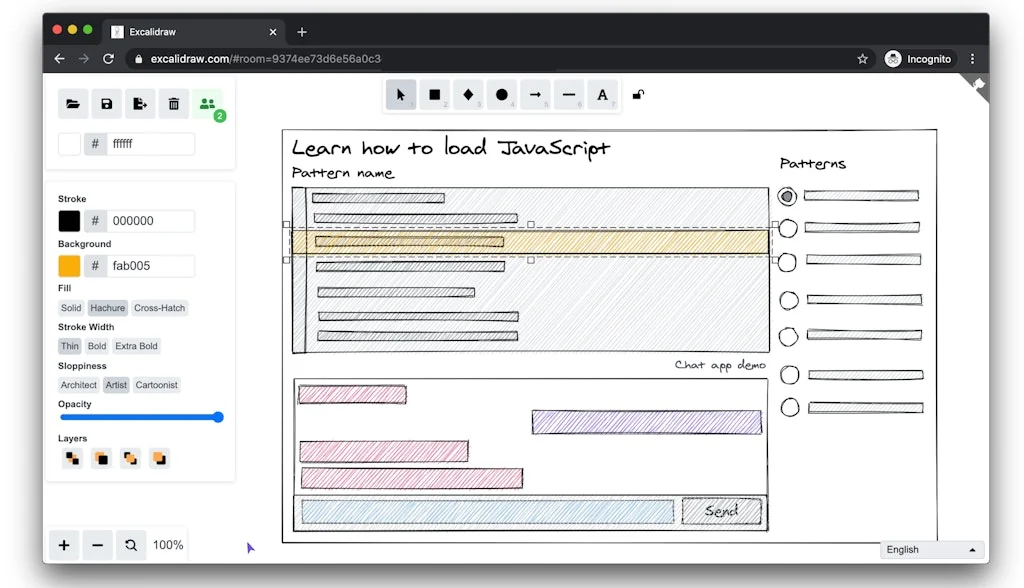
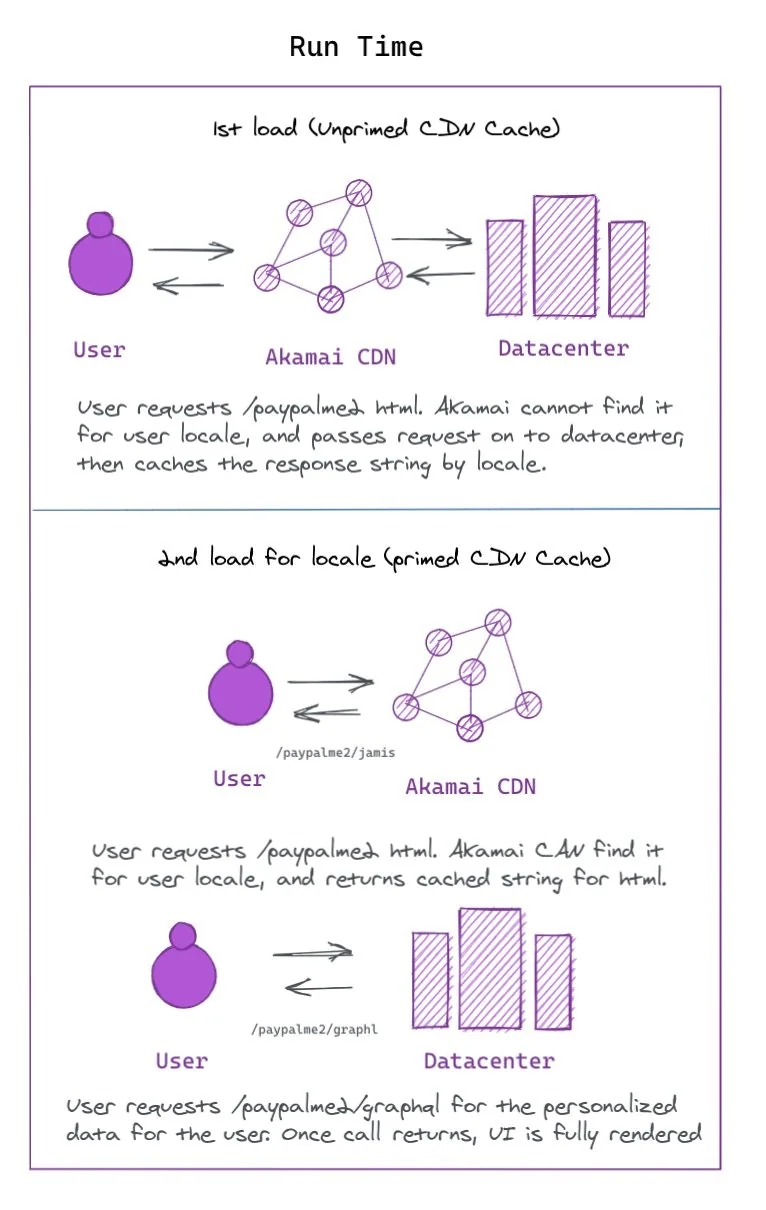
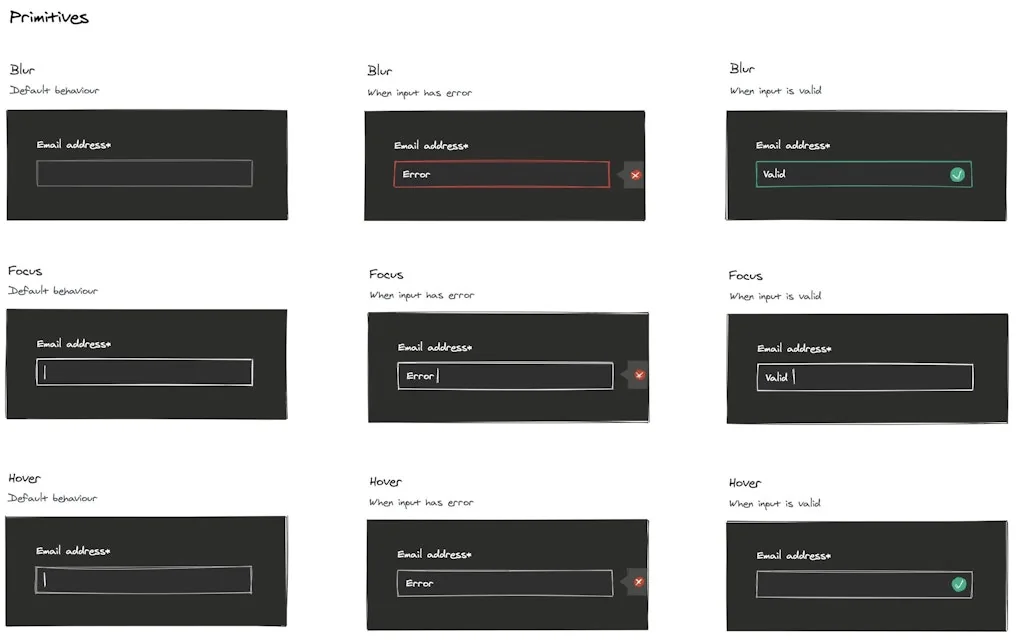
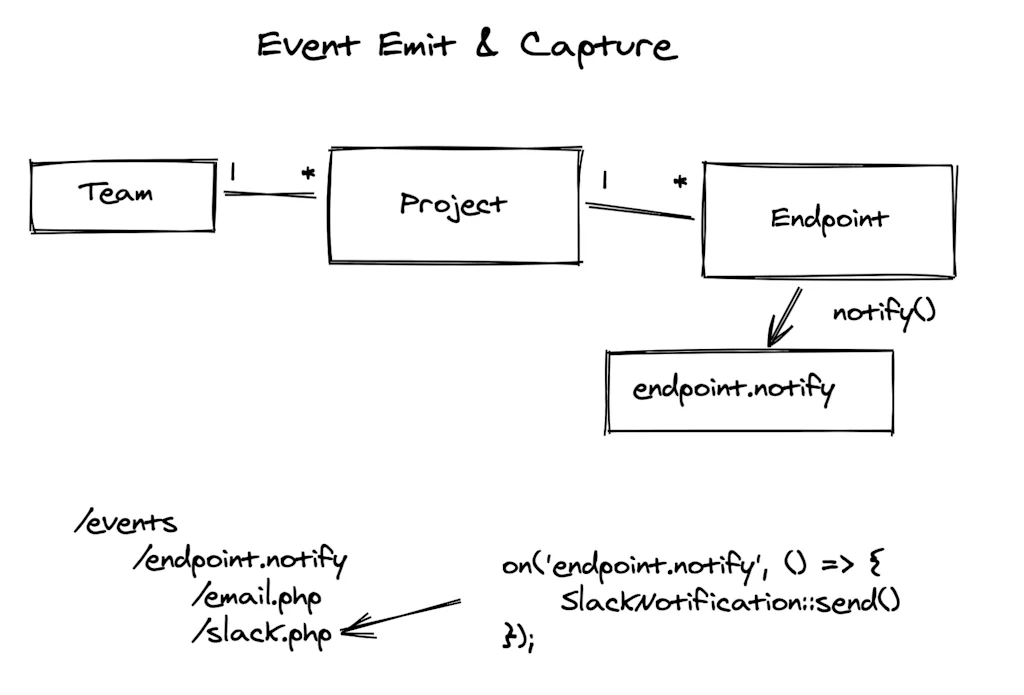
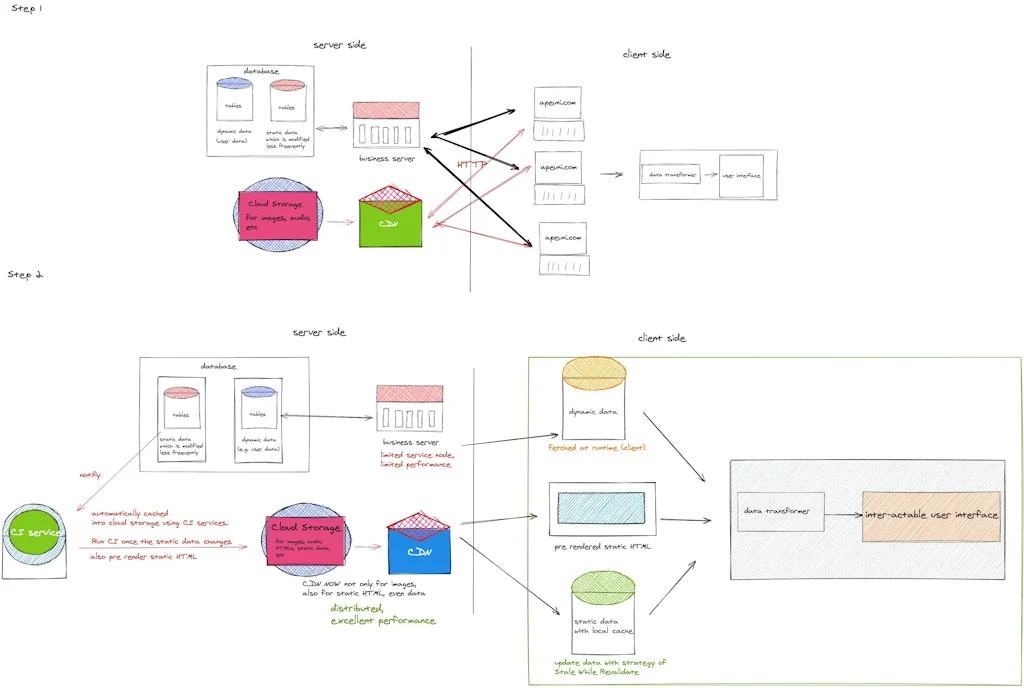
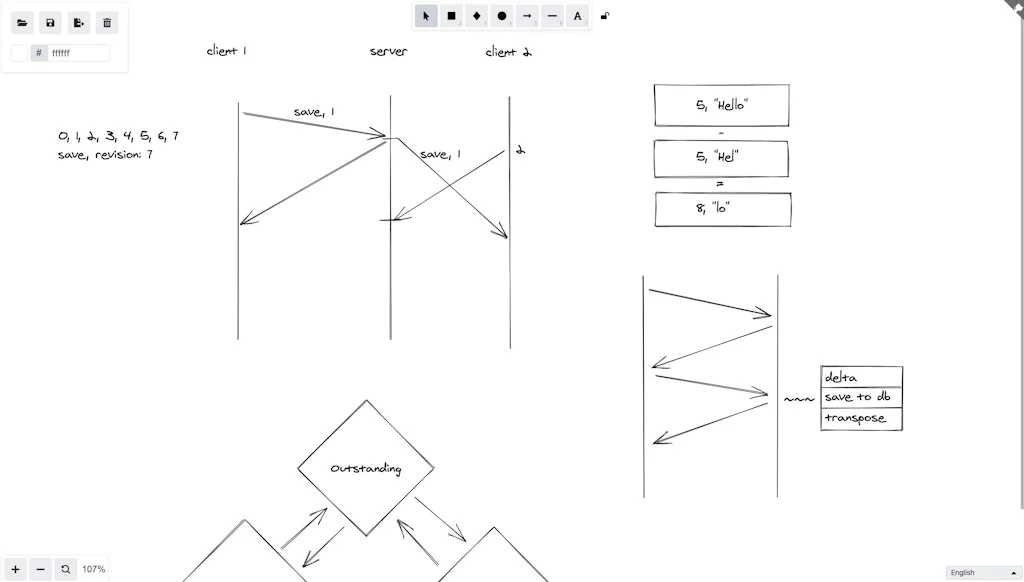
What is Excalidraw?
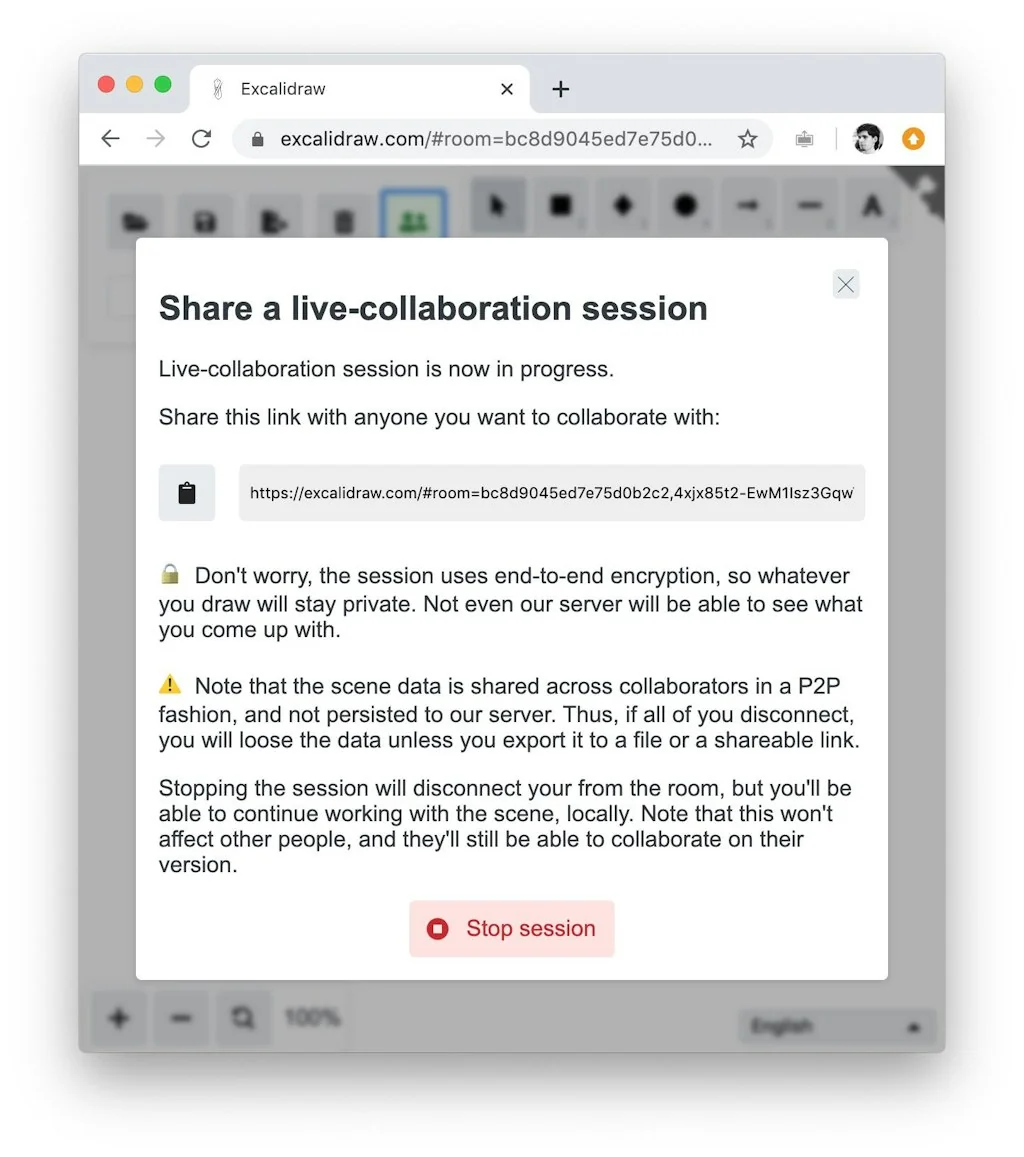
Sketch hand-drawn like diagrams on your own or live collaborate during brainstorming sessions or architecture interviews in a safe way thanks to end-to-end encryption.
Pros & Cons
Pros
- Easy to use
- Virtual whiteboard
- Clean interface
- Real-time collaboration
- Fast performance
- Library feature
- Cross-platform compatibility
- Dark mode
- End-to-end encryption
- Free version available
- Hand-drawn style
- Hot keys
- Integration with Obsidian
- Minimalist design
Cons
- Lack of table functionality
- Not the most polished app
- Real-time collaboration
Tool Details
| Categories | Team collaboration software, Remote workforce tools, Digital whiteboards |
|---|---|
| Website | excalidraw.com |
| Added | March 31, 2020 |
| Platforms | Web |
Recent Reviews (12)
Excalidraw is a fantastic tool for whiteboarding. In the latest NotesHub 3.3 release we have integrated Excalidraw to unlock new user experiences for our customers, and we are happy more than ever.
A great tool for quick and simple visual brainstorming. It’s perfect for sketching out ideas, creating flowcharts, or collaborating in real-time with a hand-drawn feel.
A clean interface that sparks creativity. Easy-to-create diagrams for presentations and sharing ideas.
simplicity, shortcuts
I love wireframing with this tool, but I recently had a really bad experience. I didn’t realize that anything I created in live collaboration mode wouldn’t be saved — I had to manually save it. I’m not used to that kind of setup, since I come from Figma/FigJam where live collaboration is already a built-in feature.
Perfect for creating diagrams, user flows, charts and using it as a whiteboard, works perfectly on tabs and desktops as well. Loved its dark mode and library is another great addition. Free version is just fine but I'd recommend going to Upgraded version, worth paying
It is very easy to use, fast, good use of the canvas, and I love the hot keys which make Exalidraw much better compared to its competitors. Just waiting for some standard icons that can be imported that will be useful in system design interviews.
I love how easy it is to get started + the distraction free interface. Makes it really easy to focus on ideas rather than trying to navigate the tool.
Very user-friendly product, especially its UI and functionality. It would be better if you guys could add table functionality.
Love it. It isn't the most polished app ever, but it's end-to-end encryption and ease of use make it awesome.
"A clean interface that sparks creativity. Easy-to-create diagrams for presentations and sharing ideas."
Clean, easy to use, and the minimal set of styles / fonts is just perfect to not overwhelm the user. Libraries are a very welcome feature.
Frequently Asked Questions about Excalidraw
When did Excalidraw become popular?
Excalidraw became popular around March 31, 2020.
What are the main advantages of using Excalidraw?
The top advantages of Excalidraw include: easy to use, virtual whiteboard, clean interface, real-time collaboration, fast performance.
What are the disadvantages of Excalidraw?
Some reported disadvantages of Excalidraw include: lack of table functionality, not the most polished app, real-time collaboration.
What is Excalidraw's overall user rating?
Excalidraw has an overall rating of 4.9/5 based on 23 user reviews.
What type of tool is Excalidraw?
Excalidraw belongs to the following categories: Team collaboration software, Remote workforce tools, Digital whiteboards.
Related Team collaboration software Tools

Tometo
AI Engineering Manager for Startup Teams

PlayNode
Your AI Collaborative Playground for Divergent Thinking! 🌟
Superthread
Project management tool with integrated tasks, notes & docs.

Waldo Testing
The developer tool to speed up testing your mobile app, and squash bugs as a team!

PyjamaHR
Hiring made so easy, you can do it in your pyjamas
AICamp
AI platform for businesses; Private RAG w/ 100+ LLMs
Related Remote workforce tools Tools

Flow Club
Feel good getting work done
Async
Replace "quick” work calls with super-powered voice messages

Hidden Founders
CTO as a service

SigmaRemote
Give your global team better payroll for 70% less than Deel

Grapevine
Asynchronous meeting software for remote teams
Flow GPT
Share and discover ChatGPT Prompts to amplify your workflow
Related Digital whiteboards Tools





Compare Excalidraw :





Don't Get Fooled by Fake Social Media Videos
The world's first fact checker for social media. Paste any link and get an instant credibility score with sources.
Try FactCheckTool Free