
Factsplat
Connected dashboards for links, tools and docs.
What is Factsplat?
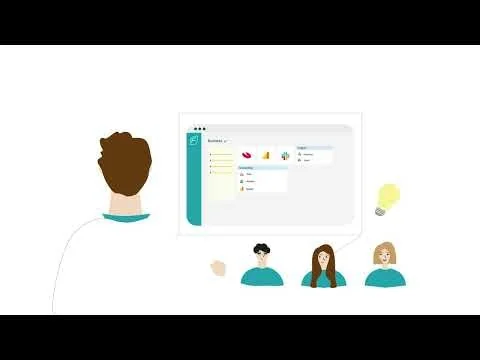
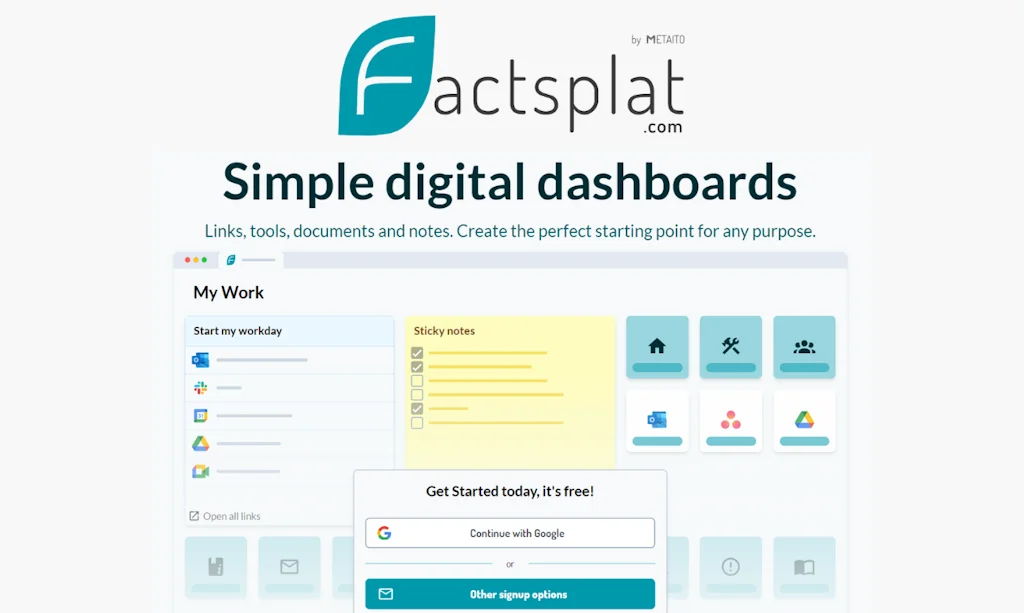
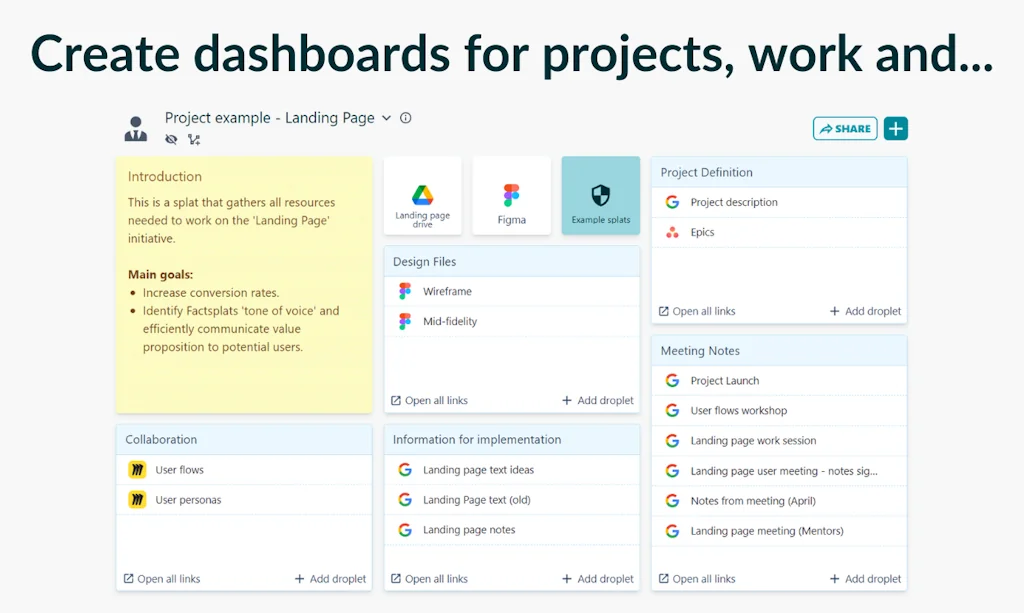
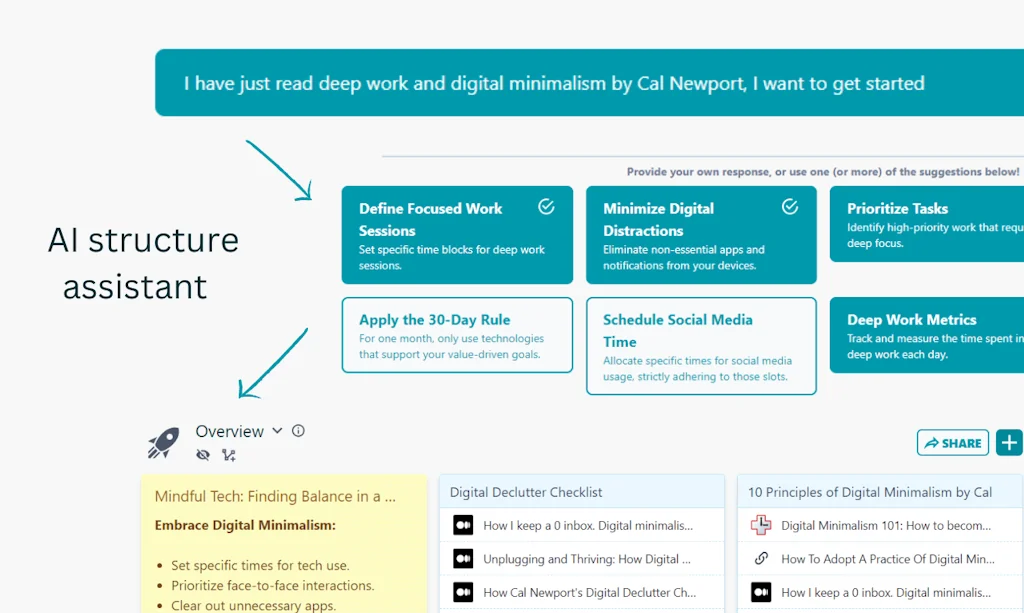
Factsplat lets you organize anything online. Move your links, documents, tools and tabs into organized dashboards. Create the perfect starting point for your work, projects or any other purpose. Set up your personal digital structure, with graph technology.
Pros & Cons
Pros
- Easy organization
- Collaborative workspaces
- Custom dashboards
- Quick access
- Sharing features
- Simple interface
- Note-taking
- User-friendly
- Card-based design
- Efficient coordination
- Flexibility
- Invaluable
- Permission management
- Seamless collaboration
Cons
- Card movement limitations
- Color options for notes
Tool Details
| Categories | Team collaboration software, Knowledge base software, Social bookmarking |
|---|---|
| Website | factsplat.com |
| Added | March 19, 2024 |
| Platforms | Web |
| Social | Instagram · Facebook · LinkedIn |
Recent Reviews (6)
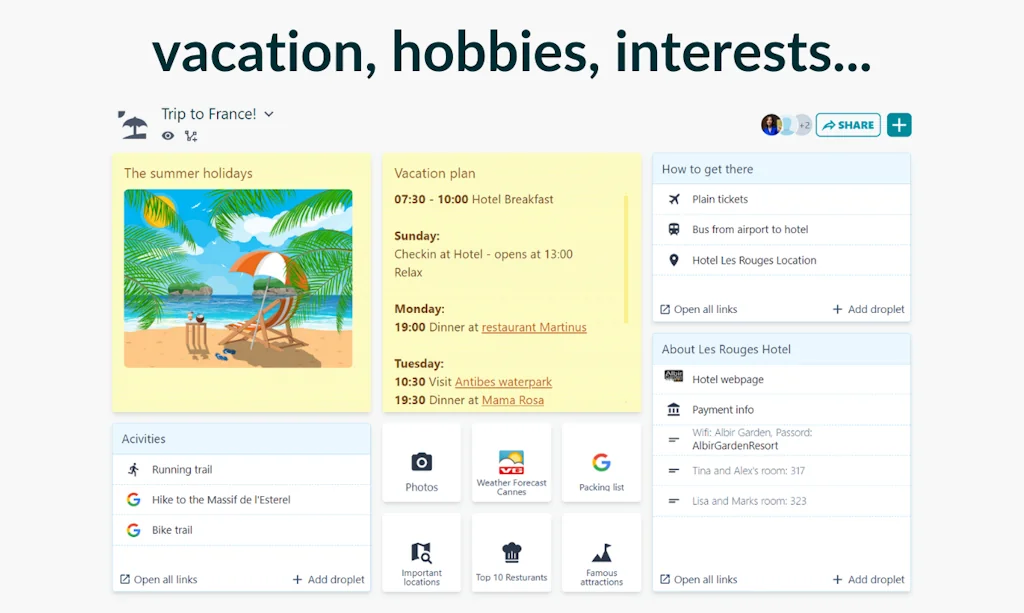
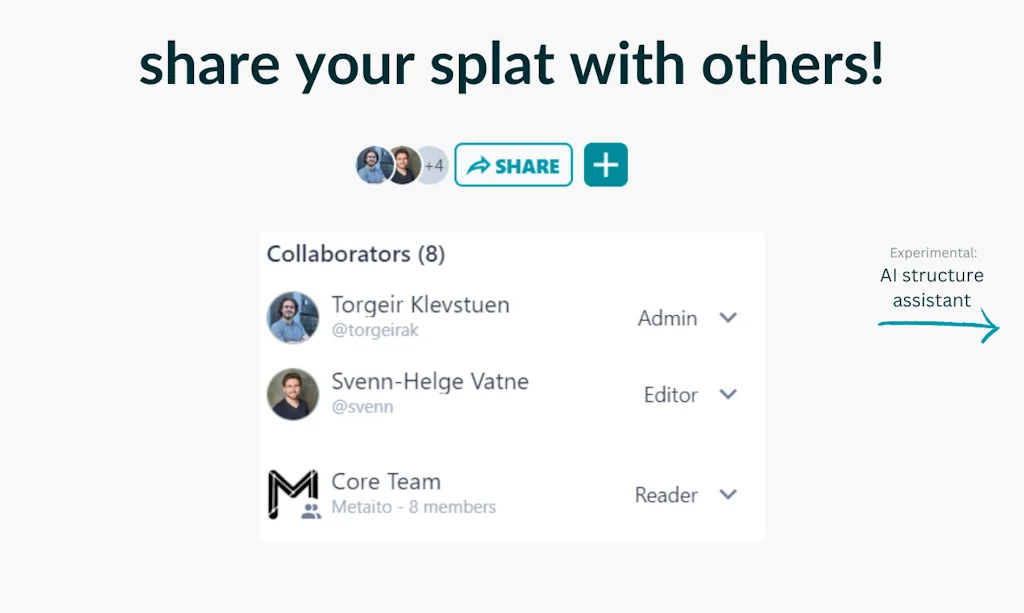
Congratulations on launching on Product Hunt! I quite like this tool. It has already replaced my bookmarks and notes. Initially, I used it to store and organize various online resources and company documents, and to share them with colleagues who needed them. This greatly simplified the path of knowledge sharing between my colleagues and me, promoting better cooperation. Now, I also use it for planning trips and sharing the plans with my travel companions. When planning trips, I invite my companions to collaborate on the plan. During the trip, I can view and modify the itinerary on my phone at any time. After the trip, I share the guide with friends who need it, which is really great. I am still exploring this tool and I believe that as the user base expands, the experiences and resources shared by users will make this tool increasingly powerful. As for its advantages: Its card-based design interface is very user-friendly. Compared to traditional menu-based interfaces, it makes it easier for me to navigate and access my saved internet resources. Its sharing and permission management features allow me to easily share specific resources with specific people and invite them to expand and improve these resources. The feature to add notes is simple and practical, which I really like. As for areas of improvement: Sometimes, when moving the cards, I can’t move them to the desired position. The notes are only yellow, I would like more color options.
This tool is nothing short of a game-changer in structuring your digital life and I would like to share some thoughts about Factsplat that may just relate to you too. Imagine a day in your digital life. It is early Monday morning and you have just fired up your computer at the office. Your staff call starts in an hour and your agenda for the day is packed. Your to do list has several items that needs to be sorted and you start off by trying to find files buried somewhere in your email inbox or one of several cloud drives you happen to maintain. You also need a spreadsheet someone sent you that you can’t remember where you’ve saved and the shared link from your manager to his or her cloud drive is probably buried in an email. Already, your day is off to a frustrating start and your productivity is plummeting. Simultaneously, notifications from messaging apps, social media updates, and emails create stress. Finding the files you need whilst managing all the other interactions turns what should be a focused and productive hour into a chaotic mess. The above situation is exactly what Factsplat will help you overcome, not just professionally, but also in any other part of your digital life. I started using Factsplat over a year ago, and I rarely have to search for information again. Gone are the days of outdated bookmarks. When I launch my browser today, my only starting page is Factsplat and it provides me with a window to my entire digital life. Through an intuitive and visually pleasing interface, I simply click on the Icon related to my task at hand, for instance, "Work" and it opens my landing page that has links directly to the information I need, regardless of where it is stored and it is sorted and named to match my workflow. All in all, Factsplat is the best digital organization tool I have used. Not only is it great for individuals, but also for organizations that see benefit in shared landing pages to more effectively structure information and promote collaborative workspaces.
Factsplat gives an efficient coordination and seamless collaboration in our volunteer organization. With its simple interface and intuitive design, Factsplat makes it easy for us to coordinate and synchronize our activities and resources. We don't need to spend unnecessary time learning complicated systems - with Factsplat, everything is straightforward and easy to understand. The best thing about Factsplat is its flexibility. We can customize the page as we want and build it according to our needs and desires. Whether it's creating tasks, delegating responsibilities, or planning events, Factsplat gives us the freedom and control we need.
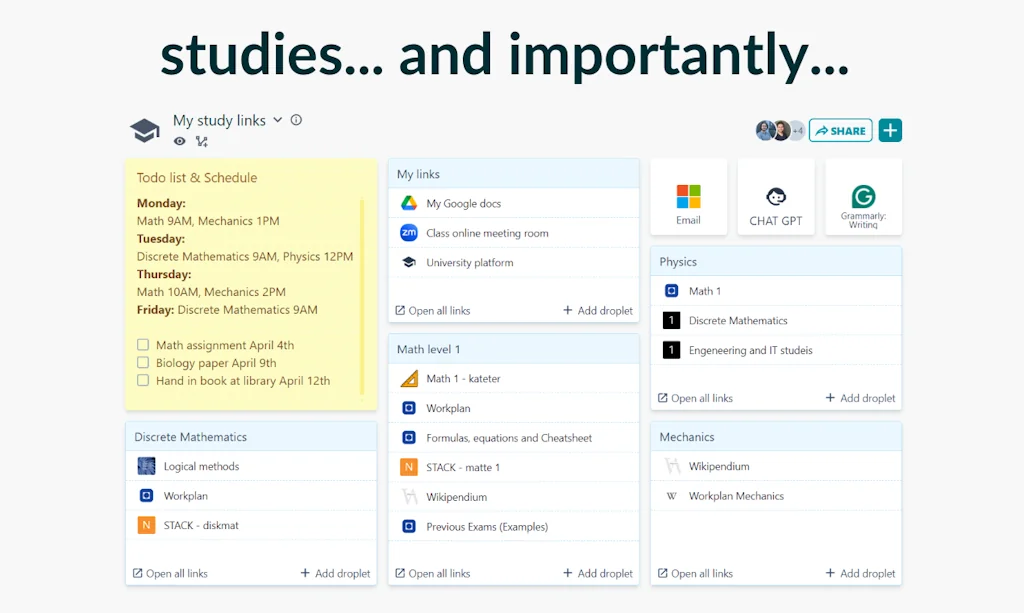
My daily window to the rest of the Internet. No more bookmarks or looking for what I need through browser history or bad tab suggestions from Chrome or Opera. Just my own customized Splats on Factsplat with quick and easy access to work, school and personals neatly organized where I need it to be.
I have been using Factsplat for organizing my personal online life for a few years, and it has been a good tool. But it's only recently I have started using it in a team with multiple people, and it's invaluable!
I have been a user for a few years and cannot imagine my daily life without Factsplat. It has made collaboration on group projects a lot easier, since all resources are collected in one place.
Frequently Asked Questions about Factsplat
When did Factsplat become popular?
Factsplat became popular around March 19, 2024.
What are the main advantages of using Factsplat?
The top advantages of Factsplat include: easy organization, collaborative workspaces, custom dashboards, quick access, sharing features.
What are the disadvantages of Factsplat?
Some reported disadvantages of Factsplat include: card movement limitations, color options for notes.
What is Factsplat's overall user rating?
Factsplat has an overall rating of 5.0/5 based on 6 user reviews.
What type of tool is Factsplat?
Factsplat belongs to the following categories: Team collaboration software, Knowledge base software, Social bookmarking.
Related Team collaboration software Tools

Kakrola
Kill the tab circus

Bubbles
Teamwork. On your time.

Integrations From Anthropic
Claude can now connect to your world

Tonkean
AI powered dashboard with automatic insights from your team

WeInstaReply
Automatic AI replies for your Microsoft Teams messages
Fieldmobi Frontline
A direct line to your teams and resources at the frontline
Related Knowledge base software Tools

Aviyel
Make your community fun and awesome.
Quotes
macOS & iOS app for your quotes - organize, revisit & more

Watto AI
Transform your product team with AI-powered docs

Deta Surf
Elevate your thinking

MonsterWriter
The most enjoyable way to write a thesis, paper or article.

Notice
Manage FAQs, blogs, docs and + with a no-code AI editor
Related Social bookmarking Tools

Curator Tearsheets App
Curate visual content offline.

Superdense
Bookmark manager for minimalists and web junkies

Hacker Feed
Modern iOS app for reading Hacker News

Top Hunts Time Machine
Most voted hunt every day since Product Hunt records began

Donald Draws
Trump draws for everyone!

WannaGift
Create wishlists without registration, free and fast.
Compare Factsplat :





Don't Get Fooled by Fake Social Media Videos
The world's first fact checker for social media. Paste any link and get an instant credibility score with sources.
Try FactCheckTool Free