
Google Calendar
The shareable online calendar by Google
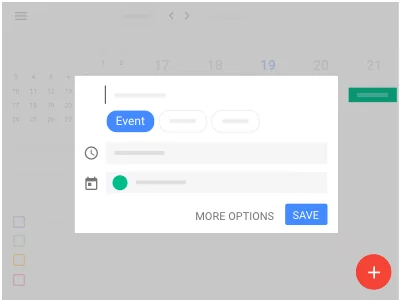
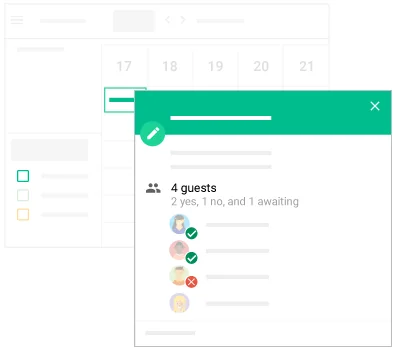
What is Google Calendar?
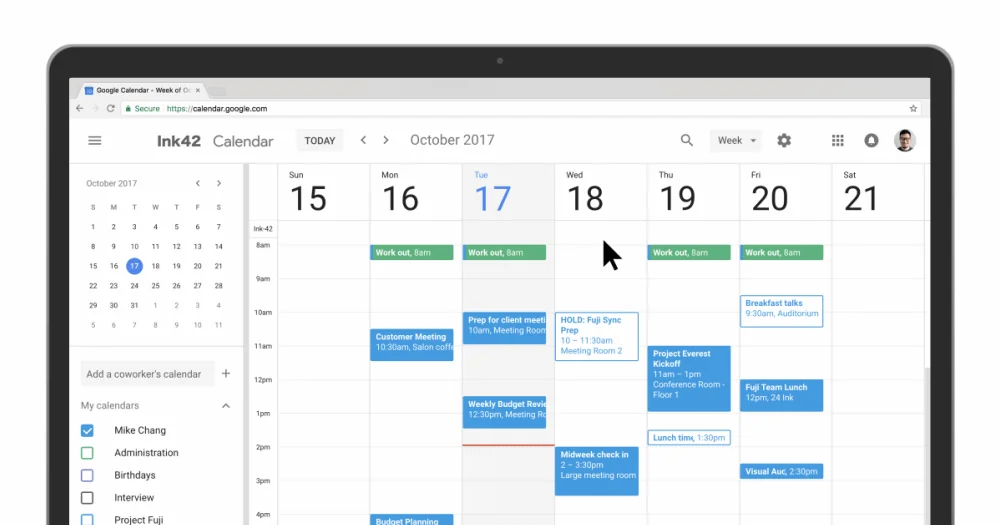
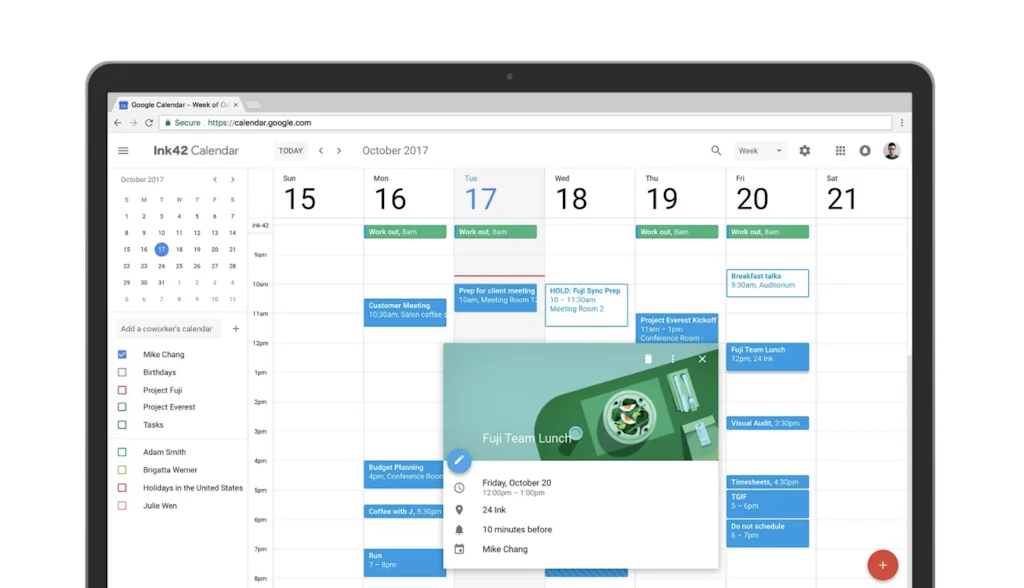
Spend less time planning and more time doing with a shareable calendar that works across Google Workspace.
Pros & Cons
Pros
- Seamless integration
- User-friendly interface
- Reminders
- Sync across devices
- Calendar sharing
- Color-coded calendars
- Easy scheduling
- Reliable performance
- Simple design
- Clean interface
- Customization options
- Dark mode
- Good API documentation
- Google Calendar API
Cons
- Dependency on digital tools
- Limited task color options
Tool Details
| Categories | Team collaboration software, Calendar apps, Scheduling software |
|---|---|
| Website | calendar.google.com |
| Added | October 17, 2017 |
| Platforms | Web |
Recent Reviews (6)
We all use it, so it only makes sense to integrate it into our app. Syncing with Google Calendar makes scheduling super easy. Our AI agents use Google Calendar to check availability and book meetings live on call. It just feels like a natural extension of how people already organize their day-to-day.
Building add-ons for Google Calendar was a great experience thanks to all their documentation and fast approval process!
Every coaching call, event, and session booked through Flexpoint syncs effortlessly with Google Calendar. It’s intuitive for both creators and customers, keeps everything organized, and just works. No learning curve, no missed calls—just smart scheduling built into the tools people already use.
Google Calendar is a simple and clean calendar that I use on my browser and Android phone. I like that it recently added dark mode and has great customization options. I can create different calendars and use colors to separate work and personal life easily. No matter how many other calendar apps I try, I always come back to this one because it works so well. The only thing I would change is the colors for Google Tasks. I wish each task list could have its own color to make it easier to tell them apart, like work tasks and personal tasks.
Google Calendar has been an indispensable tool for me for many years. Its seamless integration across multiple devices and platforms has significantly enhanced my productivity. The calendar's user-friendly interface and robust features, such as color-coding events and setting reminders, have made it an invaluable asset in managing both personal and professional commitments.
Gcal keeps everything in one place—meetings, deadlines, reminders—and helps me stay on top of things. I love how it syncs across devices and integrates seamlessly with email notifications. Simple, reliable, and part of my daily routine.
Frequently Asked Questions about Google Calendar
When did Google Calendar become popular?
Google Calendar became popular around October 17, 2017.
What are the main advantages of using Google Calendar?
The top advantages of Google Calendar include: seamless integration, user-friendly interface, reminders, sync across devices, calendar sharing.
What are the disadvantages of Google Calendar?
Some reported disadvantages of Google Calendar include: dependency on digital tools, limited task color options.
What is Google Calendar's overall user rating?
Google Calendar has an overall rating of 5.0/5 based on 16 user reviews.
What type of tool is Google Calendar?
Google Calendar belongs to the following categories: Team collaboration software, Calendar apps, Scheduling software.
Related Team collaboration software Tools
Microsoft Teams
Microsoft's Slack competitor

Yac
Voice Collaboration Tool For Remote Teams

Socyal
The Modern App for Work & Workforce Performance Management

Weekend Club
The weekend co-working club for bootstrappers to ship faster
Amplifr
Manage agency & media workflow for social media projects

Marlee
Happy, productive teams use our AI
Related Calendar apps Tools

Best of Product Hunt
A calendar of the most successful products launched in 2019
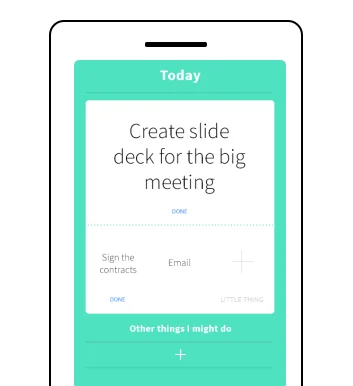
One Big Thing
The simple daily todo app

Canary Mail
AI email client built for privacy

SnapTodo
If Cursor & To-do had a baby.

TLDR Parents
Ultimate AI-powered sidekick in conquering school emails

Every Year
A perennial calendar that helps you remember annual events!
Related Scheduling software Tools
Gestimer for Mac
Timers & Reminders Made Simple

Allwyse
Empowering coaches with next-gen solutions

TidyCal
The simple calendar and booking solution for individuals
Hidden Hotspots: The Money Map
If GPS & Insider Trading had a delivery driver child.

Flowmo
Flexible Pomodoro that won't break your flow state

FreeTime
Calendly for friends
Compare Google Calendar :





Don't Get Fooled by Fake Social Media Videos
The world's first fact checker for social media. Paste any link and get an instant credibility score with sources.
Try FactCheckTool Free