

Loom
Easily record and share videos
What is Loom?
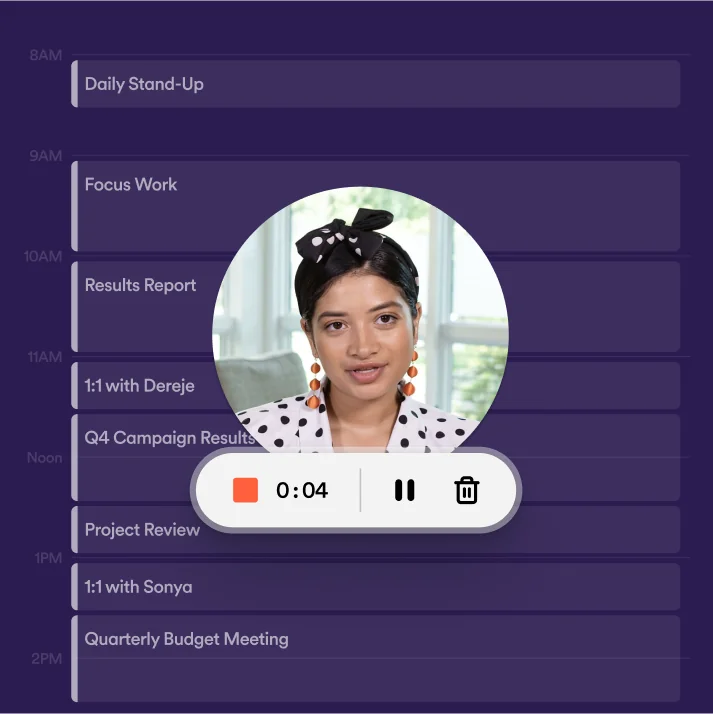
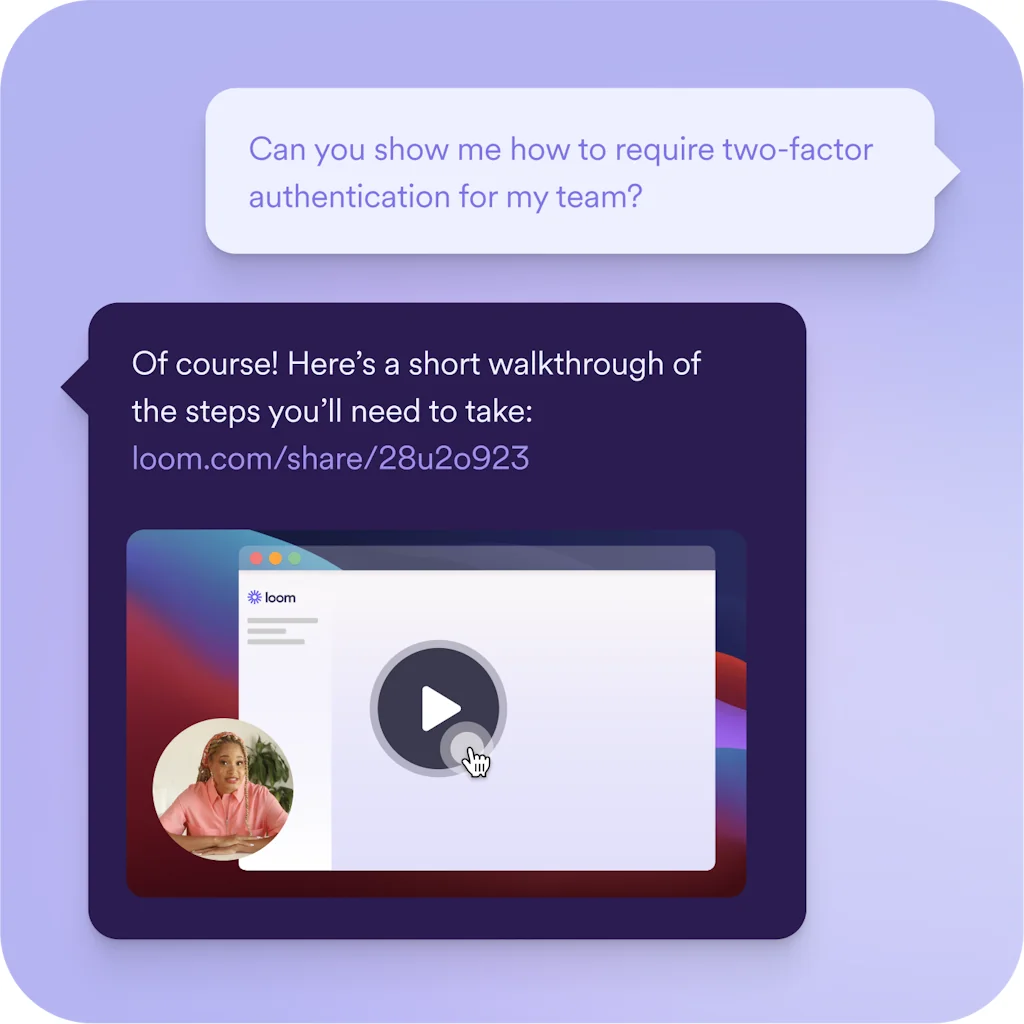
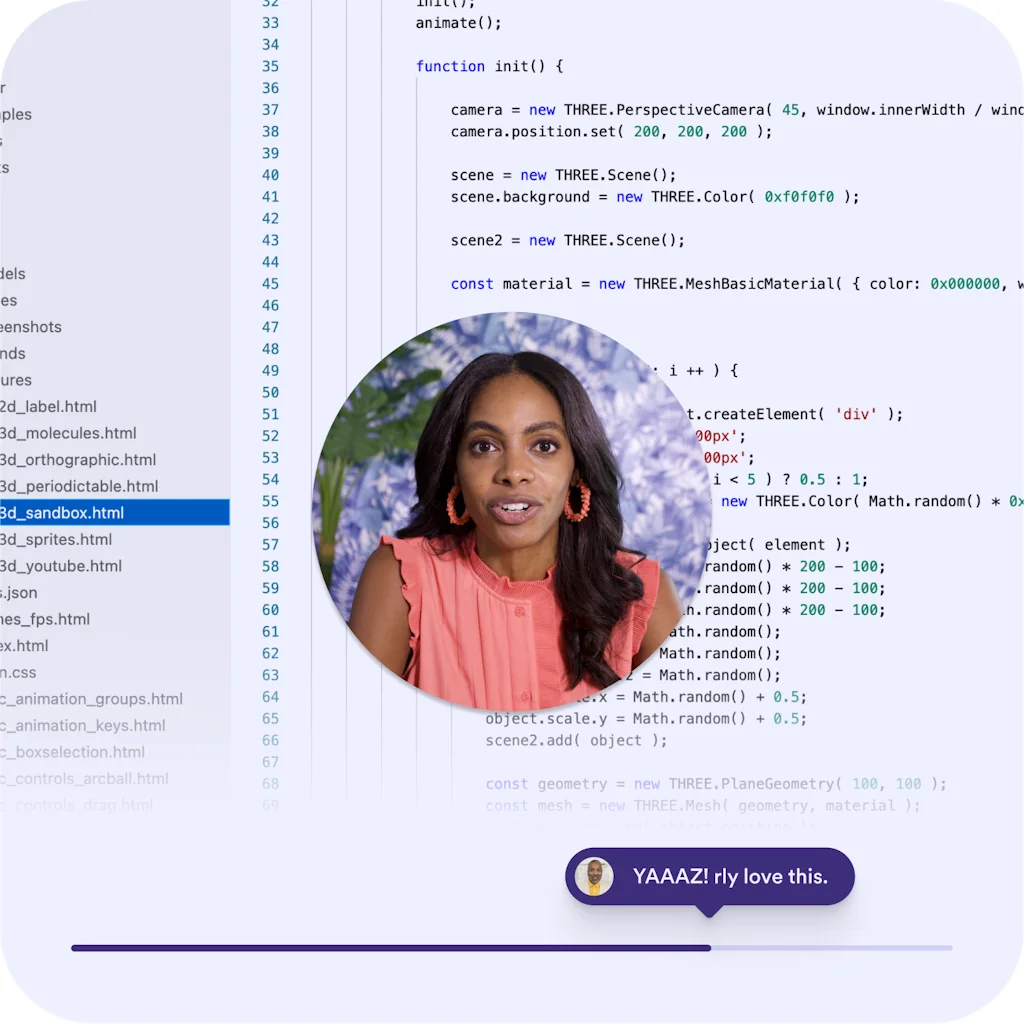
Record on your camera and screen on any device using the Chrome extension, desktop app, or mobile app. Share your video link in a few clicks.
Pros & Cons
Pros
- Asynchronous communication
- Screen and webcam recording
- Time-saving
- Video sharing
- User-friendly interface
- Remote collaboration
- Educational content creation
- Fast performance
- Video editing
- AI features
- Customer support
- Free tier
- Integrations
- Video quality
Cons
- Chrome extension issues
- Complex setup
- Limited free version
- Video editing
- Video quality
- Better file management
- Customer support
- Expensive pricing
- Fast performance
- Slow upload speeds
Tool Details
| Categories | Team collaboration software, Screenshots and screen recording apps |
|---|---|
| Website | www.loom.com |
| Added | February 5, 2014 |
| Platforms | Web · iOS · Android |
| Social | Instagram · LinkedIn |
Recent Reviews (13)
Loom was a game-changer for us when working with multiple agencies spread across different timezones during our projects. Instead of scheduling endless calls or juggling calendars, we recorded clear, concise video updates and walkthroughs that agencies could watch on their own time. This asynchronous communication saved everyone hours and kept feedback loops moving smoothly. Using Loom allowed us to explain design decisions, demonstrate workflows, and highlight key points visually—something that’s often lost in emails or chat messages. If you’re managing cross-timezone teams or external partners, Loom is an essential tool to keep communication transparent and efficient without the headache of constant live meetings. (I also love that you get notified when someone watches your video so you have full transparency into how things are moving)
Enjoyable to use, allowing you to record and share videos quickly. Some negatives for Loom to improve (as of 4 Nov 2024): - Not 4k by default - No ability to download the separate parts of a recording. E.g., the main webcam video, the screen video. This makes Loom less flexible for people recording videos to edit. - Automatically sets my video quality to a lower resolution (despite a 4k screen) - Online editing can be slow and cumbersome
I'm a customer success manager. I usually use Loom for taking quick demonstration videos of our product and sending them to the customers. I love about I don't need to download the videos to my local, its stores them into the cloud. It would be great if they extend the free user video duration limit to 10 minutes from 5 minutes
Loom has saved my butt on multiple occasions since I started working remotely during the pandemic. Where your coworker could come to your desk to show you how to use a platform or where to find X thing and vice versa, remote work makes it harder to knowledge share. Loom solves this problem. I've also used it to learn new platforms on my own (love it when companies Loom record their onboarding process!). I use Loom fairly often in my work.
I find Loom helpful for quick demos shared with my team. I record tutorials at the start of new features. I personally trim recordings before distribution. Occasionally upload speeds slow during large captures. Still it saves me from writing lengthy instructions. I recommend it to creative teams.
Joined a product team with at the same time new developers who didn't know the app and an app with a lot of bugs :( Loom helped us a lot ! The ability to leave a short video to show, exactly in what conditions, at which step the bug occurs was life changing. No need to write a long and complex text to explain
I love Loom for sharing video updates with my team. I record screen captures to explain project steps. I personally edit clips before sending to ensure clarity. It uploads instantly. My team appreciates the visual context. We now avoid long emails by exchanging quick videos throughout the day.
Loom has been an absolute lifesaver for my teaching! The ease of use and the ability to record and share screen tutorials quickly have made it an indispensable tool in my virtual classroom. Thanks to Loom, I can engage my students effectively and provide them with valuable resources.
Loom saved my team from so many unnecessary meetings! In addition to greatly helping explain new features to clients, recording video pitches, and maintaining an asynchronous culture in my startup. We can see that every improvement is truly designed to protect our time.
Loom has completely changed how we give feedback and updates. I use it personally to walk through designs or onboard new hires. My team finds it faster than writing long messages. The interface is lightweight and reliable. We use it almost every day now.
Loom has become my go-to tool for recording videos effortlessly. Whether I'm on my desktop, mobile, or using the Chrome extension, it’s incredibly easy to capture my screen and camera. Sharing the video is just a few clicks away with a simple link.
Loom offers a range of features that can be beneficial for various purposes, such as remote collaboration, customer support, team communication, and educational content creation. It allows users to record their screens, webcam, or both simultaneously, making it useful for creating tutorials, demonstrations, presentations, or sharing feedback. One of Loom's notable features is its ability to capture and share videos with ease. Videos can be recorded and instantly shared through links, allowing for quick and efficient communication. Additionally, Loom provides options for editing videos, including trimming, cropping, and adding captions, which can enhance the overall quality of the content.
Frequently Asked Questions about Loom
When did Loom become popular?
Loom became popular around February 5, 2014.
What are the main advantages of using Loom?
The top advantages of Loom include: asynchronous communication, screen and webcam recording, time-saving, video sharing, user-friendly interface.
What are the disadvantages of Loom?
Some reported disadvantages of Loom include: chrome extension issues, complex setup, limited free version, video editing, video quality.
What is Loom's overall user rating?
Loom has an overall rating of 4.8/5 based on 157 user reviews.
Is Loom available on mobile devices?
Yes, Loom is available on iOS (App Store) & Android (Google Play).
What type of tool is Loom?
Loom belongs to the following categories: Team collaboration software, Screenshots and screen recording apps.
Related Team collaboration software Tools

Producter
Product Management Tool for customer-centric SaaS startups

Tivazo
The all-in-one platform for productivity and time tracking

Duckly
Collaborate on any page with a Figma-like experience

Looppanel
From user interviews to insights, 5x faster

Spinach.io for Google Meet
Better daily standups in Google Meet

GitBook
Intelligent docs that sell, support and scale your product
Related Screenshots and screen recording apps Tools

Dubble
Documentation done while you work

MarkUp for Chrome
Turn any URL into a canvas for feedback from your browser

Overframe
Record your prototype & app with device frame overlay.
ScreenSnapAI
The AI Powered Screenshot Assistant

Pipe Platform
Audio, Video & Screen Recording Clients + Infrastructure

ScreenPal
The easy way to capture, create and share videos and images.
Compare Loom :





Don't Get Fooled by Fake Social Media Videos
The world's first fact checker for social media. Paste any link and get an instant credibility score with sources.
Try FactCheckTool Free