

What is Nook Calendar?
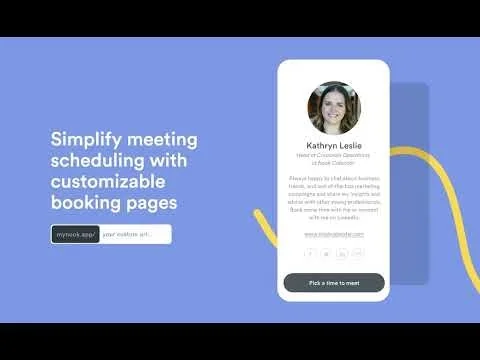
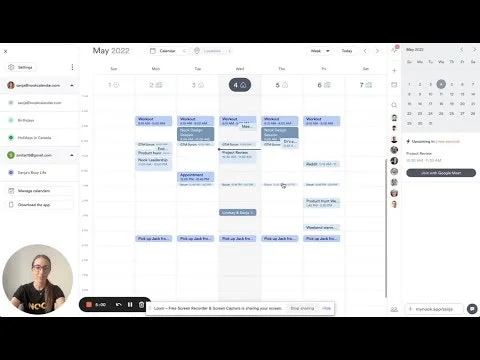
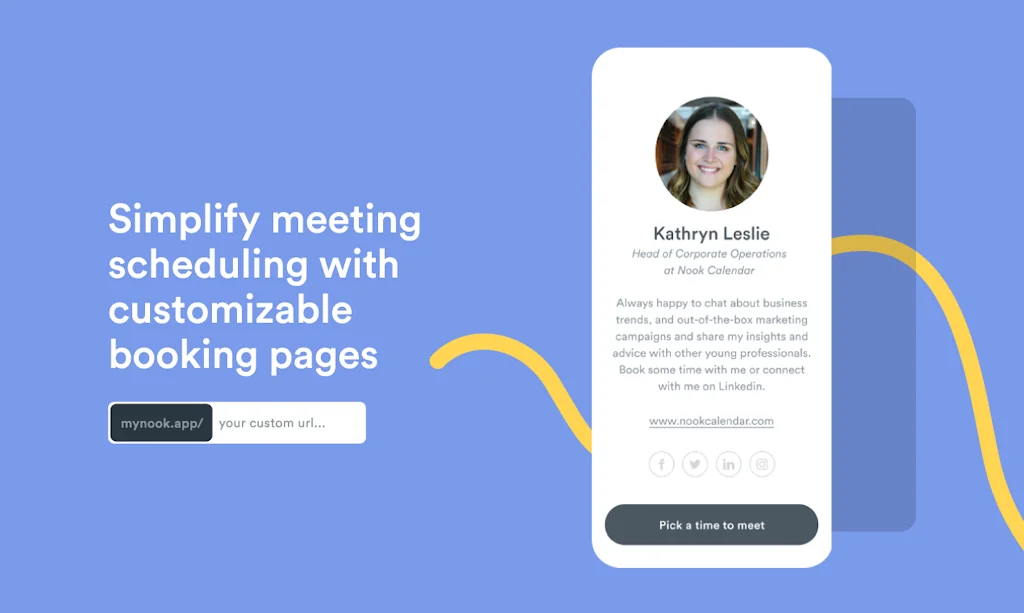
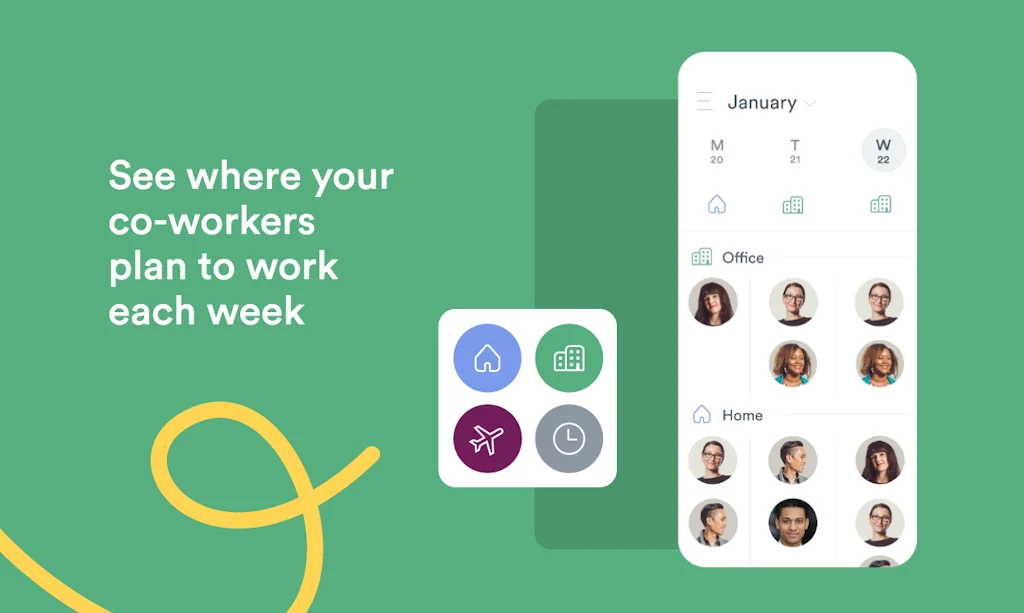
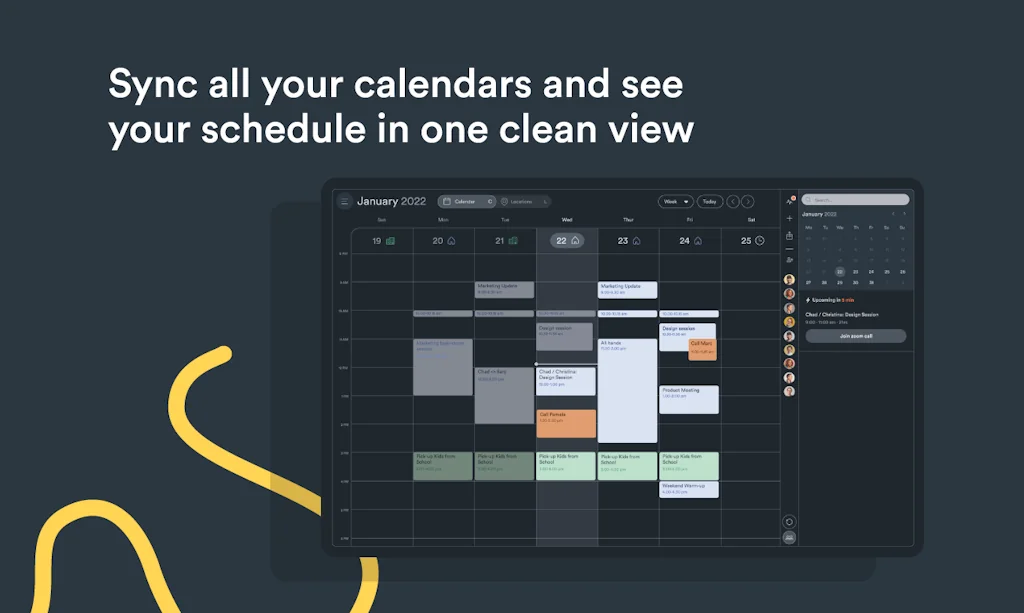
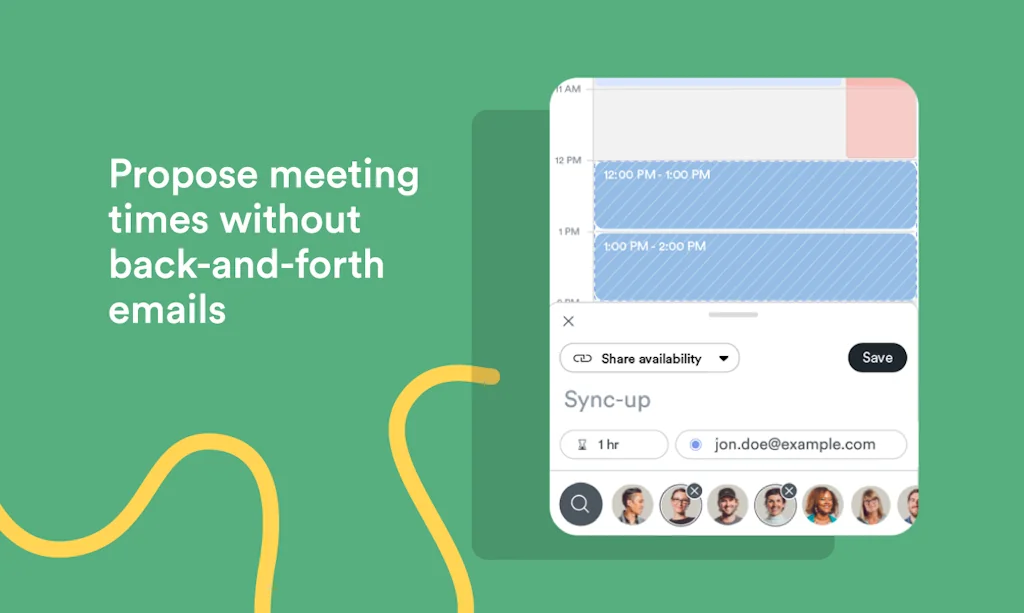
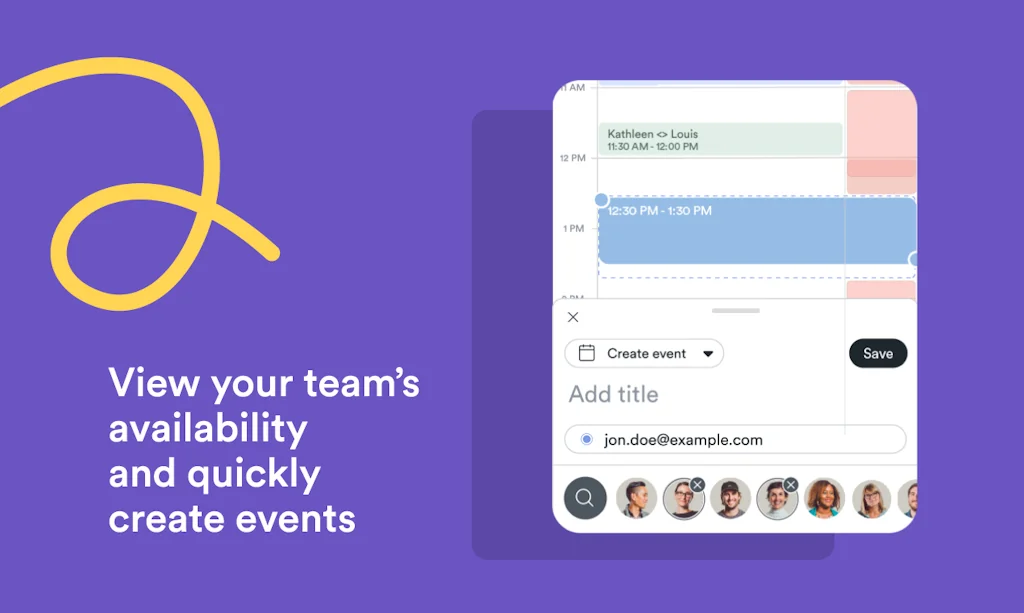
Our goal isn’t to simply build a better-looking calendar app. We want to free up people’s time, so high-performing teams can focus on what actually matters. Sync calendars, use Calendly-like features, coordinate work locations, and quickly create events.
Pros & Cons
Pros
- Innovative
- Web and mobile compatibility
- Customizable booking pages
- Google Workspace integration
- IOS experience
- Meeting scheduling
- O365 support
- Team management
- Zero cost
Cons
- Billing issues
- Customizable booking pages
- Poor customer support
- Sync issues
Tool Details
| Categories | Team collaboration software, Calendar apps, Scheduling software |
|---|---|
| Website | www.nookcalendar.com |
| Added | September 22, 2020 |
| Platforms | Web · iOS · Android |
| Social | Twitter · Instagram |
Recent Reviews (6)
I’ve been using Nook as an iOS TestFlight beta user for some time now and I love it. Frankly, I’m still more in love with Undock but this beats Calendly / TidyCal / other incumbent best of breed options. Easy to use, beautiful, great iOS experience - I just wish there were a bit more control over customizing the booking and profile pages. Also - I love that the central command palette button is called the Donut. That is all.
This is an innovative and much needed product that I’m so glad is being launched!!
Dishonest Company, Poor Product This company charged me for a year, when I wanted a month-to-month plan, and refused to refund it and make it right. Support is non-existent, and the app does not even sync all events on the same calendar. Truly one of the worst apps I've ever used, and one of the least ethical companies I've worked with. Avoid at all costs.
I love the user experience of Nook and it's super easy to use, both web and mobile applications. I use Google Workspace and I am looking forward to Nook integrating across more Google features.
Good service to manage teams remotely. It would be good to be able to track actions post meetings, remind team members to be ready to speak to their actions at the next meeting.
Love the fact that we're finally seeing some innovation in the calendar space! Easy to use and the meeting scheduling / invite function is awesome.
Frequently Asked Questions about Nook Calendar
When did Nook Calendar become popular?
Nook Calendar became popular around September 22, 2020.
What are the main advantages of using Nook Calendar?
The top advantages of Nook Calendar include: innovative, web and mobile compatibility, customizable booking pages, Google Workspace integration, iOS experience.
What are the disadvantages of Nook Calendar?
Some reported disadvantages of Nook Calendar include: billing issues, customizable booking pages, poor customer support, sync issues.
What is Nook Calendar's overall user rating?
Nook Calendar has an overall rating of 4.3/5 based on 6 user reviews.
Is Nook Calendar available on mobile devices?
Yes, Nook Calendar is available on iOS (App Store) & Android (Google Play).
What type of tool is Nook Calendar?
Nook Calendar belongs to the following categories: Team collaboration software, Calendar apps, Scheduling software.
Related Team collaboration software Tools
Usequeue
All-in-one platform to launch your productized services
Sketchlie
Streamline Ideation, Collaborate, Create. All in real-time
Corexta
All-in-One Agency Management platform

Notation
Documentation tooling for engineers
JXL
The power of Jira with the features to get things done

FloydHub
Deep learning platform for productive data science teams
Related Calendar apps Tools
DynamicLake Pro for macOS
Dive Deep into lake
Sidebar Calendar
Keeping you on schedule!
Jam
The best shared family calendar
Microsoft Outlook Calendar Pack
Sync, organize, and create your Outlook events into Coda
Available for Gmail
Share your calendar availability without leaving your email.

CalGet
Get Your Events on Everyone's Calendar.
Related Scheduling software Tools
Motion Project Manager
Automate task planning and prioritization

Smarty
AI for daily work, intuitive automation, scheduling, & more

Mindr - Mindful Reminders
A new and beautiful approach to subtle reminders
Productive for iOS
Build good habits. Organize your life.
Akiflow
Being always well organised is possible.
Due
Never forget anything, ever again.
Compare Nook Calendar :





Don't Get Fooled by Fake Social Media Videos
The world's first fact checker for social media. Paste any link and get an instant credibility score with sources.
Try FactCheckTool Free