

Akiflow
Being always well organised is possible.

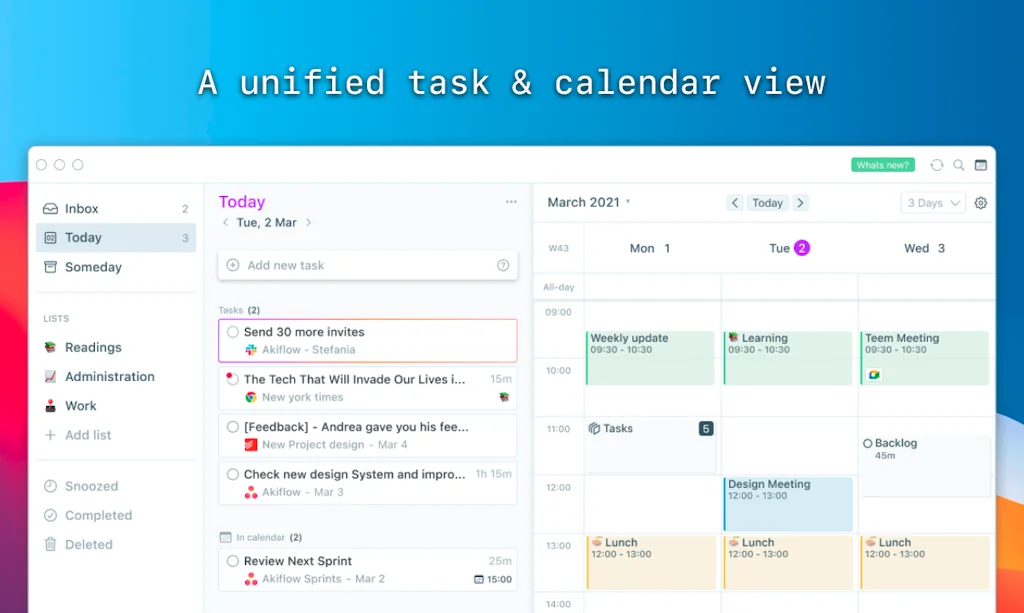
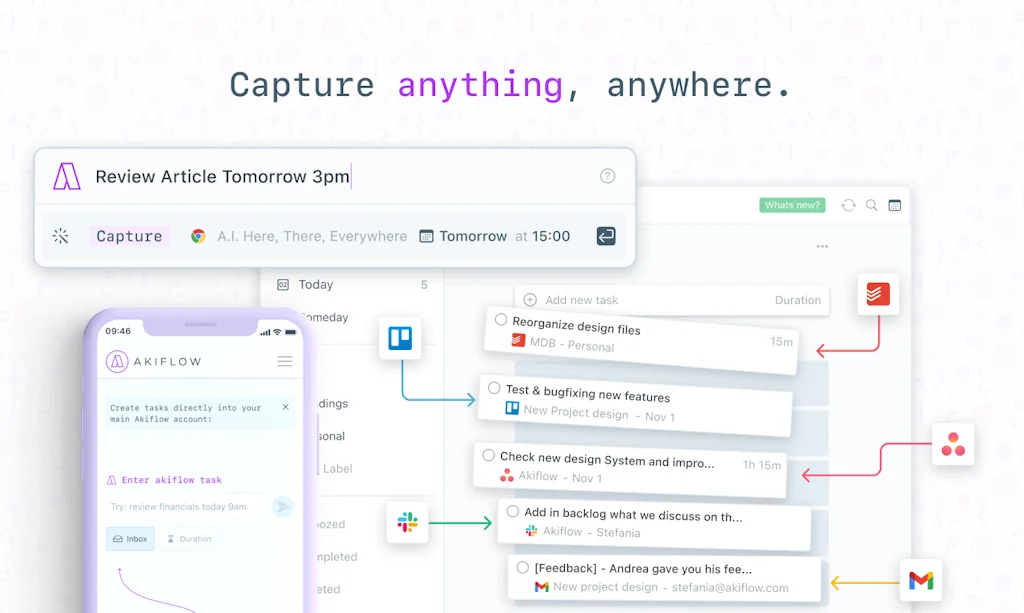
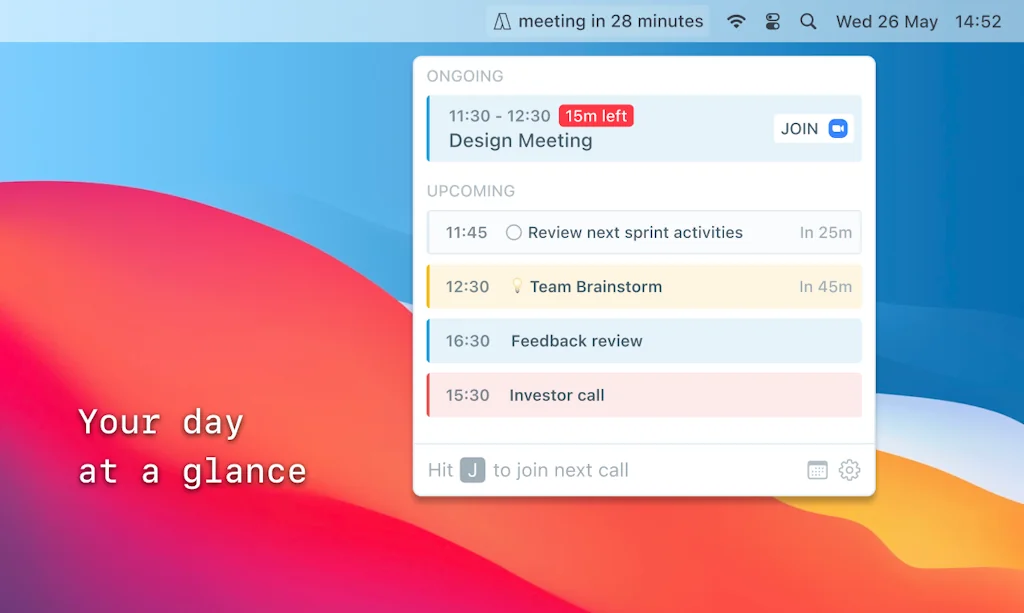
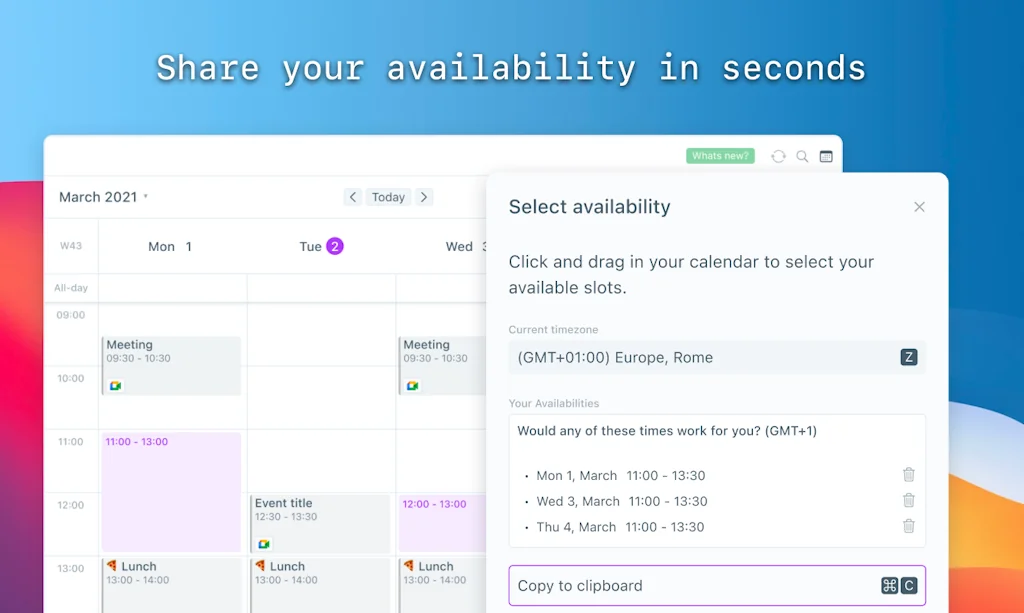
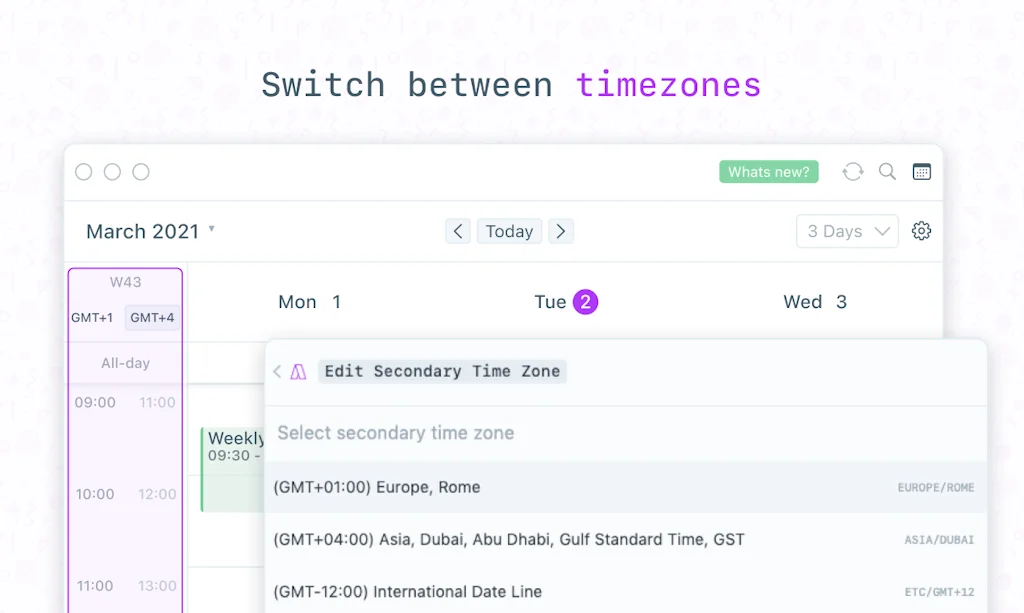
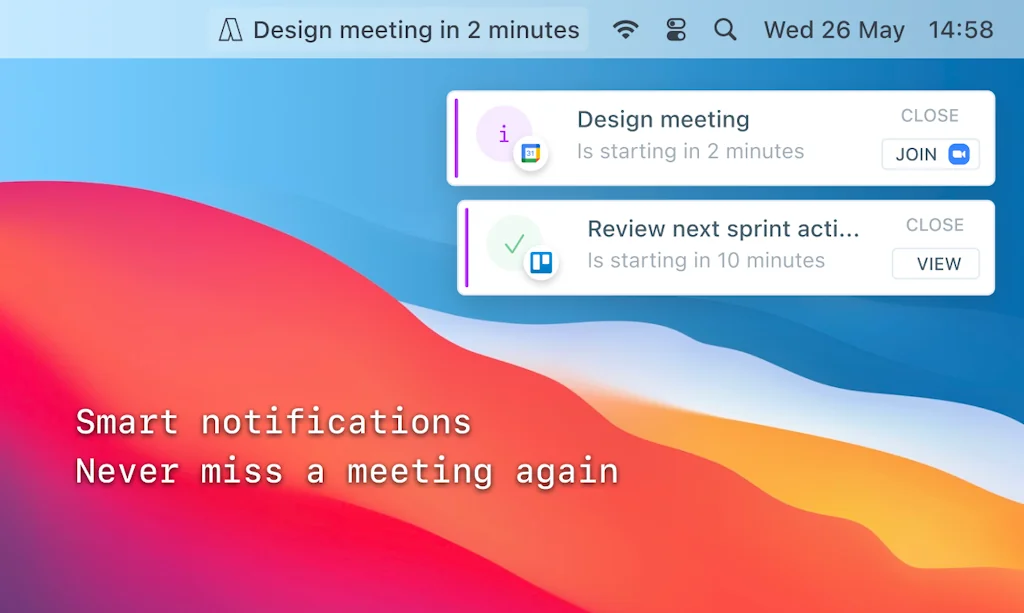
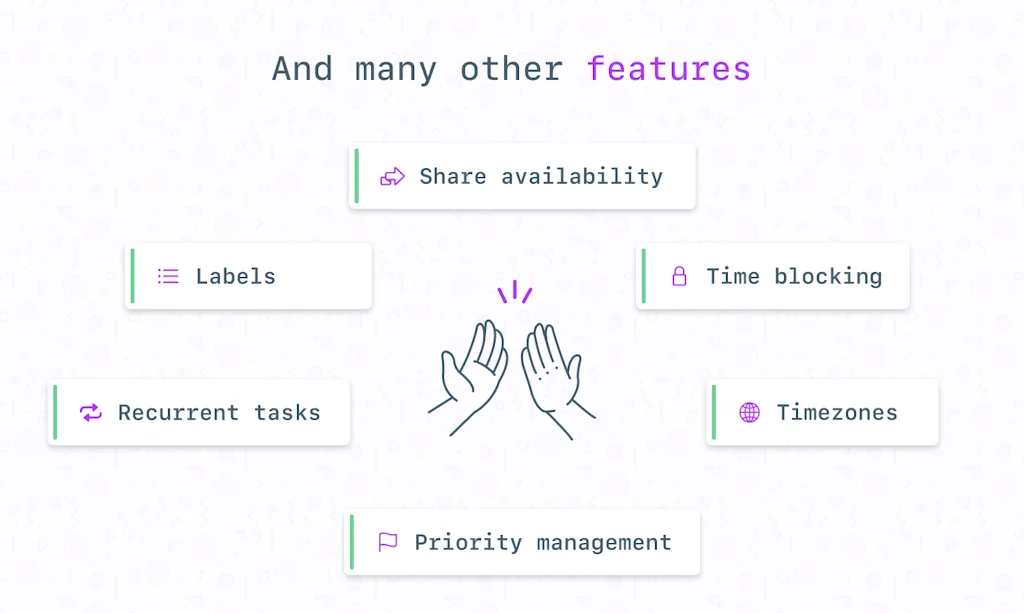
What is Akiflow?
Automatically import your tasks and calendars from other tools in Akiflow and plan your day with ease.
Pros & Cons
Pros
- Task and calendar integration
- Centralized task management
- Time blocking
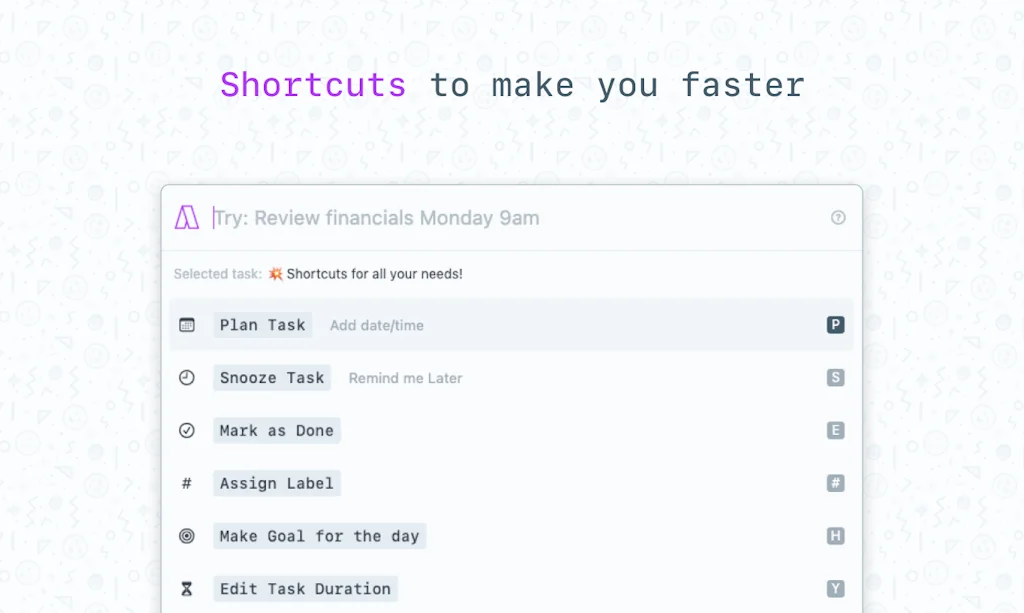
- Command bar interface
- Fast performance
- Integration with Google Apps
- Integration with Notion
- Integration with Todoist
- Integration with Zapier
- Keyboard shortcuts
- Quick task creation
- Schedule sharing
Cons
- Mobile app in beta
- Complexity in task management
- Cost prohibitive
- Lack of task export
Tool Details
| Categories | Productivity, Calendar apps, Scheduling software, Automation tools |
|---|---|
| Website | www.akiflow.com |
| Added | August 21, 2020 |
| Platforms | Web |
| Social |
Recent Reviews (10)
I loved with the inbox-task approach and overall functioning. Later, I found difficult to keep track and started finding complexity to add information through a note, task or work. I find it useful for a GTD approach but lacking on high-level and detail views.
Akiflow is the best to-do + calendar experience I have seen so far to date. It may not be as pretty as Amie, but the UX is 1000x better with a feature set that can't be beaten.
Akiflow has been one of our first customers and their platform allows us to work smoothly and stay laser-focused on our tasks. It's probably the best productivity tool out there and we are glad to share this ride with them
So far, so good, enjoying the workflow it brings and feature parity with Motion. Things I'd like to: - A Gmail integration that does need to read all my emails, though they say our data is private, what if someone gets my access token or is able to inject requests there - Linear two-way integration - Some understanding of Clockwise events since they conflict a bit - Possibly some "AI" automatic suggestions of priorities could be cool, based on the amount of free time I have and such
Finding Akiflow a much better alternative to Sunsama and they really appear to be adding changes at a great pace. The only thing missing for me at the moment is the ability to schedule the same imported task (eg from Asana) into multiple time slots - functionality Sunsama does have. Overall though the speed of use, the quick task creation from anywhere on Mac make this a real pleasure to use
Really good app. I've been using it for about a year. My biggest complaint is that the app doesn't support any kind of export for tasks. I lost access to my account last week and it was really stressful not having my tasks! The command bar interface is fantastic, and support is great.
Great single point of integration for all my to-dos and project plans. Hope for a better view for large amounts of tasks in the future.
Just moved forward with the app as it stated mobile is available. Once I gave cc and went to down load the app the mobile is still in bata.
The best task app for those who are busy and love using their keyboard. It's a bit cost prohibitive for most people, though.
Nice product focusing on one important productivity problem to solve. Great product with many attention to details. More and more keyboard shortcuts could be more helpful.
Frequently Asked Questions about Akiflow
When did Akiflow become popular?
Akiflow became popular around August 21, 2020.
What are the main advantages of using Akiflow?
The top advantages of Akiflow include: task and calendar integration, centralized task management, time blocking, command bar interface, fast performance.
What are the disadvantages of Akiflow?
Some reported disadvantages of Akiflow include: mobile app in beta, complexity in task management, cost prohibitive, lack of task export.
What is Akiflow's overall user rating?
Akiflow has an overall rating of 4.5/5 based on 15 user reviews.
What type of tool is Akiflow?
Akiflow belongs to the following categories: Productivity, Calendar apps, Scheduling software, Automation tools.
Related Productivity Tools
Planny
The intelligent to-do app, reimagined

DayTicks
Organize and manage your daily tasks efficiently.

Breathhh
Personal mental shield against stress and anxiety
Weisey IPS
A clean and intelligent way to investigate any IP

Habit List
Build a better you

Buglet
Turn customer frustration into actionable feedback
Related Calendar apps Tools

Wise owl
A task manager to avoid feeling overwhelmed

Mayday
Your AI Scheduling Co-pilot

Button for Google Calendar
See your daily schedule and join meetings in one-click.

beams
Work Intelligence Platform
Agendus
Daily Calendar & Reminders Widget

ShadowCal
Sync your Outlook Calendar to Google Calendar
Related Scheduling software Tools

Linify
Easy Coach & Enthusiasts Sports Software

marble booking
Your intuitive & smart booking system

Parity
Your personal AI scheduling assistant

Planndu
Organize your day and stay focused on what matters
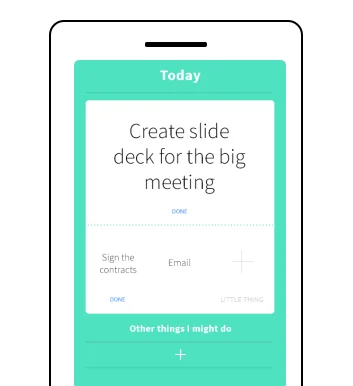
One Big Thing
The simple daily todo app

Dot Copilot
Streamline your life without interrupting your workflow
Related Automation tools Tools

Dynamo iOS Wallpapers
Never run out of battery with these dynamic wallpapers

Pipefy
Request. Execute. Report.

Voicezap AI
Trigger Zapier automations using your voice
ClickUp GTD System
The only Getting Things Done template you'll ever need.

Mason
Nocode store blocks for Shopify

Jots
Unlock the benefits of journaling to become a better dev.
Compare Akiflow :





Don't Get Fooled by Fake Social Media Videos
The world's first fact checker for social media. Paste any link and get an instant credibility score with sources.
Try FactCheckTool Free