

What is Vmake?
Vmake is the #1 AI talking video editor designed to help creators, coaches, and professionals effortlessly produce scroll-stopping content — from expert explainers to client success stories.
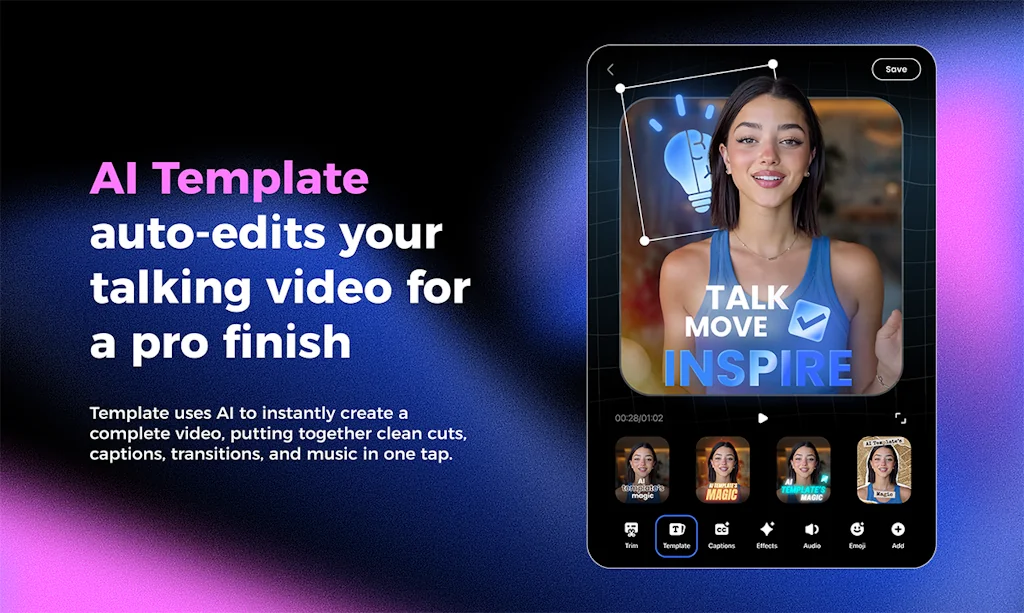
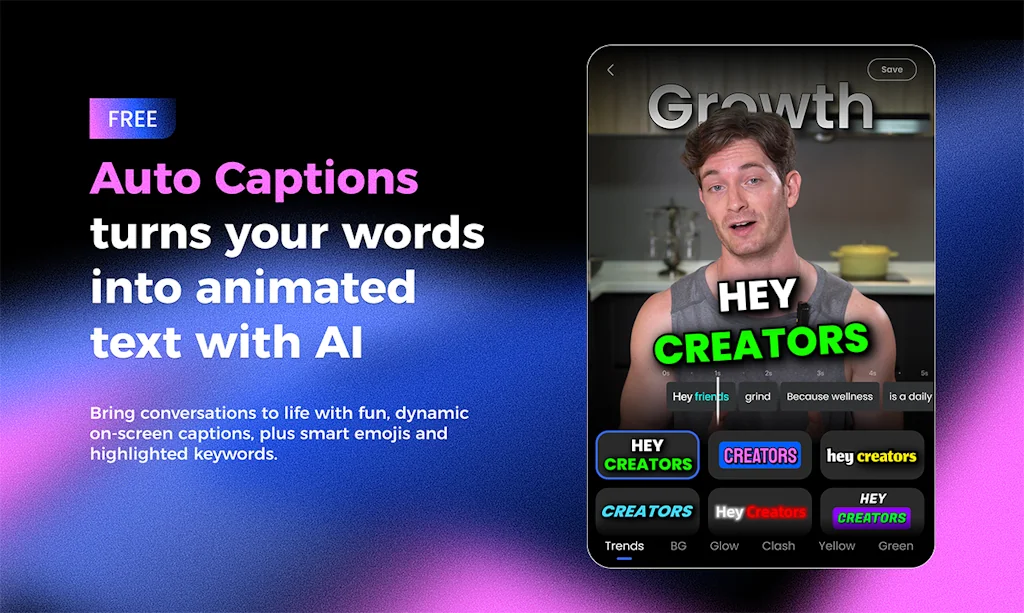
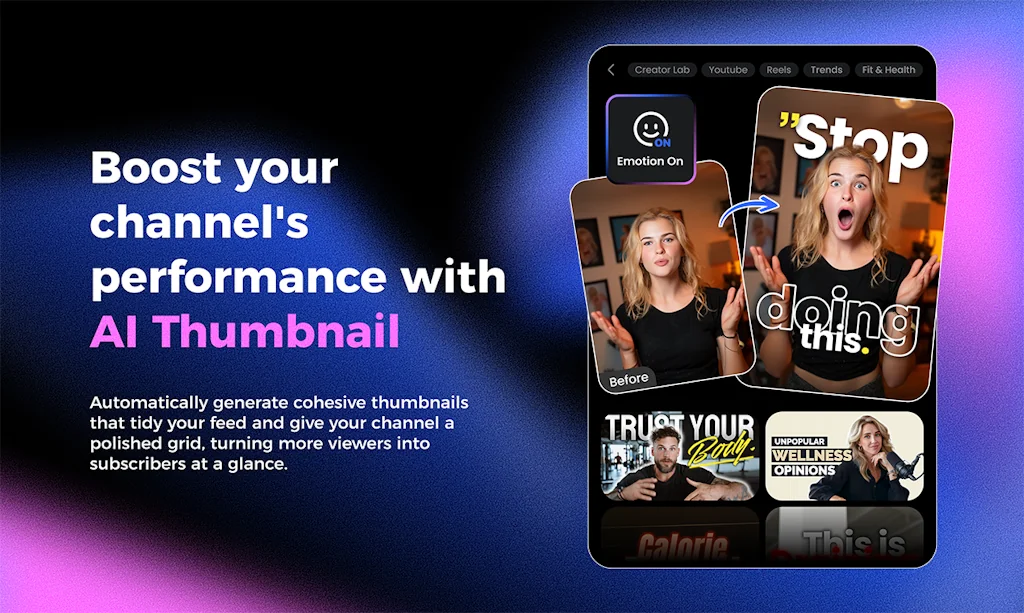
With auto captions, video templates, AI enhancers, and high-converting thumbnails, Vmake empowers you to connect, inspire, and grow your audience — fast. Just upload your footage and get pro-level videos in minutes.
Pros & Cons
Pros
- Time-saving
- Video templates
- Auto captions
- Trim function
- User-friendly
- AI enhancer
- AI-powered upscaling
- Beauty mode
- Beginner-friendly
- Fast editing process
- High-definition visuals
- Layout automation
- Picture-in-picture
- Video quality enhancer
Cons
- Confusing cancellation process
- Poor customer service
- Subscription management issues
Tool Details
| Categories | Video editing, Photo editing, Camera apps |
|---|---|
| Website | vmake.ai |
| Added | July 17, 2024 |
| Platforms | Web · iOS · Android |
| Social | Twitter · Instagram · Facebook · LinkedIn |
Recent Reviews (7)
Vmake helps me a lot. It saves me time from tedious edits. My favorite function is Trim, and it can delete the unnecessary pauses and repeated sentences just in one tap. I'll continue to use Vmake without a doubt.
been using vmake for a couple weeks now — honestly didn’t expect to like it this much lol the auto captions? legit. super accurate even with my weird accent 😅beauty mode is a lifesaver when I film at 11pm looking like a zombie and the AI enhancer?? made one of my blurry clips look like I shot it on a real camera. ngl it’s kinda replaced like 3 different apps I was switching between before. if you make talking videos a lot, def worth checking out.
As a student, I’m always short on time — but Vmake has been a lifesaver. It’s an AI talking video editor that makes content creation so fast and easy. The Visual Hook feature helps me make attention-grabbing intros without spending hours editing, and the AI Templates do most of the work for me. I can go from idea to finished video in minutes. Seriously efficient and perfect for busy people like me!
I love how easy it is to create picture-in-picture explainer videos with Vmake. I can drop in my talking head, add screen recordings, and it automatically handles layout and captions. It’s made my TikTok tutorials look way more professional.
As a time-pressed student, Vmake's AI video editor is a game-changer. Its AI simplifies everything: talking videos, instant intros with Visual Hook, and ready-to-use AI Templates. It dramatically cuts production time – I go from concept to final video in mere minutes. An incredibly efficient solution for fast-paced creators like myself.
Vmake is a LIFESAVER for editing my talking-head videos! ✂️ Literally one click and it cuts out all the pauses and umms. 🤯 Saved me HOURS this week already. Magic app for creators! 🔥
Vmake is a great tool for content creation. I use it to edit my talking videos. Like the template thing bcs it speeds up my editing process like 10x faster^^
Frequently Asked Questions about Vmake
When did Vmake become popular?
Vmake became popular around July 17, 2024.
What are the main advantages of using Vmake?
The top advantages of Vmake include: time-saving, video templates, auto captions, trim function, user-friendly.
What are the disadvantages of Vmake?
Some reported disadvantages of Vmake include: confusing cancellation process, poor customer service, subscription management issues.
What is Vmake's overall user rating?
Vmake has an overall rating of 5.0/5 based on 7 user reviews.
Is Vmake available on mobile devices?
Yes, Vmake is available on iOS (App Store) & Android (Google Play).
What type of tool is Vmake?
Vmake belongs to the following categories: Video editing, Photo editing, Camera apps.
Related Video editing Tools

Podcastle
Make content with confidence

FrickFrack
a minimalist social media experience

Retouch4me Color Match
Smart Color Correction by reference in 1 click

Pikimov
free online motion design and video editor

Worbler AI
Bringing a powerful audio toolset to content creators.

Hexus
From Concept to Stories in minutes
Related Photo editing Tools
Remover.app
Remove anything unwanted in seconds, for free

Convertfiles.ai
Convert Your Images Online for Free

REOK.PRO
Generate business headshots with our AI-photographer
CaptionKit
AI captions & subtitles for video

Fotographer AI
Marketing contents created by AI
Fakeface
Best Online Face Swap Tool for Videos, Photos, and GIFs
Related Camera apps Tools

SearchCam
CTRL+F for real world

Artifit
Do workouts with AI, rather than alone

Impressions
Create your own high-quality celebrity deepfakes in minutes
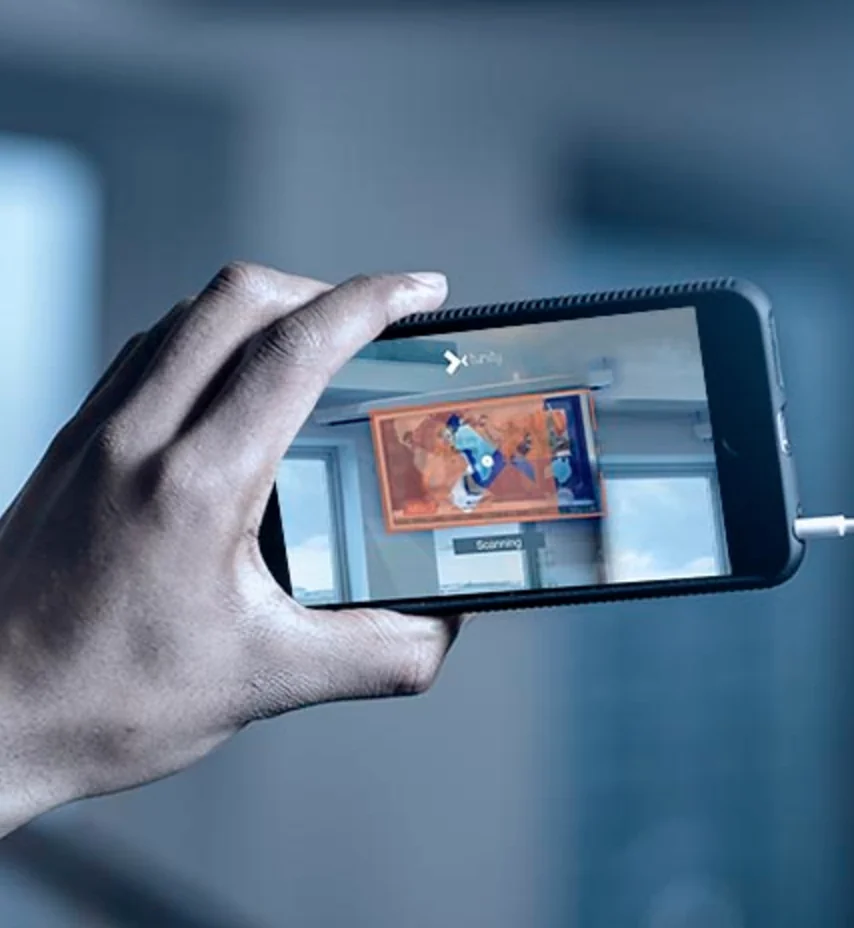
Tunity
Scan any TV and hear it on your phone
Facehub
AI for real time face-to-face swap on iPhone
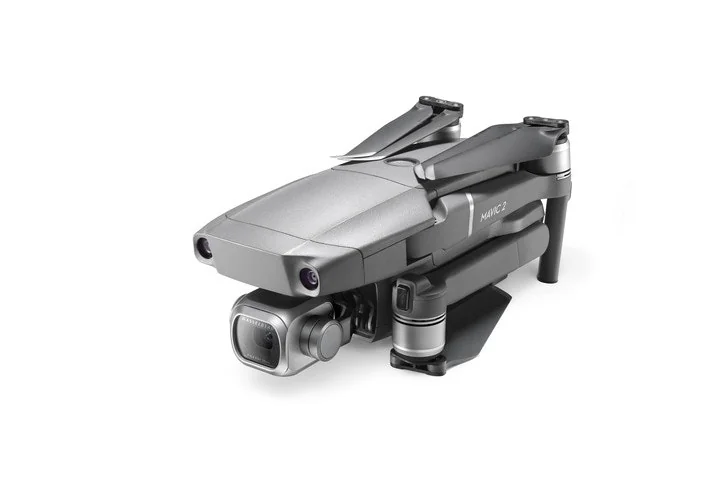
Dji Mavic 2
DJI's flagship consumer drone built for pros
Compare Vmake :





Don't Get Fooled by Fake Social Media Videos
The world's first fact checker for social media. Paste any link and get an instant credibility score with sources.
Try FactCheckTool Free