
What is Slidepad?
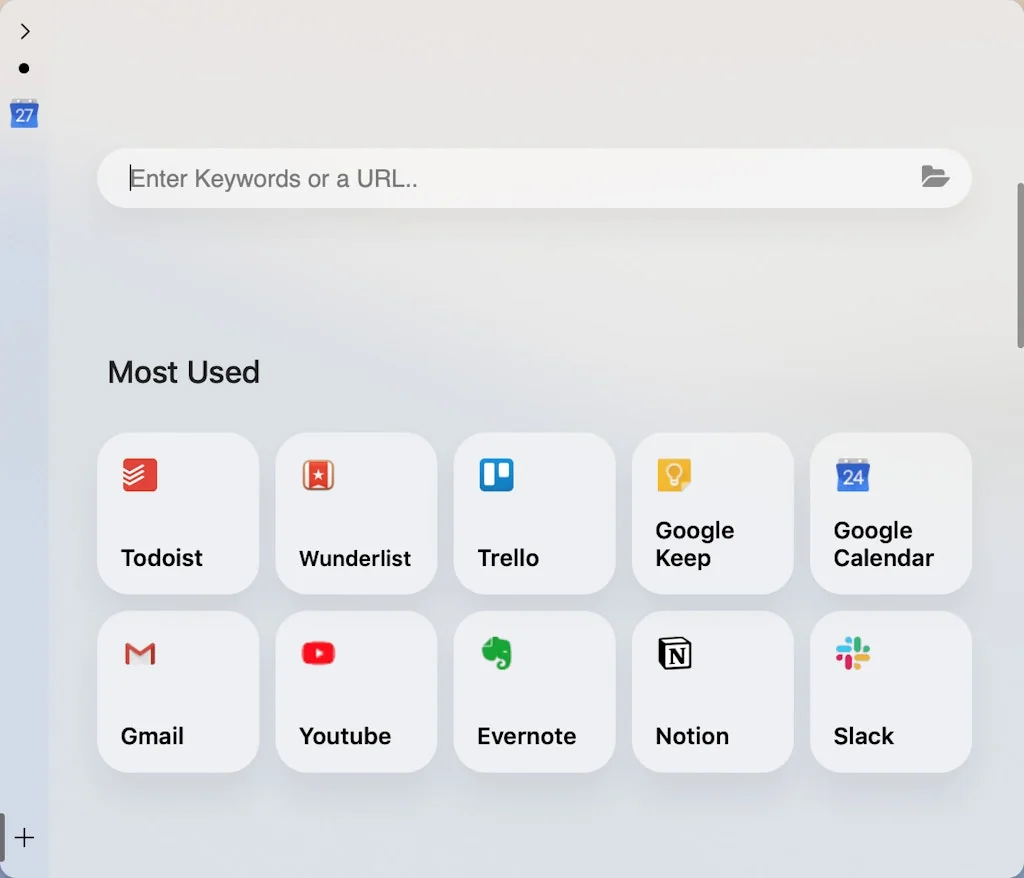
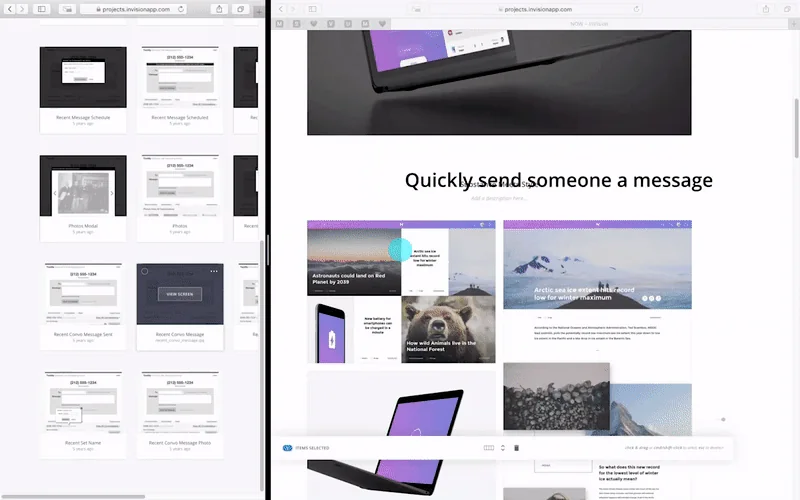
By slide in and slide out, Slidepad brings iPad style multitasking to your Mac. Using Slidepad is as easy as using your dock.
Tool Details
| Categories | Web browsers, Remote workforce tools |
|---|---|
| Website | slidepad.app |
| Added | June 30, 2019 |
| Platforms | Web |
Recent Reviews (5)
Productivity booster 🚀
Review your experience using Slidepad-what you liked, what could be better, and how it compares to other tools you've tried. I love Slidepad. I'm pretty sure I use it just as much as Raycast. There are several apps I use multiple times throughout the day. I don't want to keep native app windows open for them because they cluster up my task switcher when ⌥ + Tabbing and I like to keep my Dock fairly minimal and non-distracting. And I don't want to shut them down every time because waiting for an app to load sucks (and besides, most of the Mac versions are just wrappers anyway). I don't want to keep these apps up in browser tabs where I'm working either. If I did, I'd end up spending more time hunting them down across multiple windows since I wouldn't want them open in the same window I'm doing my main work. That and I'd end up suspending them anyway to free up memory for Chrome to devour elsewhere. I could open them in a separate browser—but that opens up a whole separate set of issues. So I put them in Slidepad instead. I mapped the keyboard shortcut to open Slidepad to a button on my MX Master 3 when using my desktop and a four-finger tap on the trackpad when using my laptop. Common Apps I Keep Handy in Slidepad ----- 1. Google Calendar 2. Reflect 3. ChatGPT/Claude 4. Asana 5. Guru 6. Slack 7. Raindrop It's nice because you can hibernate them as well when you're not actively using them. ## Wishlist Here are some quick things I'd love to see Slidepad add in the future. 1. Keyboard shortcut for hibernate/wake up. 2. Ability to set height and width dimensions of the app by active tab so it changes as you activate a tab. 3. Improved quick switcher for tabs. Current shortcuts are fine; but something like Arc had would be great. 4. Ability to inject custom CSS/JS into a tab based on URL pattern. I know of no good alternatives. Not that work like this. I've looked. Most seem to just be sidebars for taking notes.
I'm on my second try of Slidepad, the first time giving up because it didn't support anything I used, despite its tagline that it did. I am finding it more useful now but I still have some major complaints. The interface and menu commands are not intuitive and there is zero documentation tell you how to use it, neither within the app or on their website. Launching the app, or starting up your computer if you have it set to boot at login, immediately starts Youtube from a hidden Slidepad. The first time was incredibly annoying seeing no apps open and no idea where the sound was coming from. I am guessing it's "Auto-mute" in its menu, but I'm taking a wild guess because there's NO DOCUMENTATION. And if that's my only option, I also don't want it to be running Youtube videos that I'm not aware of in the background. Bringing up the Activity Monitor, anything that you have set up in Slidepad toolbar is actively running and using CPU, even if you haven't brought Slidepad out yet. While it's negligible, showing about .5-2% being used by each app, I don't understand why it doesn't put them to sleep, waking them up when I slide it out. I will probably not have it start at login and launch it when I'm needing to multi-task between apps.
Hi, I bought a license for Slidepad on my M1 macbook and I recently also purchased a Surface Pro X and feel deeply that if at all possible it would be Ideal to have Slidepad on Windows in particular for Surface Pro X built on ARM because its a tablet and powerful enough to replace the iPad if it had your slidepad feature
It's really easy to use, and when I put notion/trello/chatgpt here, I feel like I'm significantly more productive and easier to use
Frequently Asked Questions about Slidepad
When did Slidepad become popular?
Slidepad became popular around June 30, 2019.
What is Slidepad's overall user rating?
Slidepad has an overall rating of 4.6/5 based on 5 user reviews.
What type of tool is Slidepad?
Slidepad belongs to the following categories: Web browsers, Remote workforce tools.
Related Web browsers Tools

HireHarmonyAI
Instant LinkedIn Profile Insights, Smart Hiring Made Simple.

Sava OS
A desktop interface for your web browser.

Webdash
A customizable web dashboard for your web projects

Helium
A floating browser window for your Mac

ChattyUI
Run open-source LLMs locally in the browser using WebGPU

TunnelBear
Really simple computer and mobile apps for private browsing
Related Remote workforce tools Tools





Compare Slidepad :





Don't Get Fooled by Fake Social Media Videos
The world's first fact checker for social media. Paste any link and get an instant credibility score with sources.
Try FactCheckTool Free