

What is Cursor?
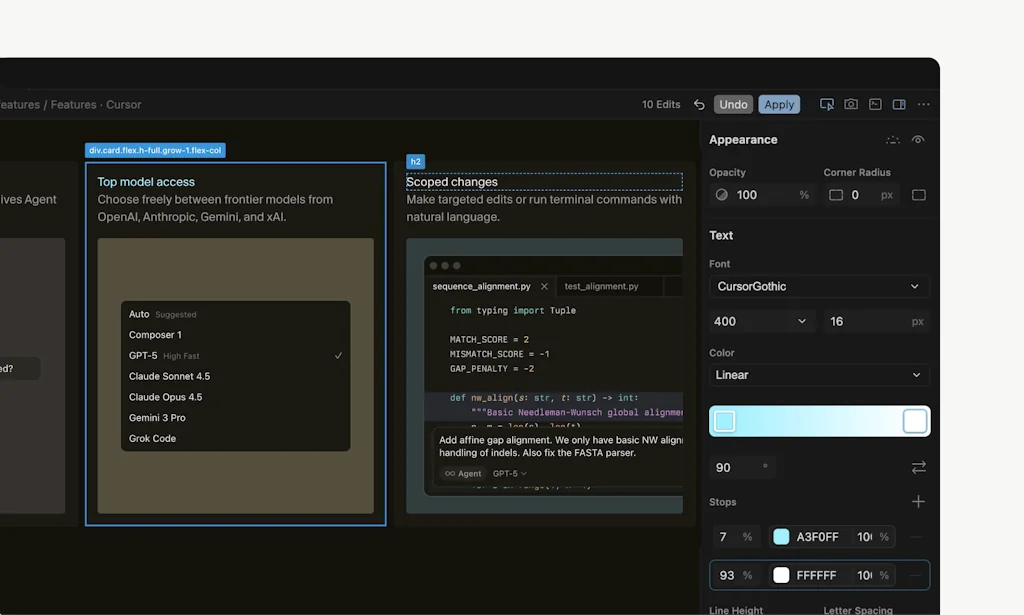
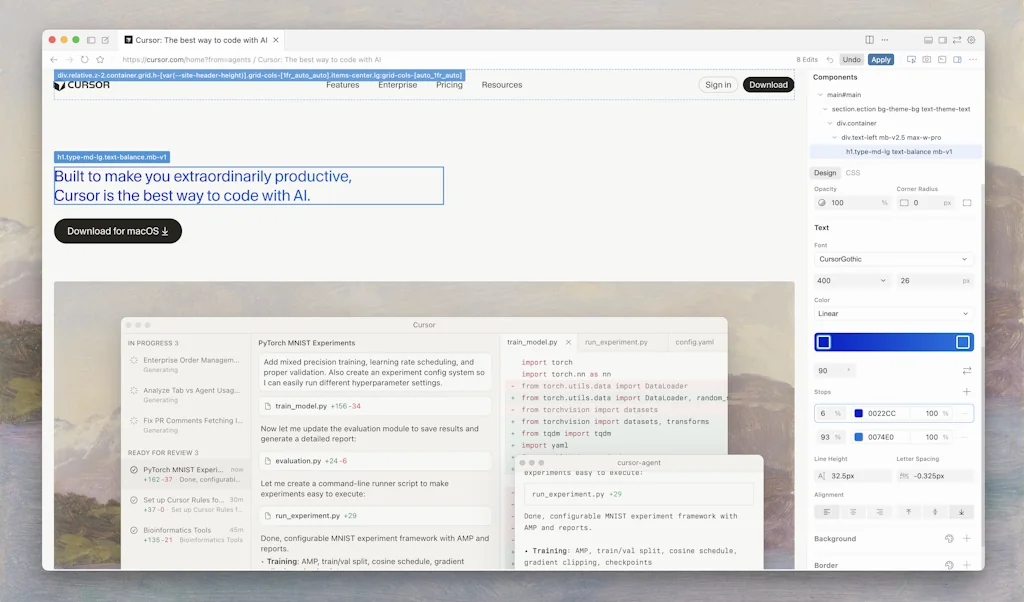
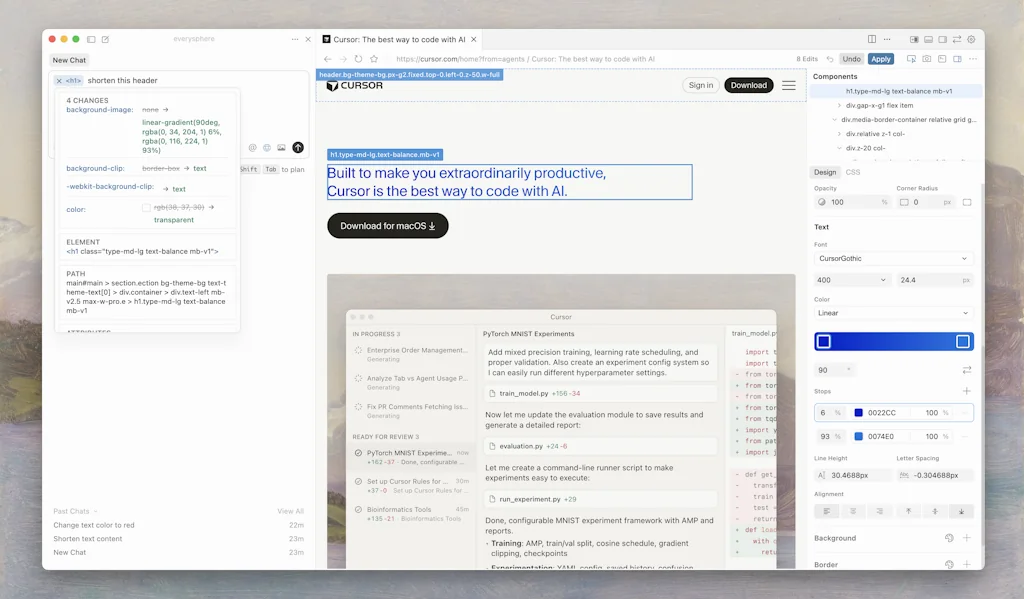
Built to make you extraordinarily productive, Cursor is the best way to code with AI.
Pros & Cons
Pros
- Seamless integration
- Intelligent code suggestions
- Code generation
- Pair programming
- AI autocomplete
- Context aware
- Fast performance
- VS Code integration
- Real-time debugging
- Error detection
- Git integration
- Privacy mode
- Built-in terminal
- Inline diagnostics
- Multi-cursor editing
- Multiple ai models
- Offline mode
- Vibe-coding
Cons
- Context aware
- Occasional crashes
- Breaking changes
- High memory usage
- Overwhelming features
- Subscription cost
- VS Code integration
Tool Details
| Categories | Code editors, AI Coding Agents, Vibe Coding Tools, AI Code Editors |
|---|---|
| Website | cursor.com |
| Added | February 29, 2024 |
| Platforms | Web |
| Social |
Recent Reviews (13)
I still use Claude Code quite a bit in a Cursor built-in terminal actually. But it's hard to beat all the editor integrations Cursor includes. Claude Code has just option+cmd+k.I kicked the tires on OpenCode and really liked it. OpenCode is a terminal agent. So I didn't stick with it.I used Windsurf for a while, and Windsurf felt like a magical upgrade over Cursor. Over time, it felt like Cursor caught up and then passed Windsurf. Honestly though, I haven't tried Windsurf in a while. Maybe it has advantages over Cursor again?
Cursor is the AI coding assistant I didn’t know I needed until I used it. It integrates directly with my coding workflow, making debugging, refactoring, and even writing new code feel 10x faster. Unlike ChatGPT, it understands the entire codebase and provides super contextual suggestions. The best part? You can ask questions right inside your editor without switching tabs — it’s like pair programming with a senior engineer who never sleeps. Cursor has drastically improved my speed, confidence, and even how I structure code. Game-changing tool for any developer.
Huge thanks to Cursor, my coding IDE of choice. As someone who splits time between design and development, I love how Cursor speeds up the coding side of things. The built-in AI assistance makes it feel like I always have a second pair of eyes on my code, suggesting improvements, catching bugs, and helping me move faster. I’ve used a lot of IDEs in the past, but Cursor is the one that feels built for modern workflows — especially when you’re building something solo and need every bit of efficiency.
Cursor is just better at using the given model up to its limits. None of the other agentic products success that much. Also plan mode is a beast if you give some time to your task and plan everything carefully. While coding with the popular tech stacks, Cursor executes the plan flawlessly most of the time.
I chose Cursor because it integrates AI directly into the editor in a way that is deeply context-aware and practical for real-world development. Unlike standalone AI tools, Cursor understands the structure of the codebase and supports tasks like refactoring, debugging, and reasoning across files. This makes it a natural extension of the development workflow and significantly reduces context switching while improving overall productivity.
I tested a few other AI-assisted coding tools, but Cursor stood out because of how well it integrates into the actual development workflow. It doesn’t feel like a separate layer added on top of the editor. The editing experience, speed, and context awareness are noticeably better than the alternatives I tried.Cursor also handles full-file and multi-file changes more reliably, which makes it practical for real projects rather than just small tasks. The balance between automation and control is what convinced me to choose it. It speeds up the work without taking away the flexibility of writing code the way I prefer.
I find so much more useful to see what is happening while cursor is answering. That, combined with the extremely good harness, made it quite tough to beat
Excellent AI-Powered Code Editor with Seamless Integration Cursor is an outstanding code editor that brilliantly combines the power of AI with a smooth, intuitive interface. As a developer, I appreciate its deep integration with AI tools like GPT-4, which significantly boosts productivity by offering smart autocomplete, error detection, and even whole-function generation. The chat feature allows me to ask coding questions directly within the editor, saving hours of searching online. The UI is clean and customizable, making it easy to adapt to my workflow. Features like multi-cursor editing, built-in terminal, and seamless GitHub integration make it a strong competitor to VS Code. The offline mode is a lifesaver when working without internet, and the performance is consistently fast. What sets Cursor apart is its focus on AI-assisted development without compromising on traditional IDE capabilities. The team’s regular updates show their commitment to improvement. If you’re looking for a modern, AI-enhanced coding experience, Cursor is a must-try. Highly recommended!
As a frontend developer, integrating Cusor into my workflow over the past few months has been transformative. Its intuitive interface seamlessly integrates with popular IDEs like VS Code, allowing me to access powerful features without disrupting my usual setup. The real-time AI-driven code suggestions have significantly accelerated my coding process by providing relevant snippets and adhering to best practices, while its proactive error detection and detailed debugging assistance have reduced the time I spend troubleshooting. Additionally, Cusor’s design assistance for responsive layouts and CSS optimizations ensures that my applications are both functional and visually appealing. The tool’s reliability, even with large codebases, and minimal downtime make it an indispensable part of my daily routine. While Cusor excels in enhancing productivity and maintaining consistent coding standards, offering more customization options for code suggestions and expanding integrations with additional development environments would further elevate its utility. Overall, Cusor is a powerful and user-friendly AI tool that has greatly improved my frontend development efficiency and code quality, and I eagerly anticipate its future enhancements.
I’ve been using Cursor as my daily IDE, and it’s like VS Code supercharged with AI. Its built‑in chat lets me generate or refactor multi‑file code via simple prompts, while smart rewrites and context‑aware autocompletions cut down tedious edits. Because it’s a VS Code fork, my existing extensions and shortcuts just work, and I appreciate the privacy mode that keeps my code local. On the flip side, I’ve hit occasional crashes and the breadth of AI features can feel overwhelming at first—and the subscription isn’t cheap. Still, if you want an AI co‑pilot embedded right in your editor, Cursor is a game‑changer.
I started with Cursor and it was great early on, but as I gained more experience with AI-assisted development, the cracks showed. The recurring command window stall bug became frustrating, and the shifting pricing model—unlimited, then limited, then adjusted again—eroded trust. I want transparency and predictability in usage and cost. I need clear visibility into tokens or message limits so I know when I’m close to hitting a wall. Paying for unused capacity makes no sense. Lately, I’ve found the pay-per-token model in some open-source VS Code extensions to be a far better fit.
The best AI IDE I've ever tried. Cursor improved my development speed by 10x while maintaining excellent code quality. What really stands out is how it eliminates the constant back-and-forth with web-based AI apps. Everything happens directly in your editor, no more copying code snippets between browser tabs and your IDE. The AI generates high-quality, contextual code instantly without breaking your flow. The agentic features with terminal integration are incredible. Cursor can execute commands, manage dependencies, and handle deployment tasks autonomously. It's like having an AI developer pair who can actually interact with your entire development environment. I can't imagine what this will feel like with even better LLMs. We're probably looking at building production-ready, scalable apps in just a couple of weeks. The potential is mind-blowing.
A CTO friend of mine introduced me to this back in March, and I haven't put it down since. It (and others like it, I know, Lovable, etc.) is one of those products that, you see the value almost immediately. I'm building an entire business for far less and in a much faster timeframe because this software exists. I have had some qualms with it, but honestly the team iterates on the software so quickly that most of my issues with it have been greatly reduced over the last 3-4 months. I'd love it if they could figure out how to make one project's agent speak to/ work with another project's agent. That would unlock so much more potential.
Frequently Asked Questions about Cursor
When did Cursor become popular?
Cursor became popular around February 29, 2024.
What are the main advantages of using Cursor?
The top advantages of Cursor include: seamless integration, intelligent code suggestions, code generation, pair programming, AI autocomplete.
What are the disadvantages of Cursor?
Some reported disadvantages of Cursor include: context aware, occasional crashes, breaking changes, high memory usage, overwhelming features.
What is Cursor's overall user rating?
Cursor has an overall rating of 5.0/5 based on 721 user reviews.
What type of tool is Cursor?
Cursor belongs to the following categories: Code editors, AI Coding Agents, Vibe Coding Tools, AI Code Editors.
Related Code editors Tools

Panic
Shockingly Good Software

Sourcegraph for VS Code
Search millions of open source repos without leaving the IDE

Unipile
Integrate LinkedIn into your App: Messaging, Outreach, Data
Yist
Seamlessly sync and manage your GitHub Gists locally
Overlay
Turn Figma components into clean and reusable React/Vue.js

Pythagora
World’s first all-in-one AI dev platform
Related AI Coding Agents Tools

Homework Helper : AssignmentGPT
Stressed About Homework? Let Us Finish it 10x Faster!

ContextQA
Test software effortlessly with Low-code, No-code, Pro-code

KushoAI
AI-written API tests inside Google Sheets

CrackedDevs
Find remote coding jobs

DiffSense
Local AI git commit generator for Apple Silicon

ThinkAny
New Era AI Search Engine, Search anything with AI.
Related Vibe Coding Tools Tools

Ziny Proxy | Residential & Mobile IPs
Filtered & Unrestricted Proxies

Empromptu
Describe your idea to build AI apps that actually work

Dreamflow
The Fastest Way to Build Mobile Apps, powered by Flutter

CodeRide (Beta)
AI-enhanced tasks and full context for your AI coding agent

Domainerly
AI powered domain generator for iOS.

Windsurf
The first agentic IDE. Tomorrow's editor, today.
Related AI Code Editors Tools

a0.dev
AI Platform for Mobile App Development

Fynix
AI-powered development, from idea to execution

Zencoder
The AI coding agent

Kiro
A new agentic IDE to take you from prototype to production
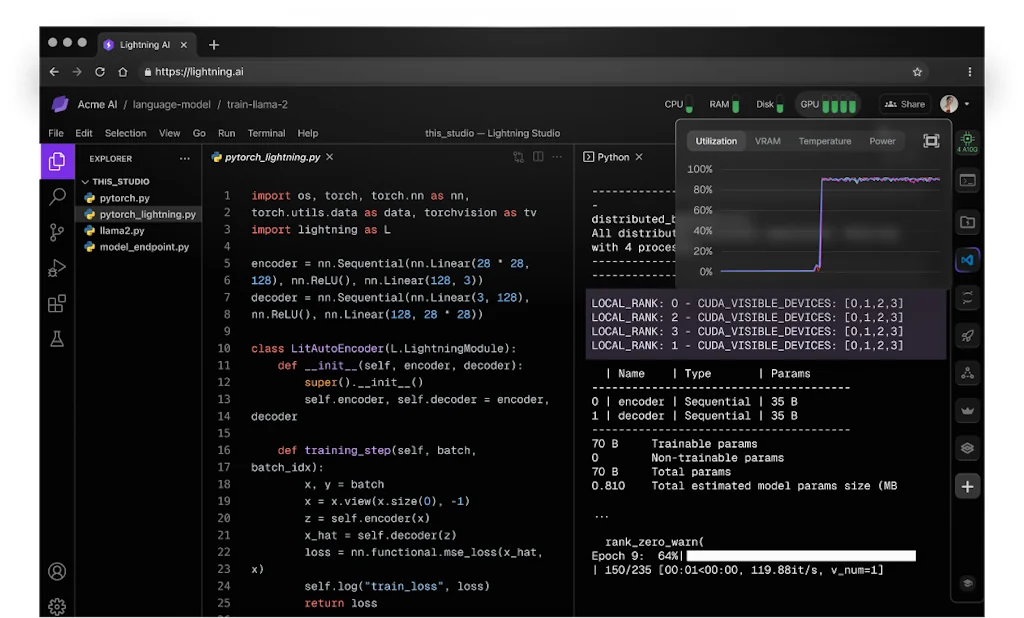
Lightning AI
The AI cloud IDE for ML and PyTorch

Qoder
Qoder is an agentic IDE for real software development.
Compare Cursor :





Don't Get Fooled by Fake Social Media Videos
The world's first fact checker for social media. Paste any link and get an instant credibility score with sources.
Try FactCheckTool Free