
GitMind
AI Powered Collaborative Mind Mapping Tool

What is GitMind?
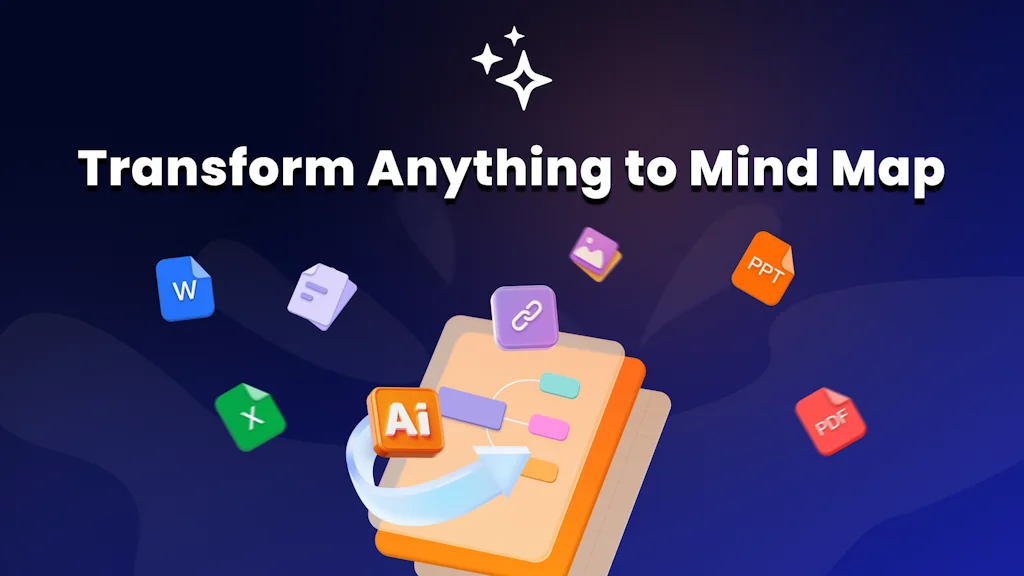
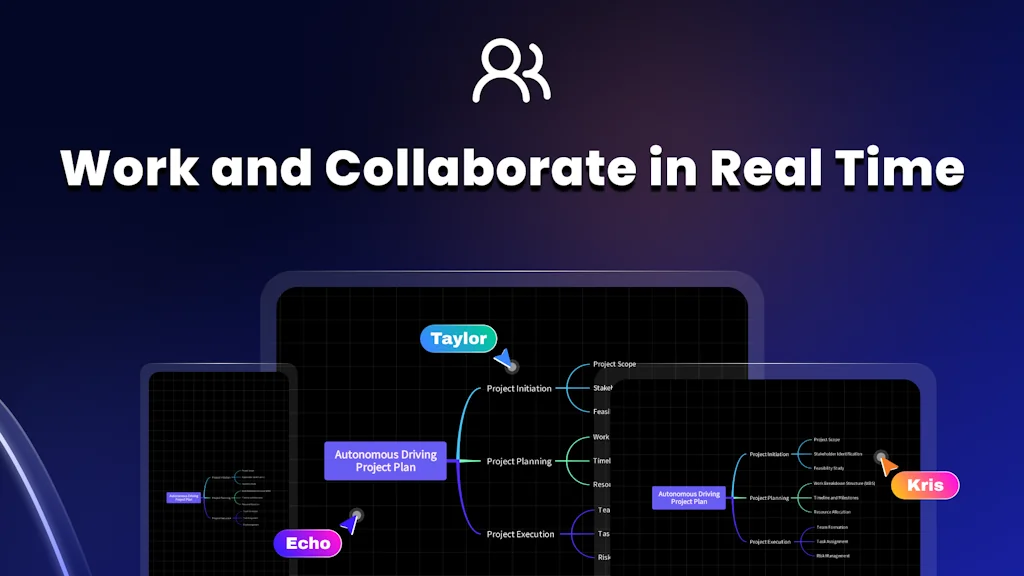
GitMind is a AI-powered collaborative platform, integrating whiteboard, mind map, and flowchart tools. Inspire creativity in every individual and organization. GitMind works wherever you go.
Pros & Cons
Pros
- AI mind mapping
- Intuitive interface
- Variety of templates
- AI-generated suggestions
- Free version
- Project planning
- Mind map from documents
- Collaborative features
- Fast performance
- Flowchart creation
- Visual representation
- Real-time collaboration
- Customizable maps
- Cloud-based accessibility
- Mind map from media
- Integration with other tools
- AI article summarizer
- AI PDF summarizer
- Excellent outil travail
- Outline editing functionality
Cons
- Limited free version
- Customer support
- Ethical marketing
- Lack of markdown support
- Rtl languages
Tool Details
| Categories | Note and writing apps, Team collaboration software, AI Chatbots |
|---|---|
| Website | gitmind.com |
| Added | August 15, 2019 |
| Platforms | Web · iOS · Android |
| Social | Twitter · Instagram · Facebook |
Recent Reviews (10)
It is super quick and accurate
I’ve only been using GitMind for a short time, but so far, it’s been making a real difference in how I organize my study notes. It helps turn scattered thoughts into structured, easy-to-follow mind maps, which makes reviewing complex topics much easier. One thing I really like is how quickly I can develop project ideas. Sometimes I just have a vague concept in mind, and with GitMind, I can break it down into actionable steps in no time. The AI-generated suggestions have also been a pleasant surprise, it even brings up angles I hadn’t considered. For students, researchers, or anyone dealing with information overload, this seems like a great tool. Plus, the free version offers a lot, which is always a bonus!
I use it to create mindmaps for vocabulary to group and distinguish synonyms and it's been very helpful for this purpose, especially the LLM feature that generates nodes for you (it's faster than copy pasting from Chatgpt). It's sufficiently customizable (colours, node shapes, vertex styles) so I can create good looking maps. Some things I really wish they had: - Format NOTES in MARKDOWN (or at least some kind of standard formatting). I really need this as I want to write detailed notes for some vocabulary and it's hard to make it readable without any kind of formatting like bold, underline, font size etc. - TABS in the desktop version, as I want to be able to quickly switch between two maps in a single window. Multiple windows are messy and give me a headache.
GitMind is a fantastic tool for anyone looking to organize their thoughts and ideas visually. Whether you’re brainstorming, planning a project, or just jotting down ideas, the app makes the whole process simple and enjoyable. The interface is clean and easy to navigate, and there are plenty of templates to choose from to get you started. One of my favorite features is how customizable everything is—you can tweak colors, layouts, and styles to really make your mind map your own. The collaboration feature is also a game-changer, especially for group projects or team discussions. It’s great to see everyone’s input in real-time. Even in its free version, GitMind offers so much value, which is rare these days. If you’re someone who likes to think visually or organize your ideas creatively, I’d definitely recommend giving it a try!
GitMind è uno strumento potente e versatile per chi cerca un'applicazione di mind mapping moderna, ricca di funzionalità e facile da usare. È particolarmente adatto per brainstorming, gestione di progetti e attività educative. Tuttavia, la versione gratuita ha alcune limitazioni e l'assistenza clienti potrebbe essere migliorata. Se hai bisogno di funzionalità avanzate o di un uso professionale, i piani a pagamento offrono un ottimo rapporto qualità-prezzo.
One thing I really like is how quickly I can develop project ideas. Sometimes I just have a vague concept in mind, and with GitMind, I can break it down into actionable steps in no time. The AI-generated suggestions have also been a pleasant surprise, it even brings up angles I hadn’t considered. For students, researchers, or anyone dealing with information overload, this seems like a great tool. Plus, the free version offers a lot, which is always a bonus!
GitMind has quickly become one of my go-to tools for creating mind maps and visualizing complex ideas. The app is intuitive, easy to use, and packed with features that enhance productivity and creativity. One of the standout aspects of GitMind is its AI integration, which truly sets it apart. The AI-powered suggestions and templates make it incredibly efficient for brainstorming and organizing thoughts, even for users who may not have prior experience with mind mapping tools. The app offers a wide range of templates, from project planning to strategic brainstorming, all designed to help you structure your ideas effortlessly. The AI capabilities go beyond simple suggestions—GitMind intelligently adapts to your inputs, making it feel like you’re collaborating with an assistant. The ability to quickly rearrange and restructure maps without losing clarity is a game-changer for anyone working in a fast-paced environment. I highly recommend GitMind for anyone who values organization, visual clarity, and seamless workflows. Whether you’re a student, professional, or creative thinker, GitMind offers the right balance of features and user-friendliness, backed by robust AI that enhances every step of the process. It’s definitely a leader in the space of AI-driven productivity tools.
Because it's very adaptable and can help you with different things, in my case mapping that requires a lot of time
Muy buena aplicación. La uso desde hace un año y me a servido muy bien para ahorrar tiempo en trabajos en los que obligatoriamente tengo que hacer mapas mentales o resumir información. Además, esa opción de poder modificar el texto desde un apartado me ha servido mucho una vez que tenía que traducir el texto a Inglés. Hasta ahora no e tenido ningún inconveniente 10/10.
As a student and freelancer, I needed something to help me organize my ideas without wasting hours. This app does it all automatically with AI: I upload a text, an image, or even a video, and in seconds it generates professional mind maps. It's like having a personal assistant! 🤯
Frequently Asked Questions about GitMind
When did GitMind become popular?
GitMind became popular around August 15, 2019.
What are the main advantages of using GitMind?
The top advantages of GitMind include: AI mind mapping, intuitive interface, variety of templates, AI-generated suggestions, free version.
What are the disadvantages of GitMind?
Some reported disadvantages of GitMind include: limited free version, customer support, ethical marketing, lack of markdown support, rtl languages.
What is GitMind's overall user rating?
GitMind has an overall rating of 4.9/5 based on 52 user reviews.
Is GitMind available on mobile devices?
Yes, GitMind is available on iOS (App Store) & Android (Google Play).
What type of tool is GitMind?
GitMind belongs to the following categories: Note and writing apps, Team collaboration software, AI Chatbots.
Related Note and writing apps Tools

Voxio
Turn speech into formatted text.
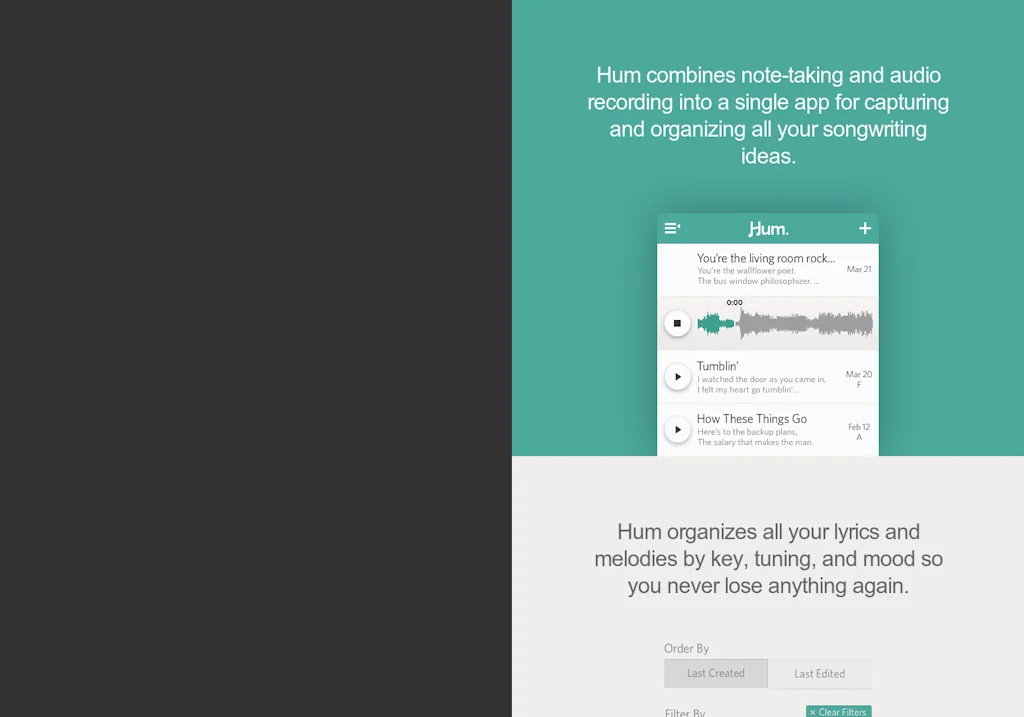
Hum
Songwriting for iPhone

xTiles
Organize your ideas & projects visually

My Journey
Visualize your whole life through a 3D Timeline
Credible: Speech Coach
Stop saying “like” and other fillers with real-time alerts.

docsify
A magical documentation site generator.
Related Team collaboration software Tools

CodeTogether
Skip the screen share. Code live, together.

Forescribe
Discover, optimize, and regulate your Digital Infrastructure
Envoy
Bring people together in a flexible workplace

Atono
Plan, build, run, and improve your product in one place

Strings
In-app copy editing for UX writers and product teams

VoiceHub
Automatically record and share of all your phone calls!
Related AI Chatbots Tools

Alex Hormozi's AI
Enjoy talking about anything you like with Alex.

Mochii
All-in-One AI Assistant

Moveo.AI
Personalized AI virtual agents trained on your data
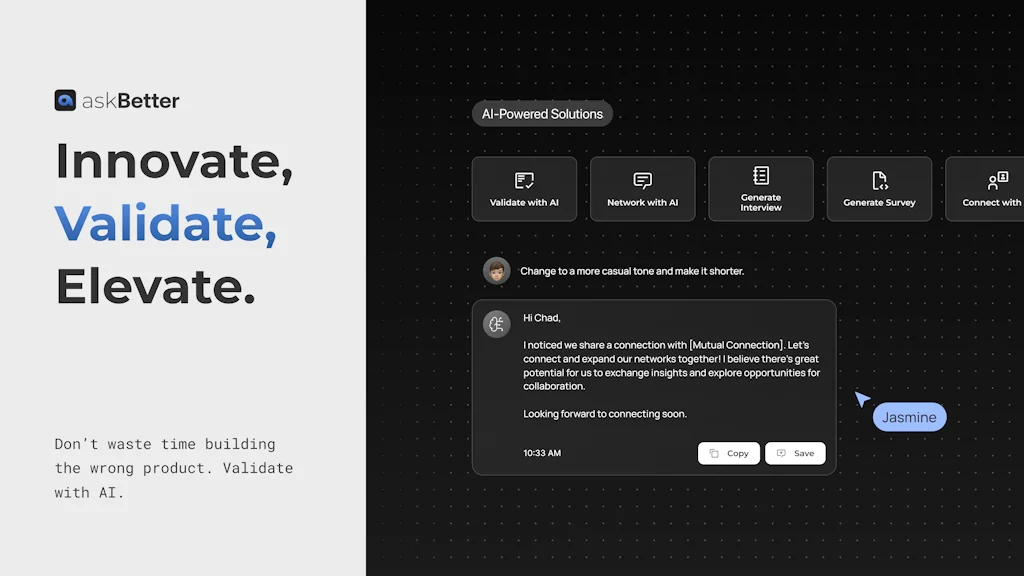
AskBetter - Validate with AI.
Don’t waste time building the wrong product.

Lex
AI-powered word processor, to help you write faster

Moshi
a conversational AI that thinks and talks at the same time
Compare GitMind :


Don't Get Fooled by Fake Social Media Videos
The world's first fact checker for social media. Paste any link and get an instant credibility score with sources.
Try FactCheckTool Free