
TickTick
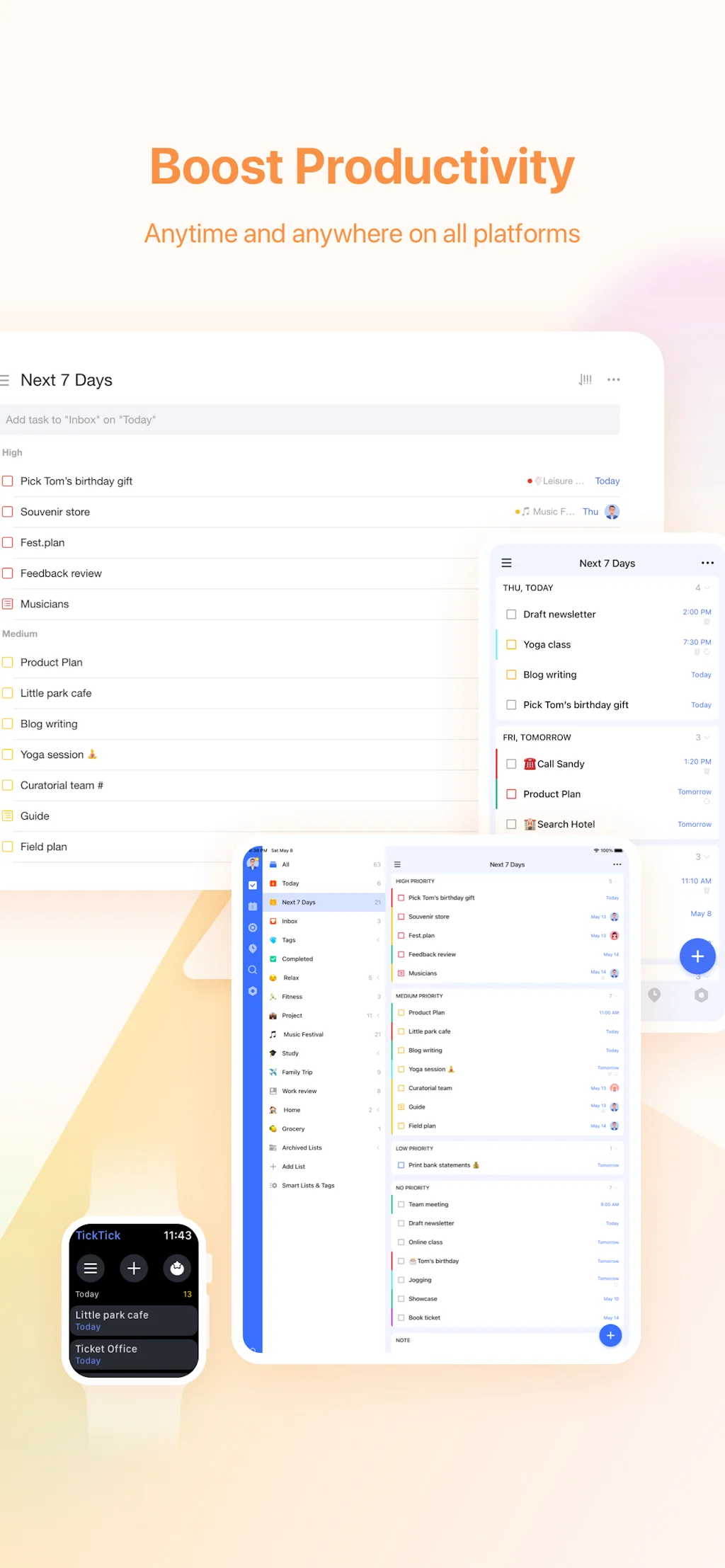
Simple and effective to-do list and task manager that helps you make schedules, manage time, and organize all aspects of life
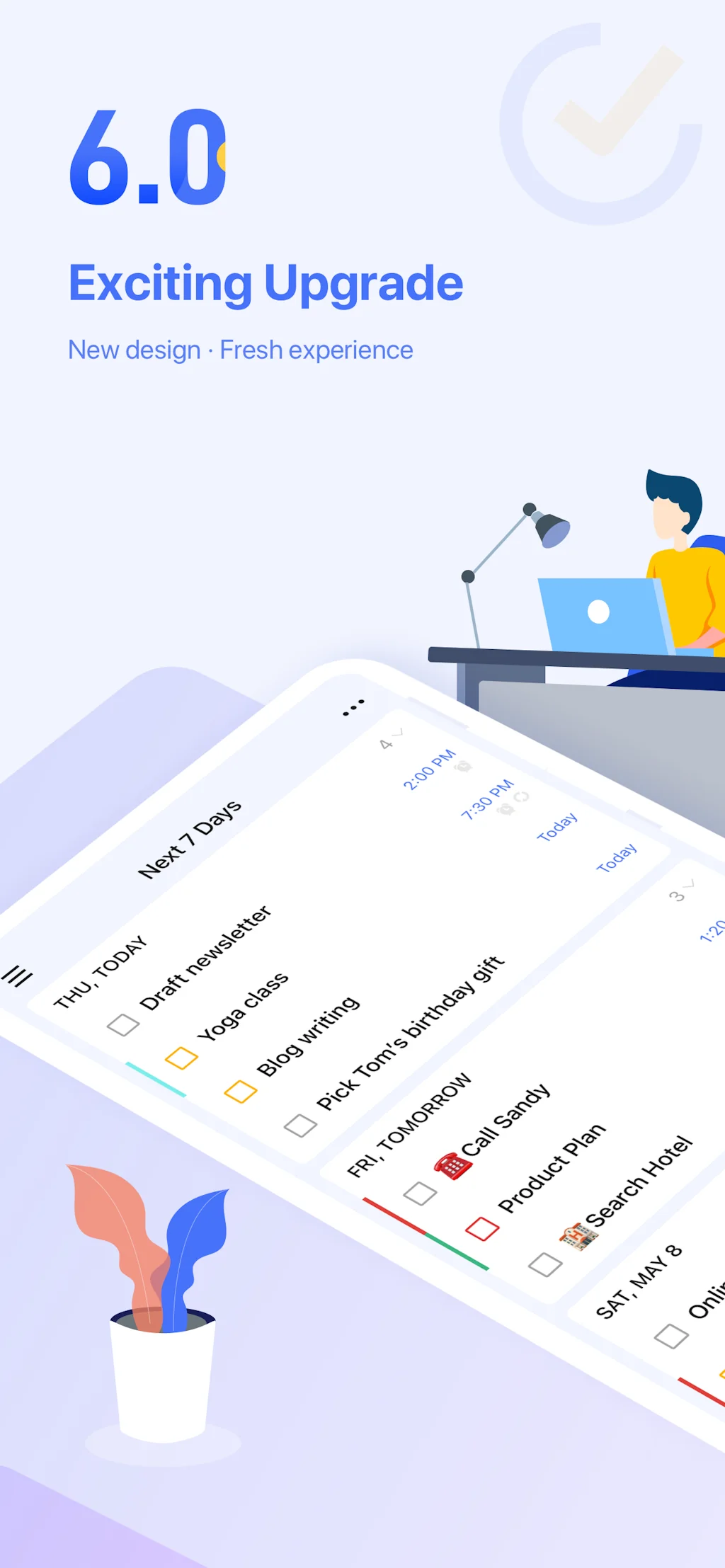
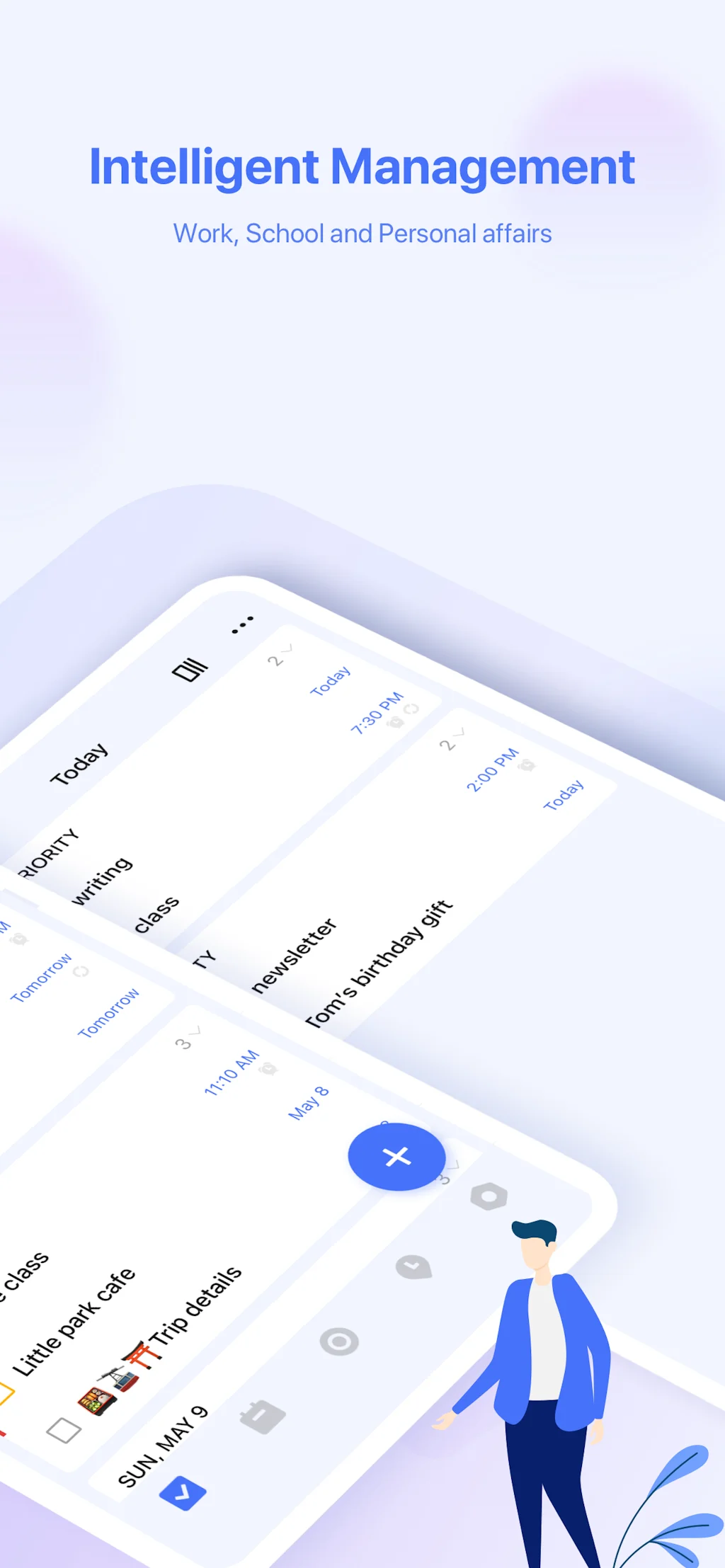
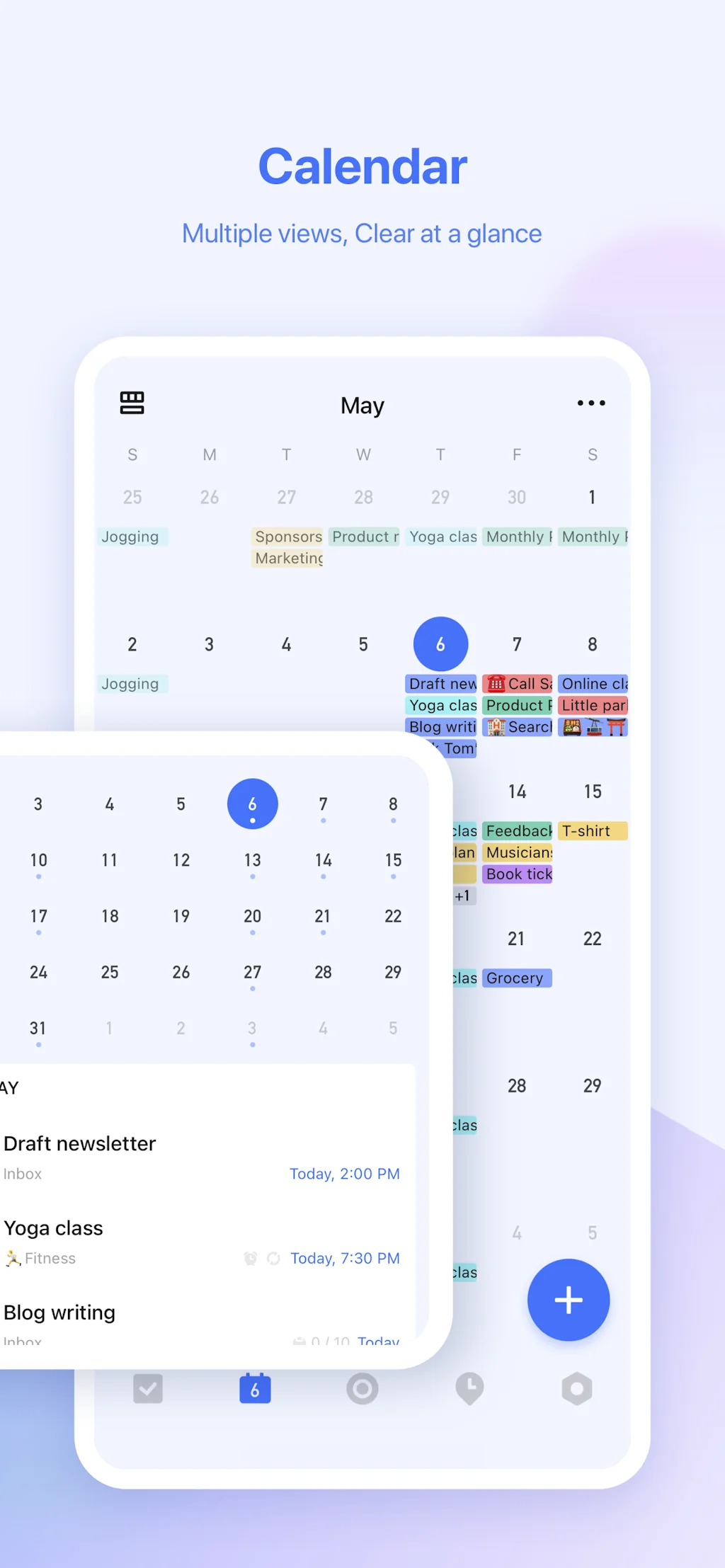
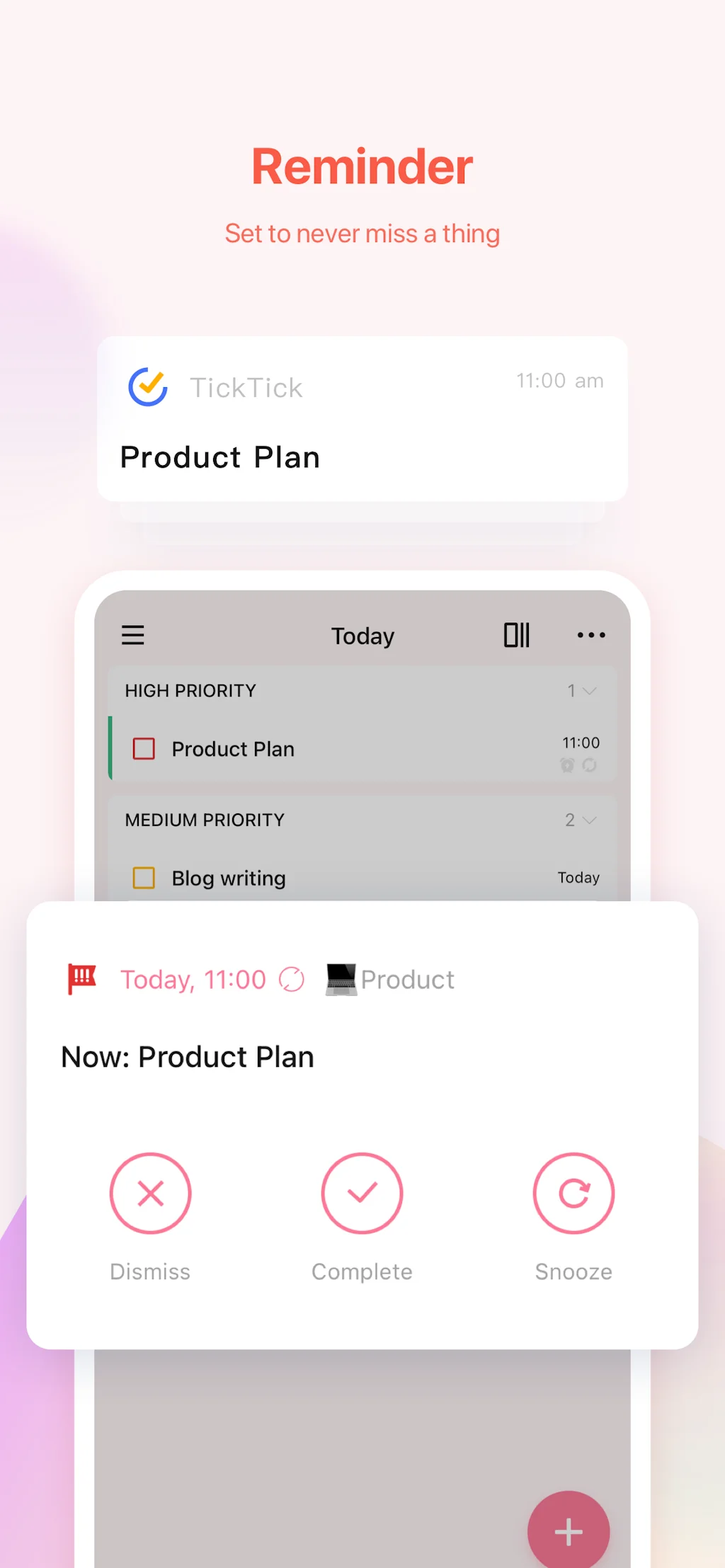
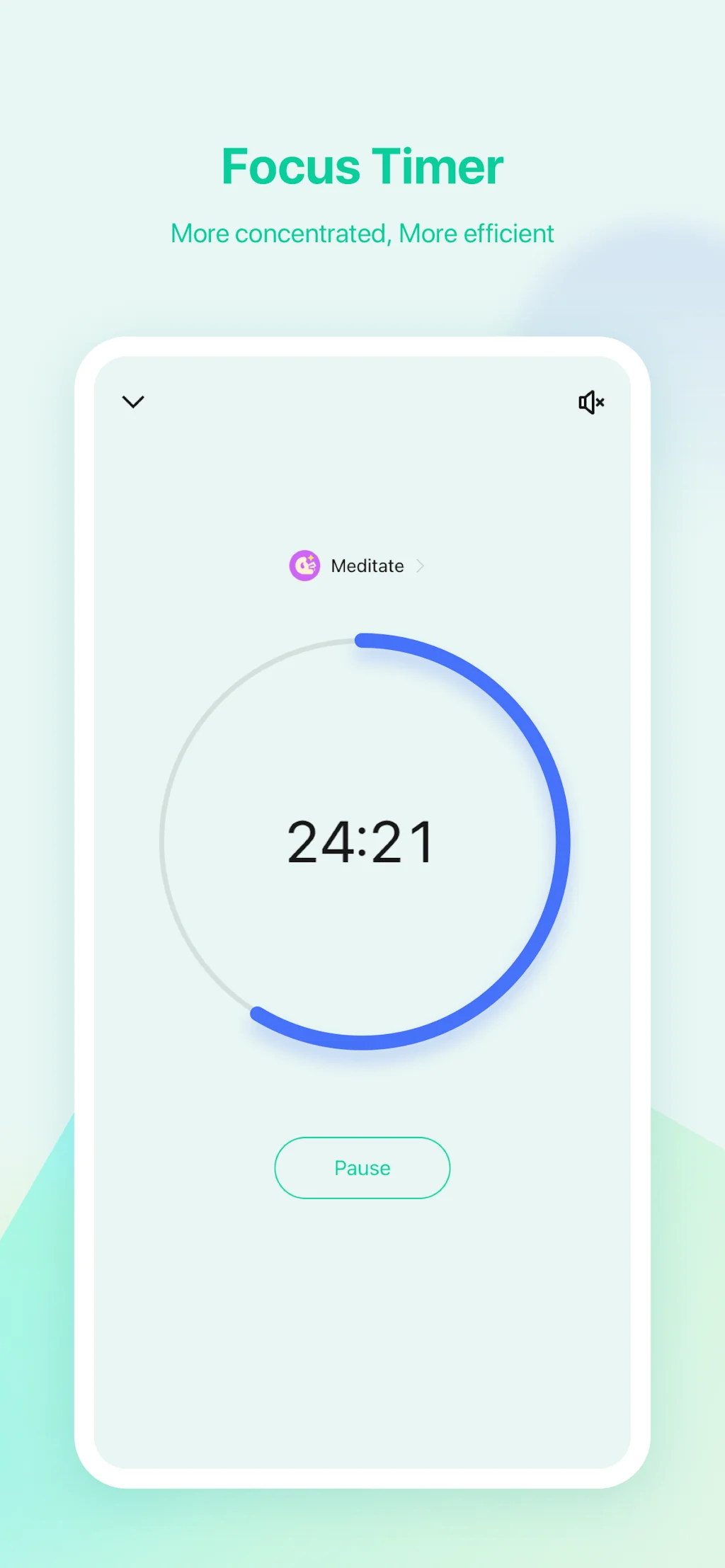
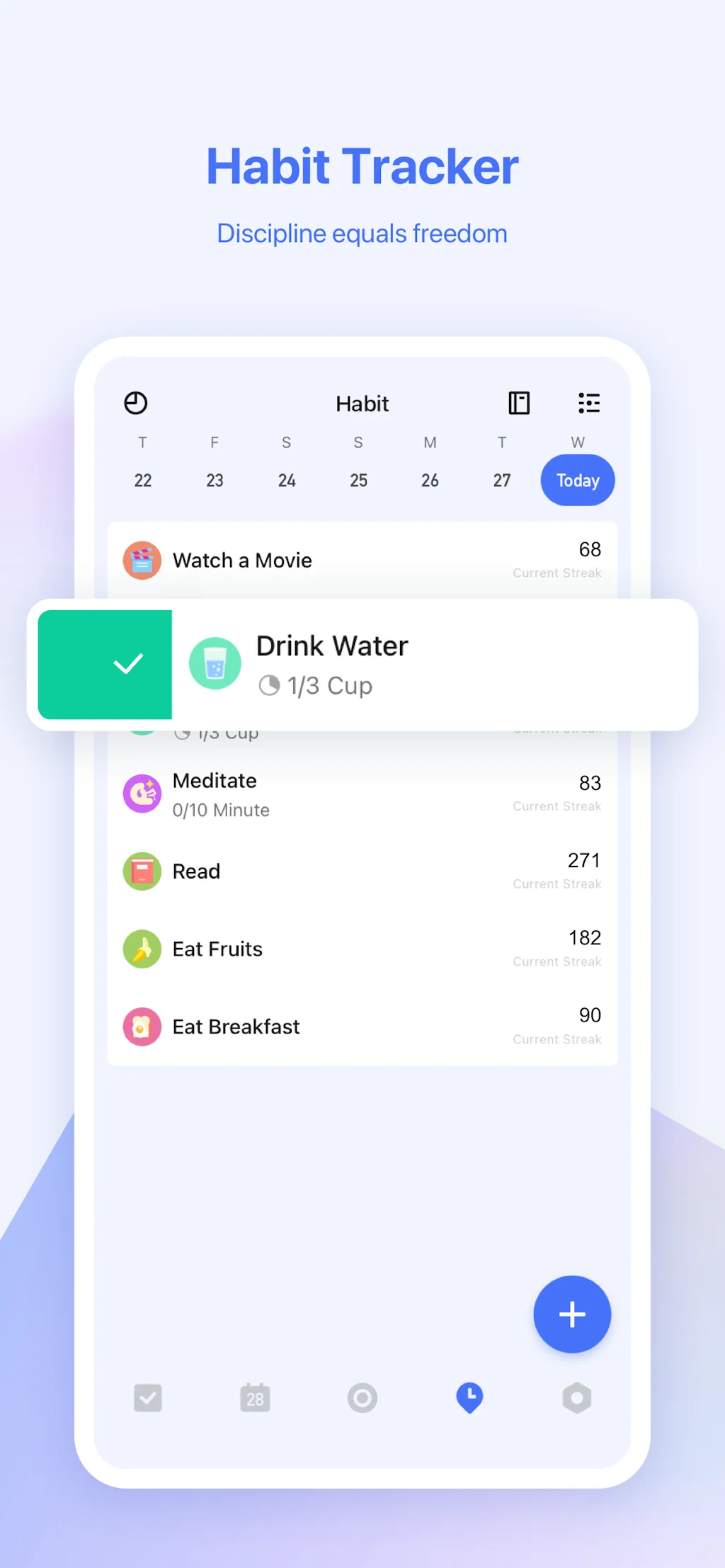
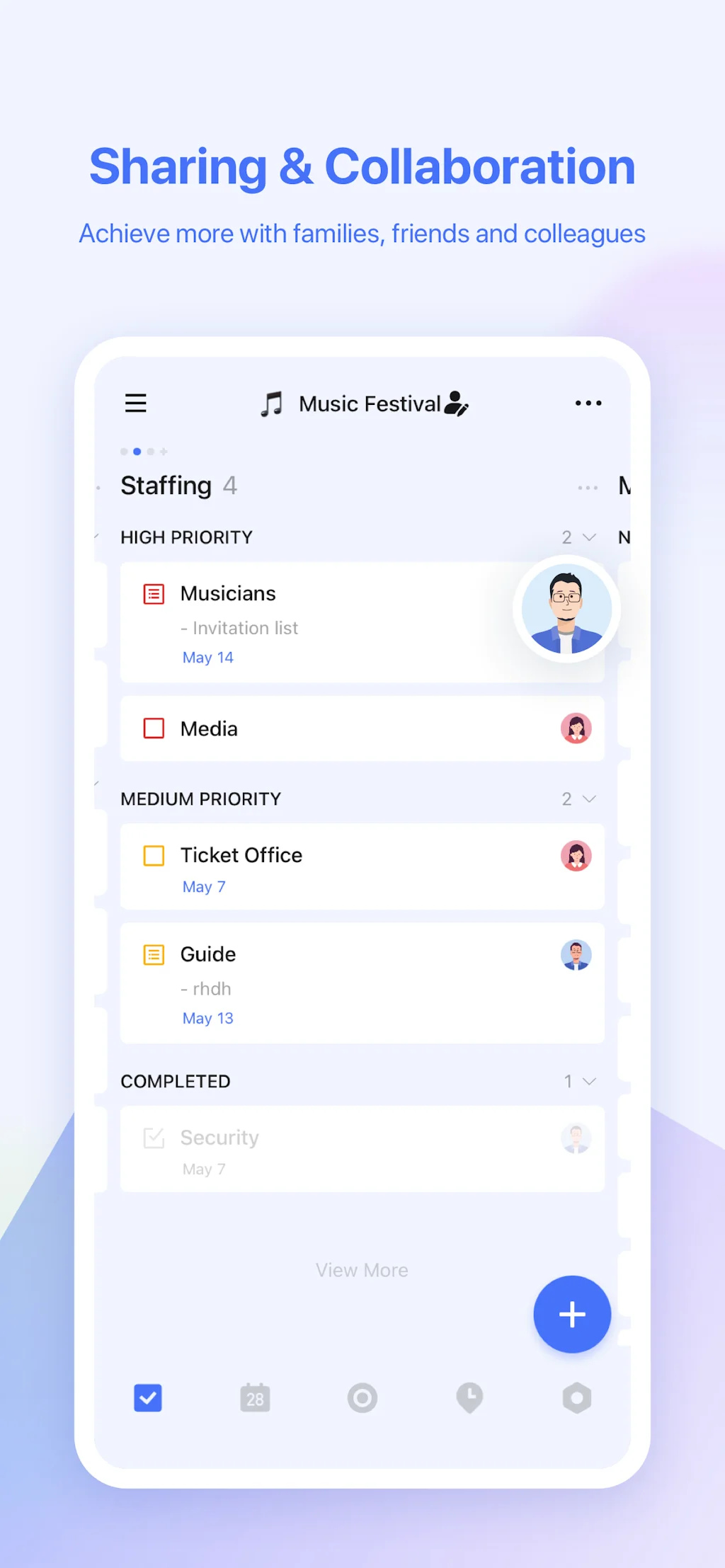
What is TickTick?
Join millions of people to capture ideas, organize to-dos, and make the most of your life with TickTick. Available for free, syncs across iOS, Android, Mac, Windows, Web and more.
Pros & Cons
Pros
- Task management
- Calendar integration
- Free options
- Time tracking
- Cross-platform sync
- Habit tracking
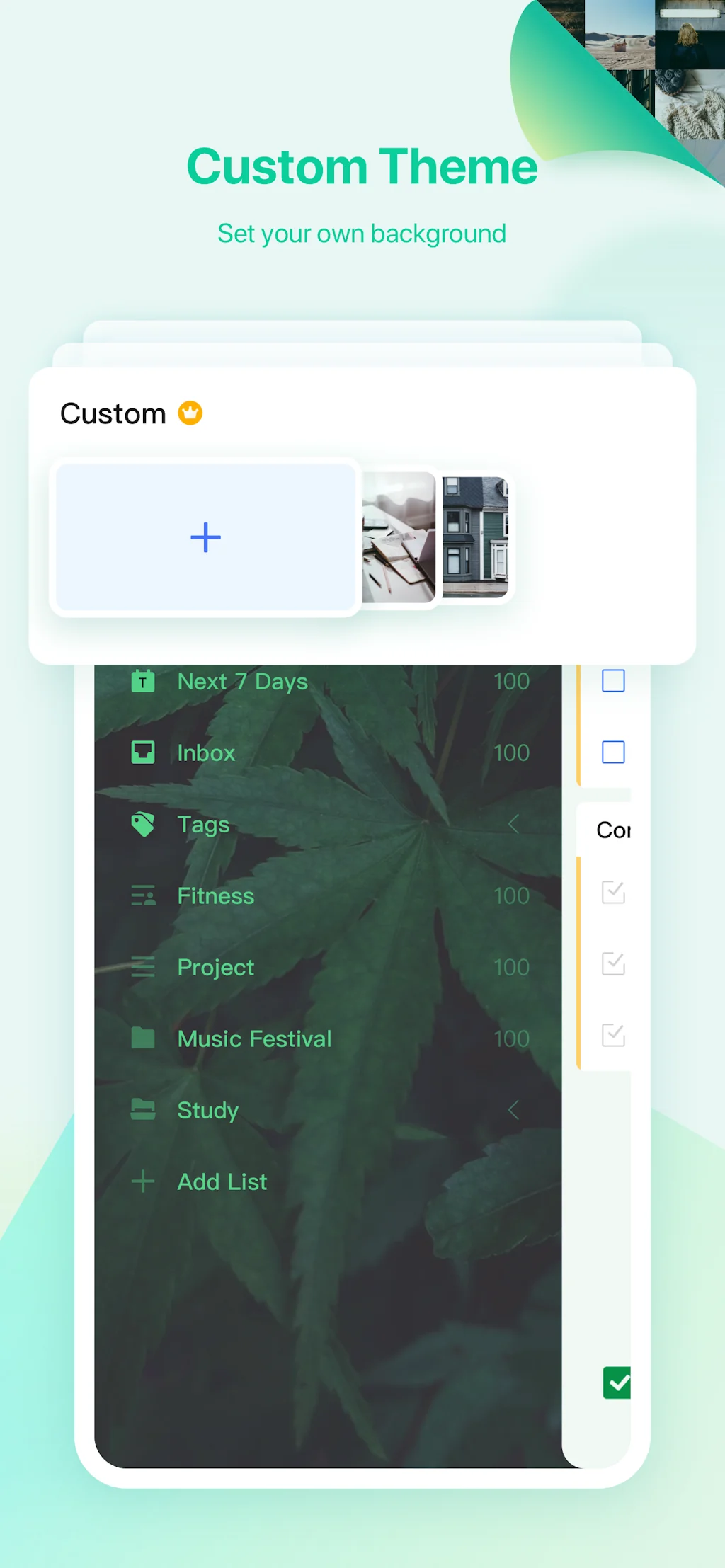
- Customizable
- Personalization
- Chrome extension
- Gmail integration
Cons
- Auto-scheduling
- Calendar integration
- Do vs. due dates distinction
- Lack of note interconnection
- Ux
Tool Details
| Categories | Productivity, Project management software, Scheduling software, Time tracking apps |
|---|---|
| Website | ticktick.com |
| Added | January 24, 2016 |
| Platforms | Web · iOS · Android |
| Social | Twitter · Instagram · Facebook |
Recent Reviews (13)
Using it since years, it has helped me organise my time between personal and professional priorities. It's clean, it's easy, and it just works
I am still not sure whether having habits and pomodoros (I use Pomo for specific recurring activities) in the same app where todos are, however, TickTick got me, a seasoned productivity geek and a project manager, to a whole new level of control.
Suggested Messages to Motivate & Inspire Short on words? Browse our curated collection of motivational messages and schedule the ones that inspire you. Let us be your muse! Curated set of messages to get you inspired, productive, and motivated. Choose the messages and reminders that fit your life and tap Schedule Messages. Your selected messages will arrive right when you need them.
TickTick has surpassed my expectations. It has to be the most customizable productivity app I've ever used. I've created my own project management system using its tagging and filtering features. And the hidden gems for me are the Chrome extension and Gmail integrations. Now any website and email can quickly be sent to TickTick as a task that I can follow up on in my workflow. Priceless! The best part is the fact that the desktop and mobile apps are nearly identical. Anything I can do on one and can do on the other. I love that!
Love the tiny MacBook widget for its easy access. The Pomodoro timer has also been quite helpful in managing my work time -- although I don't follow it very thoroughly because of my ADHD, I've grown more organized and focused.
TickTick combines task list and calendar together. It has subtasks, focus features, filters and labels, tags, etc. It even has an Eisenhower Matrix. It's like Todoist, but better. Using it until Akflow has subtasks feature and they get their mobile app in the same level with the desktop app. TickTick has all the features I was missing in other apps.
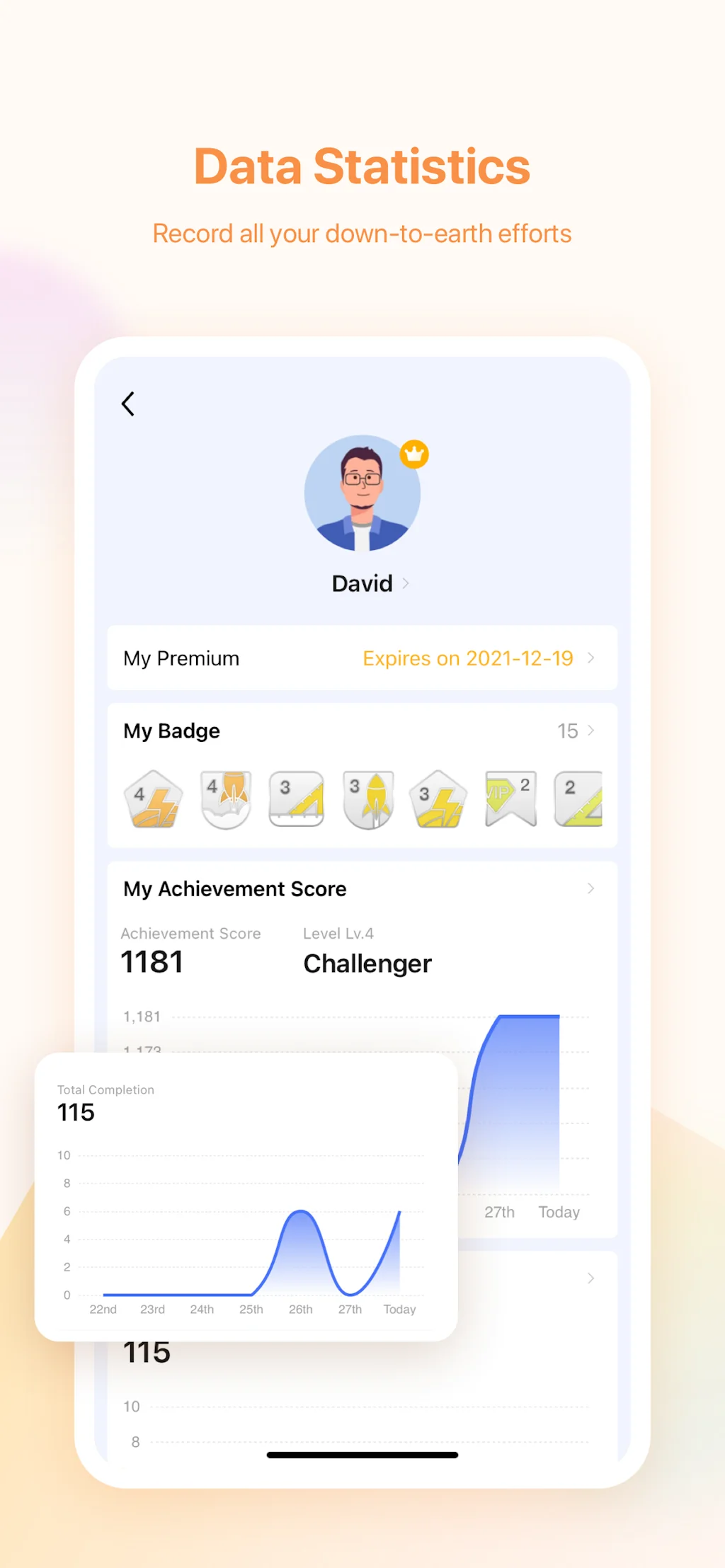
Used this since I was in senior high school and never found any other app that was better than this. What I like the most is the compatibility on every device and the data that we can look on how productive we're in a day, month, and year format. Don't forget the achievement badge too.
I've been using TickTick for about four years now, I've tried some other apps (microsoft to-do, todoist, and others i don't remember), but none of them are really comparable to TickTick, I use the free version and I do miss the calendar, but for now it is enough
Great! The free version gets me thorough my daily tasks but seriously considering getting the premium version. It would've been awesome if there was a lifetime purchase option along with the subscription.
I really liked how it catches my text and converts it into a reminder. Saying "Pay tax at 5pm" would create "Pay tax" and set a 5pm remainder. keep it up.
great app, has paid plan but it's worth it - allows to have merged views for calendar & tasks, good tagging and quick capture options
Calendar, time tracking, to do list all in one. Auto-scheduling and a distinction between do vs. due dates would make it even better.
Amazing cross-platform productivity tool. Should work on customer service but the API integration is amazing also.
Frequently Asked Questions about TickTick
When did TickTick become popular?
TickTick became popular around January 24, 2016.
What are the main advantages of using TickTick?
The top advantages of TickTick include: task management, calendar integration, free options, time tracking, cross-platform sync.
What are the disadvantages of TickTick?
Some reported disadvantages of TickTick include: auto-scheduling, calendar integration, do vs. due dates distinction, lack of note interconnection, ux.
What is TickTick's overall user rating?
TickTick has an overall rating of 4.7/5 based on 22 user reviews.
Is TickTick available on mobile devices?
Yes, TickTick is available on iOS (App Store) & Android (Google Play).
What type of tool is TickTick?
TickTick belongs to the following categories: Productivity, Project management software, Scheduling software, Time tracking apps.
Related Productivity Tools

Focus Bear
Block Distractions. Build Habits. For ADHDers by ADHDers.
Momentum
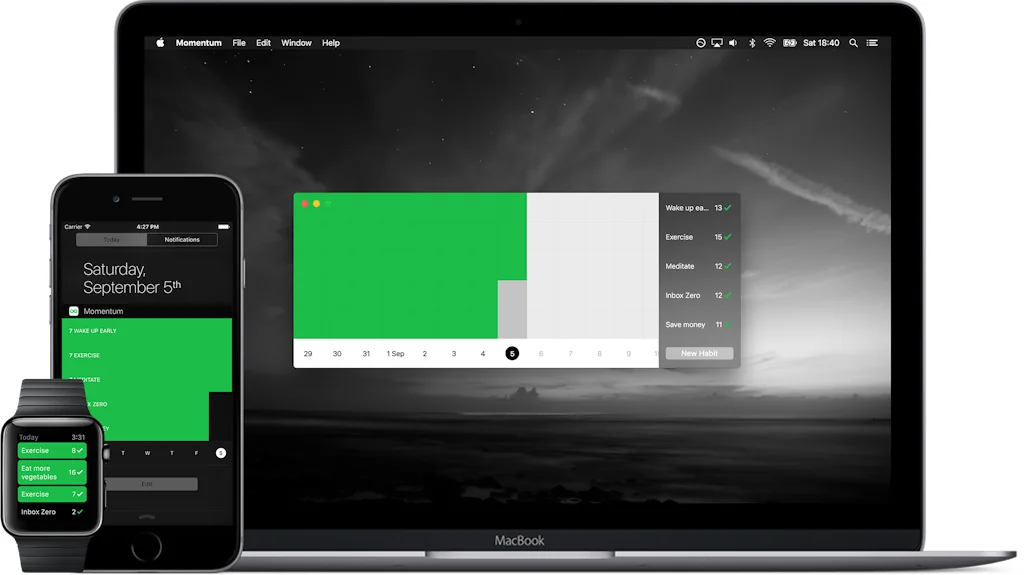
Everything you need to get motivated.

Magical
Make tasks disappear. Like magic.
Clipboard History IO
Securely access, track, and manage your clipboard history
Shhh Noise
Mix and match sounds to increase focus and relaxation

Delux Navee
An ergonomic mouse for long-term comfort
Related Project management software Tools

Aloha Planner App
Surf into Organization with the Aloha Daily Planner!
Wrike
Outcollaborate. Where work gets done!

DealLab
Digital sales room for consolidating, sharing, and tracking
Cardinal (by Miro)
Analytics-led product

Routine
All-in-one work platform for professionals and teams
Boggl.ai-Your Voice AI Product Assistant
Turn your speech into product documents
Related Scheduling software Tools
Zavata v1.0 - Beta Launch // Initial UI
Automate Hiring with AI Interviewer

PostFlow
Manage your social media, all platforms, hours saved.
Pause
A time-off tool that puts the team back in 'team planning'

Timely
Insanely simple scheduling and time tracking, simultaneously

NoSho.app
Grow your waitlist and fill availability fast with deposits

Duegooder
Turn your syllabus due dates into a calendar, instantly.
Related Time tracking apps Tools

GeoClick : GPS-Camera On Photo
Capture Moments, Tag Locations – Instantly with GeoClick!

Modul’ | Private Alpha
Simplify Life & Work: All-in-one unlimited workflow

Reddit librarian
The smartest way to organize your saved Reddit posts.
Balance: Mindful time tracking
A time tracking app that helps you balance work and life

TrackerJam
Automatic browserweb time tracking
Get Productive
Gamified productivity app that rewards screen time reduction
Compare TickTick :





Don't Get Fooled by Fake Social Media Videos
The world's first fact checker for social media. Paste any link and get an instant credibility score with sources.
Try FactCheckTool Free