

SeaTable
Simple like Excel, powerful like a database
What is SeaTable?
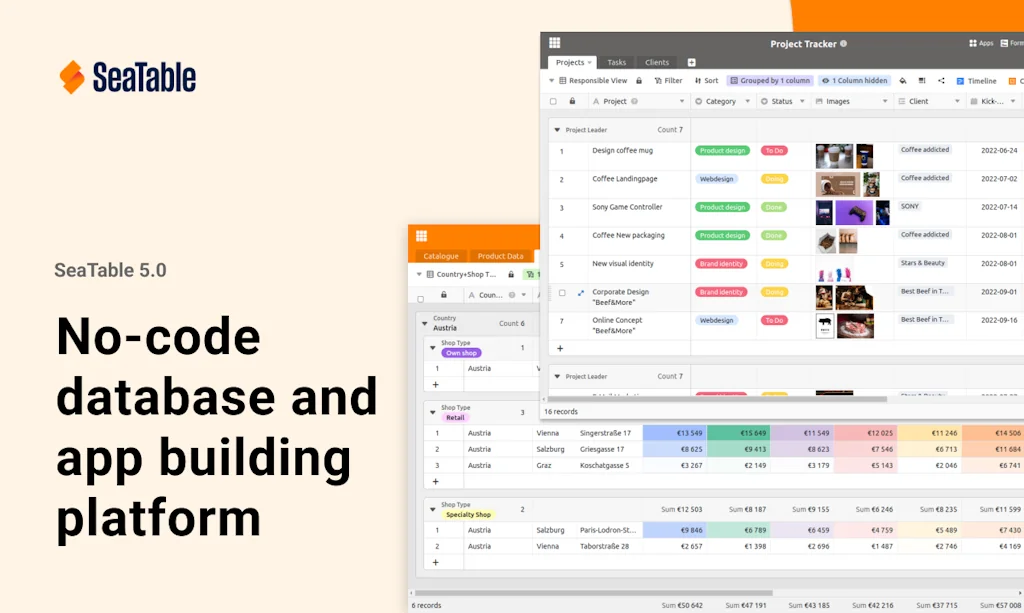
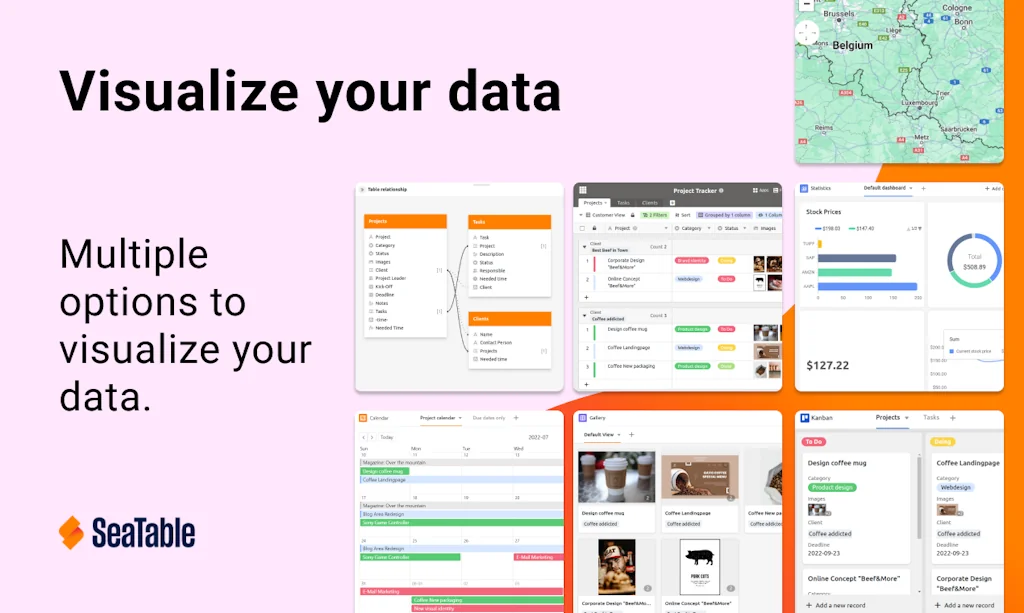
With SeaTable, teams can easily organize their tasks, assets, projects and ideas. It looks like a spreadsheet but structures any type of information, in the cloud or on your own server.
Pros & Cons
Pros
- Excellent support
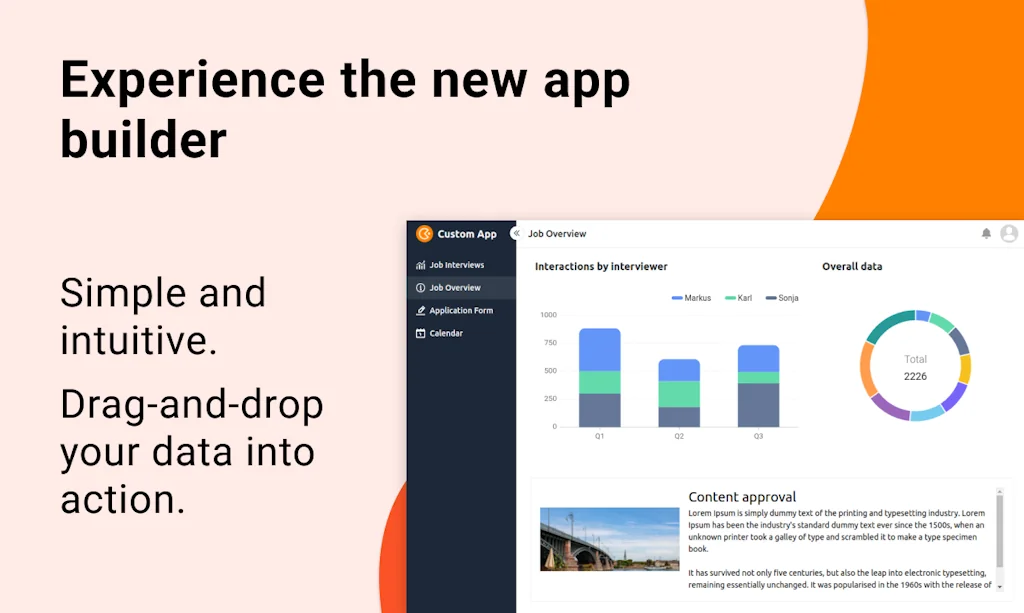
- App builder
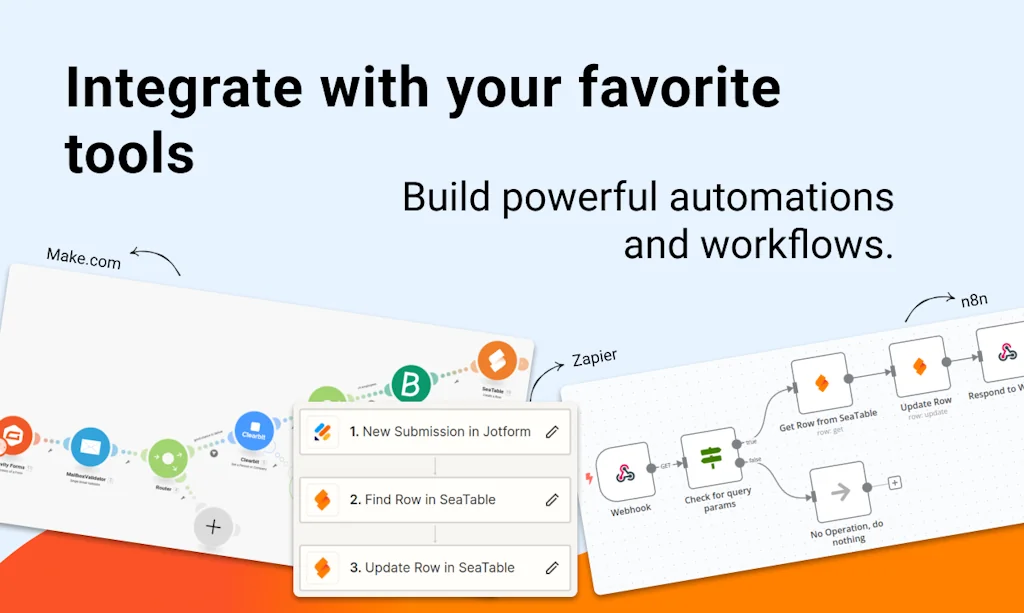
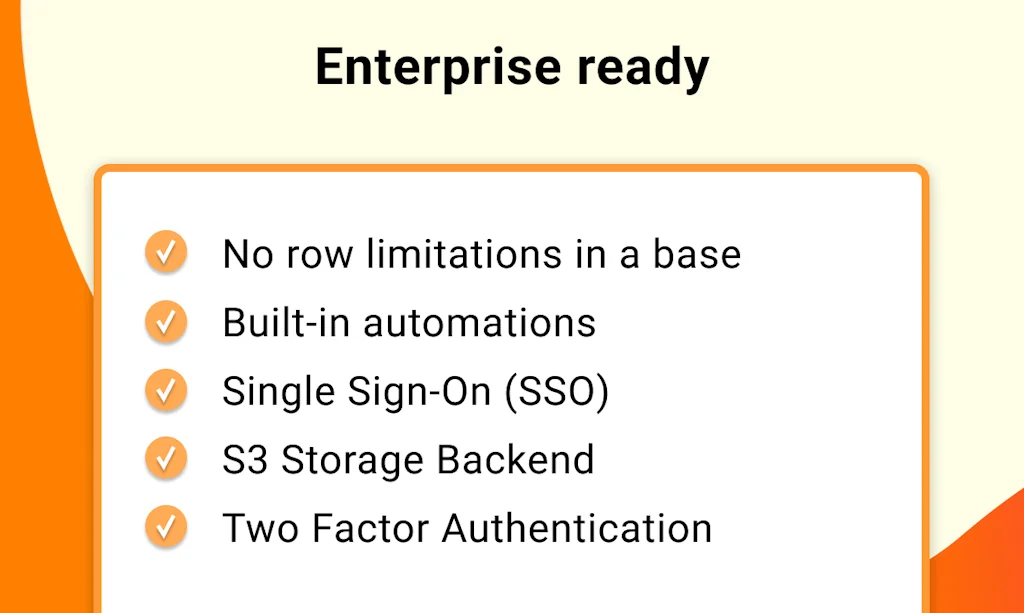
- Automation capabilities
- Data processing
- Affordable
- GDPR compliant
- No learning curve
- Self-hosted
- Well-documented API
- Collaborative features
- Community forum
- Excel import/export
- Free tier
Cons
- Limited features compared to Airtable
- Rude customer support
Tool Details
| Categories | Project management software, Spreadsheets, Marketing automation platforms, Databases and backend frameworks |
|---|---|
| Website | seatable.io |
| Added | September 11, 2021 |
| Platforms | Web |
| Social |
Recent Reviews (6)
Best software ever. Well, what else should I say as one of the founders. :-)
Seatable has the robustness and simplicity I need for my projects. No learning curve from Airtable and Baserow, what I was using for my projects. I have big scenarios having Seatable as the main module in MAKE (formely Integromat) and it never fails after almost a year.
Perfect to found a startup (no lock-in, free fully functional basic account) and start developing without coding background. You can build everything you need for information exchange (e.g. easy project management, event scheduling, data input via webforms and processing, webapps, adding Javascript or Python scripts) while it is still free and fully GDPR compliant, you can even host it yourself (for free). Looking forward to growing successfully to pay back on their provided support and system!
A truly extraordinary tool. For me, it's the perfect balance for power users: lots of internal functionality and huge integration possibilities (very complete and well-documented API, easy installation of n8n community, etc.) to take things even further. Last but not least: a forum with a friendly community always ready to help.
Great product! What starts out on the surface as an Airtable clone (self-hosted - that's what got me there) turns out to be so much more. Not only regarding the functionality, but also the excellent and quick support. I love it!
Very good for bigger complex Databases ... unique "Data Processing" option to compare two lists. Execllent excel import/update/export options.
Frequently Asked Questions about SeaTable
When did SeaTable become popular?
SeaTable became popular around September 11, 2021.
What are the main advantages of using SeaTable?
The top advantages of SeaTable include: excellent support, app builder, automation capabilities, data processing, affordable.
What are the disadvantages of SeaTable?
Some reported disadvantages of SeaTable include: limited features compared to Airtable, rude customer support.
What is SeaTable's overall user rating?
SeaTable has an overall rating of 5.0/5 based on 6 user reviews.
What type of tool is SeaTable?
SeaTable belongs to the following categories: Project management software, Spreadsheets, Marketing automation platforms, Databases and backend frameworks.
Related Project management software Tools

Sunsama
YC W19. If Google Calendar and Trello had a baby.

Wedding Planning Assistant
Your one destination for planning the perfect event

Billfy
Automate your freelance billing

Cleveroad
Web & Mobile App development company

Celaro
The Creative Project Tracker

Repobeats
Give your GitHub README.md some insightful eye-candy
Related Spreadsheets Tools

Listly Chrome Extension
Convert webpages into Excel data in seconds

Airtable
AI-Native App Platform

QuickSheet
Instantly create and edit spreadsheets from your menu bar

SheetBest
Turn a SpreadSheet (Google or Excel) into a REST API

Playmaker
Transform unstructured data into actionable data, instantly

Zero
A simple app to track your fasting
Related Marketing automation platforms Tools

SEOByAI (FREE!)
Kickstart your marketing efforts, rank higher with SEOByAI.

StoryChief.io
Collaborate, schedule & seed your articles omnichannel

AdSets
Browse active & high-performing ads of top companies

Marketing Blocks Web App
Instantly generate marketing copy for your business

Milestone Content Studio
AI-powered Automation Platform to scale marketing efficiency

Digitalsero
Get Access to your clients' Google, FB, and more with 1 link
Related Databases and backend frameworks Tools

Largerio
Uncovers the technologies used on websites

NdbForms - No Code Notion Form Builder
The best alternative to Typeform and Noteform.

Amazon Honeycode
Nocode app builder by AWS

Stackby
No-code Spreadsheet, Databases & Automations in One Platform

supa.guide
Making you a Supabase expert

Langflow
Build AI-powered Agents -- in Minutes
Compare SeaTable :




Don't Get Fooled by Fake Social Media Videos
The world's first fact checker for social media. Paste any link and get an instant credibility score with sources.
Try FactCheckTool Free