

What is Google Sheets?
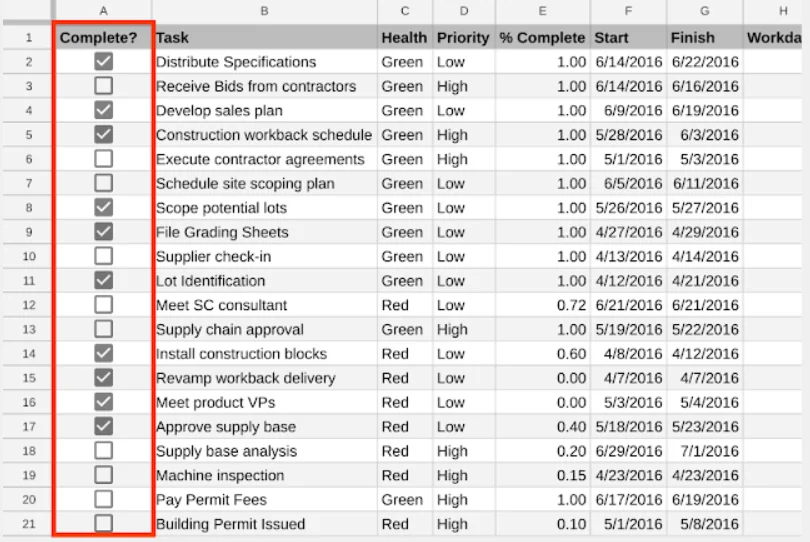
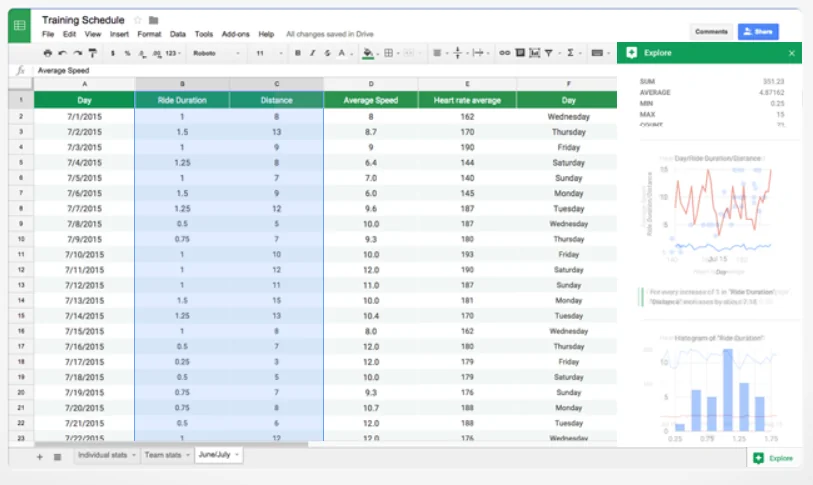
Google Sheets is a spreadsheet program included as part of a free, web-based software office suite offered by Google within its Google Drive service. The service also includes Google Docs and Google Slides, a word processor and presentation program respectively.
Pros & Cons
Pros
- User-friendly interface
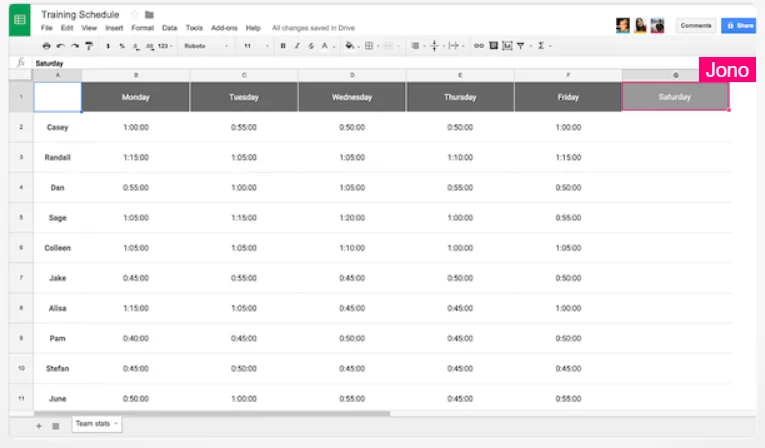
- Collaborative data work
- Google Sheets integration
- Real-time collaboration
- Free to use
- Integration with Google Workspace
- Personalization options
- Powerful formulas
- Add-on ecosystem
- Automation capabilities
- Bigquery integration
- Sharing tools
Cons
- Limited advanced features compared to Excel
- Struggles with large datasets
Tool Details
| Categories | Team collaboration software, Spreadsheets |
|---|---|
| Website | www.google.com |
| Added | April 13, 2018 |
| Platforms | Web |
Recent Reviews (8)
We chose Google Sheets because it is the world’s most accessible and flexible data entry tool. While alternatives like Airtable or Coda offer great internal interfaces, Google Sheets remains the universal standard for data management that teams already know how to use. By using Google Sheets as the core, Sheetful allows users to maintain full ownership of their data in a familiar environment while we provide the professional API layer to connect it to any modern application.
Google Sheets has been our go-to for data analysis and collaboration -- even better now that you easily edit two tabs at once with Google Docs Splitview!
As we built Korgi, Google Workspace was our first integration—an essential foundation for our early community of entrepreneurs, educators, and entertainment professionals. At the heart of this was Google Sheets - your Korgi board content is stored to a Sheet in your own Google Drive. The Sheets API and overall Workspace APIs and clear documentation powered our core feature set, letting us integrate their full suite of apps into every board and deliver on our promise to store content directly to users’ own Google Drives. Gemini is embedded in every board, powering our AI features and help chat. Firebase provides secure authentication and syncs seamlessly with our Chrome Extension and Add-on, and the Google Workspace Marketplace remains one of our top sources of new users. Cloud Run supports our scalable backend and makes it easy to adjust capacity as our user base grows. Google also offered flexible paths for security review, and we successfully completed CASA Tier 3 with support from a trusted partner they connected us to. We're proud Google Cloud Partners and a very appreciative Google Cloud company.
A robust spreadsheet application that rivals Microsoft Excel. It offers real-time collaboration, allowing multiple users to work simultaneously on the same sheet without disruption. While it lacks some advanced features compared to Excel, its convenience and sharing tools make it an excellent choice for individuals and small businesses. Plus, it’s free to use!
Google Sheets is an excellent tool for collaborative data work, offering real-time editing and powerful functions. It's versatile, user-friendly, and integrates seamlessly with other Google Workspace apps, making it perfect for teams.
Good for simple needs, but still not sure why so popular. More flexibility and functions with Excel (especially VBA), but both have some issues. Everyday use, great, more complex use, not as good.
Google Sheets, the powerhouse for collaborative and intuitive spreadsheet magic. Seamlessly bringing data to life, it's the go-to tool where simplicity meets robust functionality, empowering teams to excel together.
works as a bigquery client and source :) great for half human workflows like annotation
Frequently Asked Questions about Google Sheets
When did Google Sheets become popular?
Google Sheets became popular around April 13, 2018.
What are the main advantages of using Google Sheets?
The top advantages of Google Sheets include: user-friendly interface, collaborative data work, Google Sheets integration, real-time collaboration, free to use.
What are the disadvantages of Google Sheets?
Some reported disadvantages of Google Sheets include: limited advanced features compared to Excel, struggles with large datasets.
What is Google Sheets's overall user rating?
Google Sheets has an overall rating of 4.9/5 based on 29 user reviews.
What type of tool is Google Sheets?
Google Sheets belongs to the following categories: Team collaboration software, Spreadsheets.
Related Team collaboration software Tools
Dokkio AI
Your AI-powered assistant to organize & manage digital mess

Solid
Productive and actionable meetings, every time

Figma
The collaborative interface design tool

Remotion
Collaborate like everyone's together

penpoint
Your freelance CRM: Streamline 1-to-1 client collaboration

Tixio.io
One workspace for all tools
Related Spreadsheets Tools

WPS Office
Create or edit Word, Excel, PowerPoint, and PDF like browser

OpenSheet
Turn raw CSV and JSON into an interactive data canvas

SheetBest
Turn a SpreadSheet (Google or Excel) into a REST API

Fuelfinance
Cloud-based financial department for startups

Sheetgo
Powerful automations that start from a #spreadsheet

Scanlt
PDF & Document Scanner、Ads-free
Compare Google Sheets :





Don't Get Fooled by Fake Social Media Videos
The world's first fact checker for social media. Paste any link and get an instant credibility score with sources.
Try FactCheckTool Free