
html.to.design
Convert any website into fully editable Figma designs
What is html.to.design?
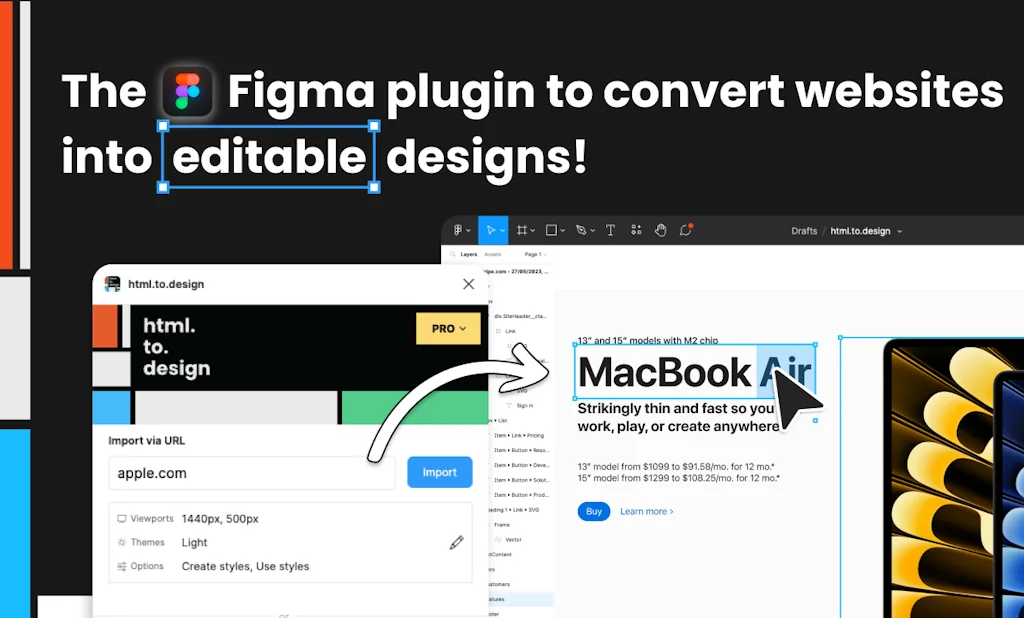
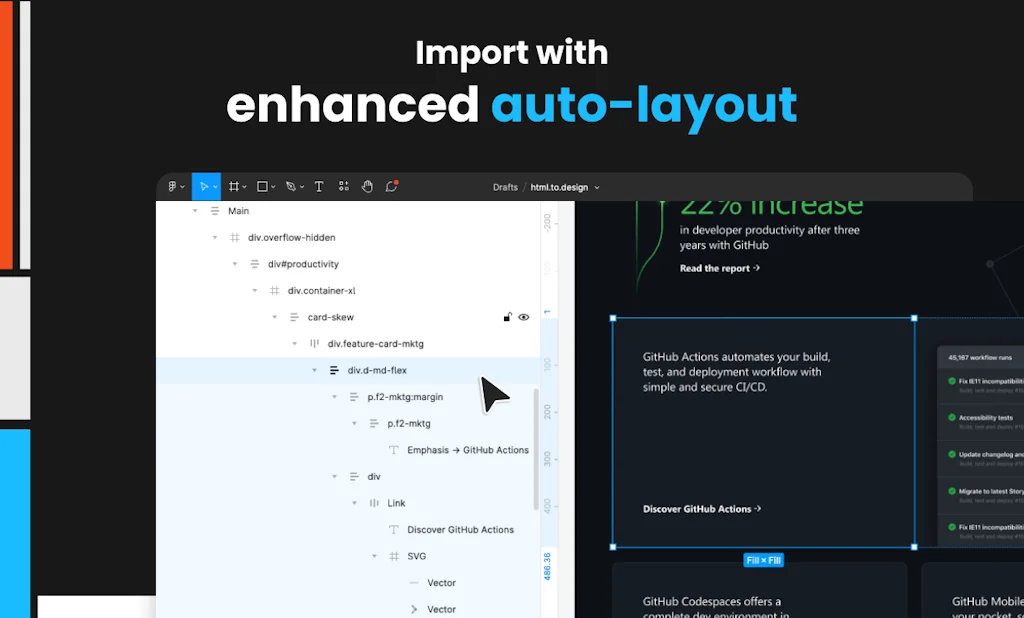
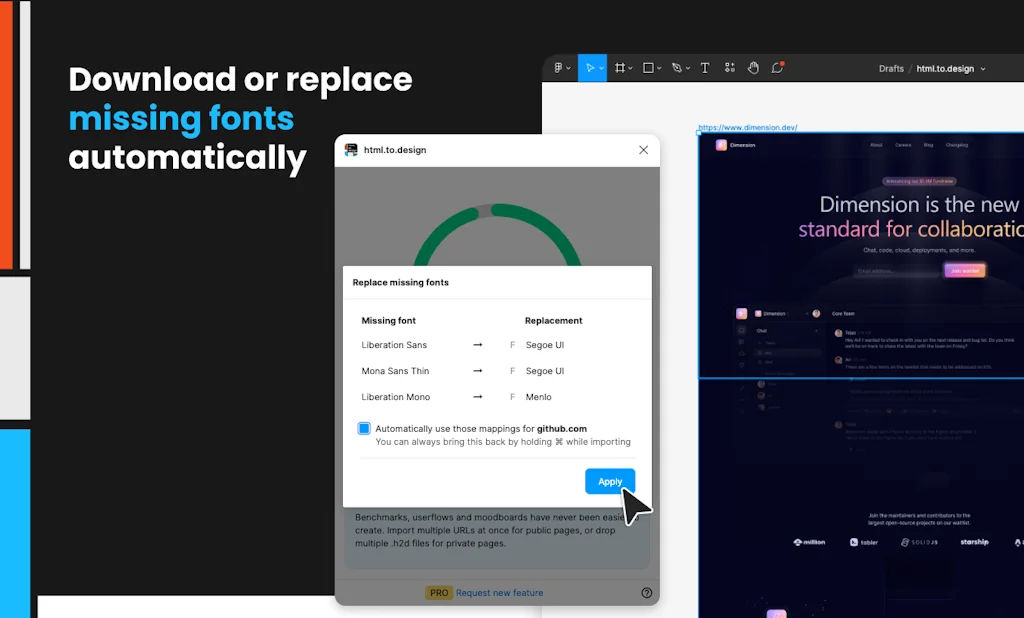
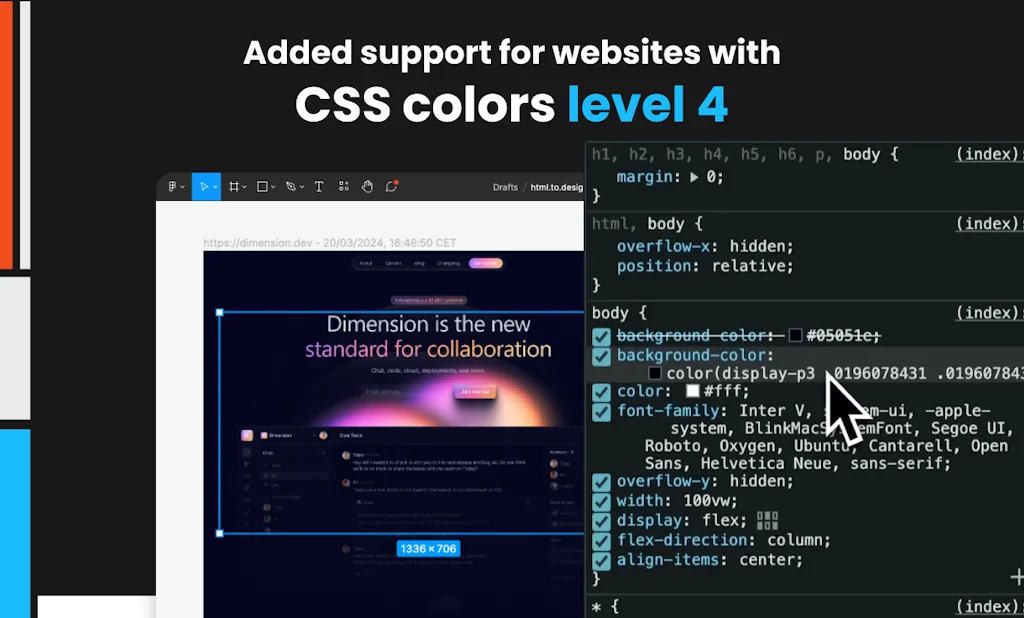
Convert any website into fully editable Figma designs. Leverage an existing website and import its html to start your own designs, without building each element from scratch.
Pros & Cons
Pros
- Time saving
- Easy to use
- Figma integration
- Private page import
- Quick iterations
- UX audits
- Chrome extension
- Design system compatibility
- High accuracy
- Local styles option
- One click conversion
Cons
- Incomplete imports
- Complex animation export issues
- Lack of responsiveness
- Slow performance
Tool Details
| Categories | Interface design tools, Figma Plugins, Design resources |
|---|---|
| Website | html.to.design |
| Added | October 21, 2022 |
| Platforms | Web |
| Social | Twitter · Instagram · GitHub |
Frequently Asked Questions about html.to.design
When did html.to.design become popular?
html.to.design became popular around October 21, 2022.
What are the main advantages of using html.to.design?
The top advantages of html.to.design include: time saving, easy to use, Figma integration, private page import, quick iterations.
What are the disadvantages of html.to.design?
Some reported disadvantages of html.to.design include: incomplete imports, complex animation export issues, lack of responsiveness, slow performance.
What is html.to.design's overall user rating?
html.to.design has an overall rating of 4.9/5 based on 16 user reviews.
What type of tool is html.to.design?
html.to.design belongs to the following categories: Interface design tools, Figma Plugins, Design resources.
Related Interface design tools Tools

Glassmorphism
A modern CSS UI library based on glassmorphism

Aceternity UI
Make your websites look 10 times better

pixso
A free online ui/ux design tool
DraftJS Plugins 2.0
Now with rich text editing toolbars & drag’n’drop for images

Radix UI
Open-source UI components for building accessible web apps

Golex AI
Turn ideas into interactive demo websites
Related Figma Plugins Tools

Tailwind Sync
Figma variables to Tailwind in one click

Felix Design
An AI-powered design and development assistant in Figma

InstaHues
Generate free color & gradient palettes for your designs
pdf.to.design
Effortlessly convert any PDF document into Figma designs.

Endless Tools
Shortcut for Creating Graphic Design

Unsplash for Figma
Millions of beautiful free images baked right into Figma 🖤
Related Design resources Tools

Items Design
Free AI Generated Design Assets
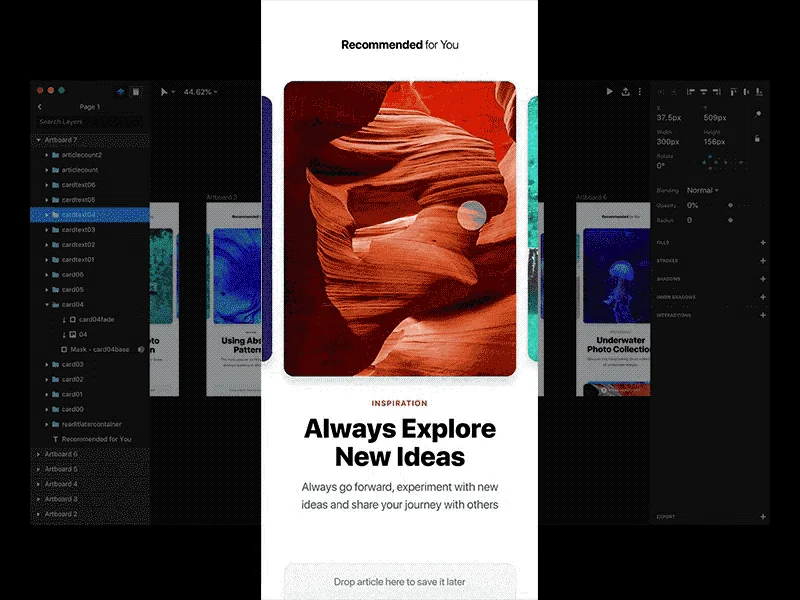
Made For Studio
Everything you need to get started with InVision Studio

Roast My Design
Get a FREE design audit powered by AI
Lingo
The visual home for your brand.

NucleoApp
Icon Organizer & Icon Library

Product Timelines
Feature timelines from some of our favorite products
Compare html.to.design :




Don't Get Fooled by Fake Social Media Videos
The world's first fact checker for social media. Paste any link and get an instant credibility score with sources.
Try FactCheckTool Free