

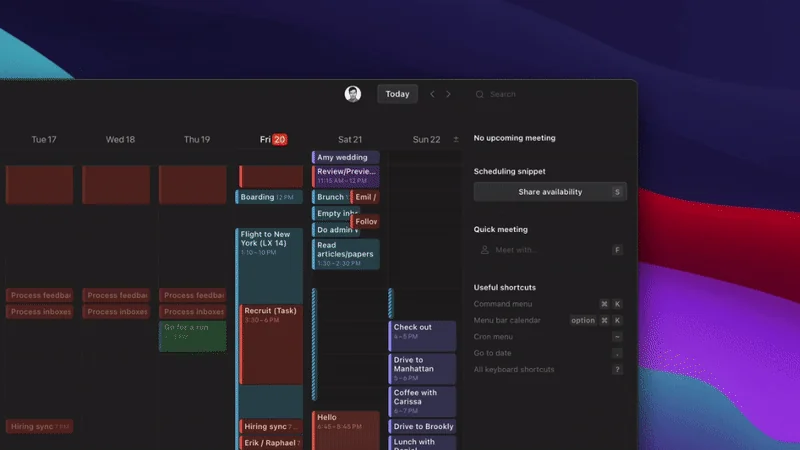
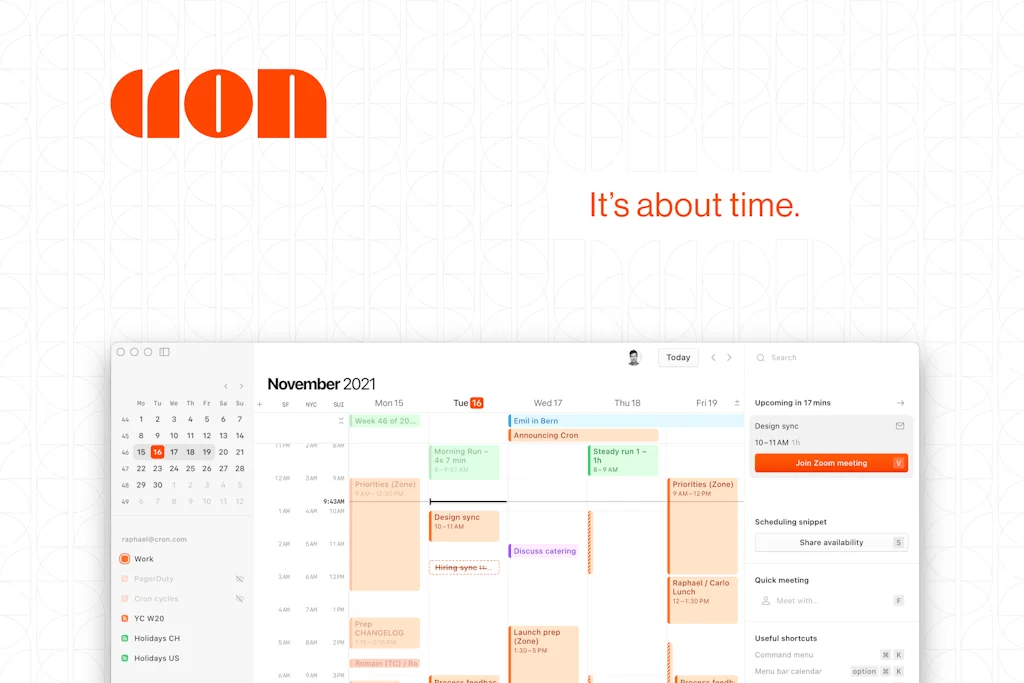
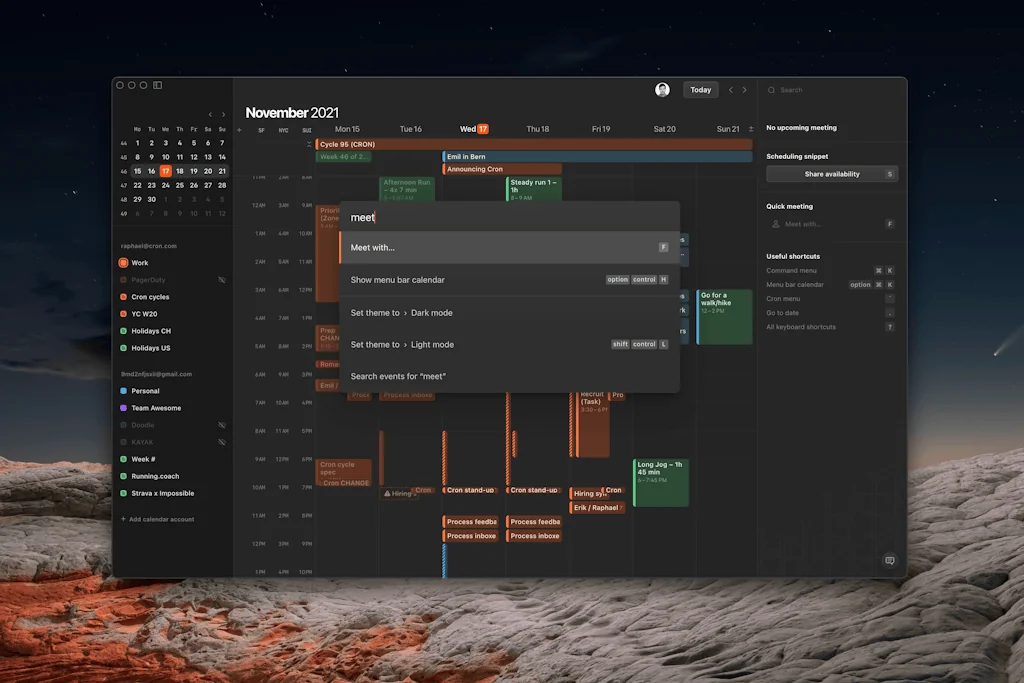
What is Cron?
Cron Calendar. Schedule meetings and control your time like never before. Time zone conversions. Multiple accounts. A cleaner, faster interface, and — did we mention it comes with dark mode? Get early access at cron.com
Pros & Cons
Pros
- Beautiful design
- Multi-account support
- Fast performance
- Sharing availability
- Notion integration
- Calendar blocking feature
- Google Calendar integration
- Menu bar functionality
- Time zone management
- IOS app
- Minimalist design
- Shortcuts
- Google Meet integration
- Dark mode
Cons
- Limited to Google Calendar
- Lack of Outlook integration
- Lack of iCloud integration
- Slow feature development
- Sync issues
- IOS app
- Multi-account support
Tool Details
| Categories | Team collaboration software, Calendar apps |
|---|---|
| Website | cron.com |
| Added | November 19, 2021 |
| Platforms | Web |
| Social |
Recent Reviews (13)
I like Cron, I really do. But I have to be honest, sometimes I resort to the good ol' Google Calendar, mostly because of sync issues or speed. Cron on mobile tends to freeze on me a lot when I try to add new events. Desktop version works great, but sometimes has issues where an event has been canceled but it still showing up in there (even though it doesn't in G Cal). Regardless, it's the best looking calendar I've tried. And I've tried plenty.
Love that the whole calendar can be accessed with your keyboard. Love its attention to detail and the small use cases it provides viz. 1. Sharing Availability with anyone especially in any timezone. Would love this in the iOS app. 2. Joining a video meeting in a key stroke.. 3. iOS widget view is just perfect. 4. Quick view of your teammates calendar
I started using Cron a year ago (Thanks to Golden Kitty Awards invitations!), and it's completely changed how I use my calendar. Love it, especially for someone who deals with several timezones daily. The quick access to meetings and the snippets to invite someone to schedule a meeting are great additions.
Things I love about Cron: -- Actionable cal alerts with like, a “Join Meet” button (that always take me to the correct Google account somehow) -- Shows me how long until my next meeting in my toolbar. Click it to see all meetings for the day real fast. -- Built for Google so nice integrations to auto-add Google Meet links, etc. -- It also automatically shows you other org people’s schedules when trying to add them to a cal invite, so you can see availability
Great app for managing your calendars. As someone who organises his day via Notion and Google Calendar this was a no-brainer, and I was amazed when Notion acquired them! My favourite two features: - Being able to expand the start of the event without opening it. Such a simple feature and most calendar apps don't allow that. - Menu bar app that shows when the next event starts and allows you to join the meeting via 1 click.
Love the product so far. Super easy to use, responsive, and minimalistic. Sharing availability is super simple, but gives the user a lot of control of what they share with others (vs. being at the mercy of the openness of your calendar). Would love to be able to add custom conferencing details (phone number) / templated descriptions for calls, but that's a fairly unique ask.
It's already a great product. Not reinventing the wheel but adding a bunch of quality of live improvements compared to existing calendar apps. So I prefer using cron. As it's still in beta it only supports google calendar, be aware of that. It's okay for now but support for iCloud Calendars is quite essential for me in the long run. But thats just a matter of time! :)
Been using this for over a year now and Cron works as a brilliant calendar app on top of Google Calendar system. Lots of add-on functionality that makes organizing and scheduling a breeze. Especially useful if you have multiple Google Cal accounts and want an easy solution to work between multiple calendars. Love this product but waiting for Android though!
Beautifully designed and incredibly intuitive. Cron turns calendar management into something that feels fast, fluid, and focused. The dark mode is sleek, and the multi-account handling is seamless. This is one of the few productivity tools that actually reduces friction instead of adding more.
Cron does not offer anything that's dramatically different from the others, it's in the little things that it does really well. Quick shortcut commands, handy menu bar functionality, and simple UI. Cron makes doing the annoying things like joining virtual meetings and adding multiple calendars really easy.
My team and I use Cron Calendar every morning to align our schedules. I really like how clean the interface feels. It's helped reduce the back-and-forth with meeting coordination. Personally, I use it to block deep work sessions and it’s been a huge productivity boost.
I love Cron, I've been using it for months now and can't get enough of it. It saves me a lot of time thanks to the shortcuts and the integration of Notion and Google Meet. The only thing I'm waiting for is to be able to add more Calendar accounts.
I love Cron and have since it came out. I am actually pleased that they will be joining Notion and I am really looking forward to seeing what Notion does with it. Cron is probably the app most suited to replacing Sunrise (missing quite a few features, but the design and intent is in the right direction.) Tools like Sunsama, Motion, Akiflow each had the potential to fill the Sunrise void but each of those is excessively priced and not as user friendly as Sunrise was. Maybe Notion will make Cron the one.
Frequently Asked Questions about Cron
When did Cron become popular?
Cron became popular around November 19, 2021.
What are the main advantages of using Cron?
The top advantages of Cron include: beautiful design, multi-account support, fast performance, sharing availability, Notion integration.
What are the disadvantages of Cron?
Some reported disadvantages of Cron include: limited to Google Calendar, lack of Outlook integration, lack of iCloud integration, slow feature development, sync issues.
What is Cron's overall user rating?
Cron has an overall rating of 4.8/5 based on 96 user reviews.
What type of tool is Cron?
Cron belongs to the following categories: Team collaboration software, Calendar apps.
Related Team collaboration software Tools

SoWork
All-in-one virtual HQ for high-performing remote teams

LeadDelta
CRM built for modern teams & creators powered by AI
Next Step for Trello
Check tasks directly from your Trello boards
Kissflow
One platform for all your work

Nook Calendar
Own your time

Tara.AI
A smart and free Jira alternative.
Related Calendar apps Tools

Fajr Calendar
Easiest way to add Islamic prayer times to your calendar

Shayr: Family and Finances
Family finances & management in one place

Morgen
Where time for your work+life+hustle are managed, your way.
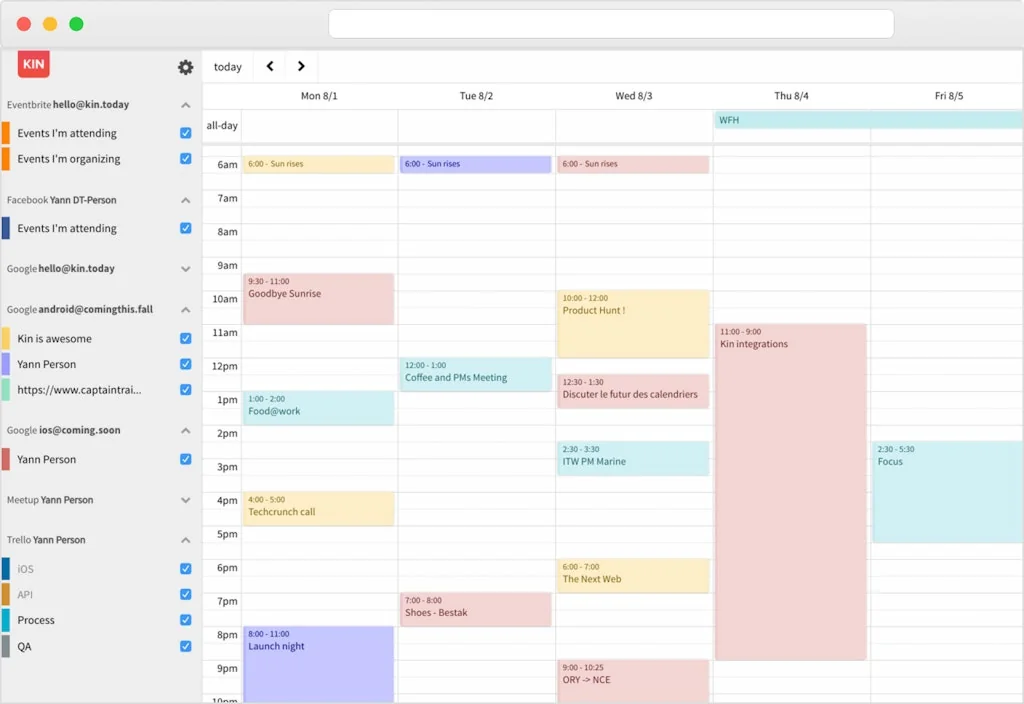
Kin
The sun will rise again. Here's the best calendar experience
Potential — Intentionality, Supercharged
A new kind of Home Screen, Daily Planner, and Habit Tracker
DynamicLake Pro for macOS
Dive Deep into lake
Compare Cron :





Don't Get Fooled by Fake Social Media Videos
The world's first fact checker for social media. Paste any link and get an instant credibility score with sources.
Try FactCheckTool Free