
Notion
The all-in-one workspace
What is Notion?
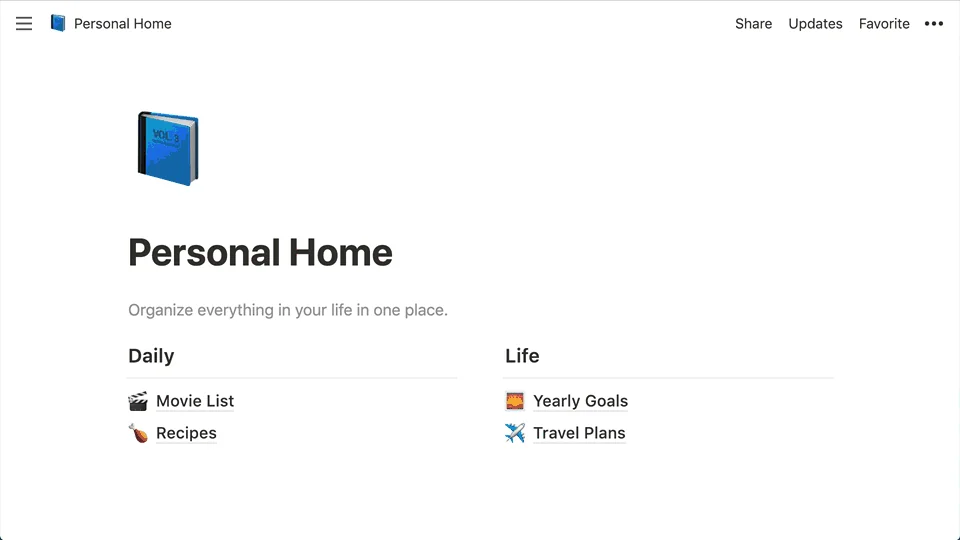
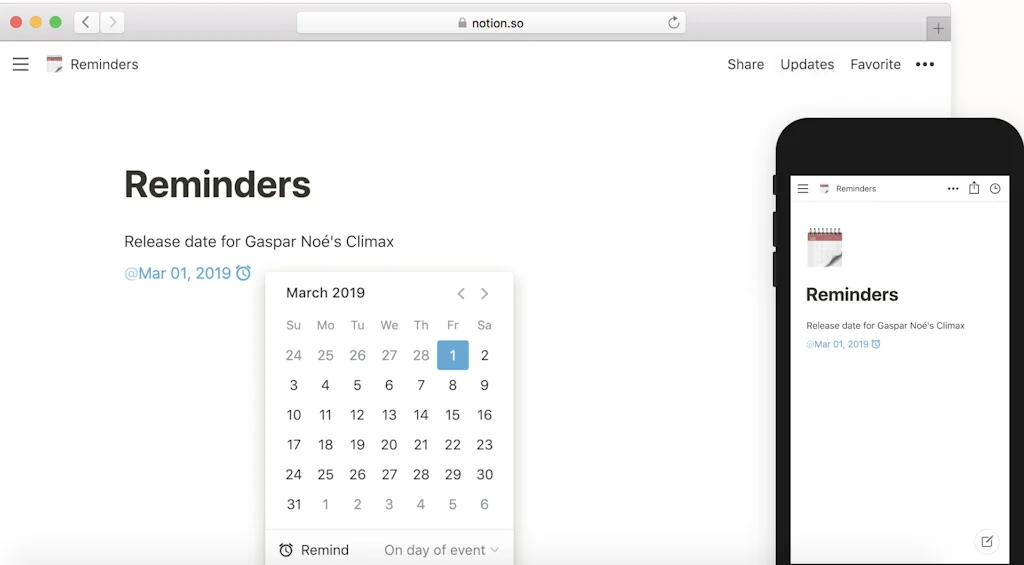
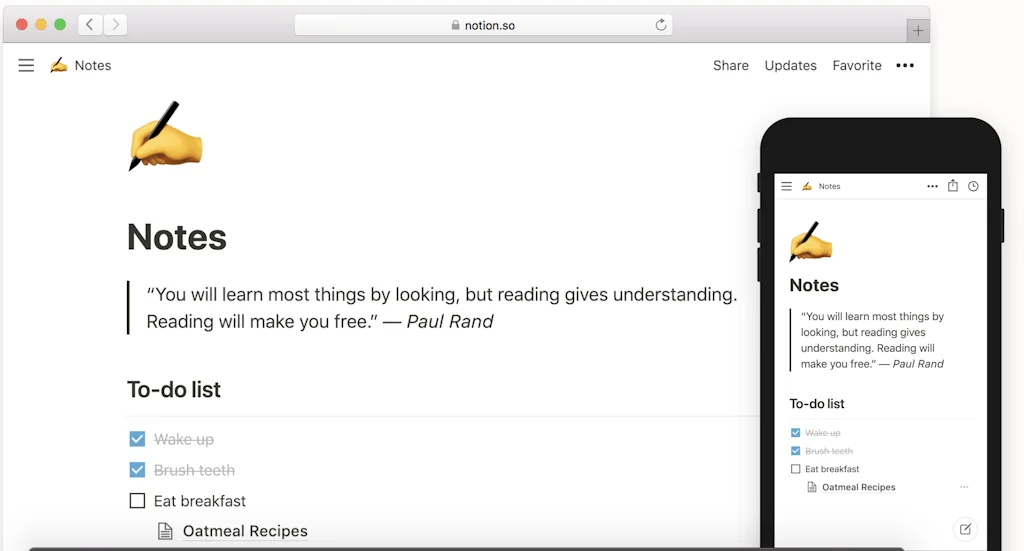
Notion is an all-in-one workspace that combines note-taking, project management, and task organization. It allows users to create customized databases, documents, and calendars to streamline their personal and professional workflows.
Pros & Cons
Pros
- All-in-one workspace
- Flexible customization
- Project management
- Team collaboration
- Note-taking
- Task management
- Knowledge management
- Database functionality
- Clean interface
- Productivity
- Extensive templates
- Integration with other tools
- Real-time collaboration
- Intuitive design
- Efficient workflow
- Productivity boost
- Cross-device sync
- Real-time analytics
Cons
- Steep learning curve
- Slow performance
- Overwhelming features
- Complex UI
- Lack of offline mode
- Integration with other tools
- Add more emojis
- Ai accuracy issues
- Database functionality
- Inaccurate table recognition
- Intuitive design
- Latency issues
- Notion ai
- Offline functionality
- Table formatting limitations
- Task management
- User-friendly interface
Tool Details
| Categories | Note and writing apps, Project management software, No-code Platforms, AI notetakers, No-Code App Builder, All-in-one Workspace |
|---|---|
| Website | www.notion.so |
| Added | September 14, 2015 |
| Platforms | Web · iOS · Android |
| Social | Twitter · Instagram · LinkedIn |
Recent Reviews (13)
Notion became my default wiki/PM. Databases + relations + filtered views give me a lightweight CRM/roadmap without fighting a spreadsheet. Templates/AI and slash-commands make capture fast; embeds keep specs, Looms, and code snippets in one place. Downsides: performance on very large pages, granular permissions at scale, and offline still hit-or-miss. Versus Google Docs, Notion wins on structure; Obsidian wins on local-first speed. Four stars for flexibility with room to improve enterprise controls + offline.
I use it for everything—notes, to-dos, content planning, even managing my team. It’s super flexible, but still simple enough to not get in the way. What I love: • Pages inside pages inside pages (so clean). • Databases that actually make sense (to a non-technical person). • Easy to share with others and keep everyone on the same page. Downsides? Mobile’s still a bit clunky, and offline mode could be better. But honestly, it’s hard to beat for an all-in-one tool.
Notion provides a highly flexible and intuitive user experience, making it a powerful tool for note-taking, project management, and team collaboration. Its block-based system allows users to structure content freely, from simple to-do lists to complex databases. The minimalist design and seamless cross-device synchronization enhance productivity. However, the learning curve can be steep for new users, especially when setting up databases and formulas. Additionally, performance can lag with large workspaces. Overall, Notion is a great all-in-one productivity tool for both individuals and teams.
I considered tools like Evernote, Trello, and Confluence, but they felt more limited or fragmented compared to Notion.
We also considered more traditional tools like Google Docs, Confluence, and shared drives, but they lacked the flexibility to combine structured databases, workflows, and documentation in one place. Notion stood out by allowing us to design scalable, user-friendly systems rather than static files.
Great interface and easy to start and export project once it is too large for notion db.
It was the best for what I wanted to do, had all of the features without any unnecessary fluff, bugs, or latency
database system
Notion is my digital headquarters. It’s where every campaign idea, content calendar, and brand note lives before anything goes public. As a social media manager, it keeps my chaos beautifully organized; as a community manager, it helps me track conversations, assets, and collabs in one place. I love how flexible it is. You can build anything from a CRM to a content planner without touching code. What could be better? Honestly, the mobile app still feels a bit clunky when you’re updating things on the go. But for building structure in a fast-moving creative workflow, Notion is hands-down my favorite organized mess.
Having leveraged Notion across several complex projects, I'm continually impressed by its power and flexibility. It has effectively become our team's single source of truth, seamlessly consolidating project roadmaps, task management, and technical documentation into one accessible workspace. The ability to create interconnected databases is a standout feature, allowing us to build custom workflows that traditional project management tools can't match. For any team looking to eliminate information silos and enhance productivity, Notion isn't just a recommendation—it's a necessity. Kudos to the makers for executing this vision so well.
Notion is an incredibly well-crafted product — it blends flexibility, collaboration, and clean design in a way few tools do. From a technical perspective, I admire how they've abstracted a block-based editor to support everything from wikis to databases to project management, all with real-time collaboration. What stands out to me most is how extensible it feels without overwhelming the user — that balance is hard to get right. It’s a great example of how powerful a well-executed full-stack architecture can be, and it’s inspired a lot of the UX and component thinking in my own projects like DeployIt.
I've been using notion professionally and personally for a few years. As a new founder it was my choice for housing our teams primary execution and coordination environments. I love the intuitive interface, ease of use and the overall experience. I appreciate the notion continues to evolve in relevant and helpful ways. Cons: Spell check and formal documentation writing, notion has a ways to go here but looking forward to seeing how they evolve in this area specifically.
Frequently Asked Questions about Notion
When did Notion become popular?
Notion became popular around September 14, 2015.
What are the main advantages of using Notion?
The top advantages of Notion include: all-in-one workspace, flexible customization, project management, team collaboration, note-taking.
What are the disadvantages of Notion?
Some reported disadvantages of Notion include: steep learning curve, slow performance, overwhelming features, complex UI, lack of offline mode.
What is Notion's overall user rating?
Notion has an overall rating of 4.8/5 based on 1,301 user reviews.
Is Notion available on mobile devices?
Yes, Notion is available on iOS (App Store) & Android (Google Play).
What type of tool is Notion?
Notion belongs to the following categories: Note and writing apps, Project management software, No-code Platforms, AI notetakers, No-Code App Builder, All-in-one Workspace.
Related Note and writing apps Tools

SaveDay
Save everything instantly and search easily

InfoBaseAI
Elevate Your Workflow, ChatGPT meets Google Drive

Melon
Your AI brain twin.

Flowdrafter
Write first drafts faster by not editing as you go

Dclouds
Blockchain-based alternative to iCloud.

TinyMCE
Full featured web based JavaScript WYSIWYG HTML Editor
Related Project management software Tools

VenturePals
Your entrepreneurial buddy to achieve goals with.

Flags by 4149
Proactive team alerts straight to your Slack DM
Klero.ai
Feedback, surveys, roadmaps & changelogs in one place

Plane
AI-native project management
Werk Log
Notes, tasks and reminders in a timeline

Product Frameworks
Discover product frameworks used to help build products
Related No-code Platforms Tools
SpreadSimple
A blazing-fast way to create and manage sites using Sheets
DronaHQ
Build your own enterprise app in minutes

Promptly
No-Code Platform for Generative AI Apps & Chatbots
The No-Code Leaderboard
Track your no-code dev activity and climb the ranks
1000.tools
The 1000 best indiehacker tools

Parsers
Web Scrapper
Related AI notetakers Tools

Silenttype
You don't have to worry about note-taking anymore
UPDF
Al chat with PDF, edit, annotate, convert PDFs, and do more.

Dot Copilot
Streamline your life without interrupting your workflow

SuperNote
AI-first note-taking that turns any content into knowledge

Opusense
AI-generated reports for site inspections
Tana
Put your notes to work with voice and AI
Related No-Code App Builder Tools

ToolJet
Build enterprise apps and agents using natural language

Vybe
Lovable for internal apps

Lumi.new
All in one platform to build your websites.

Anything
Agent that ships mobile apps & web. Everything built in

Very Good Table
Build custom apps for your business in minutes, not months.

PyUI Builder
Drag and drop GUI builder for python
Related All-in-one Workspace Tools

HERO
Notion for formal docs

Alpine
All your work in one place: docs, tasks, chat, AI and more

Superthread
Project management tool with integrated tasks, notes & docs.

Taskade
One prompt. One app. One living workspace for teams.
Fibery
Your company's operating system

Matilda Workspace
All New All-In-One Workspace: Projects, Docs, Tables, Chat..
Compare Notion :


Don't Get Fooled by Fake Social Media Videos
The world's first fact checker for social media. Paste any link and get an instant credibility score with sources.
Try FactCheckTool Free