

Linear
Purpose-built for planning and building products
What is Linear?
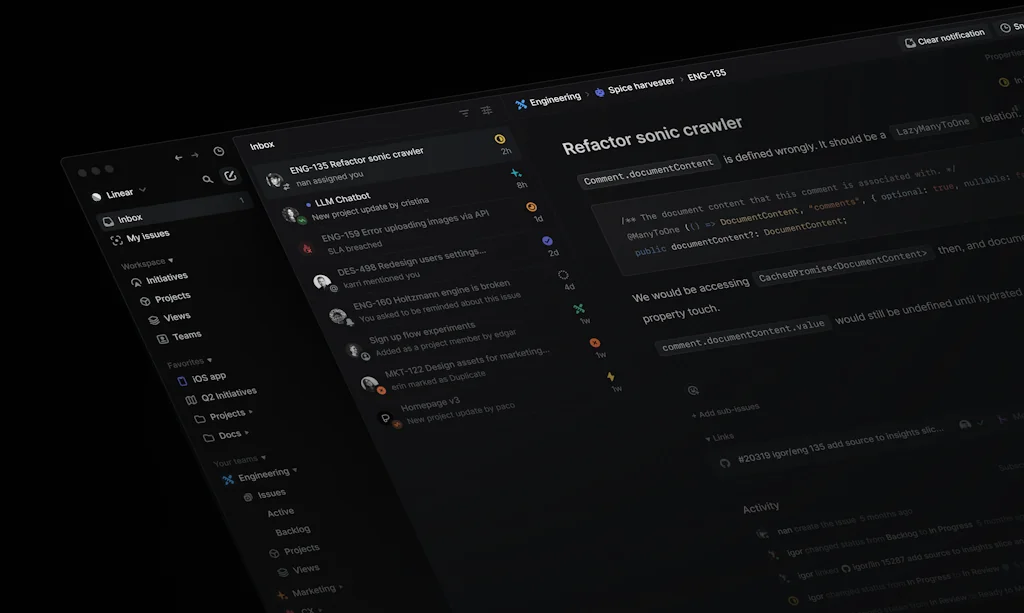
Linear is a system for modern software development.
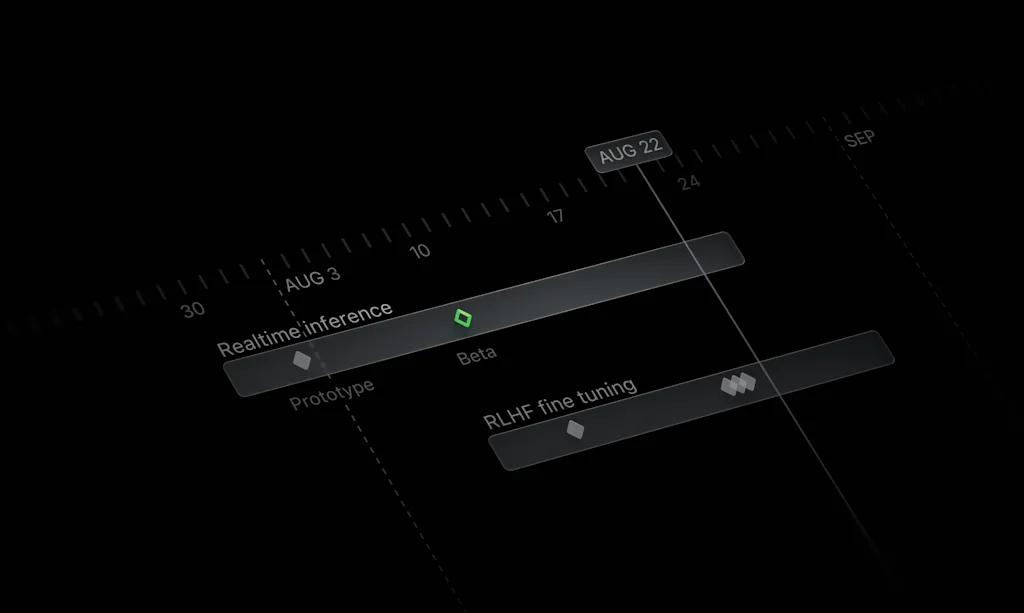
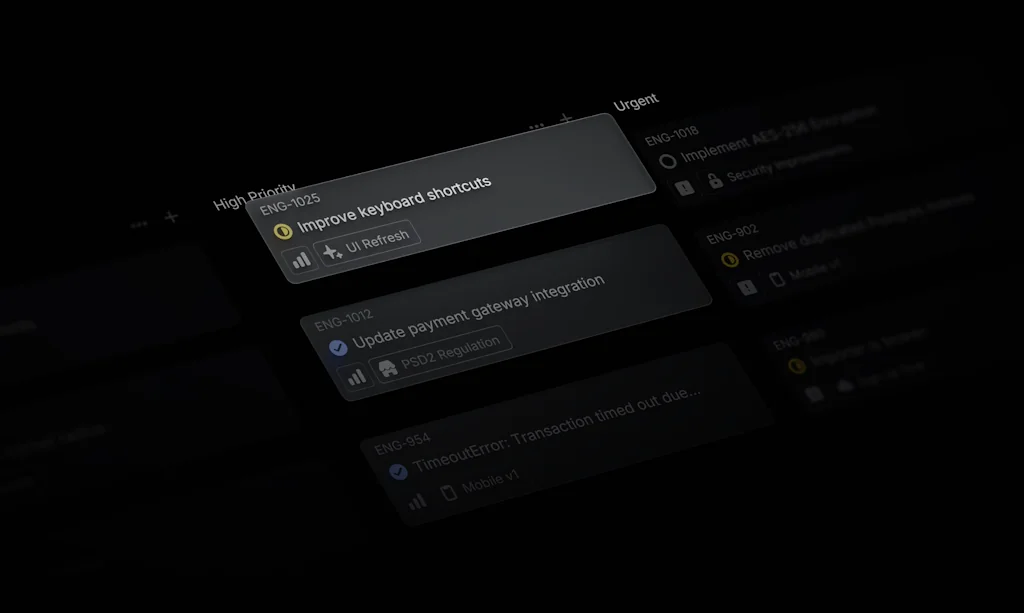
Streamline issues, projects, and product roadmaps.
Linear is the tool of choice for tens of thousands of ambitious product teams, including companies such as Vercel, CashApp, and Perplexity.
Pros & Cons
Pros
- Task management
- Fast performance
- Clean interface
- Project management
- Intuitive design
- Team collaboration
- Issue tracking
- Keyboard shortcuts
- Seamless integrations
- Sprint planning
- Workflow automation
- Lightweight
- Git integration
- Free tier
- Easy to use
- Productivity boost
- Real-time collaboration
Cons
- Confusing structure
- No kanban board
- Single task assignment
- Limited customization
- Complex interface
- More categories
- No kanban boards
- Notion like kanban
Tool Details
| Categories | Project management software, Team collaboration software, Issue tracking software |
|---|---|
| Website | linear.app |
| Added | September 11, 2019 |
| Platforms | Web · iOS · Android |
| Social | Twitter · LinkedIn · GitHub |
Recent Reviews (13)
Linear's webhook system and API have been also crucial for our post-action workflows. We're automatically updating statuses, leaving comments, and tracking progress based on GitHub events through their webhook integration. The API is good and the webhook payloads are well-structured, making it easy to map GitHub PRs and deployments to Linear tickets. Our AI agents can now automatically coordinate development workflows across GitHub and Linear.
Hands down the best project management tool I've used. Extremely intuitive and using it is even more important when it's just me building. It's literally my second brain.
We run all our product sprints, bug tracking, and roadmap planning through Linear. It’s clean, fast, and focused—just like we aim to be. Flow makes it even better by letting us dictate updates, spec ideas, and feedback straight into Linear. Meetings become actionables in seconds.
I’ve used linear at 2 companies now. Overall there’s lots to like about it and it’s my 'Go to' project management tool, but it has some frustrating rough edges that would be nice to see polished! Good/Great: - Generally it has just the right amount of complexity for running small-medium projects. I’ve only really seen it in action within a single team scope - think running larger multi teams projects would be more challenging - The design is opinionated without generally being overly restrictive. At the moment, we switch back and forth between kanban and scrum quite regularly and even then i don’t find it gets in the way too much. - I love the burndown graphs and find them very motivating Areas for improvement: - There are some very frustrating snags around cycle times that i’ve found really get in the way. Basically the best way to do what i want is to run cycles that correspond to the day after we do the cycle and then manually advance it. This is really unintuitive! - If you open a ticket within a project view, it sets the project as the last project not the project you’re in - so confusing! - the number of times people on the team are confused as to why they can’t see tickets and where they’ve gone due to some quirk of the UI is frustrating!
Linear is hands down the tool that redefines how product teams handle project management. From the moment you log in, the clean, intuitive design shows that it's built to make work flow seamlessly. Task tracking feels natural, and every feature feels like it has a purpose, with no unnecessary extras bogging down the process. The real game-changer is the speed: updating tasks, switching views, or collaborating with teammates – everything feels instant. Plus, the keyboard shortcuts and streamlined UI make managing projects not just efficient but genuinely enjoyable. I love how Linear’s approach keeps the focus on productivity without overcomplicating the experience. For agile teams, the attention to detail in sprint planning and the simplicity of tracking progress are standout features. Integrations are well-thought-out, making Linear a perfect addition to the modern tech stack. If you're looking for a tool that blends elegance with functionality, Linear is an exceptional choice!
It fits well for small startup teams but gets messy when roadmap grows just a little. Has the freedom to define projects and tags but it works well IMO only for a single team with one or two boards only (there is no "board" definition). There is no board or flight level views, you have to make your own filters and setup your organisation which may or may not be your best time spending idea. The swim lanes that are so interesting on the competitors (Jira, kanbanize etc) are not present here. There is only one lane per team and tickets belongs only to projects so you have to manage your organisation with a single hierarchy of tasks. If I have to choose it will not be my first option.
Linear is a good app to run a team using scrum. It is much simpler to use and doesn't require a lot of configuration and set-up. It also integrates with GIthub, so that your tasks get updated automatically when you perform actions like, opening a PR, assigning reviewers and merging or closing a PR. It also provides helpful charts. However, it does have a confusing structure, in which you have two competing views: the active sprint (called "cycle") and all the active tasks (called "active"), regardless if they are a part of the sprint or not. Linear defaults to opening the "active" view, so if you don't pay attention, you may think you are in the sprint ("cycle") view and may end up taking tasks that are outside the sprint.
There is no board or flight level views, you have to make your own filters and setup your organisation which may or may not be your best time spending idea. The swim lanes that are so interesting on the competitors (Jira, kanbanize etc) are not present here. There is only one lane per team and tickets belongs only to projects so you have to manage your organisation with a single hierarchy of tasks. If I have to choose it will not be my first option.
Linear is fast, intuitive, and great for managing internal tasks with its streamlined UI and automation. However, it's less suited for client-facing project management. It lacks customization options, such as setting cycles at the project level, and doesn’t include project gantt charts. If you need granular control over timelines and workflows for specific clients, Linear's current setup may not meet all of your needs.
There is no board or flight level views, you have to make your own filters and setup your organisation which may or may not be your best time spending idea. The swim lanes that are so interesting on the competitors (Jira, kanbanize etc) are not present here. There is only one lane per team and tickets belongs only to projects so you have to manage your organisation with a single hierarchy of tasks.
There is no board or flight level views, you have to make your own filters and setup your organisation which may or may not be your best time spending idea. The swim lanes that are so interesting on the competitors (Jira, kanbanize etc) are not present here. There is only one lane per team and tickets belongs only to projects so you have to manage your organisation with a single hierarchy of tasks.
There is no board or flight level views, you have to make your own filters and setup your organisation which may or may not be your best time spending idea. The swim lanes that are so interesting on the competitors (Jira, kanbanize etc) are not present here. There is only one lane per team and tickets belongs only to projects so you have to manage your organisation with a single hierarchy of tasks.
However, it does have a confusing structure, in which you have two competing views: the active sprint (called "cycle") and all the active tasks (called "active"), regardless if they are a part of the sprint or not. Linear defaults to opening the "active" view, so if you don't pay attention, you may think you are in the sprint ("cycle") view and may end up taking tasks that are outside the sprint.
Frequently Asked Questions about Linear
When did Linear become popular?
Linear became popular around September 11, 2019.
What are the main advantages of using Linear?
The top advantages of Linear include: task management, fast performance, clean interface, project management, intuitive design.
What are the disadvantages of Linear?
Some reported disadvantages of Linear include: confusing structure, no kanban board, single task assignment, limited customization, complex interface.
What is Linear's overall user rating?
Linear has an overall rating of 4.9/5 based on 357 user reviews.
Is Linear available on mobile devices?
Yes, Linear is available on iOS (App Store) & Android (Google Play).
What type of tool is Linear?
Linear belongs to the following categories: Project management software, Team collaboration software, Issue tracking software.
Related Project management software Tools

Frederick AI
AI teammates for your startup

Plectica
Concept Mapping. Collaboration. Metacognition.

Zeda.io
AI-powered Product Discovery For Customer-focused Teams

Notion Web Designer Hub
All-in-one hub for managing your web design projects

Thrive
The app for getting your life together

Iteratively
Capture customer data you trust
Related Team collaboration software Tools

OurSails
Simple. Private. Secure. Your Collaborative Meetings App

Felt
The best way to work with maps on the internet.

NodeCosmos
Empowering Innovation with Collaborative Engineering

Donut
Connect around the watercooler, anywhere.

Bonjour App for Zoom
View and update Salesforce, within Zoom

BloxGPT
All-in-One AI Collaboration and Whiteboard Solution
Related Issue tracking software Tools






Compare Linear :




Don't Get Fooled by Fake Social Media Videos
The world's first fact checker for social media. Paste any link and get an instant credibility score with sources.
Try FactCheckTool Free