
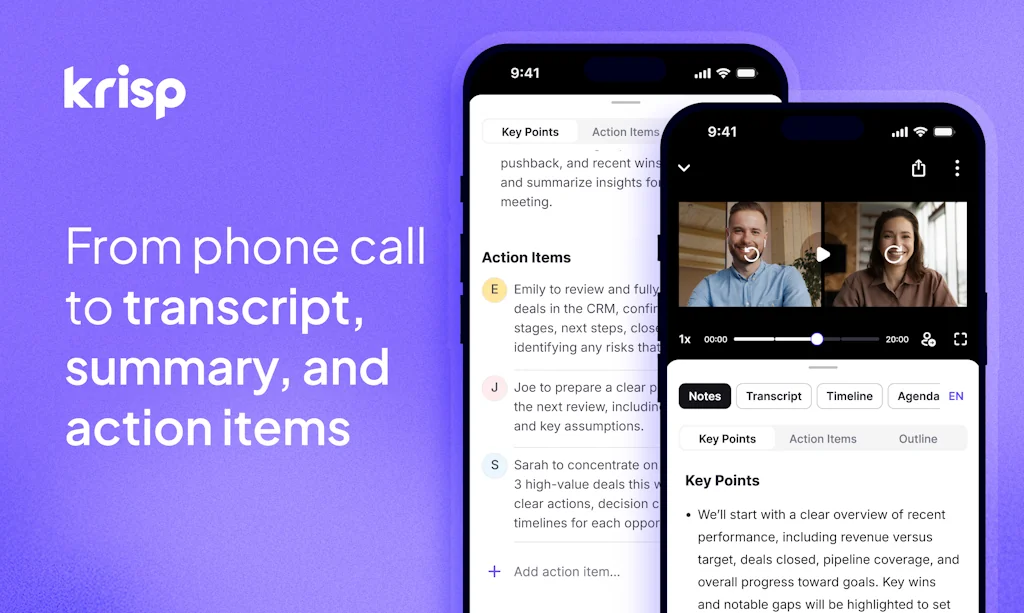
What is Krisp?
Krisp is the only AI Meeting Assistant that combines recording, transcription, and breakthrough voice technology — all without bots joining your calls.
Krisp runs natively on your device, working across Zoom, Meet, Teams, and every other platform.
Pros & Cons
Pros
- AI noise cancellation
- Background noise elimination
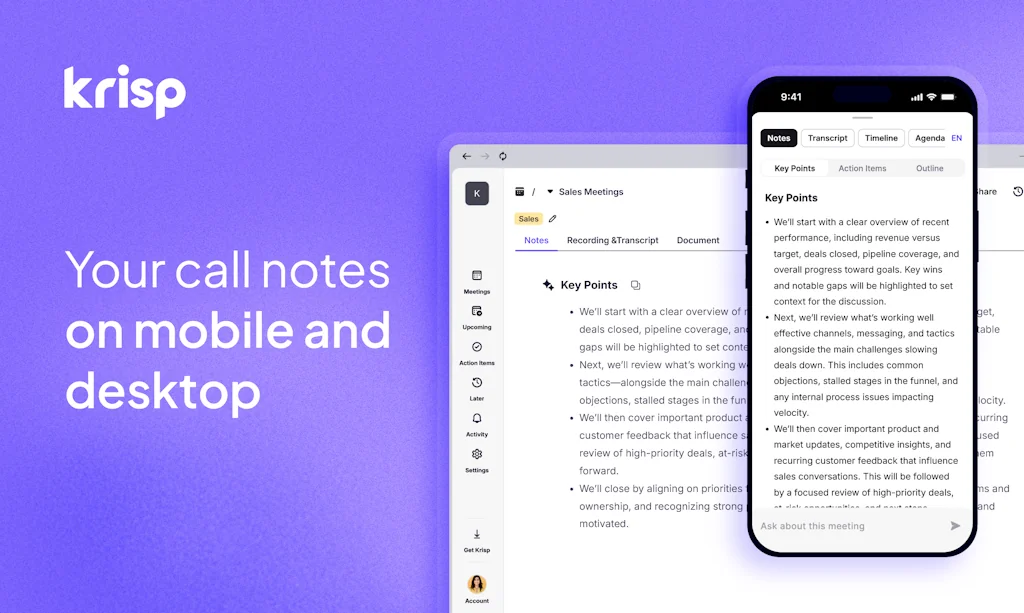
- Transcription feature
- Meeting notes
- Meeting summary
- Universal compatibility
- Action items generation
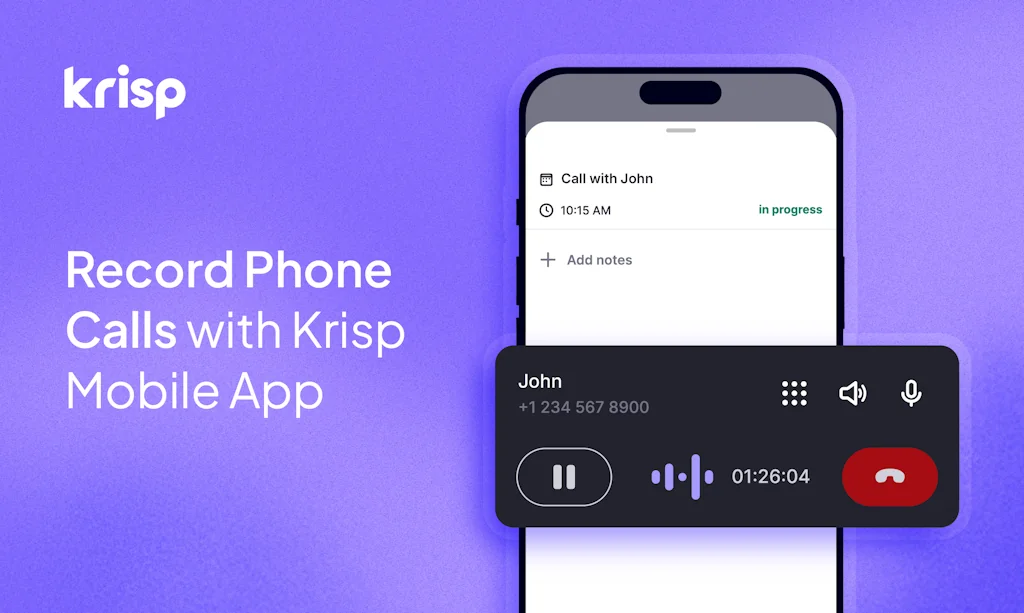
- Call recording
- Frequent feature updates
- High-quality output
- Voice enhancement
- Agent free
- Free plan
- Free tier
- On-device processing
Cons
- Account management issues
- Customer support
- Reliability issues
- Linux support
- Hardware demands
- Integration depth improvements needed
- Overeager recording
- Transcription accuracy
- Voice enhancement
Tool Details
| Categories | AI notetakers, Realtime Voice AI |
|---|---|
| Website | krisp.ai |
| Added | November 16, 2018 |
| Platforms | Web · iOS |
| Social | Facebook · LinkedIn |
Recent Reviews (13)
I have used Krisp for the past few years, and WOW. It ACTUALLY WORKS. Legit. In a coffee shop. Noisy places. It's magic. I also love the transcription feature because it recognizes past participants so I don't have to log participant names from scratch every single time. The UI is pretty nice too :) I am an absolute fan and tell all my friends about it. One of the best productivity tools I've ever come across.
I’ve been using Krisp for years, and it’s been a game changer for my hybrid work setup. I can take calls from absolutely anywhere without worrying about background noise. I also love turning Krisp on and off during a noisy call to see the other person’s reaction — it's priceless! 😄
A must-have tool for remote meetings. Even in quite places, sometimes unexpected noises can become quite distracting - this tool guarantees stress-free meetings. I'm looking forward to the improvements that can be made to human voices and songs. It's not quite there yet but I hope it will. Keep up the good work!
I chose Krisp because I liked the interface and how it captured meetings. I've stayed with the company for its support channel & customer support in general.
It checked all the boxes.
Action items
I've used Krisp for a few years and have recommended them to many others. It's a great tool for me to cancel out background noise, especially when my kids are at home or I am in a noisy area working. There was an instance where I was billed and I did not recall subscribing for a different work account but Vahan was great at communicating what happened and helped me out one-time for this issue. I appreciate that very much and will continue recommending others to Krisp and using it myself when I need it
I've used Krisp for a few years and have recommended them to many others. It's a great tool for me to cancel out background noise, especially when my kids are at home or I am in a noisy area working. There was an instance where I was billed and I did not recall subscribing for a different work account but Vahan was great at communicating what happened and helped me out one-time for this issue. I appreciate that very much and will continue recommending others to Krisp and using it myself when I need it
Decent product; terrible support. The product itself was pretty good. I was a customer from 2021 until today (Feb 26, 2024). It had its flaws but improved in quality from 2022-2023. However, due to terrible customer support, I have to say I'll never be a customer again. I had a pro account with my previous employer, but the charge was attached to my credit card. It was an annual subscription, so I forgot about it. In Nov 2023, I saw the charge on my cc statement and went onto my account. I didn't use krisp in my new role and noticed I only had the free version. I reached out using the chatbot and was told someone would get back with me. They never did. I forgot about it, as it isn't a huge priority, and then reached out again a couple of months later. Again, I didn't hear back, so I reached out directly to their support last week and finally someone got back with me. They confirmed that I had an active account from my previous work email. I explained that I no longer worked there and didn't have access to that email or account. We went back and forth for over a week, with me explaining the situation over and over again, providing screenshots of my cc statements, my cc information, etc. They finally canceled the work account but refused to refund any of my money for the year-long subscription that I had never used and tried to cancel and get a refund for 3 months. Terrible customer support.
An awesome noise cancellation solution that has incorporated AI transcription capabilities as a standard feature. This capability is continuously being improved, with summary notes steadily evolving into a very useful function. The core noise cancellation solution works flawlessly, regardless of the type of device you're using (headset, system integrated or accessory). I use this on every virtual meeting/call and the note taking/transcription capabilities are now a standard part of my post call routine to provide an cogent summary of the meeting. Highly recommend everyone to check out this product!
Yup, I was dubious about paying for something that I felt Zoom did already, but it has been really useful. The new AI-powered meeting transcription and summary/action items have been game changers! One tip is that sometimes I forget I have it running and someone will play music or a video and I can't hear it, only to realize DOH I have Krisp running and turning it off I can hear the video.
One downside is that you may need to restart your browser after you switch between the Krisp standalone app's audio input and your built-in audio input, especially on Linux systems. Krisp works well both as a standalone app and as part of Discord. I've joined meetings with noisy vehicles or dogs that made it hard to hear the meeting but no one complained about my background noise.
Frequently Asked Questions about Krisp
When did Krisp become popular?
Krisp became popular around November 16, 2018.
What are the main advantages of using Krisp?
The top advantages of Krisp include: AI noise cancellation, background noise elimination, transcription feature, meeting notes, meeting summary.
What are the disadvantages of Krisp?
Some reported disadvantages of Krisp include: account management issues, customer support, reliability issues, Linux support, hardware demands.
What is Krisp's overall user rating?
Krisp has an overall rating of 4.7/5 based on 38 user reviews.
Is Krisp available on mobile devices?
Yes, Krisp is available on iOS (App Store).
What type of tool is Krisp?
Krisp belongs to the following categories: AI notetakers, Realtime Voice AI.
Related AI notetakers Tools

Voz AI Voice Note Taker
Record, transcribe, & create structured notes automagically

Fathom
Never take notes again

Fellow.ai
The Most Secure AI Meeting Assistant

Schedodo
Instantly transform lectures and memos into organized notes.

Ellie - Your AI Email Assistant
AI that can write replies to your emails in your style

Notion
The all-in-one workspace
Related Realtime Voice AI Tools

Daily.co
Real-time voice, video, and AI for developers

Layercode
The best way to build low-latency voice AI Agents

LiveKit
The open source platform for real-time communication

Langfinity
AI-powered real-time voice translation for 100+ languages

Moodify: Playlists That Fit!
Music that matches your moment

Klariqo AI Voice Assistants
AI Voice assistant in 3 minutes. Built for non-developers
Compare Krisp :



Don't Get Fooled by Fake Social Media Videos
The world's first fact checker for social media. Paste any link and get an instant credibility score with sources.
Try FactCheckTool Free